Free Online Video Editing Tools
Compress, convert, crop and turn video into GIFs right in your browser. No signup, and your files never leave your device.
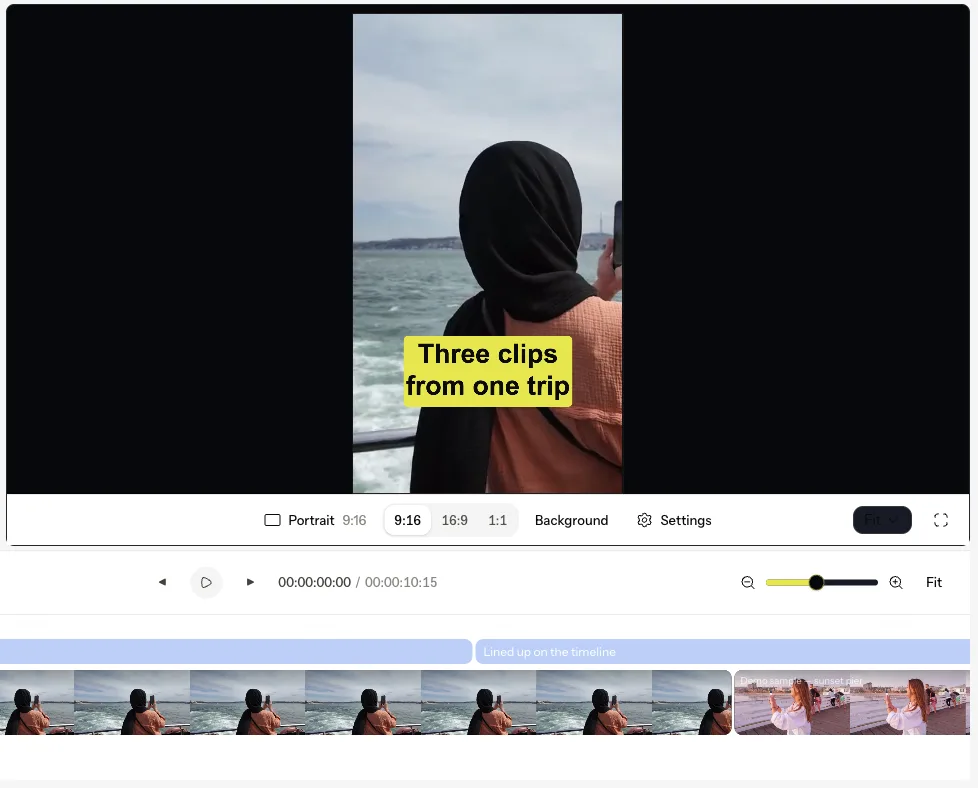
What VidSnappy does
From raw clips to a post-ready short
The editor and the AI tools do the heavy lifting. The free browser tools handle the quick jobs in between.
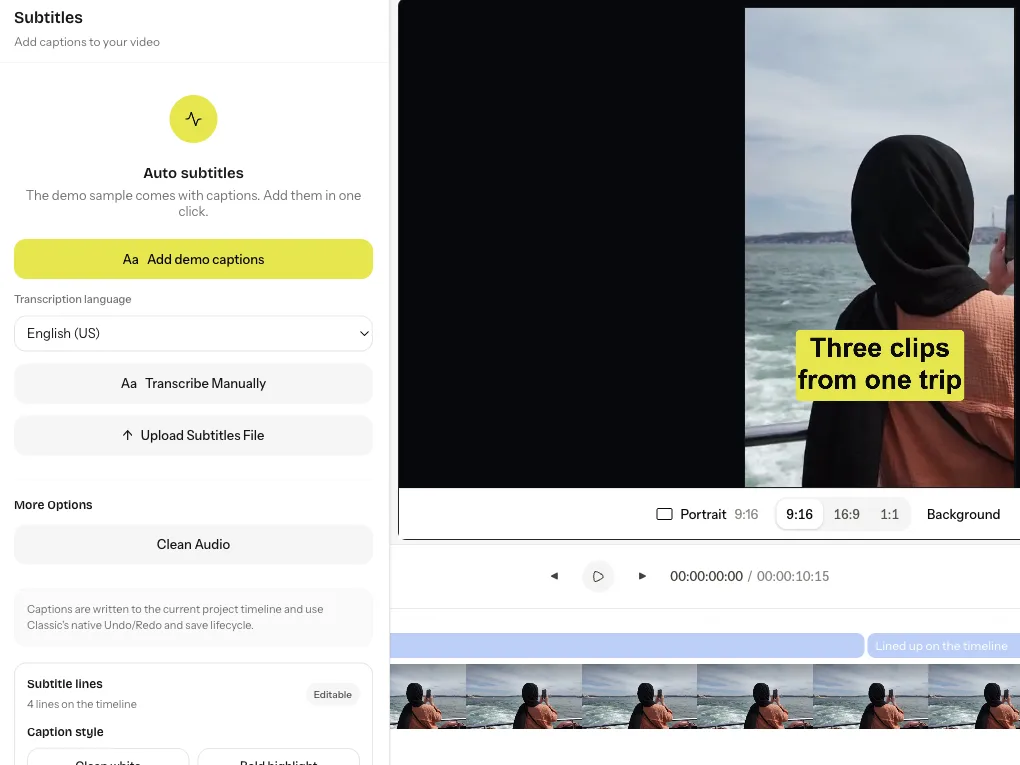 Captions
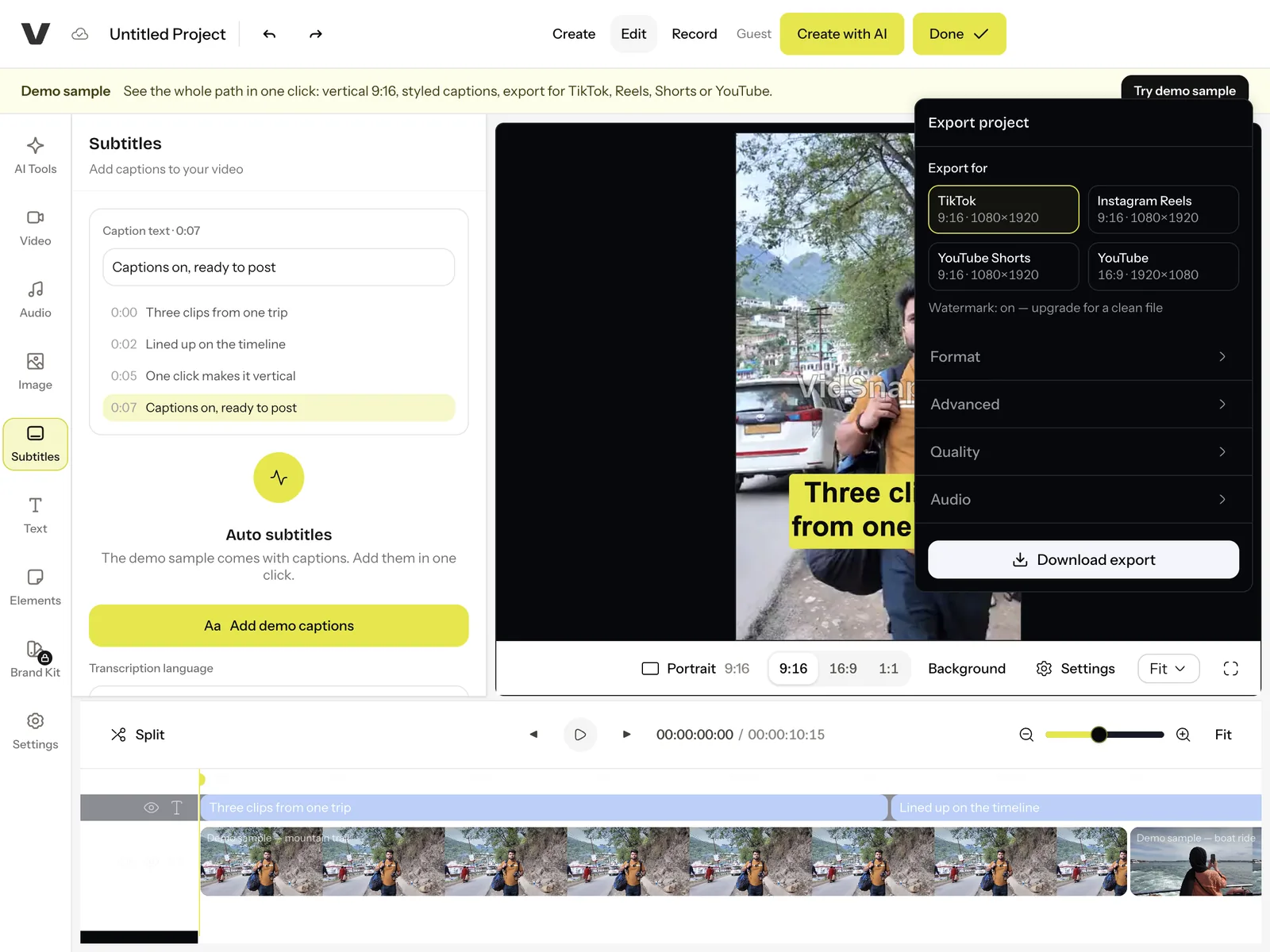
Captions in one click. Auto subtitles from the audio, then pick a style — bold, boxed or clean — and every line updates at once.
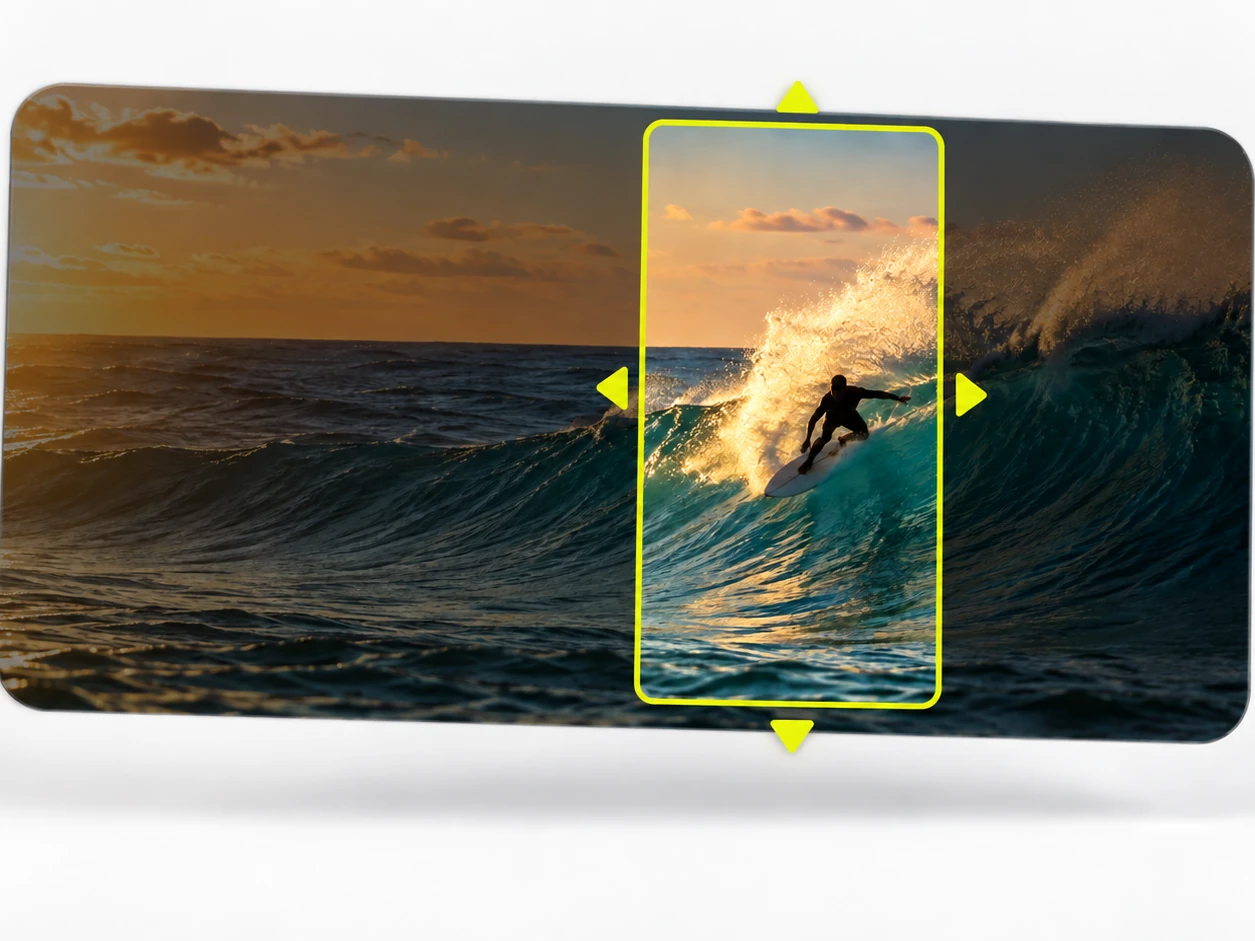 Vertical
One click to 9:16. Turn a widescreen shot into a vertical one for TikTok, Reels and Shorts, with the subject kept in frame.
 AI clips
Long video, short clips. Drop in a stream, webinar or podcast and get the moments worth posting, cut and ready.
 Cutouts
No green screen needed. Remove the background from a video or a photo and drop the subject onto anything.
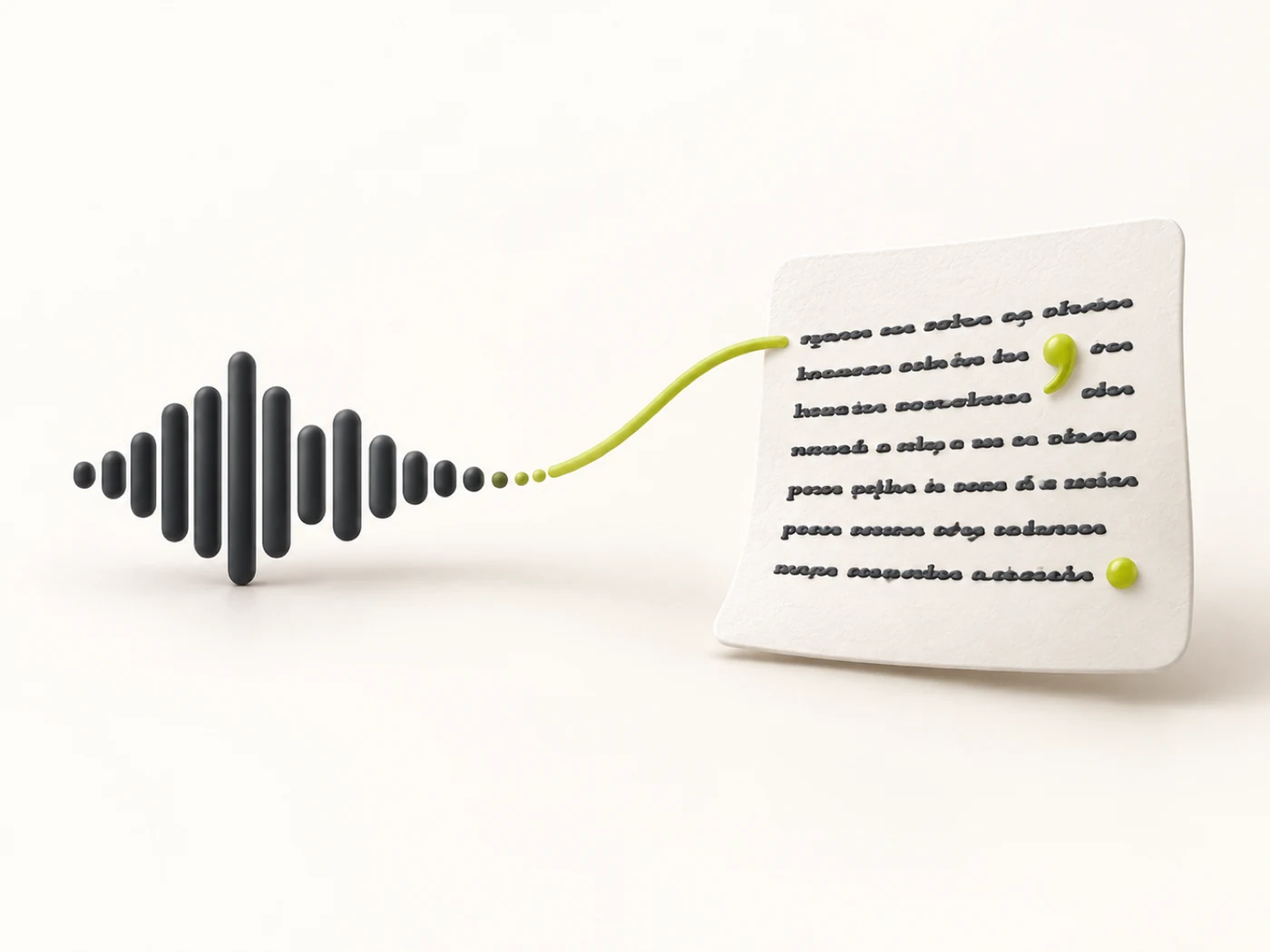 Transcripts
Every word, as text. Transcribe a video or a reel, then download a transcript or an .srt subtitle file.
 Free tools
Quick jobs, free. Convert, compress, crop and make GIFs right in your browser — no signup, nothing uploaded.
Private by design
Everything runs in your browser
The free tools decode and re-encode your file locally — nothing is uploaded to a server. That keeps personal, work and client footage private, and it means processing starts the instant you drop a file in, with no upload queue.
Try the GIF converter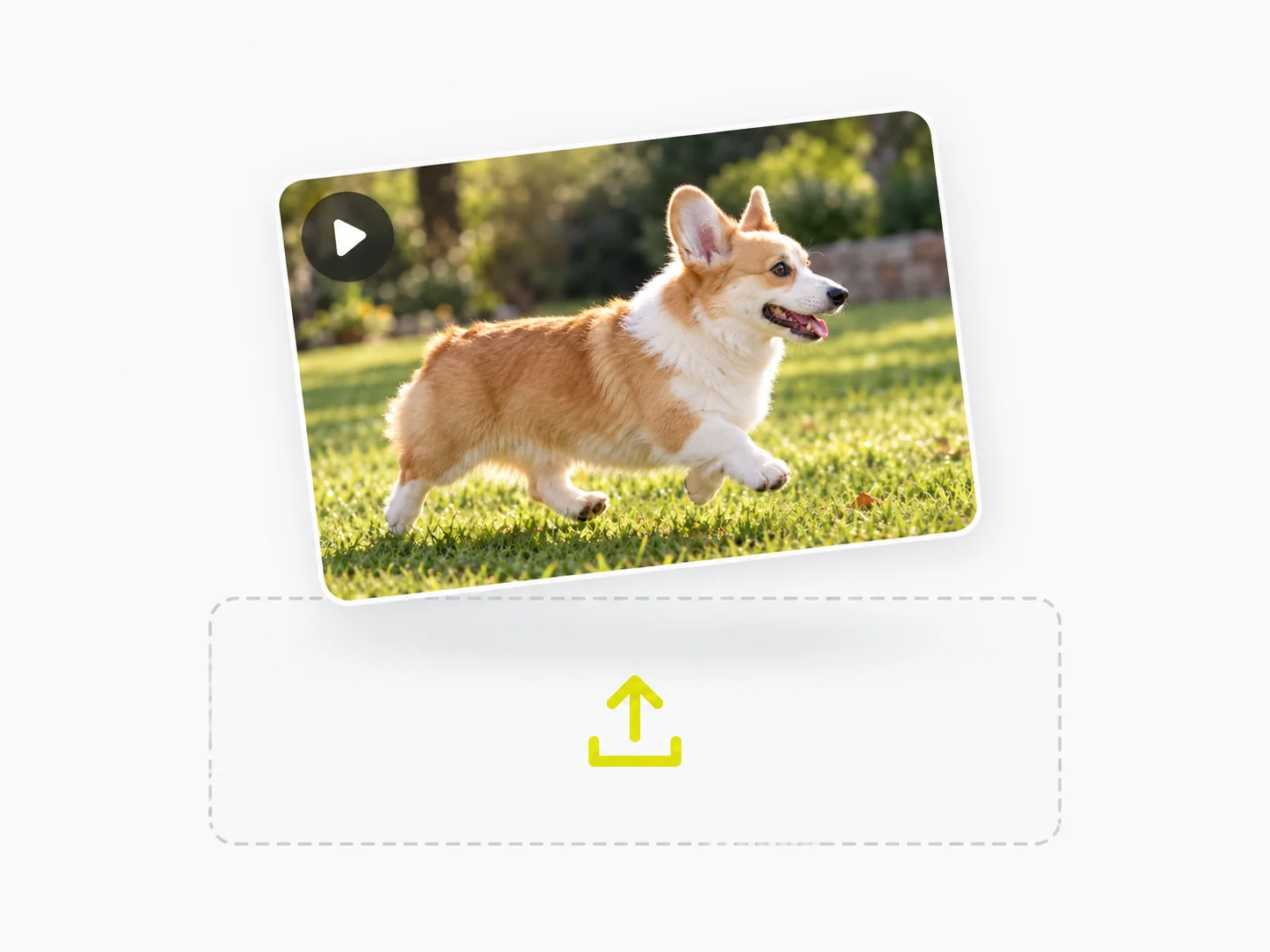
Made for every platform
Reframe and resize without an app
Crop to 9:16 for Reels and TikTok, 1:1 for feed posts or 16:9 for widescreen — the crop is baked into a genuinely reframed MP4, ready to upload as-is. No desktop software to install, no account to open.
Open the cropper
Honest by default
Shrink a file with numbers you can trust
Pick how hard to compress and VidSnappy shows the real before-and-after size and the exact percentage saved — no vague "optimized" label. Enough to clear an email limit or a chat upload cap while the clip still looks good.
Compress a video
Everyday video jobs
Done in your browser

Make a GIF from any clip
Trim the moment, set the frame rate and size, then download a clean looping GIF.
Open tool →
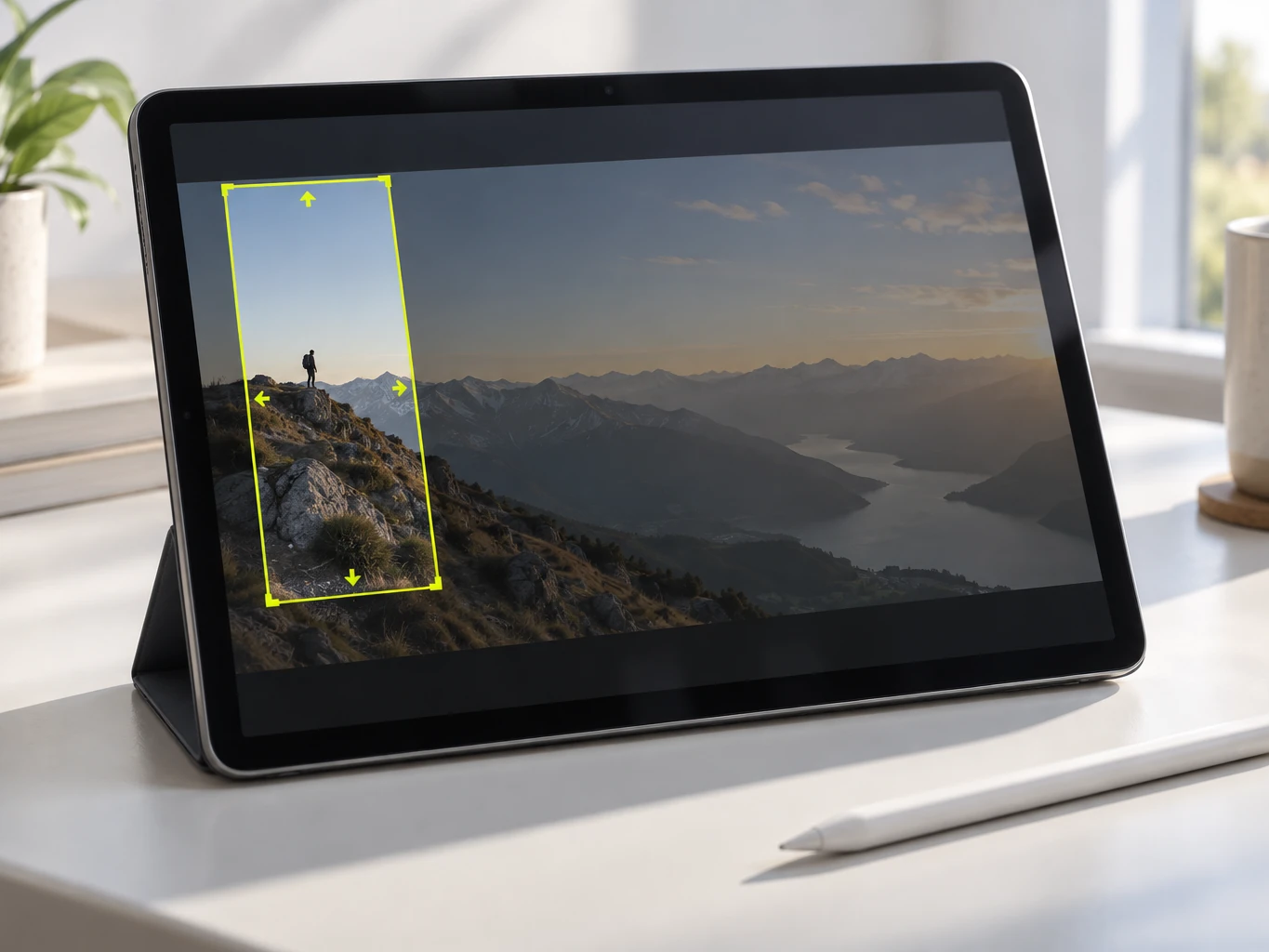
Reframe for every platform
Crop to 9:16, 1:1, 4:5 or 16:9 — baked into a genuinely reframed MP4.
Open tool →
Shrink it to share
Clear an email limit or a chat cap — with honest before-and-after size numbers.
Open tool →Every free tool runs right in your browser
Your video is decoded and re-encoded locally on your own device — nothing is uploaded to a server, so processing starts the instant you drop a file in.
The whole toolkit
Grouped by what you want to do. The everyday tools are free and run in your browser; the AI tools add transcription, background removal, clips and more.
Convert
view all →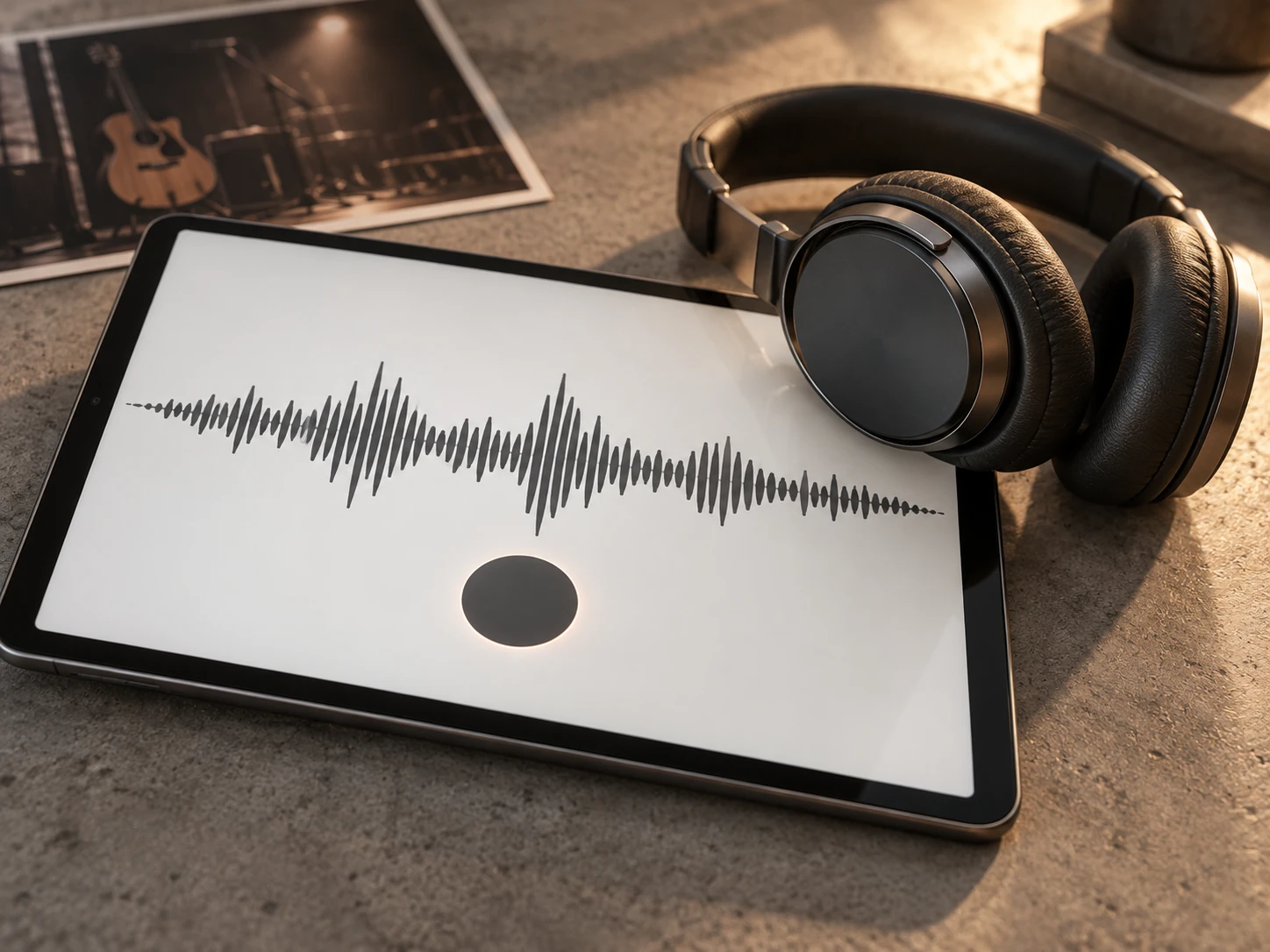

Edit
view all →Video Trimmer
VideoUse this video trimmer to cut unwanted sections from MP4, MOV, WebM, or MKV in your browser. Keep the moment you need and download a clean MP4 privately.
Open tool →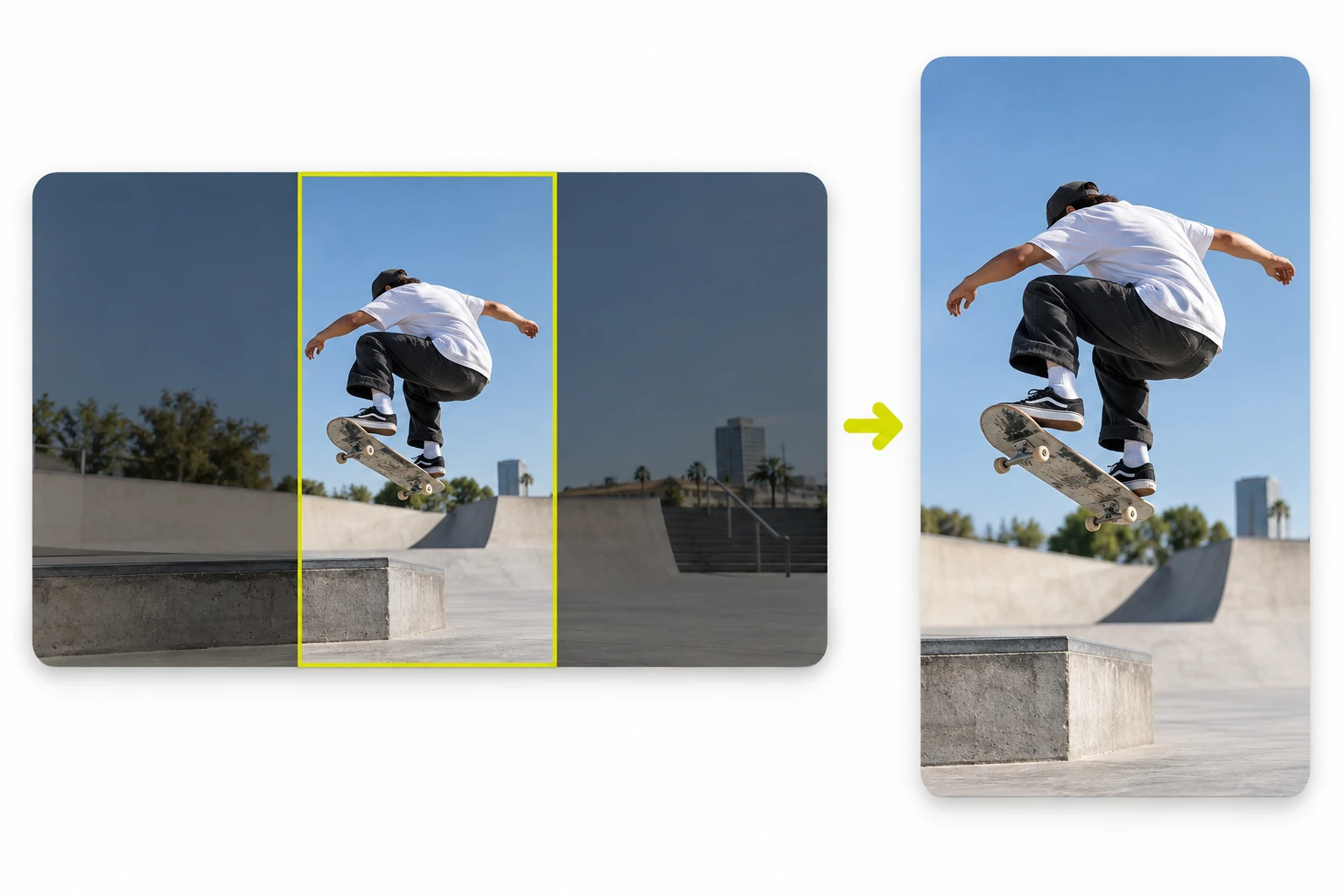
Video Cropper
VideoCrop and reframe video with 9:16, 1:1, 4:5 and 16:9 presets for every platform.
Open tool →
AI Video Editor
VideoEdit video in your browser on an AI-assisted timeline — no install, no account to start.
Open tool →
Video Background Remover
VideoRemove the background of a video with AI and download a transparent cutout.
Open tool →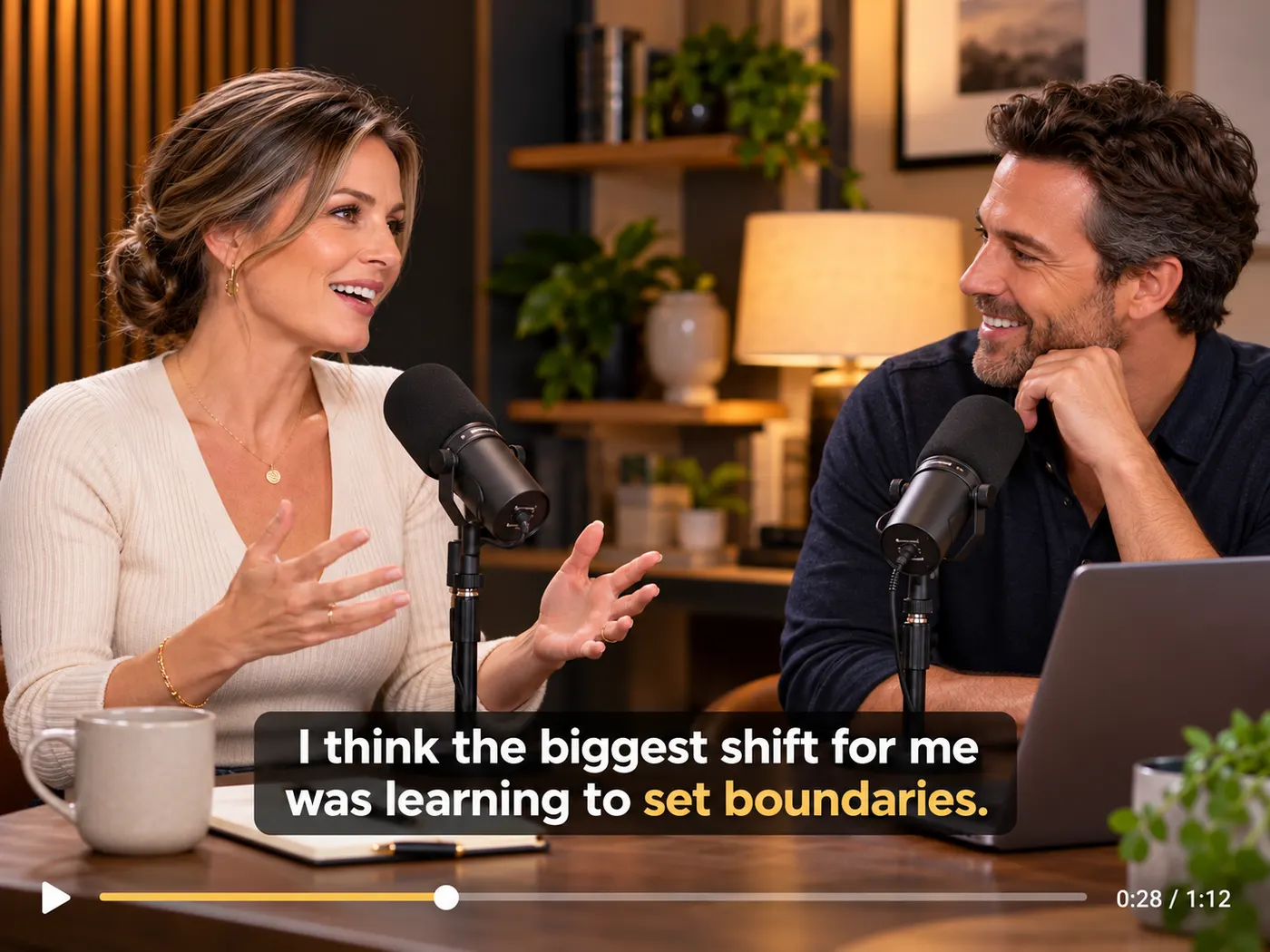
AI Clip Maker
VideoTurn one long video into short, share-ready clips automatically with AI.
Open tool →
Image Background Remover
ImageRemove the background from an image with AI and download the cutout.
Open tool →
Image Watermark Remover
ImageRemove an unwanted watermark from an image.
Open tool →Compress
view all →
Transcribe & Caption
view all →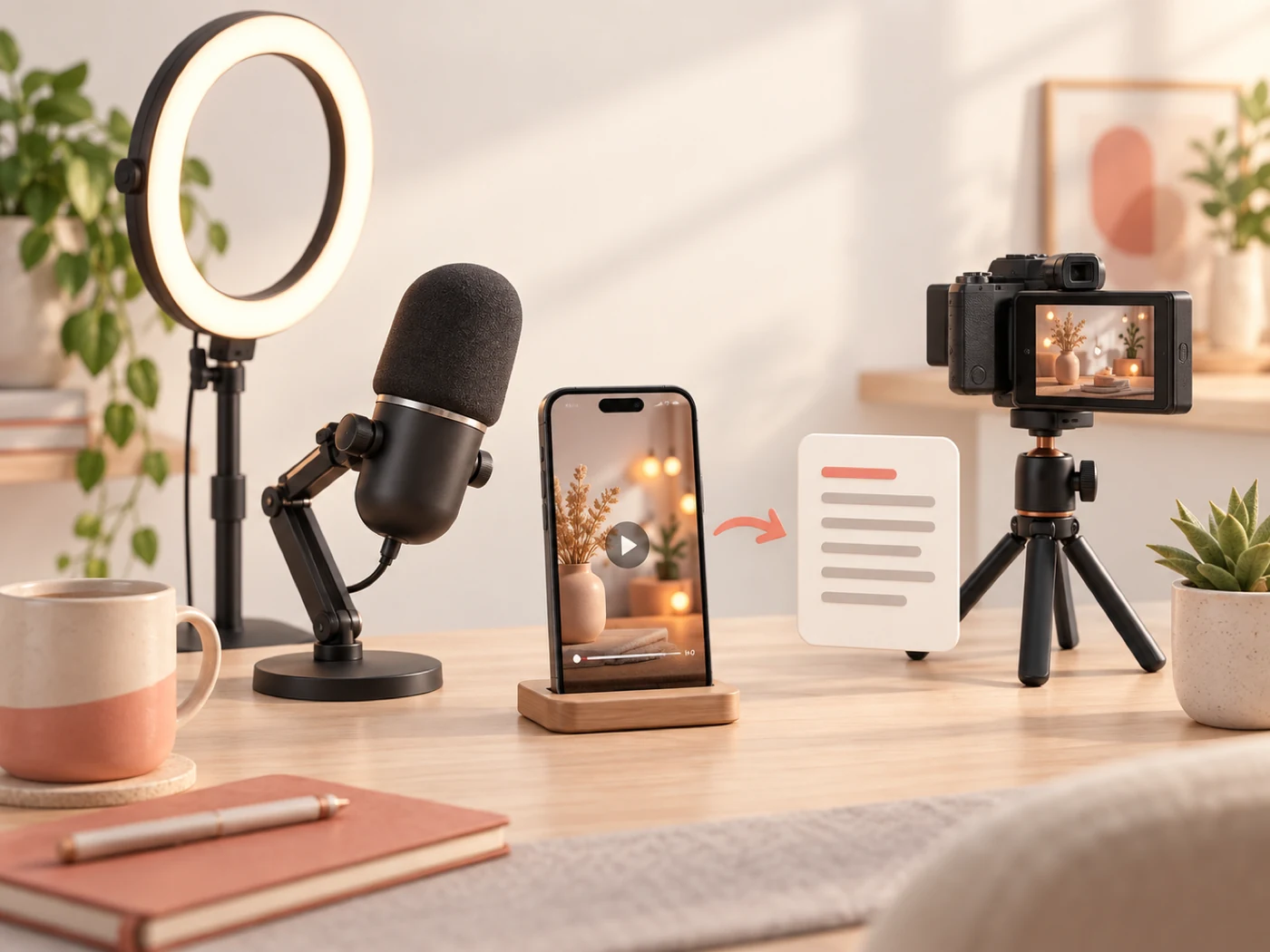
Video Transcription
VideoTranscribe a video to accurate text, subtitles or captions with AI.
Open tool →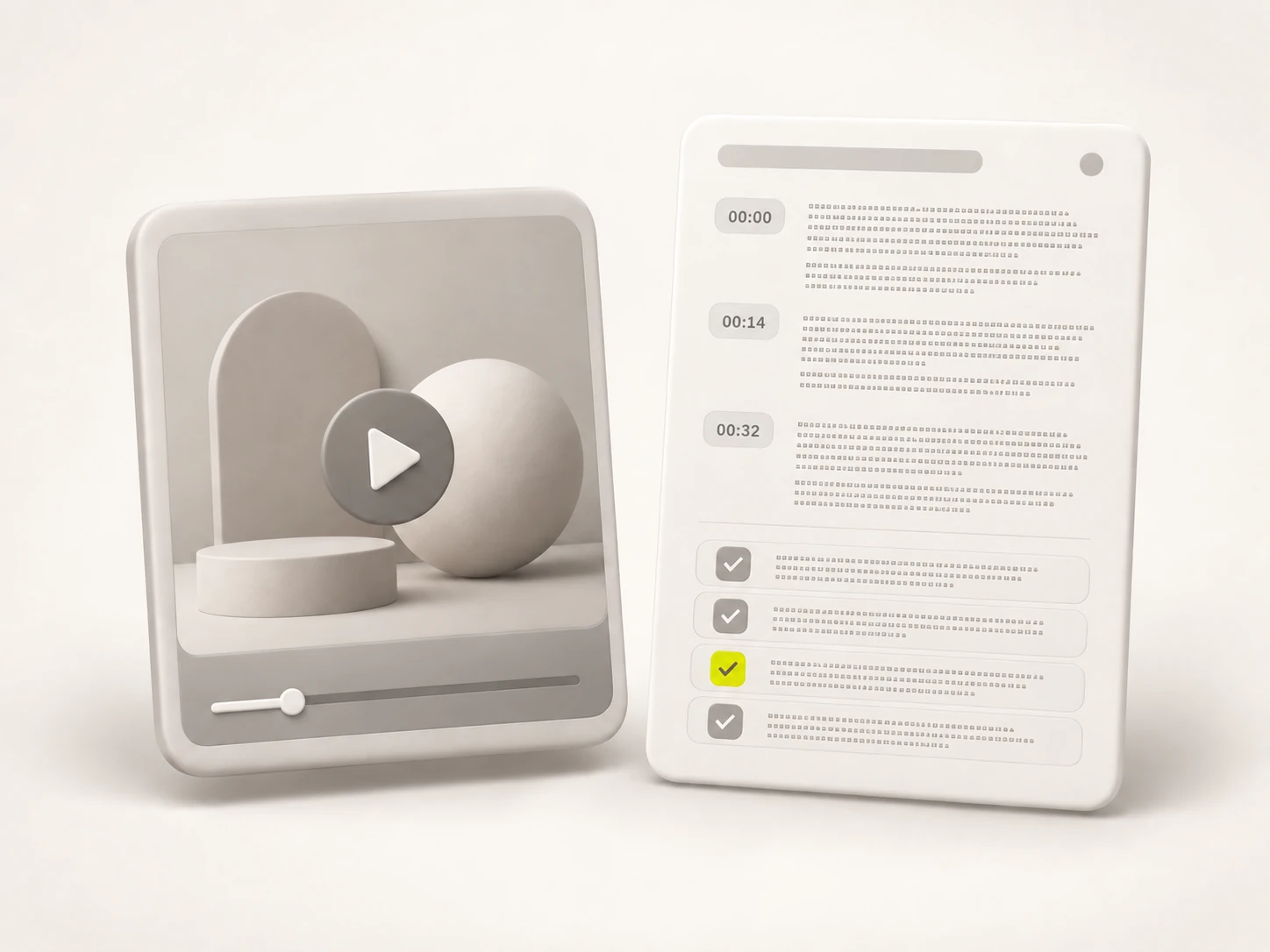
Instagram Transcript
VideoGet a clean text transcript of any Instagram reel or video.
Open tool →Phonon-2
VideoUse Phonon-2 to transcribe video or audio into accurate, timestamped text. Upload MP4, MOV, WebM, MP3, or WAV, then edit and download text in minutes.
Open tool →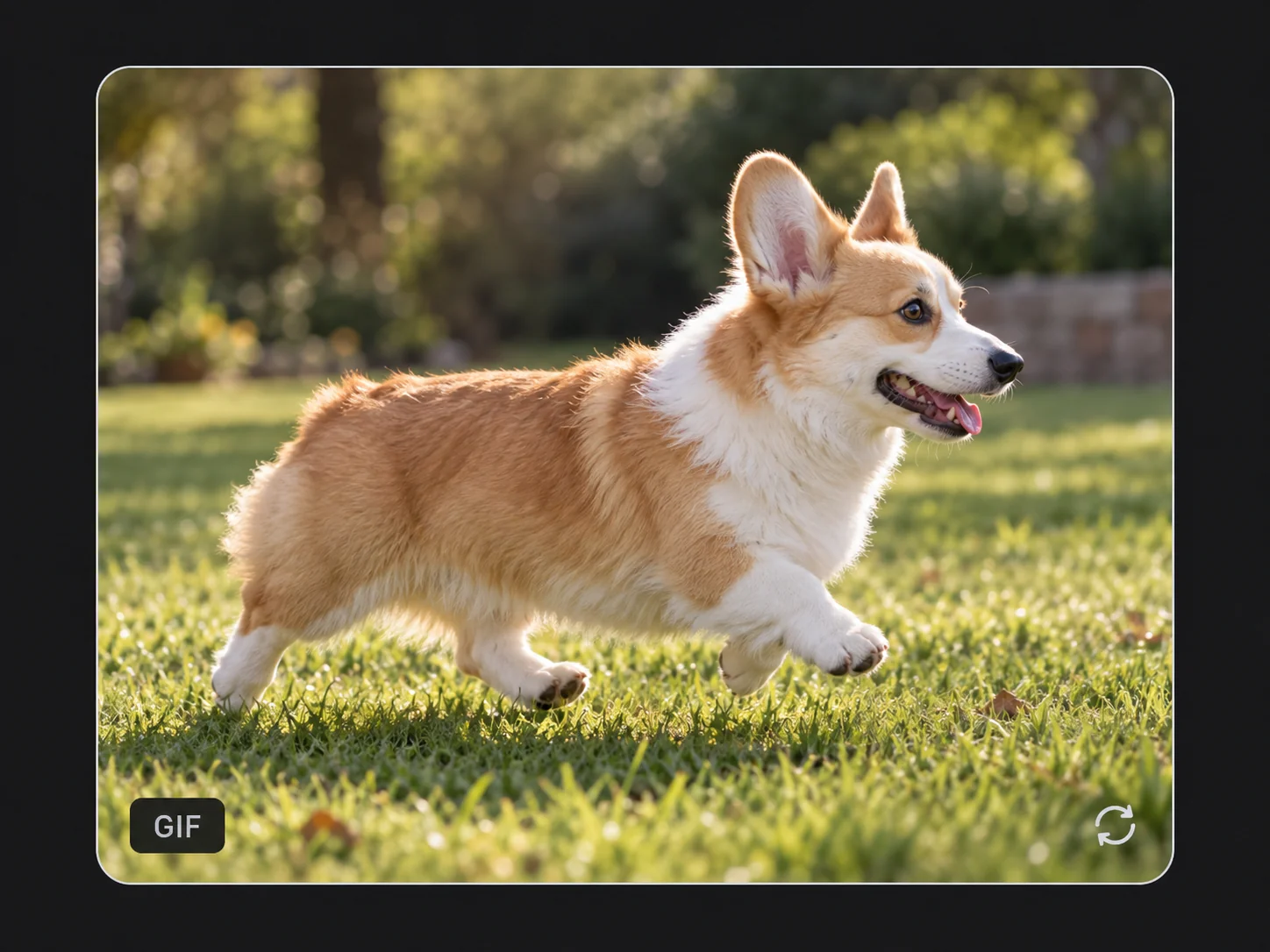
Who it's for
Is this for me?
If you ever have a one-off video task and do not want to install software or sign up for a subscription — yes.

Creators & editors
Grab a clean GIF, crop a clip for a Reel or pull a smaller MP4 without opening a heavy editor. Free, in the browser, and nothing gets uploaded while you work.
Social media managers
Reframe one video to every platform aspect ratio and compress it under a chat or upload limit — no per-seat software, no account, and a real file to download.
Students & researchers
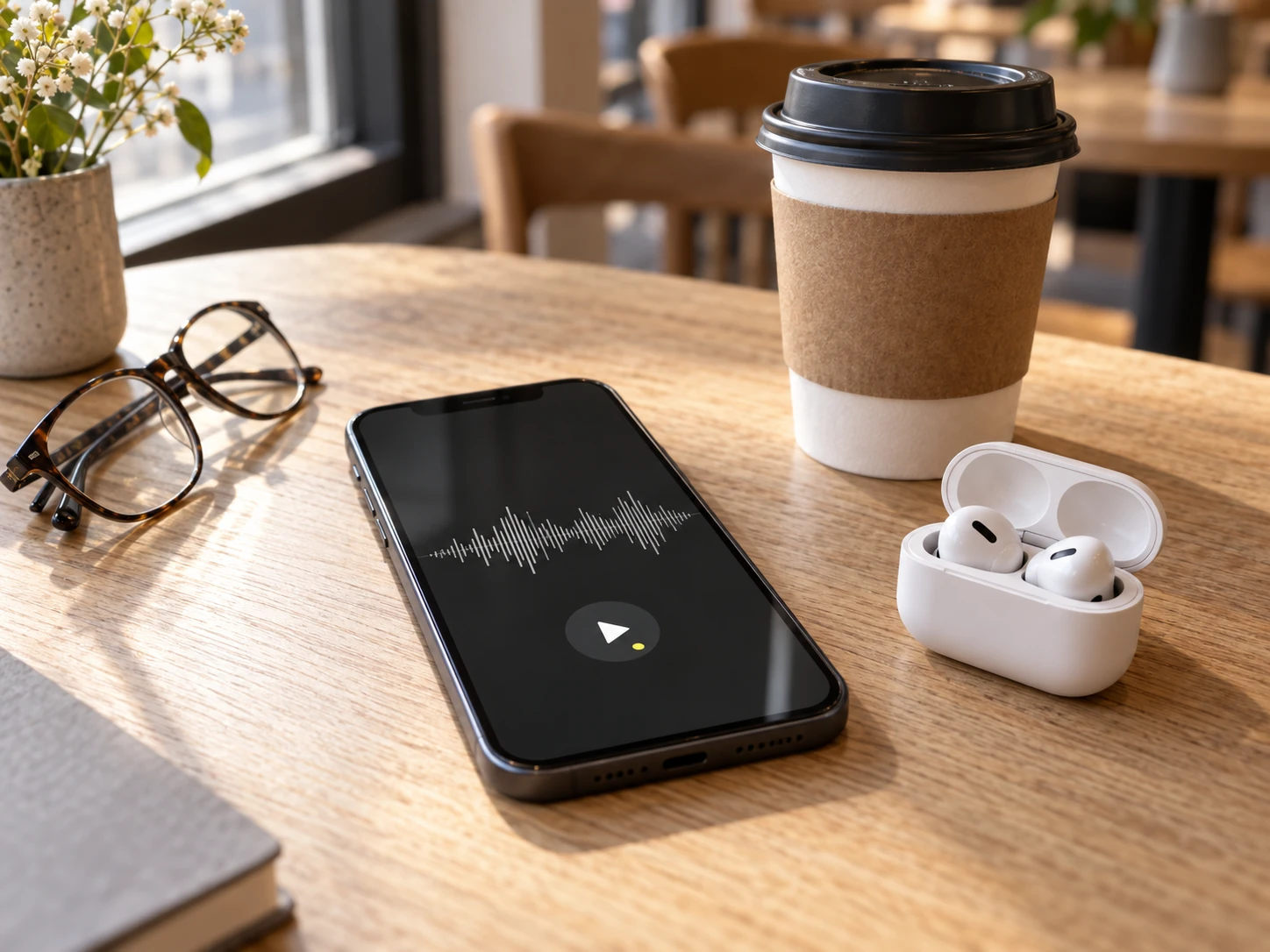
Turn a lecture recording into an MP3 to revise on the go, or trim a clip for a presentation. No signup, so you are not handing over an email to do one small task.
Everyone at work
A recording that will not upload, a WebM that will not play, a file that is too big to email — the everyday media chores, each with its own tool that just works.
Built to be trusted
Tools that do exactly what they say
No accounts for the essentials, no uploads, no surprises.
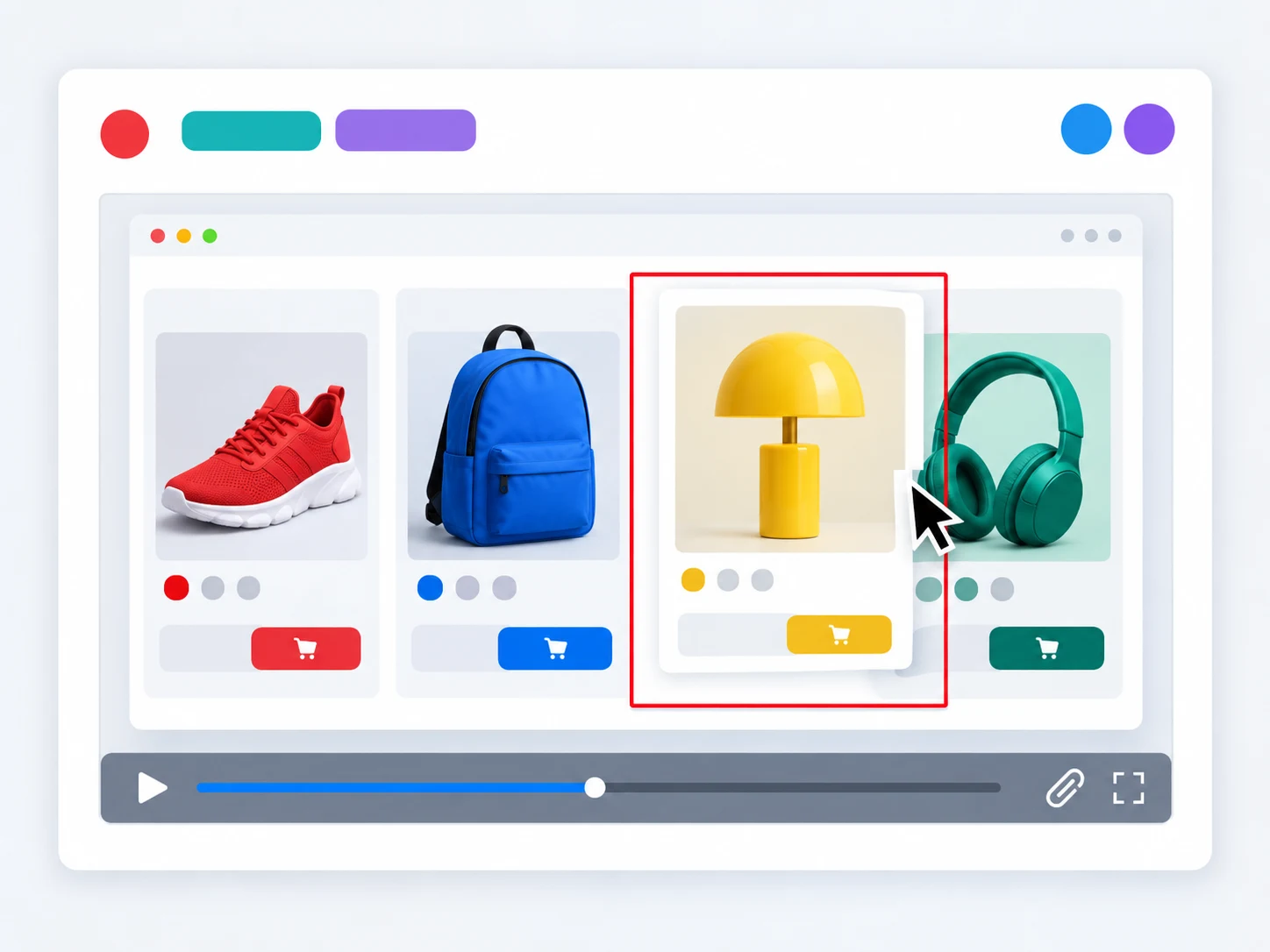
Your files stay on your device — the free tools process video locally and nothing is uploaded.
Video to GIF →
Every tool gives you a genuine, downloadable file — a GIF you can drop into chat, a doc or a README.
Video to GIF →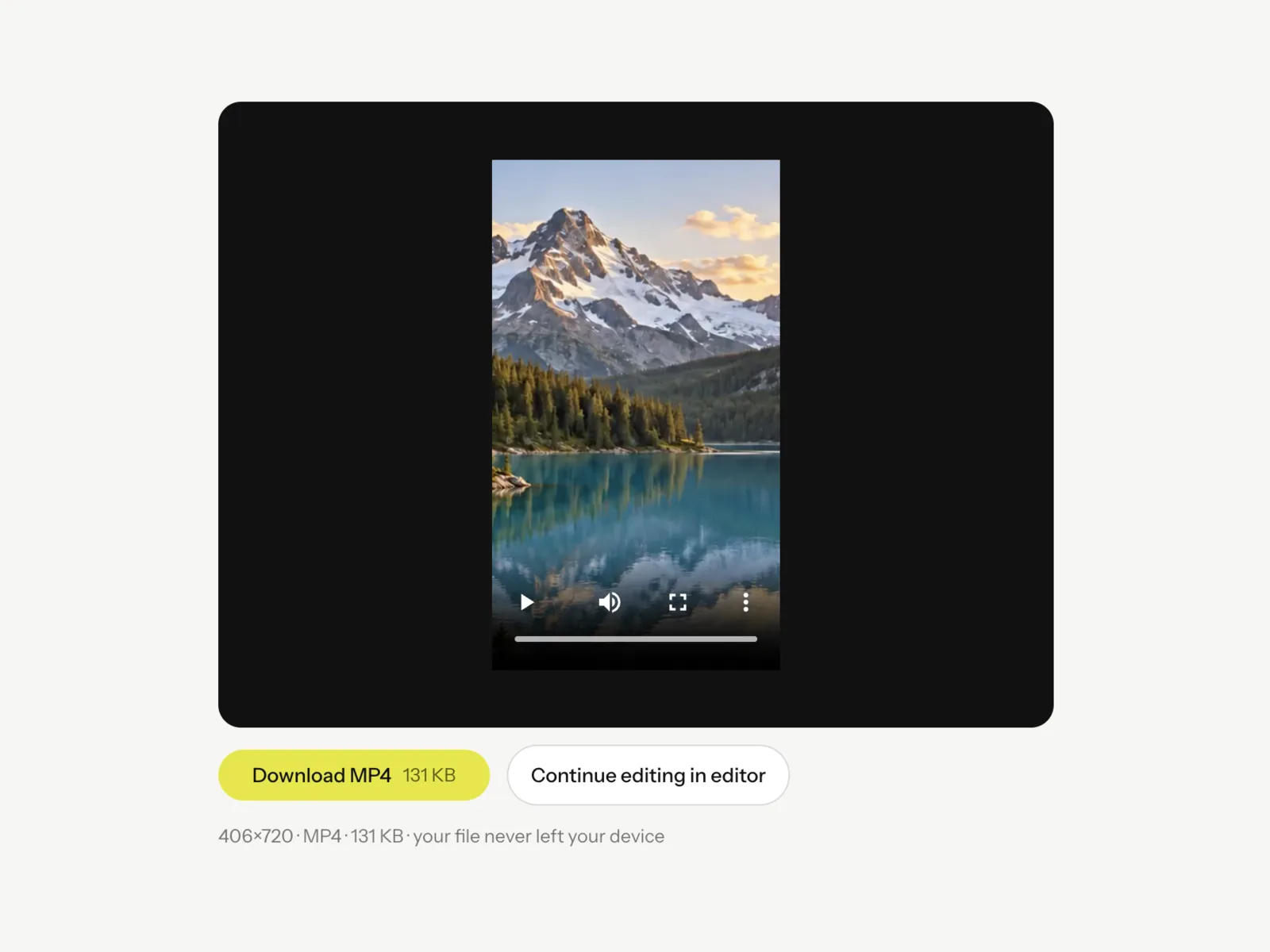
Crop to 9:16, 1:1, 4:5 or 16:9 and download a genuinely reframed MP4 that is ready to upload.
Video Cropper →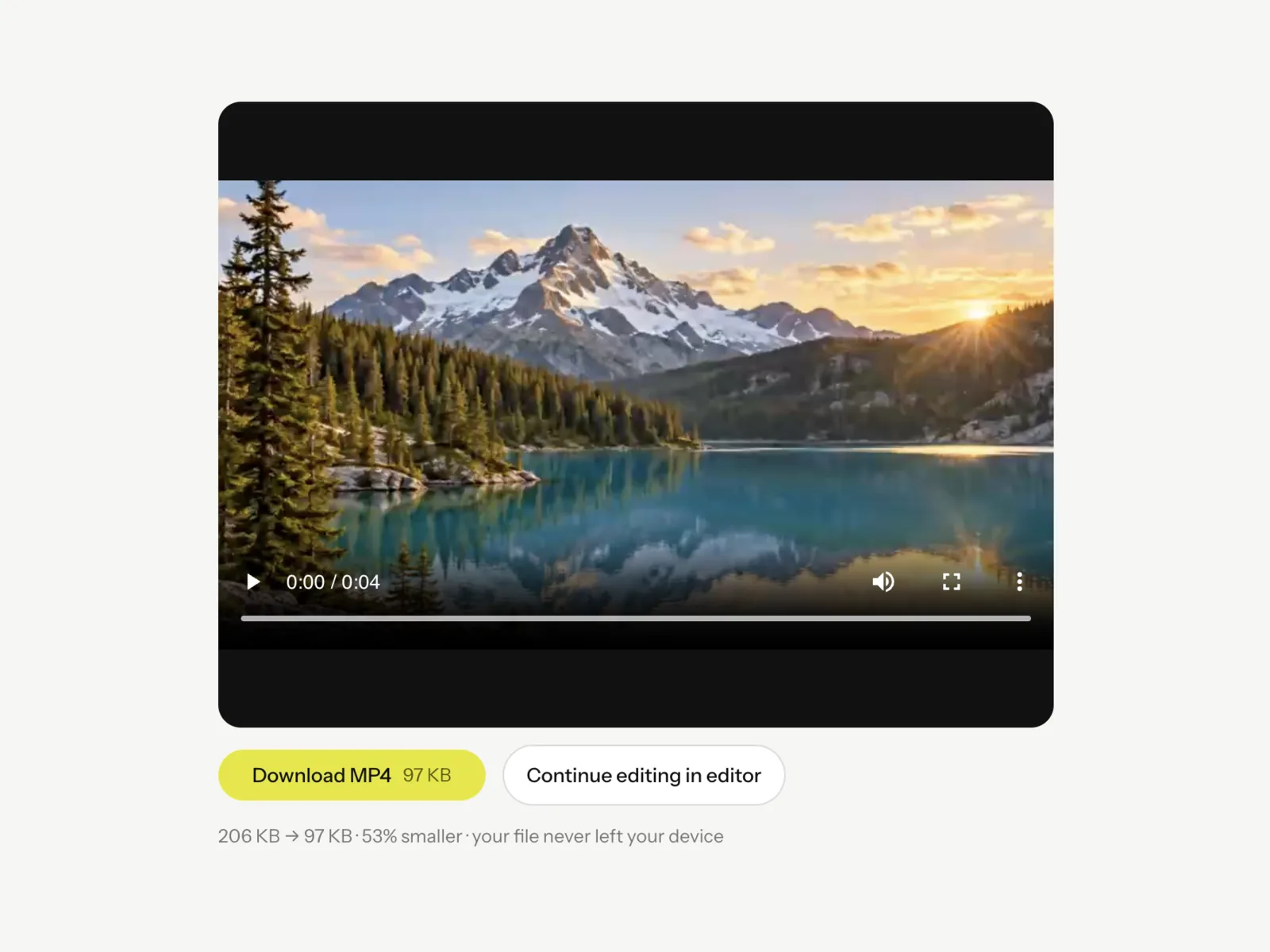
Compress with light, balanced or strong presets and see the real before-and-after size and exact percent saved.
Video Compressor →
Separate the audio from a video and save it as an MP3 at the bitrate you choose.
Video to MP3 →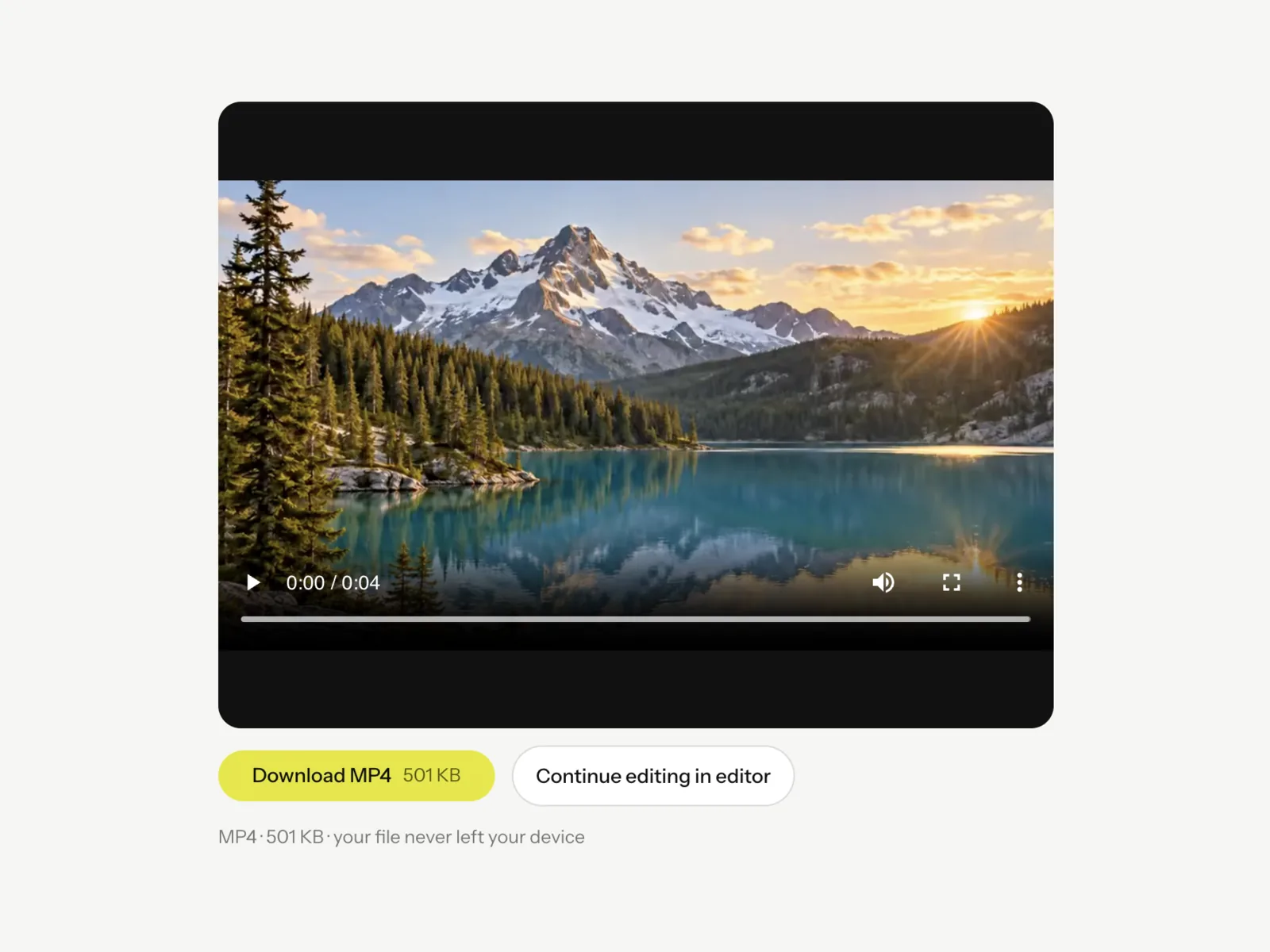
Re-encode a WebM into a widely supported H.264 MP4 that plays across phones, editors and social apps.
WebM to MP4 →Free where it counts
The everyday tools stay free. Plans add the editor's clean exports, the AI tools and more credits — the same plans as on the pricing page.
Free
$0/mo
The everyday tools, free
- Compress, convert, crop & GIF
- Runs in your browser — no upload
- No signup for the free tools
- 1 credit on sign-up for AI image tools
- Editor exports carry a small VidSnappy watermark
Starter
$12/mo
120 credits / month
- Everything in Free
- AI tools & higher limits
- Up to 720p · 8s AI video · 15s video cutouts · 2 jobs at once
- Save your projects
- Cloud project restore
- Watermark-free editor exports
Pro
Popular$29/mo
310 credits / month
- Everything in Starter
- All AI tools as they ship
- Up to 1080p · 10s AI video · 30s video cutouts · 3 jobs at once
Studio
$59/mo
640 credits / month
- Everything in Pro
- Highest credit balance
- Up to 1080p · 15s AI video · 60s video cutouts · 5 jobs at once
- For heavy, everyday use
Prices in USD. Plans are month to month — change or cancel anytime. How credits work
Make your first short today
Open the editor with the demo clips — no signup needed — or pick a free tool for a quick job.