Long → short · highlight detection · download each clip
AI Clip Maker — turn a long video into short clips
Upload a long recording with speech and let the AI read it, find the strongest moments, and hand you each highlight as a short clip you can preview and download — no scrubbing through the whole timeline yourself, no guessing which thirty seconds will land.
See the highlights

Example highlights
- 1Opening hook — strong question to the audience
- 2Key insight — the moment that changes everything
- 3Closing call to action — what to do next
Find the moments worth posting
A one-hour stream or webinar has a handful of clips people actually want. Instead of watching it all back, the AI reads the spoken transcript, scans for the strongest moments and marks where each one starts and ends, so you go from a long file to a shortlist of postable moments in one pass. The tedious part — deciding what to keep and where to cut — is exactly what the model takes off your plate. It looks for the beats where something actually happens: a clear statement, a reaction, a punchline, a self-contained answer, and trims around them so each clip stands on its own instead of dropping a viewer into the middle of a sentence.
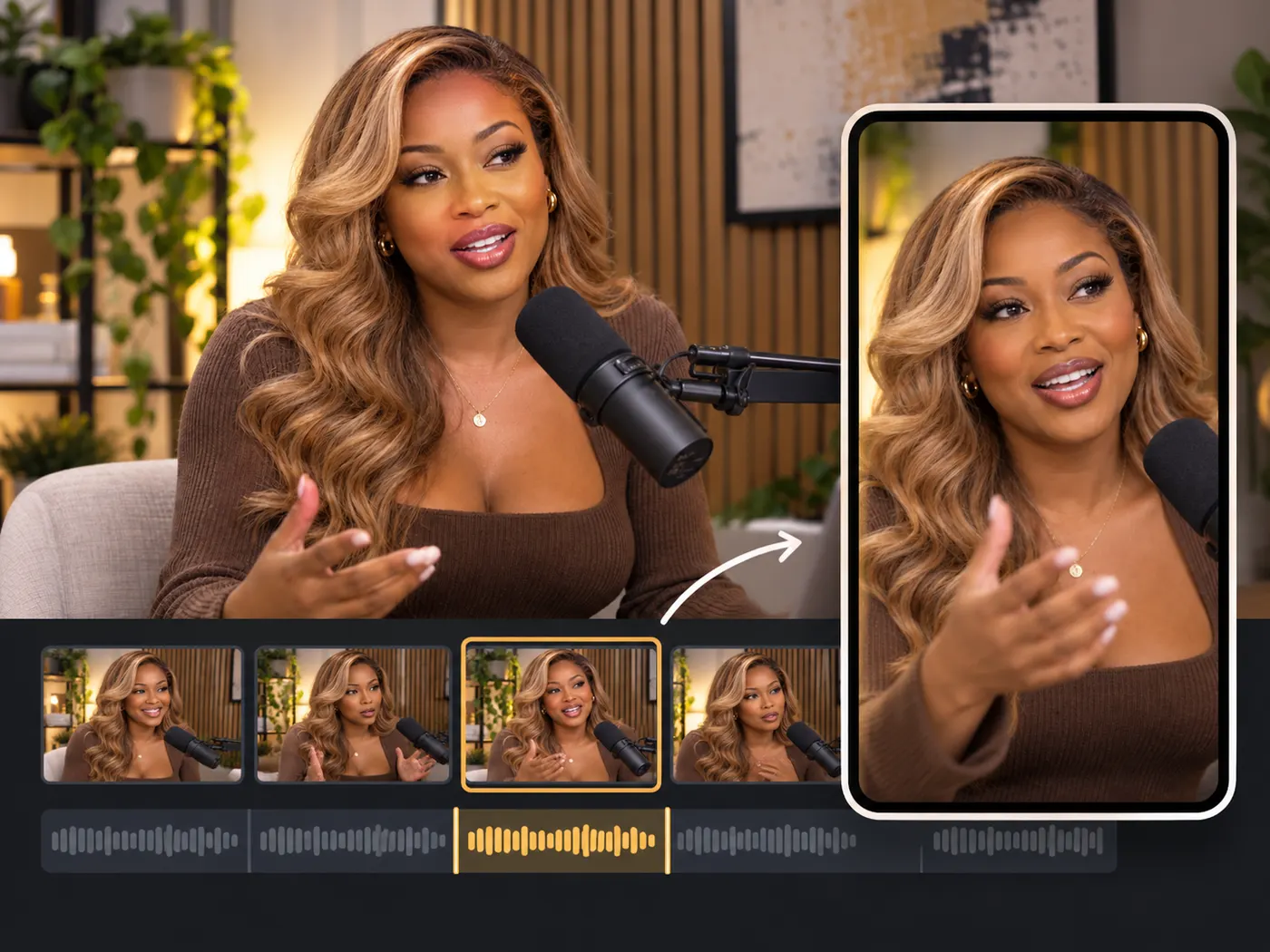
Vertical clips with captions, ready to edit
Pick the highlights you want to keep and continue editing: each one lands on the timeline as its own 9:16 clip with captions already timed to the speech. The vertical crop is taken from the centre of the frame and does not follow a person, so move it in the editor if the speaker sits off to one side. Fix a caption word, then export every picked clip at once — one vertical MP4 per highlight. Only finish the clips you decide to post.

One recording, a week of posts
The point of automatic clipping is leverage: a single long recording holds enough short content to feed a whole posting schedule. You upload once and get back several self-contained moments, so the bottleneck moves from editing to simply choosing which ones to publish first. For anyone posting daily across Reels, Shorts and TikTok, that is the difference between one recording session a week and a scramble for something to post every single day — the long asset you already made becomes the source of everything you ship.
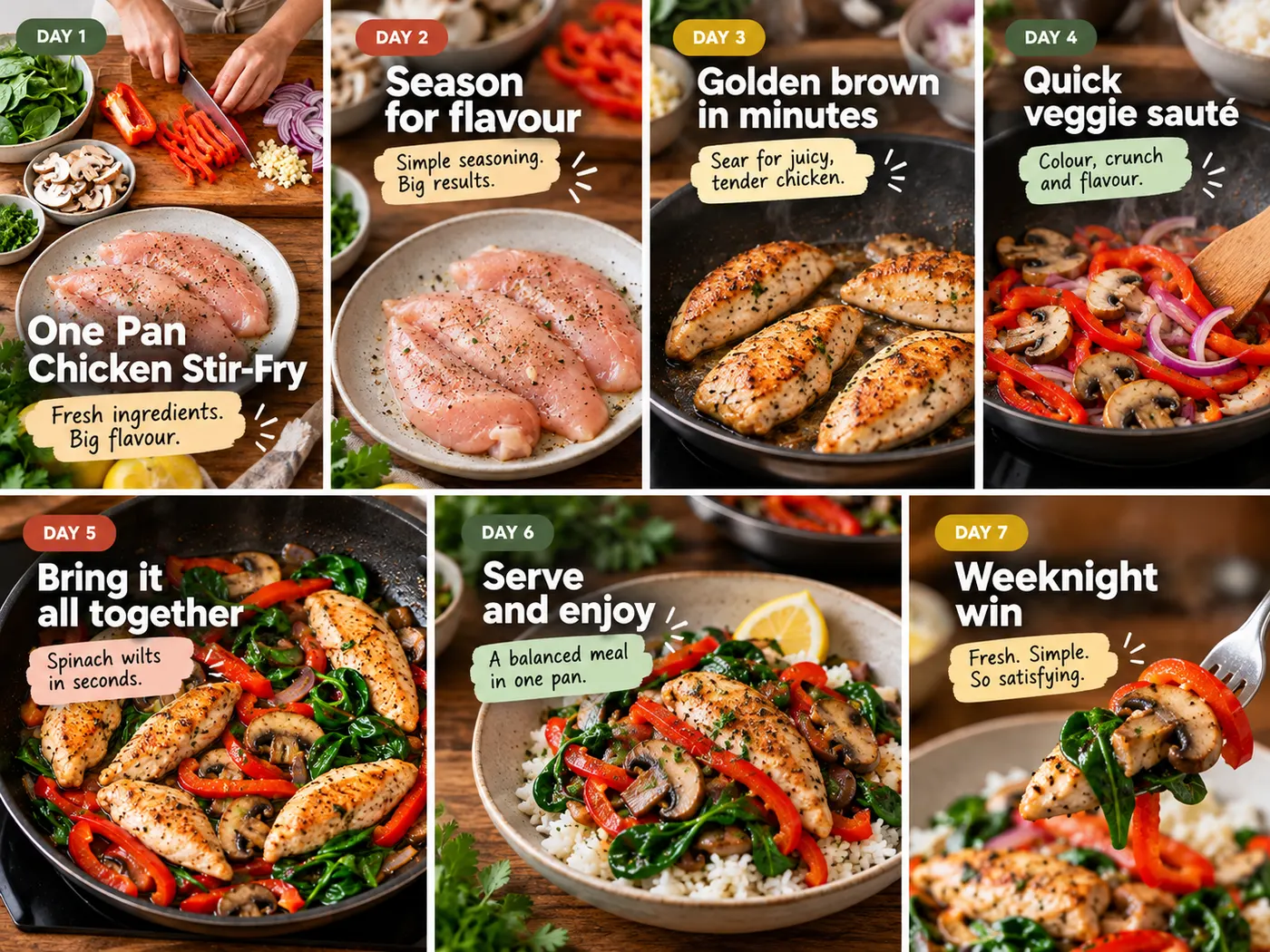
From long video to short clips, in a few steps
Upload a long video, let the AI find the highlights, then play and download each short clip.
How the AI clip maker works
Step 1
Upload a long video
Drag in a recording with speech — up to 60 minutes and 200MB — and preview it privately.

Step 2
Sign in to run
Finding highlights is a heavier job, so a run uses credits and needs a free account.
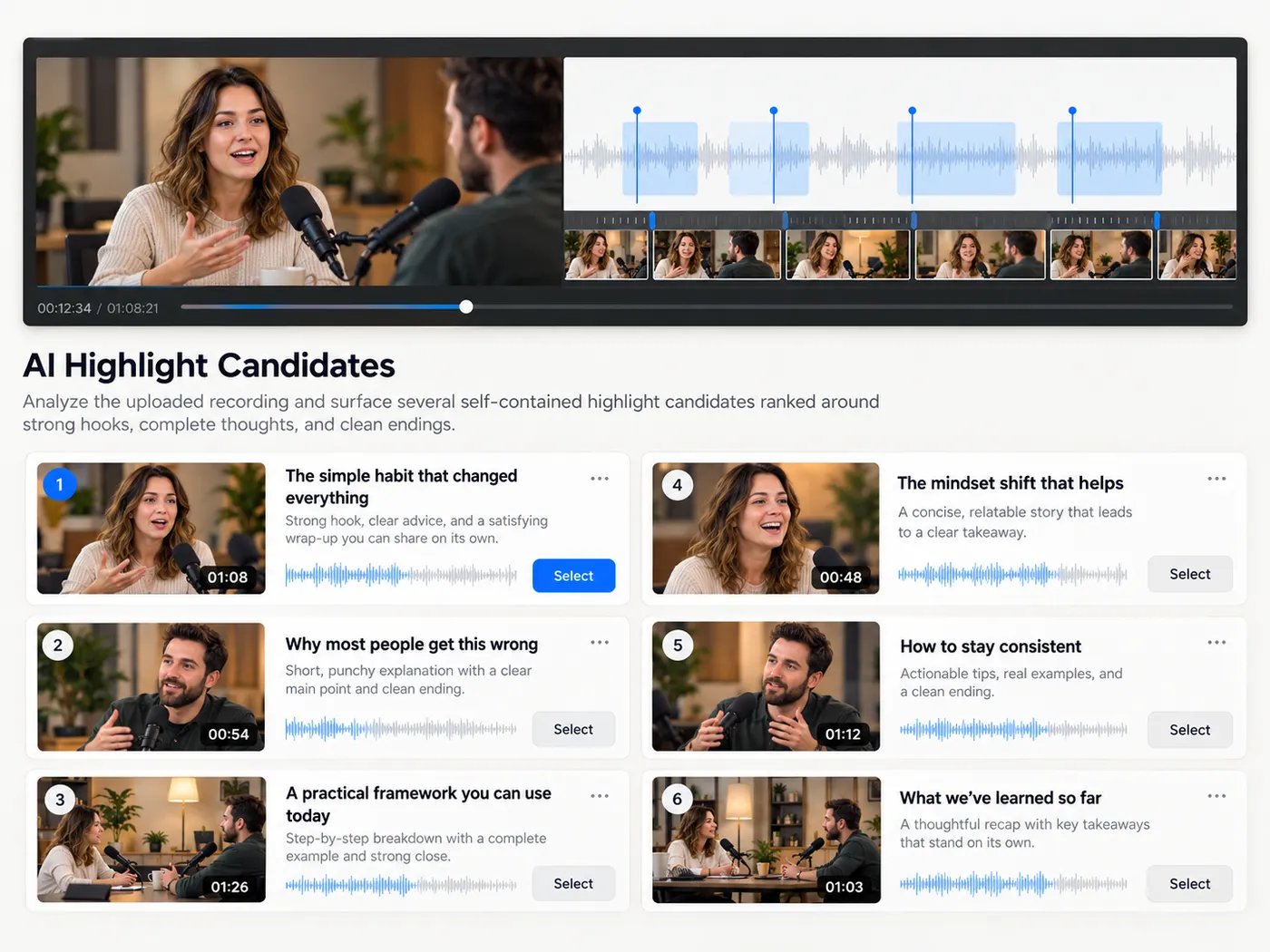
Step 3
AI finds the highlights
The AI reads the transcript in sentence-sized windows, judges each one for its opening hook, whether it makes sense on its own and whether it ends cleanly, and shows you why each highlight made the list.
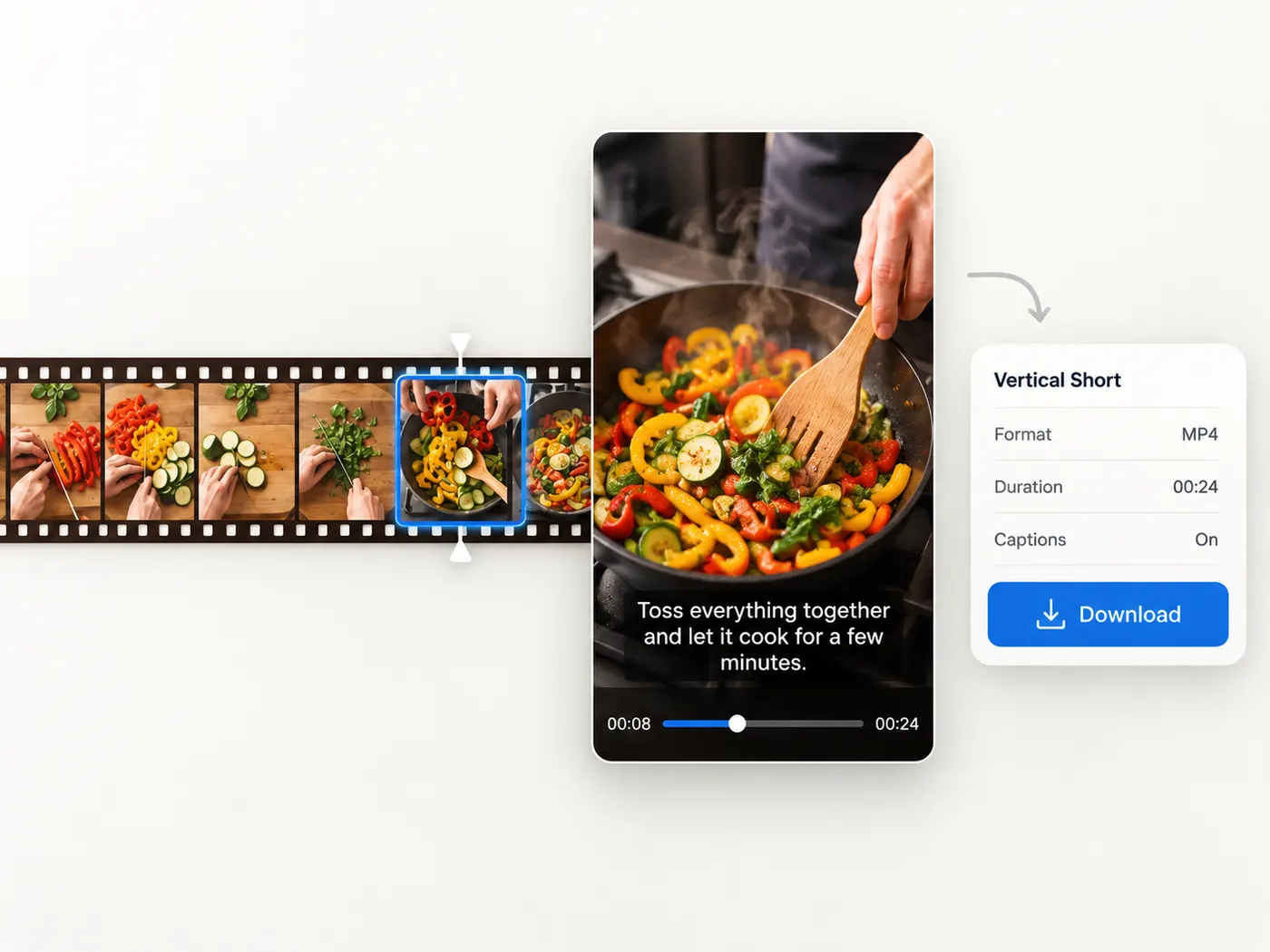
Step 4
Play and download each clip
Jump to any highlight, then download it as an MP4 cut from your original file.
Highlights, not haystacks
The AI does the watching, surfacing the moments worth posting.
You do not scrub through the whole recording yourself.
Cut from your original
Each clip is cut from the file you uploaded, in your browser.
Cutting the clips after the run is free — you only paid to find them.
From one to many
A single long recording becomes a week of short posts.
It all comes from one upload.
Edit and export them together
Select several highlights and open them as one 9:16 project with captions.
Batch export gives you one vertical MP4 per highlight.
Same simple flow
Upload a video, run it once, and download the clips you want.
Pay only for results
Credits are spent only when a run succeeds.
Tips & good to know
A few quick pointers to get the best result from this tool.
What clip makers are for
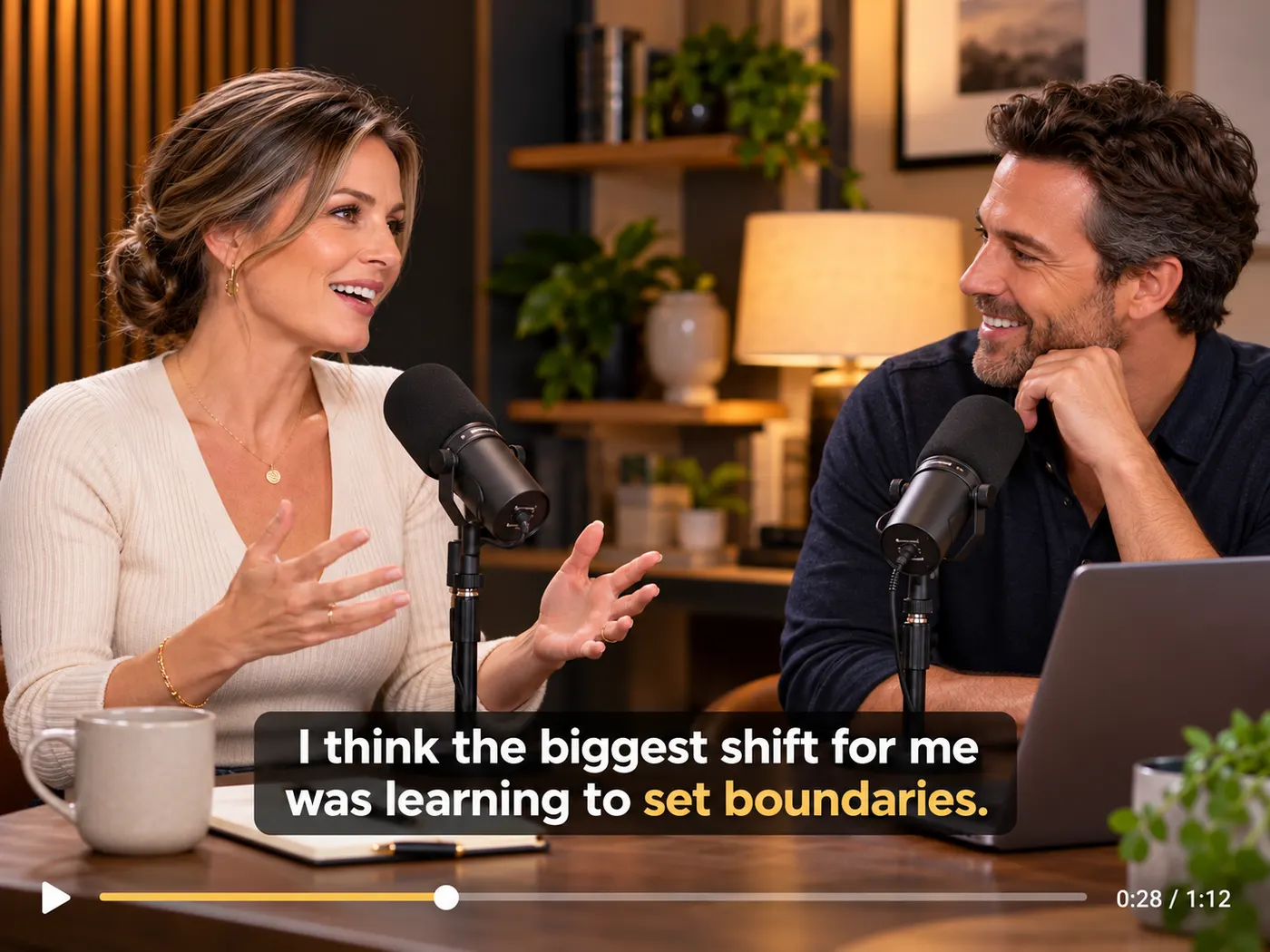
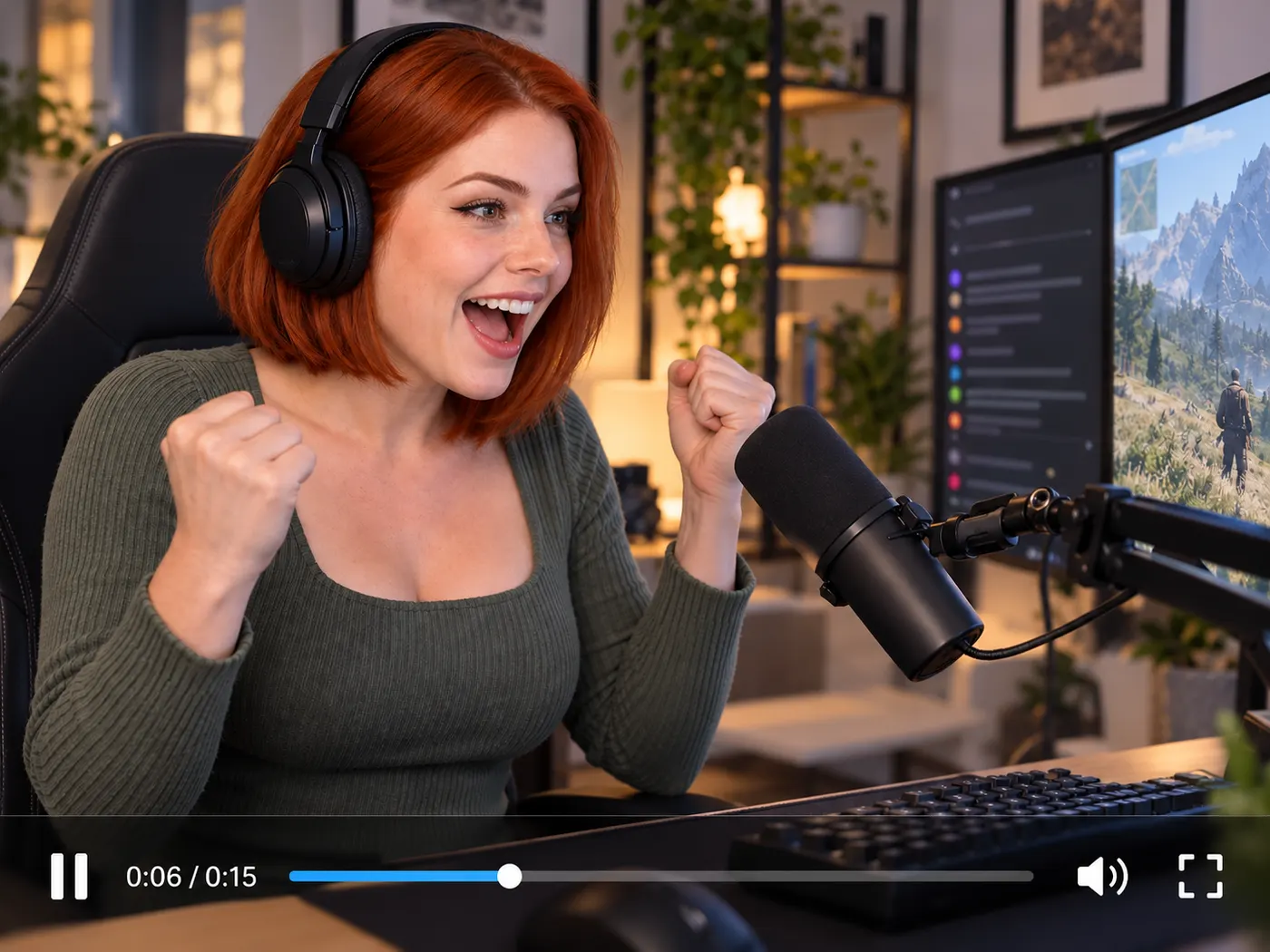
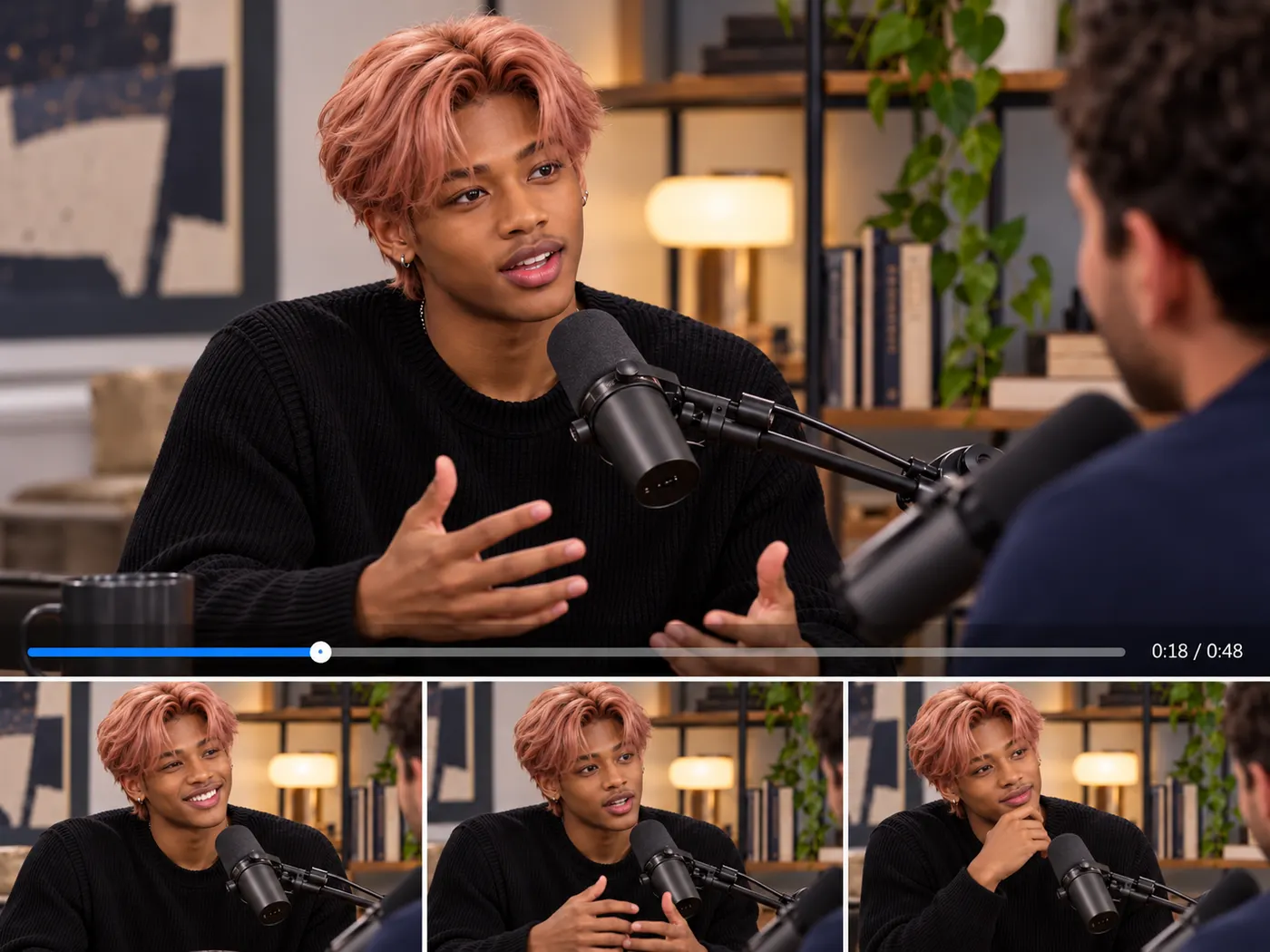
Podcasters
Pull shareable moments out of a full episode.

Streamers
Turn a long stream into a stack of shorts.

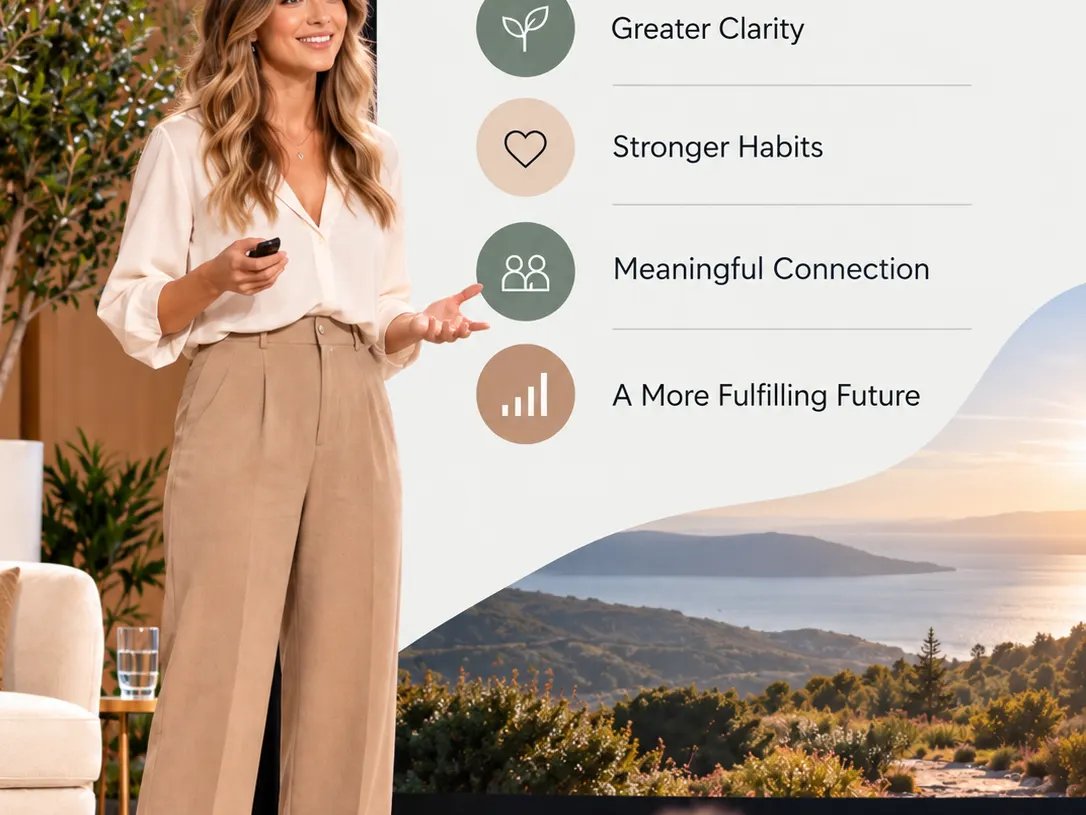
Webinar hosts
Cut the key takeaways into promo clips.

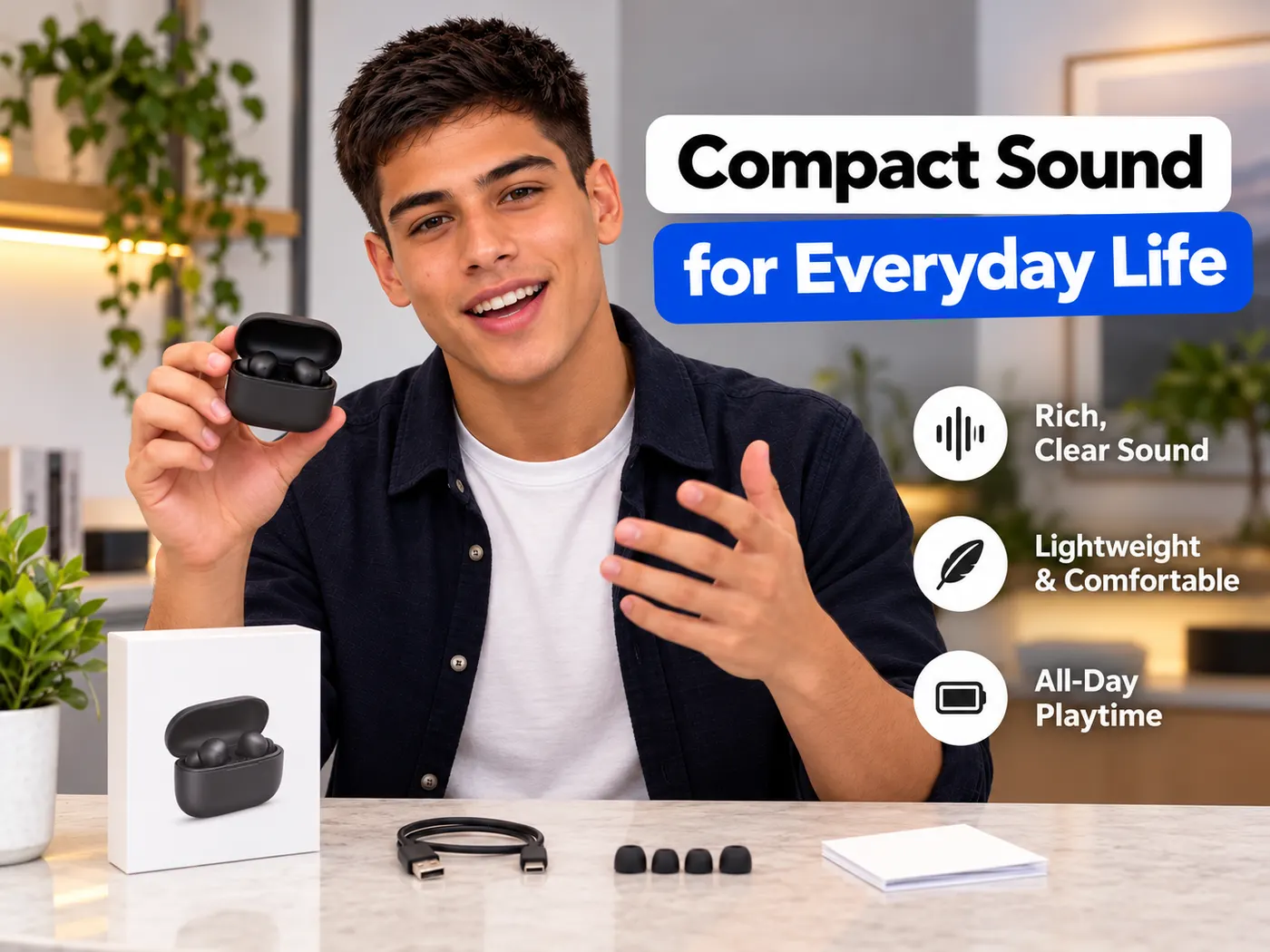
Creators
Feed several channels from one long recording.
Coaches
Slice a long session into tips you can post daily.
Marketers
Repurpose a launch talk into a run of teasers.
Free tools, and a plan when you need more
The everyday tools are free and run in your browser. The AI tools and the full editor run on credits — pick a plan when you need them.
- Free
- $0
- Every browser tool
- Starter
- $12/mo
- 120 credits
- Pro
- $29/mo
- 310 credits
Turn your next recording into clips
Upload a long talk, let the AI find the highlights, and download each moment as a ready-to-post clip.
Find highlights