Free · No signup for the essentials
All Tools
Every VidSnappy tool in one place. Convert, compress, crop, transcribe and make GIFs — plus AI-powered editing and image tools. The essentials run free right in your browser, with no signup, and your files never leave your device. Browse by what you want to do below.
Full Video EditorConvert
Change a video or its audio from one format to another — pull an MP3 out of a clip, or turn a WebM into a universally playable MP4. Every converter runs in your browser, so nothing is uploaded.

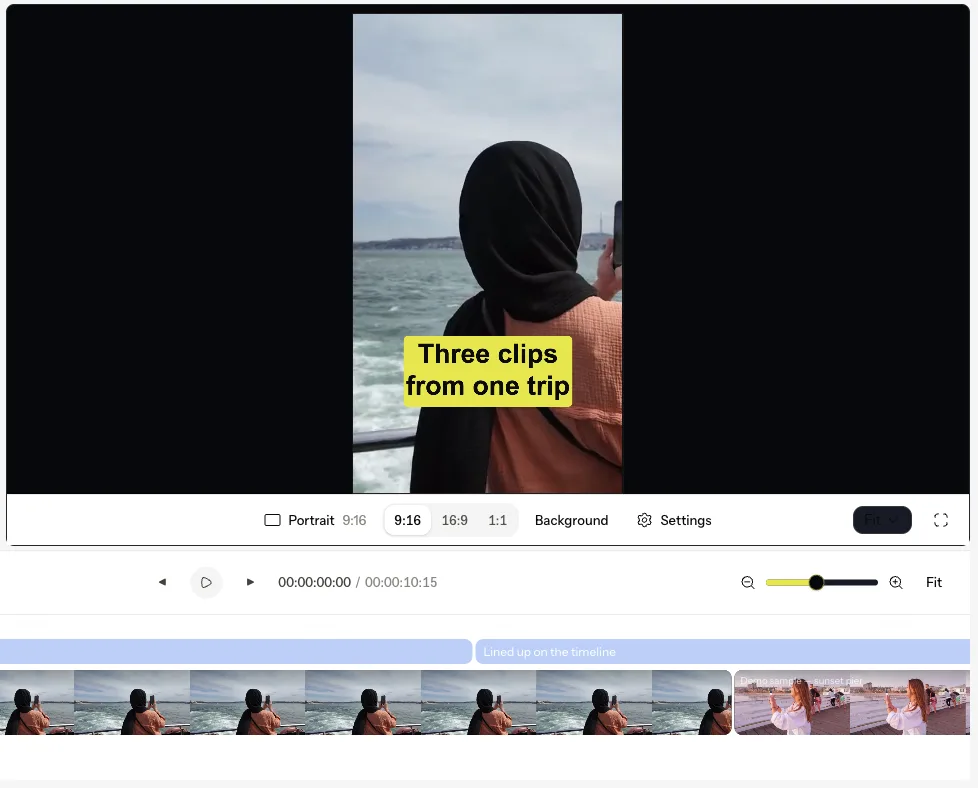
Edit
Reframe, clean up and transform your footage — crop for social, remove a background, or let AI do the heavy lifting on an edit or a still image. Editing tools that work straight from the browser.
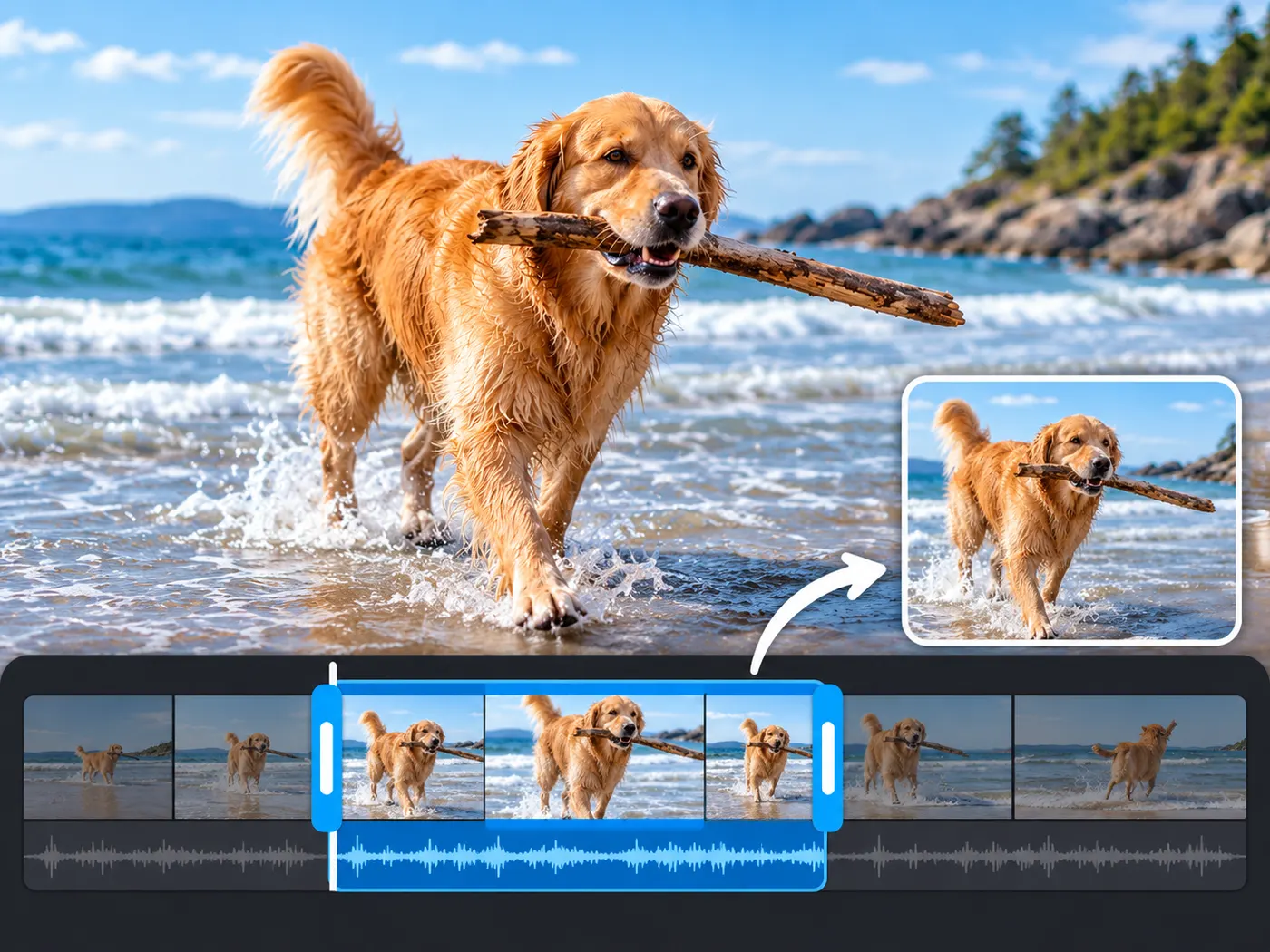 FreeVideo TrimmerUse this video trimmer to cut unwanted sections from MP4, MOV, WebM, or MKV in your browser. Keep the moment you need and download a clean MP4 privately.
 FreeVideo CropperCrop and reframe video with 9:16, 1:1, 4:5 and 16:9 presets for every platform.
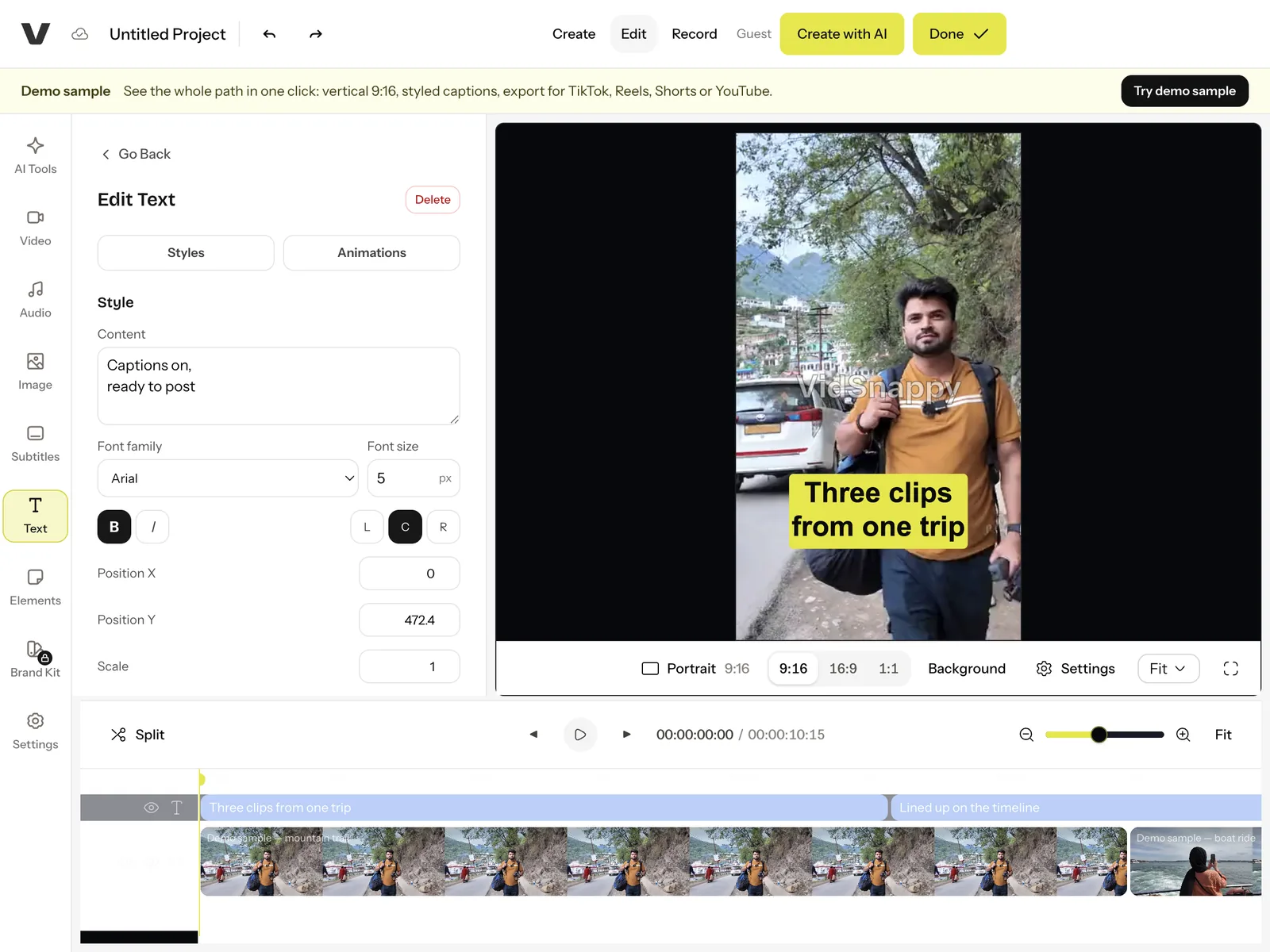 EditorAI Video EditorEdit video in your browser on an AI-assisted timeline — no install, no account to start.
 AIVideo Background RemoverRemove the background of a video with AI and download a transparent cutout.
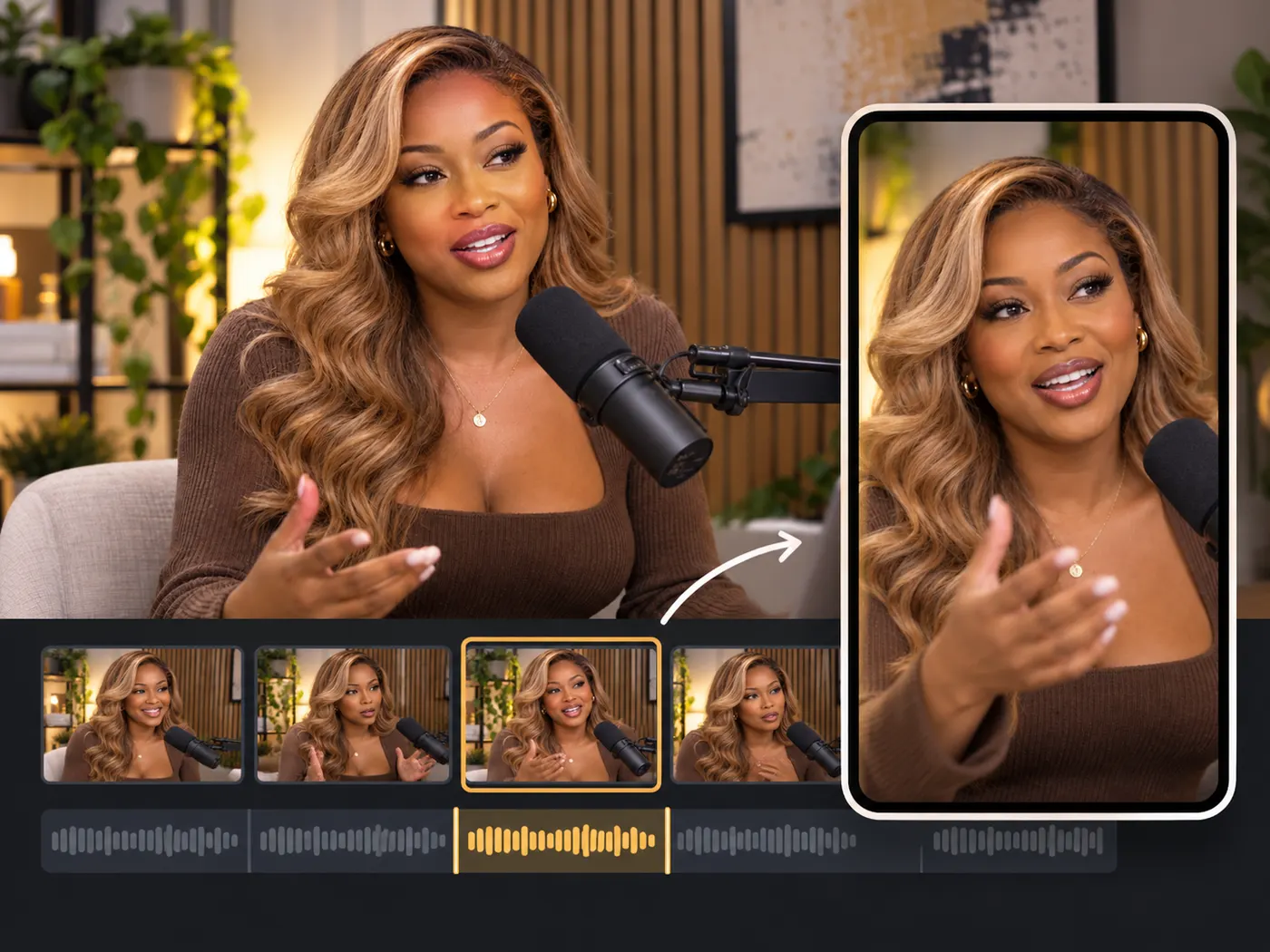 AIAI Clip MakerTurn one long video into short, share-ready clips automatically with AI.
 AIImage Background RemoverRemove the background from an image with AI and download the cutout.
Compress
Shrink a video so it clears an email limit or a chat upload cap while staying watchable. VidSnappy shows the honest before-and-after size — no vague "optimized" label.

Transcribe & Caption
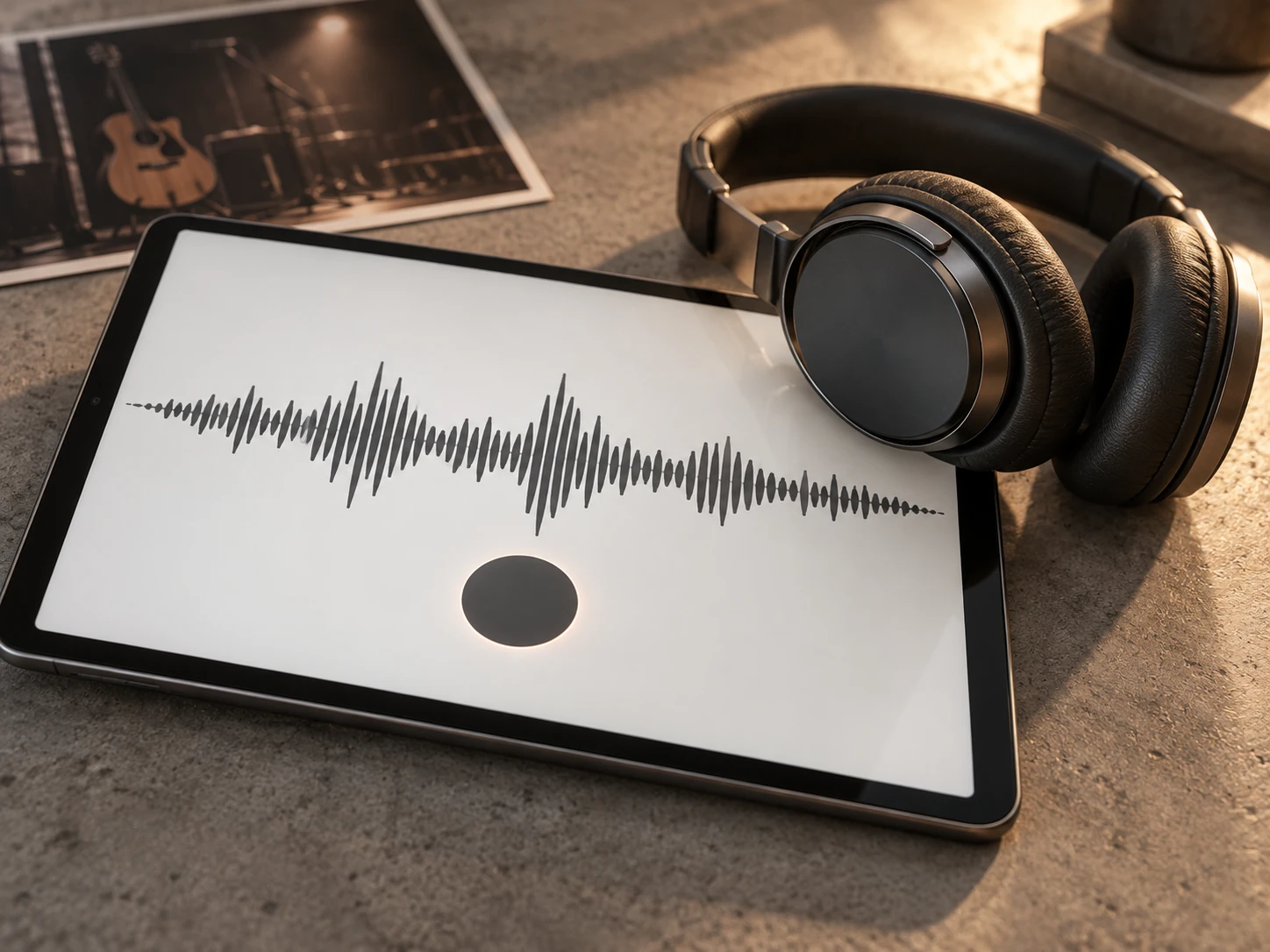
Turn speech into text — subtitles, captions and full transcripts for your videos and social clips, generated with AI.
 AIVideo TranscriptionTranscribe a video to accurate text, subtitles or captions with AI.
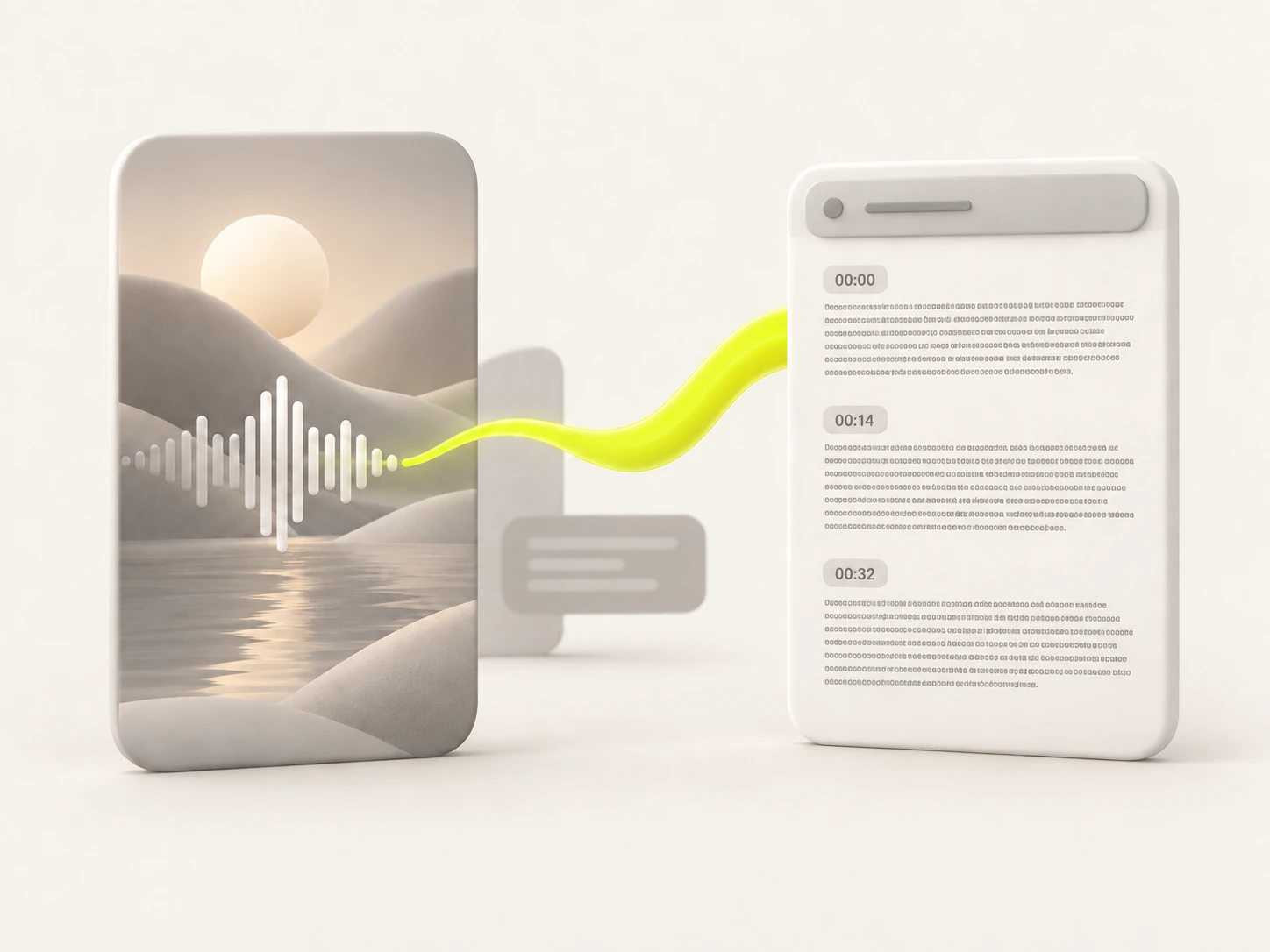 AIInstagram TranscriptGet a clean text transcript of any Instagram reel or video.
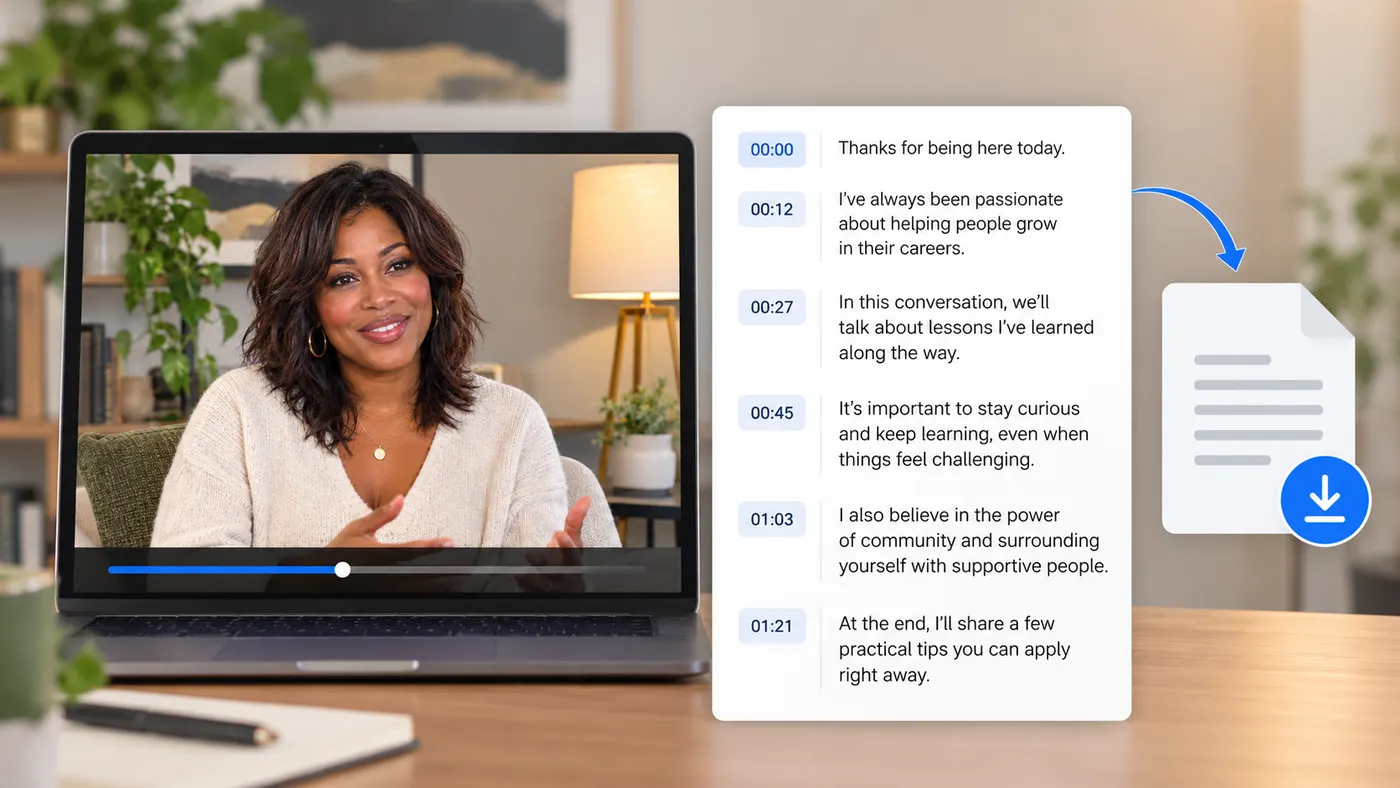 AIPhonon-2Use Phonon-2 to transcribe video or audio into accurate, timestamped text. Upload MP4, MOV, WebM, MP3, or WAV, then edit and download text in minutes.
GIF
Turn a moment from a video into a clean, looping GIF you can drop into chat, docs, a README or a social post — trimmed and sized exactly how you want.

Put it all together in the editor
The free tools handle one job each. When you want a finished short — clips in order, vertical, captioned and exported for every platform — open the editor.
Open the video editor