Free in your browser · for content you own · AI HD 1 credit per image
Image Watermark Remover — clean up your own photos
Paint over a watermark, logo or overlaid text on a photo you have the rights to, and the marked area is rebuilt right in your browser — no account, nothing uploaded. The rest of the image stays exactly as it was. For tougher marks, AI HD rebuilds the area with AI.
See the difference

Free: runs entirely in your browser — your image is never uploaded. Accepted: JPG, PNG or WebP. Output: transparent PNG at full resolution. No sign-in required.
Free, no sign-in. Runs in your browser: your image is never uploaded. Only remove marks from images you own or have permission to edit.
Erase, then rebuild
A good removal is not just painting over the mark — it is reconstructing the texture, pattern or scene that was behind it. The model fills the gap with content that matches its surroundings, so you are left with a clean image rather than an obvious patch. On a busy background that reconstruction is what separates a real fix from a smudge.
For your content — used responsibly
This tool is for cleaning up images you own or are licensed to edit: your own drafts that shipped with a placeholder mark, a stock photo you paid for, or an old export. Removing someone else’s ownership mark to pass their work off as yours is not allowed — so we ask you to confirm the rights before every run, and the tool will not proceed until you do.
Only the mark changes
Everything outside the watermark is left alone. The subject, the lighting and the composition all stay as they were, so the result reads as the same photo with the overlay simply gone rather than blurred, cloned or smeared. That is the difference between a clean removal and the tell-tale rectangle a crude patch leaves behind: the fill has to understand what belongs there, not just average the nearby pixels. You preview your upload locally first, so you always clean up the right file, and the login and the 1 credit only come in at the run step — with the credit refunded automatically if the run does not succeed.

From marked to clean, in a few steps
Upload an image you have the rights to, run the content-aware fill, and download a clean result.
How to remove a watermark from an image
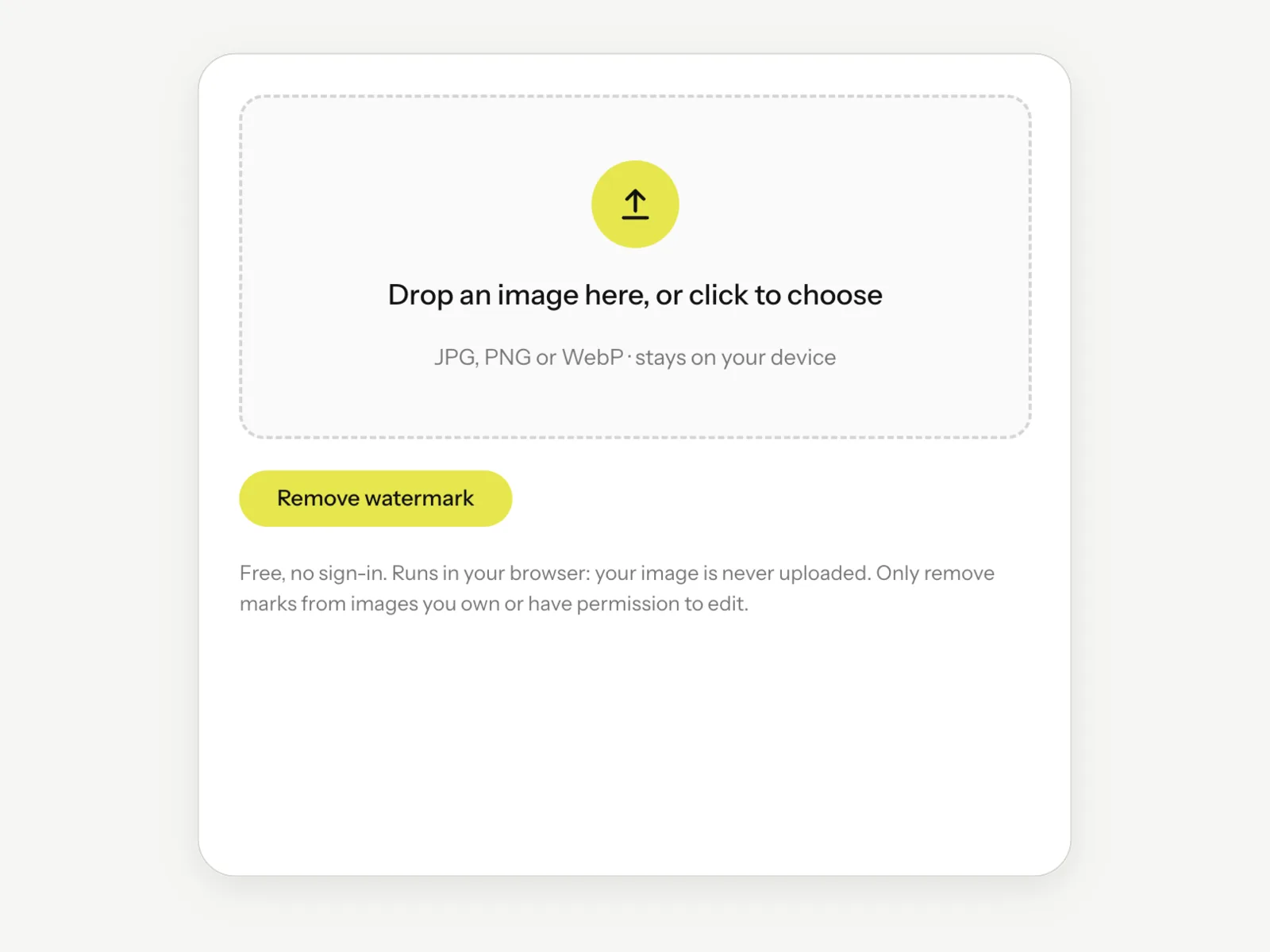
Step 1
Upload your image
Drag in a JPG, PNG or WebP you own. It stays on your device.
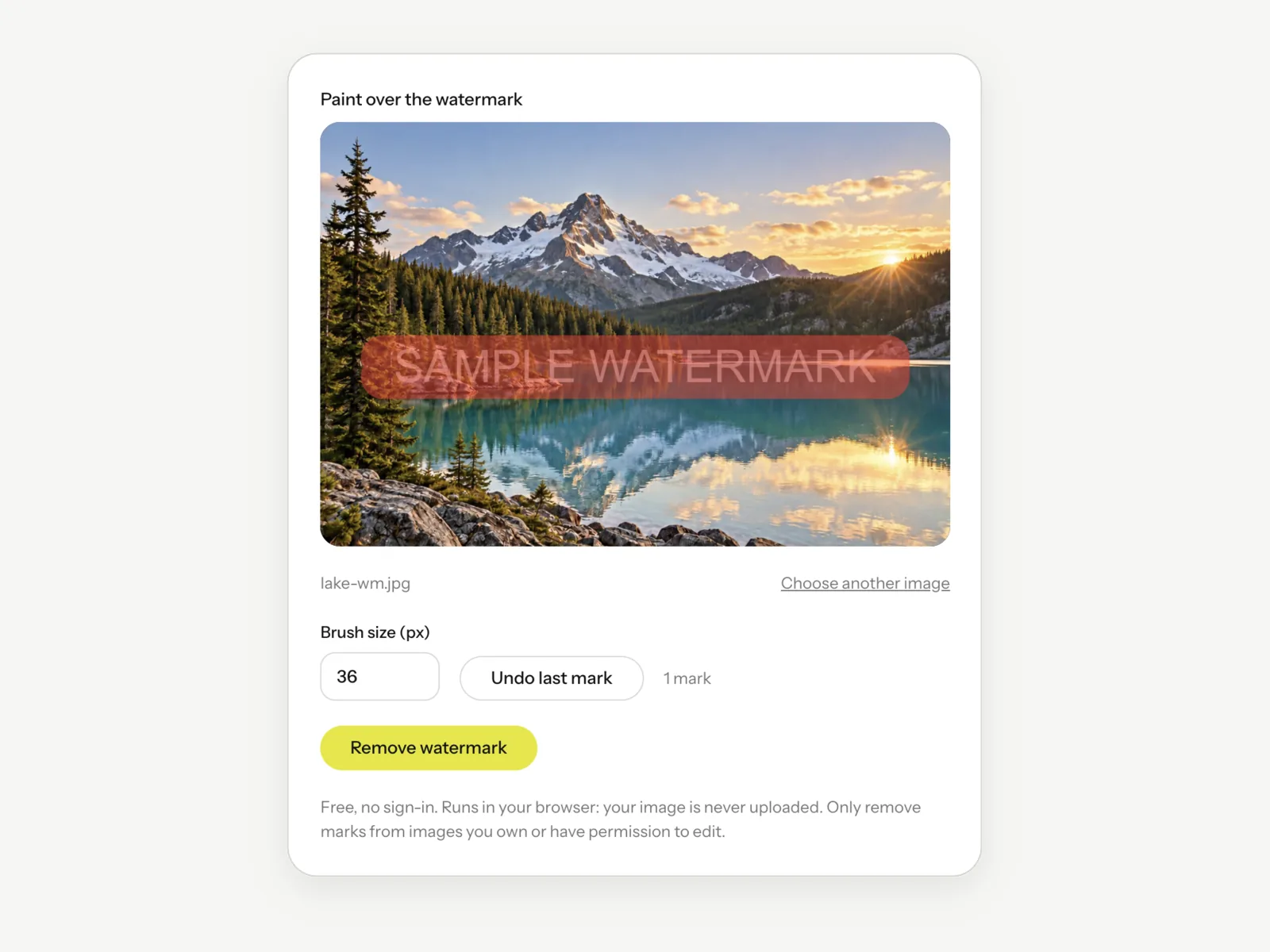
Step 2
Paint over the mark
Brush over the watermark, adjust the brush size, and undo any stroke. Only the area you paint is changed.
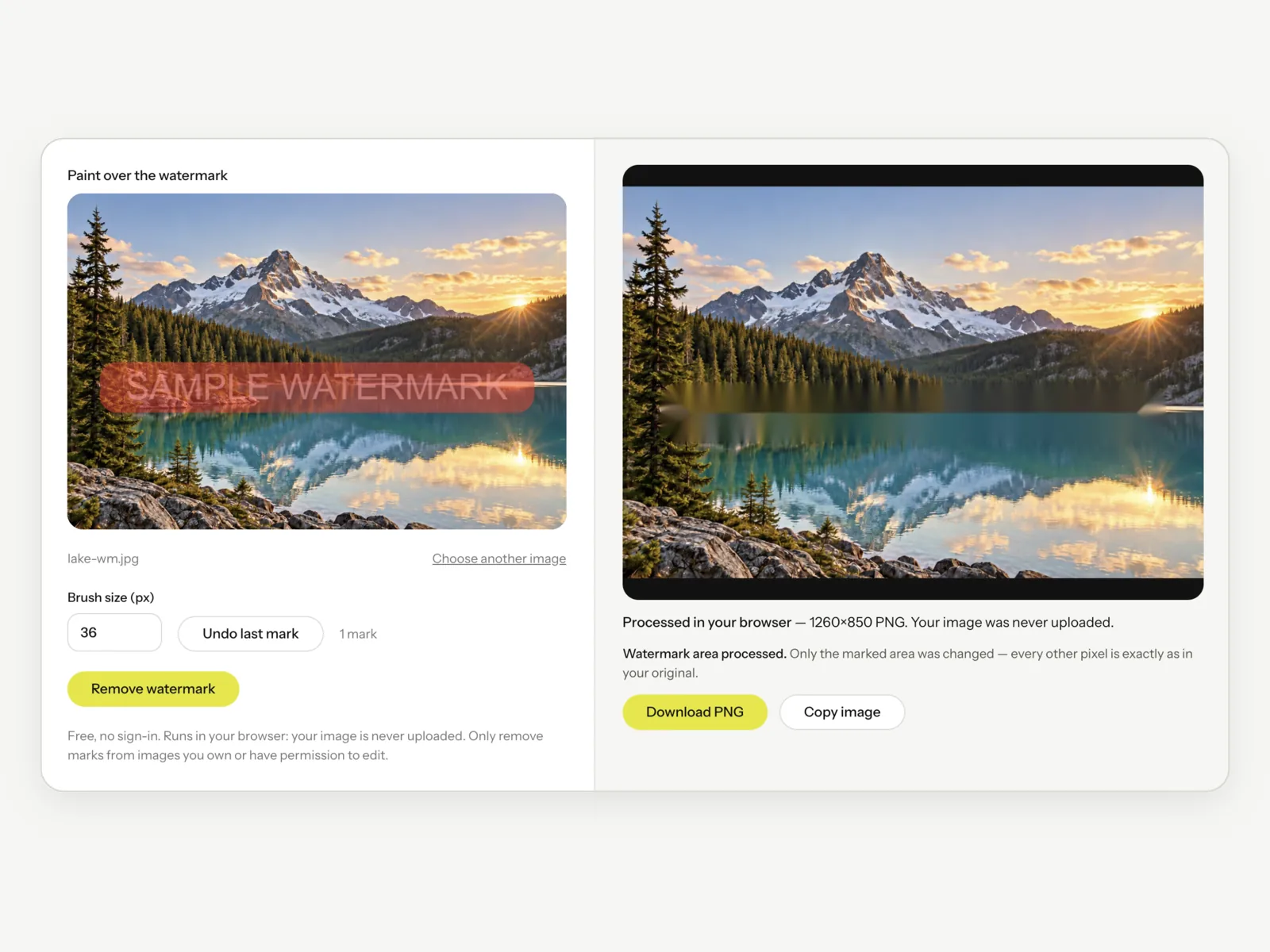
Step 3
Remove it
Press Remove watermark — it runs free in your browser. For tough marks, AI HD needs a free account and costs 1 credit; running it confirms you own or may edit the image.
Step 4
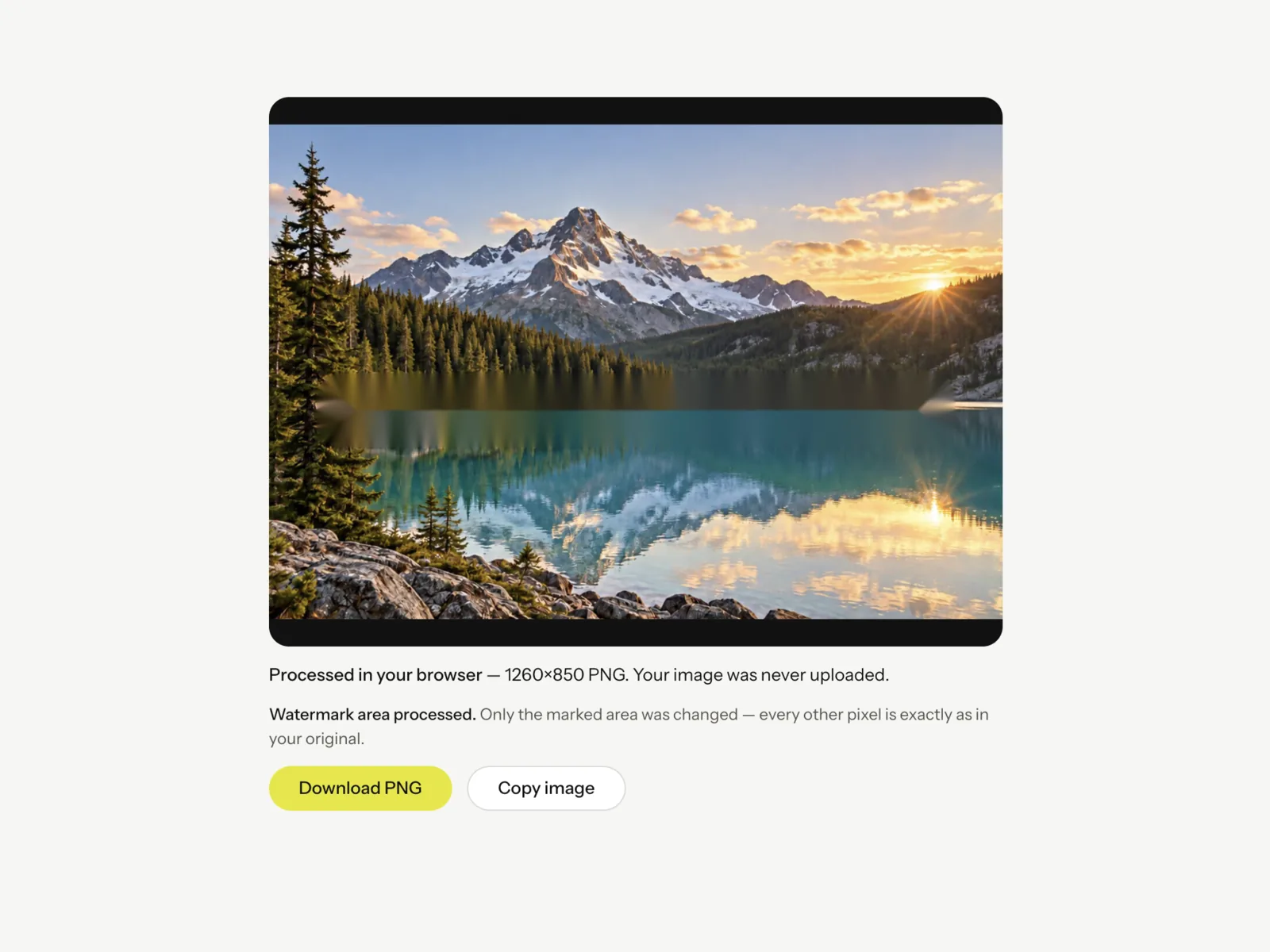
Download the clean image
Preview the rebuilt image and download it when it looks right.
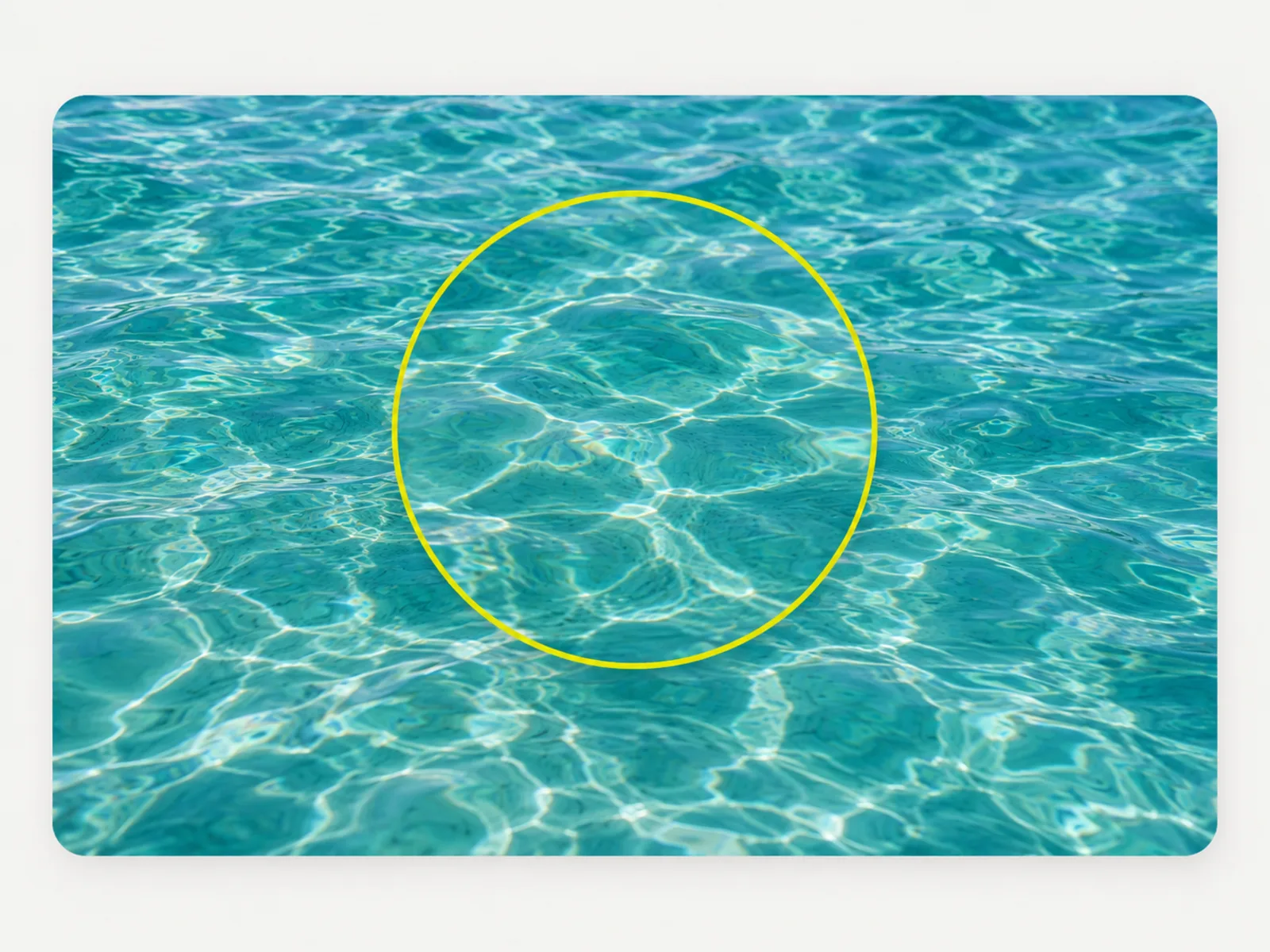
Content-aware fill
The space behind the mark is rebuilt to match its surroundings.
The fix reads as part of the original image, not a smudge.
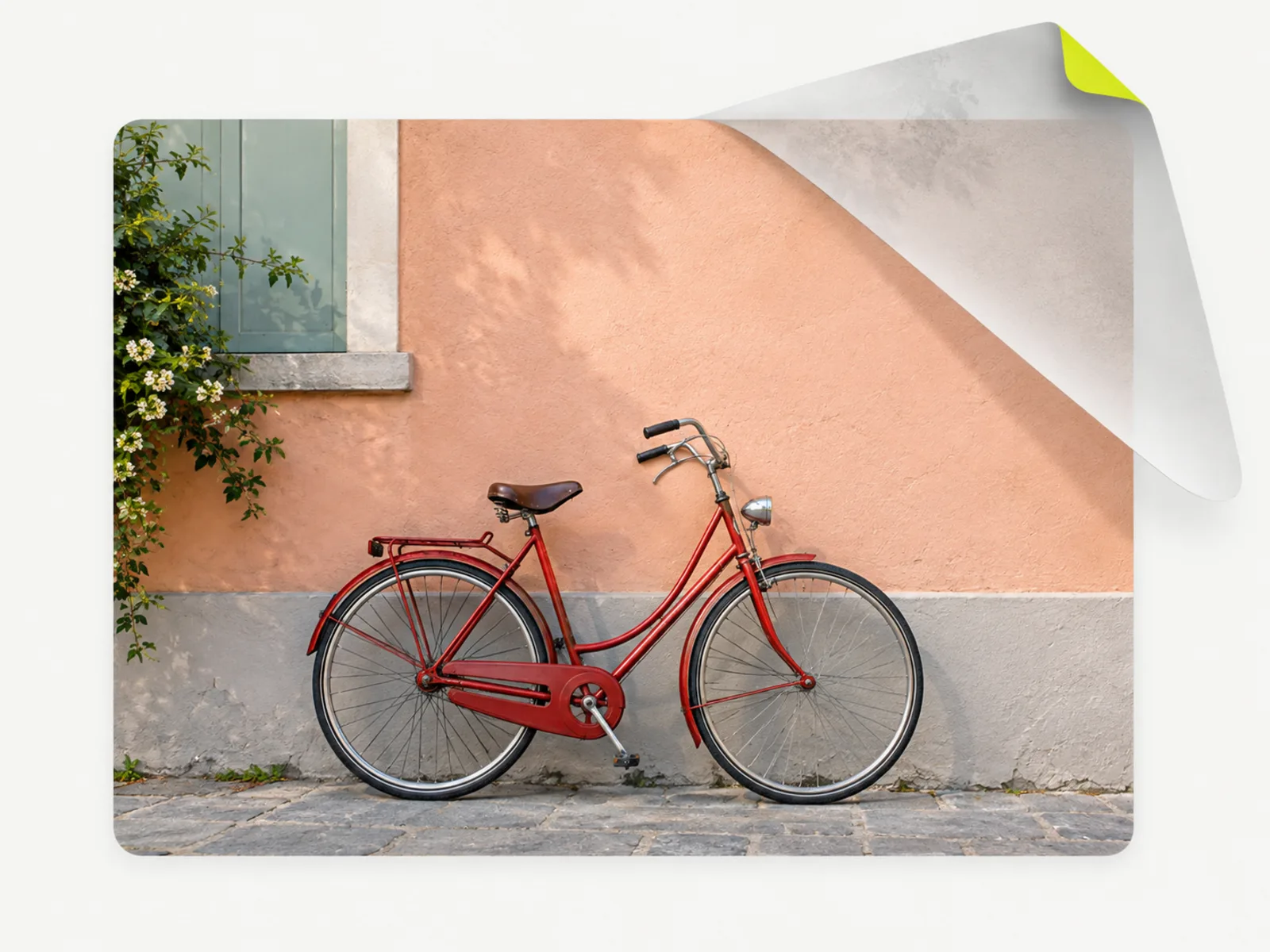
Only the mark changes
The subject, colors and composition are preserved.
The tool targets the watermark and leaves the rest alone.
Rights-first
A confirmation is required before each run.
This tool is for cleaning up your own content, not appropriating someone else’s.
1 credit per image
Each removal is a single 1-credit operation, shown up front.
You are not charged if the run fails.
Works in the browser
No desktop editor and no plugin — upload, run and download from any machine.
Check before you commit
Your image previews locally so you always clean up the right file before spending a credit.
Tips & good to know
A few quick pointers to get the best result from this tool.

When to clean up an image

Your own drafts
Remove a placeholder mark left on an export you own.

Licensed stock
Clean up a preview mark on a photo you have paid for.
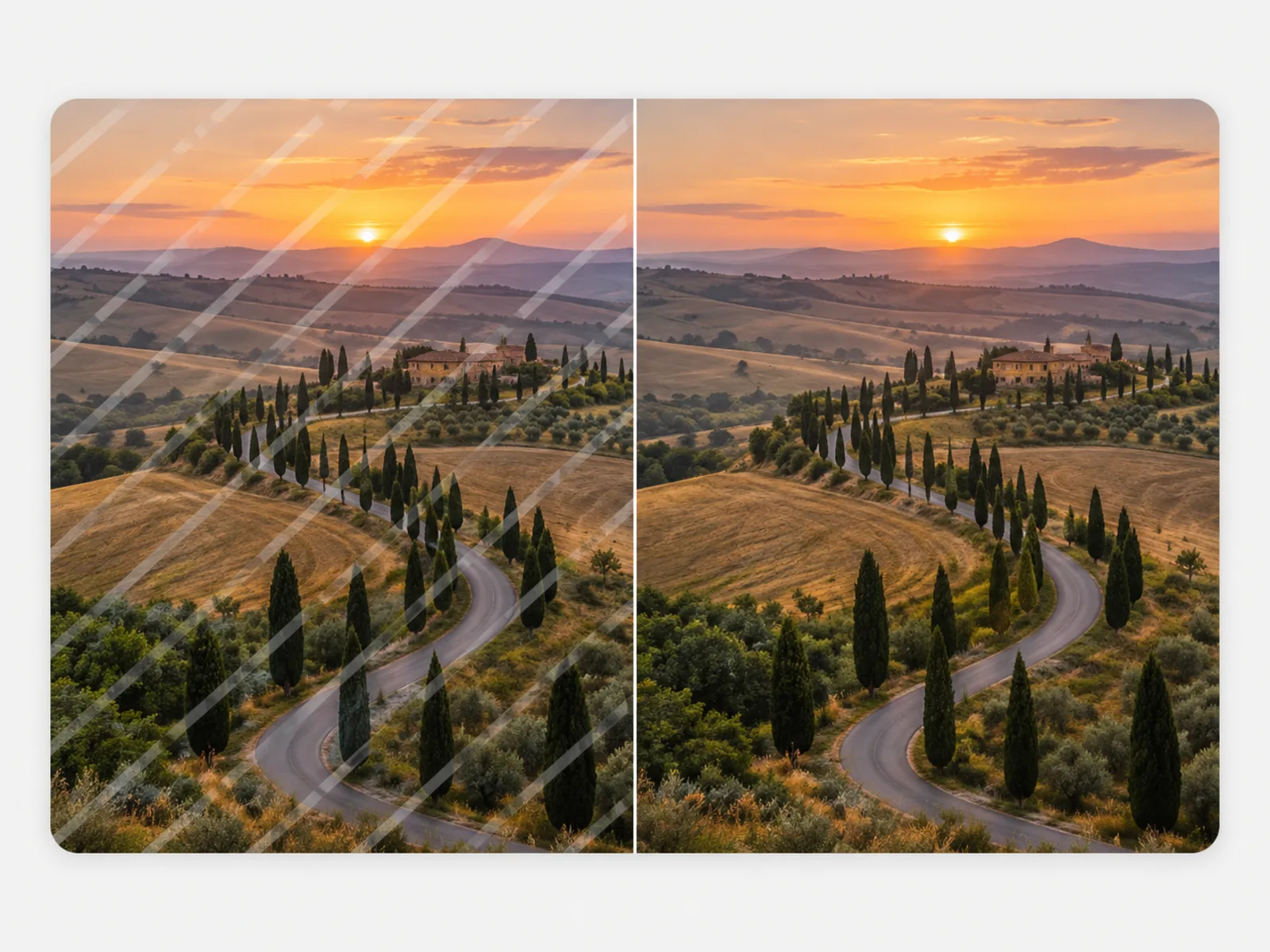
Old exports
Recover a clean version of your own past work.
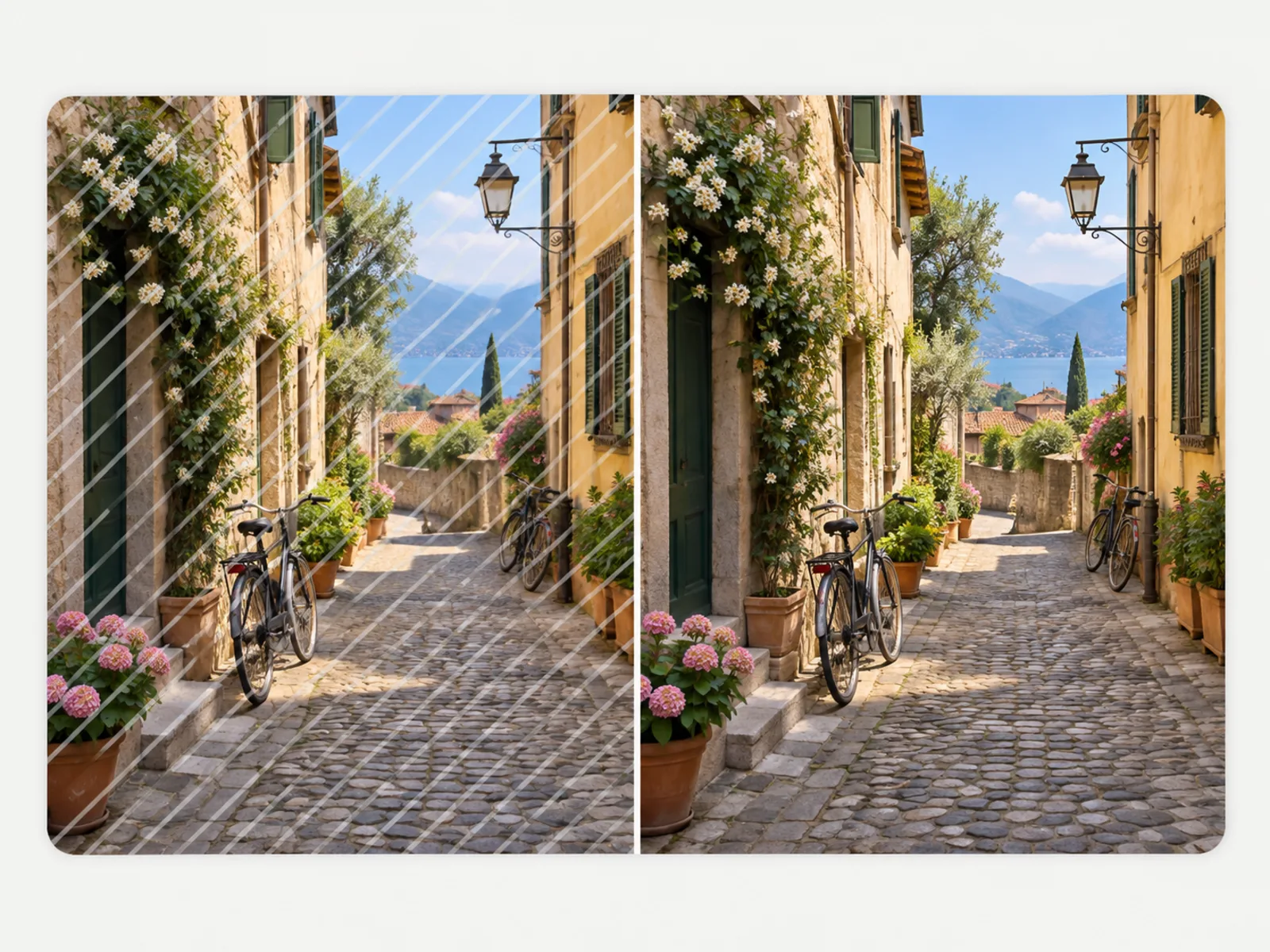
Personal photos
Take a stray overlay off a picture you took.
Design mockups
Clear a template’s sample mark from your own composition.
Rebrands
Remove your outdated logo from your own older assets.
Free tools, and a plan when you need more
The everyday tools are free and run in your browser. The AI tools and the full editor run on credits — pick a plan when you need them.
- Free
- $0
- Every browser tool
- Starter
- $12/mo
- 120 credits
- Pro
- $29/mo
- 310 credits
Clean up your image in one click
Upload a photo you own, confirm the rights, and download a clean result.
Remove a watermark