MP4, MOV, WebM & MKV · browser-based · nothing uploaded
A simple video trimmer, right in your browser
Use this video trimmer to remove unwanted openings, pauses, or endings from a clip without installing an editor. This video trimmer works with MP4, MOV, WebM, and MKV in your browser, so you can keep the exact section you need and download an MP4 when the cut is ready.
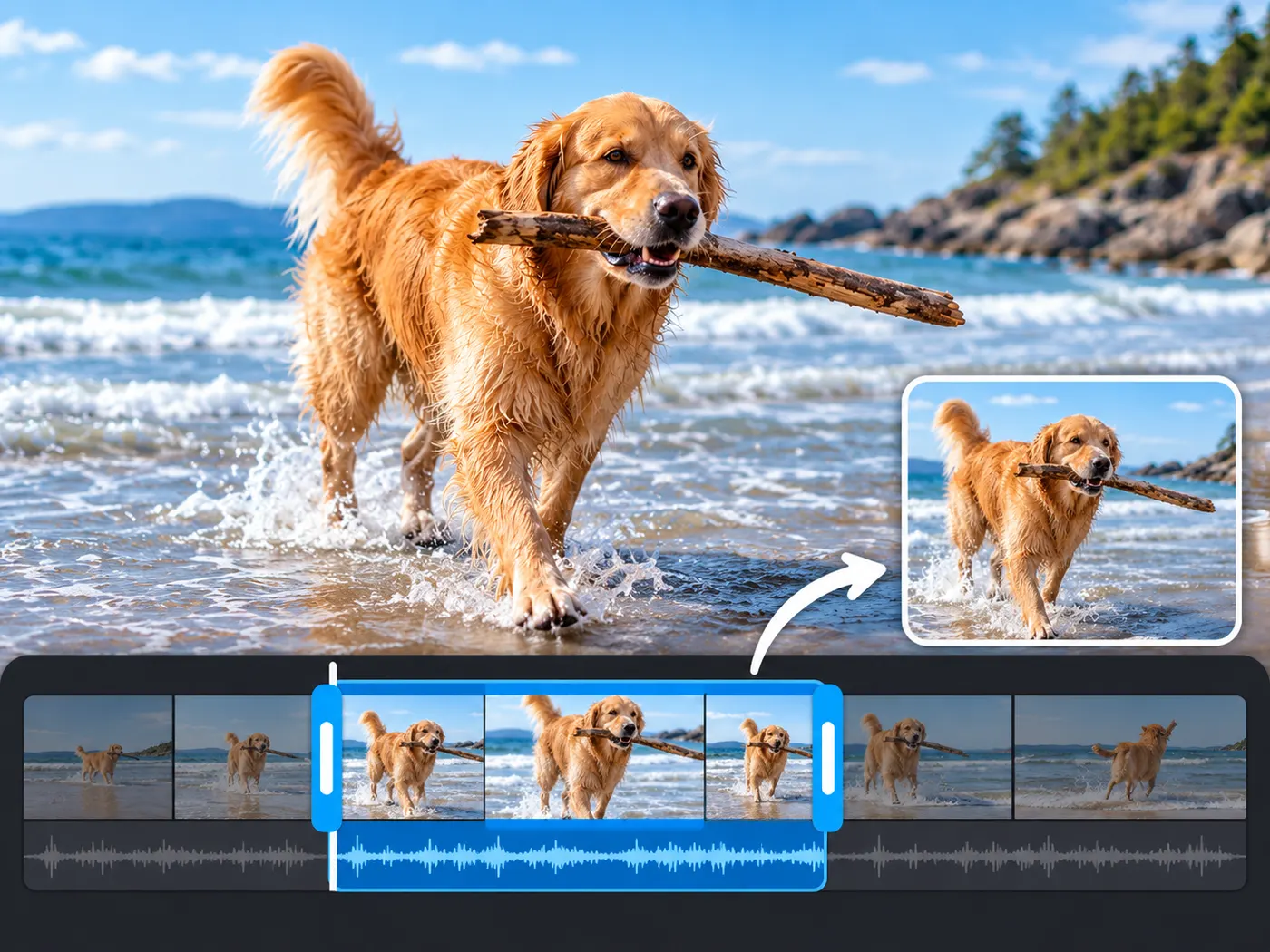
Your video trimmer runs locally; files stay in your browser and nothing is uploaded.
Cut only what you need
With this video trimmer, remove an unwanted opening, pause, mistake, or ending without opening a full editor. The focused control lets you choose the start and finish of the section you want to keep, while the video trimmer keeps the task easy to follow. Work with a single clip, preview the selection, and make a clean cut in the browser. When it looks right, the video trimmer gives you a shorter MP4 ready to download and share. There is no account flow to slow down a quick edit.

Common formats, simple workflow
Use this video trimmer when the job is simply to shorten a file. It accepts MP4, MOV, WebM, and MKV, so you can bring common camera, phone, screen-recording, and downloaded clips into one familiar workflow. The video trimmer does not ask you to build tracks, add effects, or learn a large settings panel. Set the range, check the preview, and let the video trimmer turn the kept section into an MP4. It is a practical choice when speed matters more than layered effects.
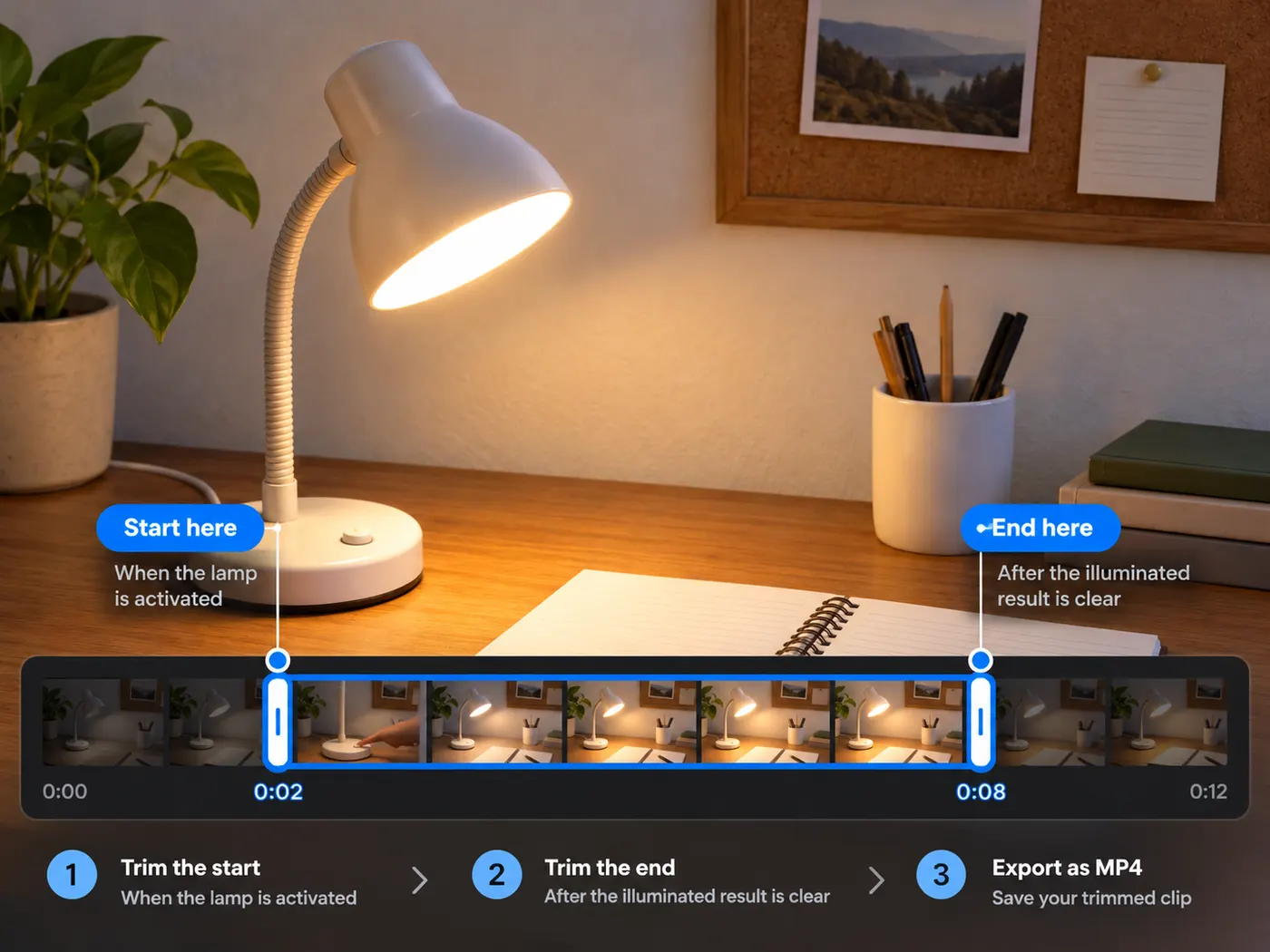
Private browser processing
Privacy matters when a clip is personal, unpublished, or still being reviewed. This video trimmer works in your browser, with nothing uploaded while you select and process the cut. That means you can trim a draft before a meeting, shorten a family recording, or prepare a social clip without handing the source to another service. The video trimmer stays focused on one input and one downloadable MP4. Keep the original file nearby if you want to make another selection later.
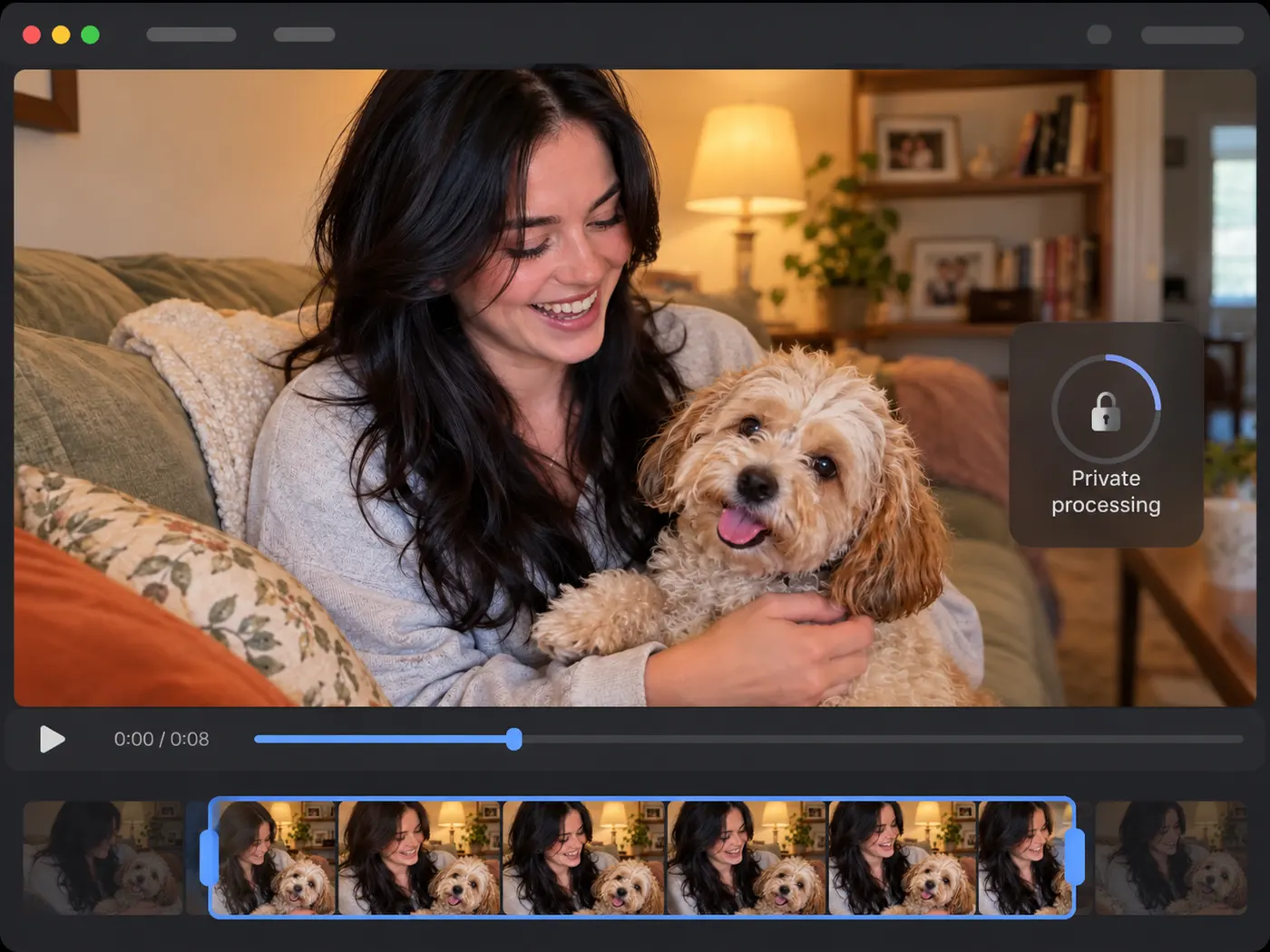
See your final cut before you download
This video trimmer keeps the workflow focused: choose a file, set the section to keep, and download the finished MP4.
How to trim a video online
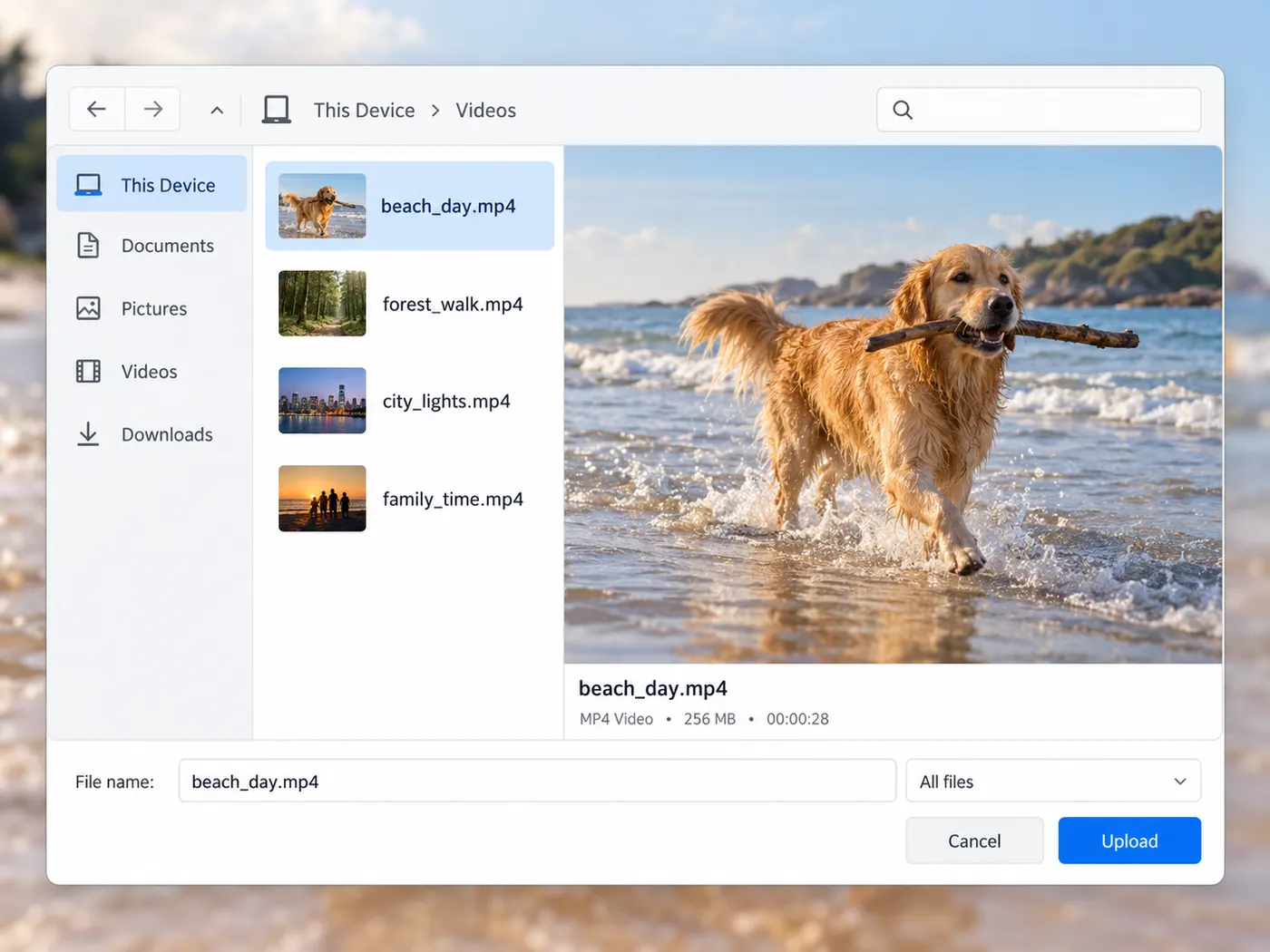
Step 1
Choose your video
Open this video trimmer in your browser, then choose one MP4, MOV, WebM, or MKV file from your device. Nothing needs to be installed before you begin.
Step 2
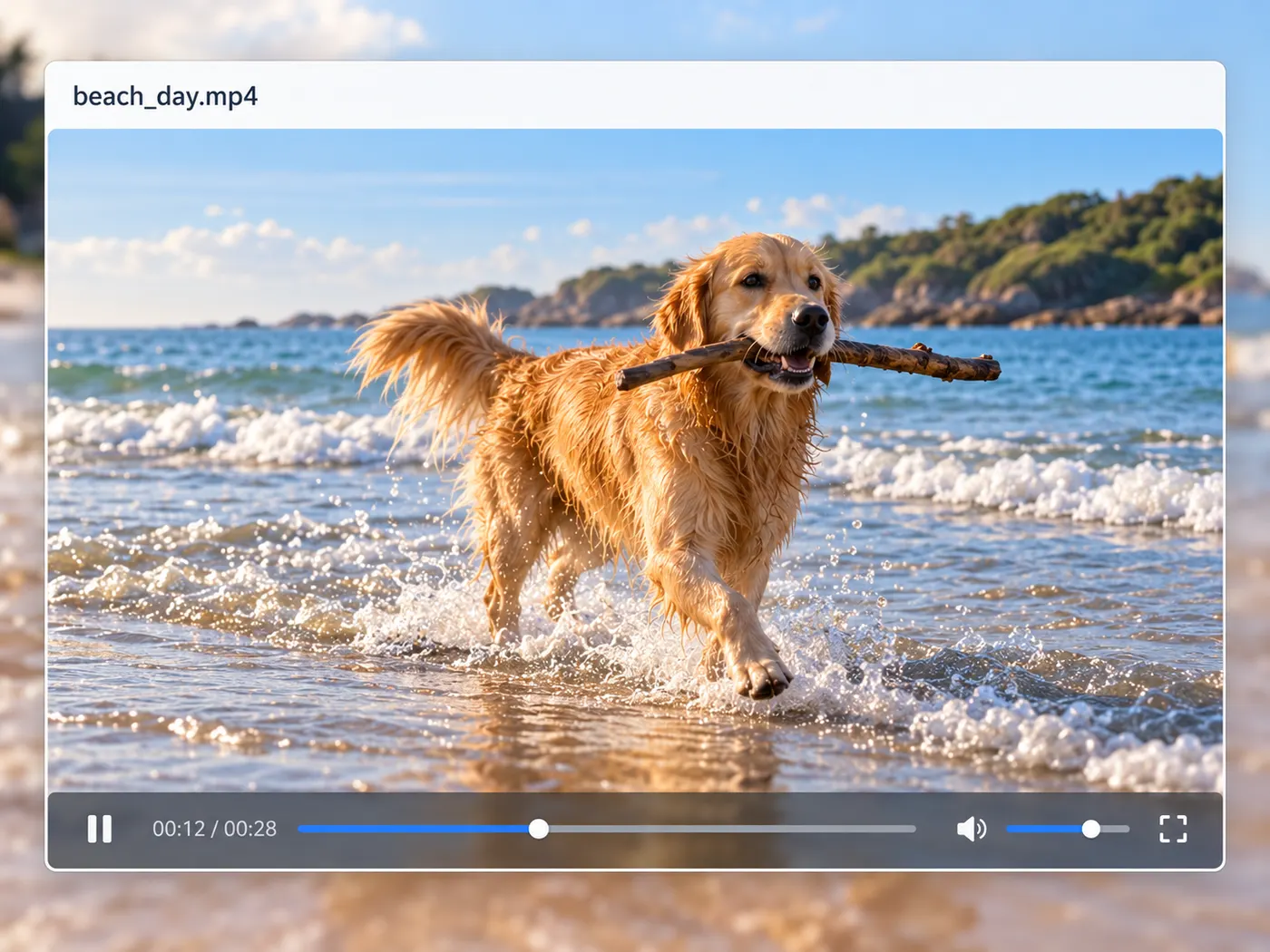
Preview the clip
Let the video trimmer load the clip and show its available duration. Watch the preview once so you know where the unwanted section starts and where the kept moment should finish.
Step 3
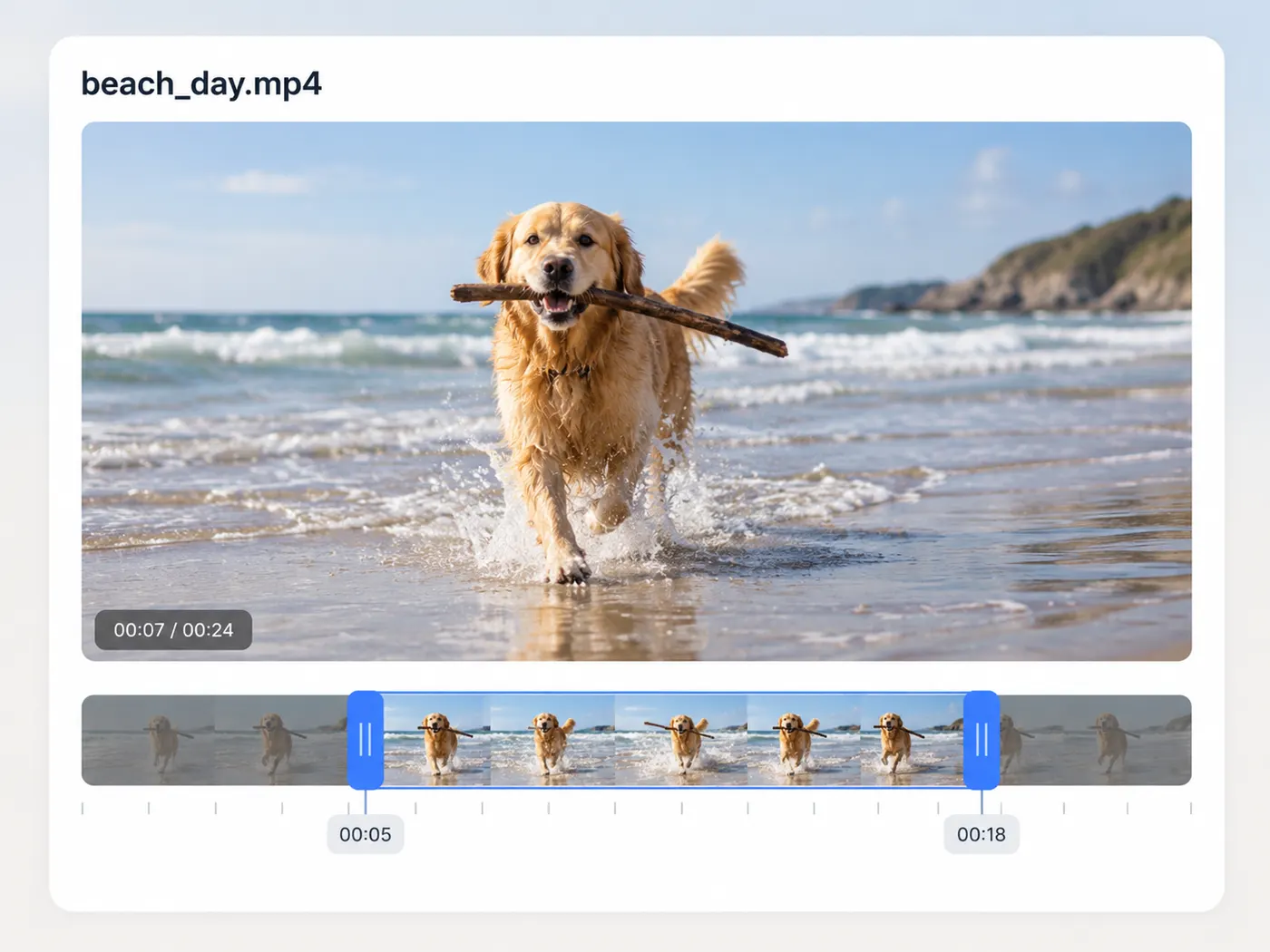
Set the range
Use the video trimmer control to mark the start and end of the portion you want to keep. Adjust either point until the selection matches the moment you plan to share.
Step 4
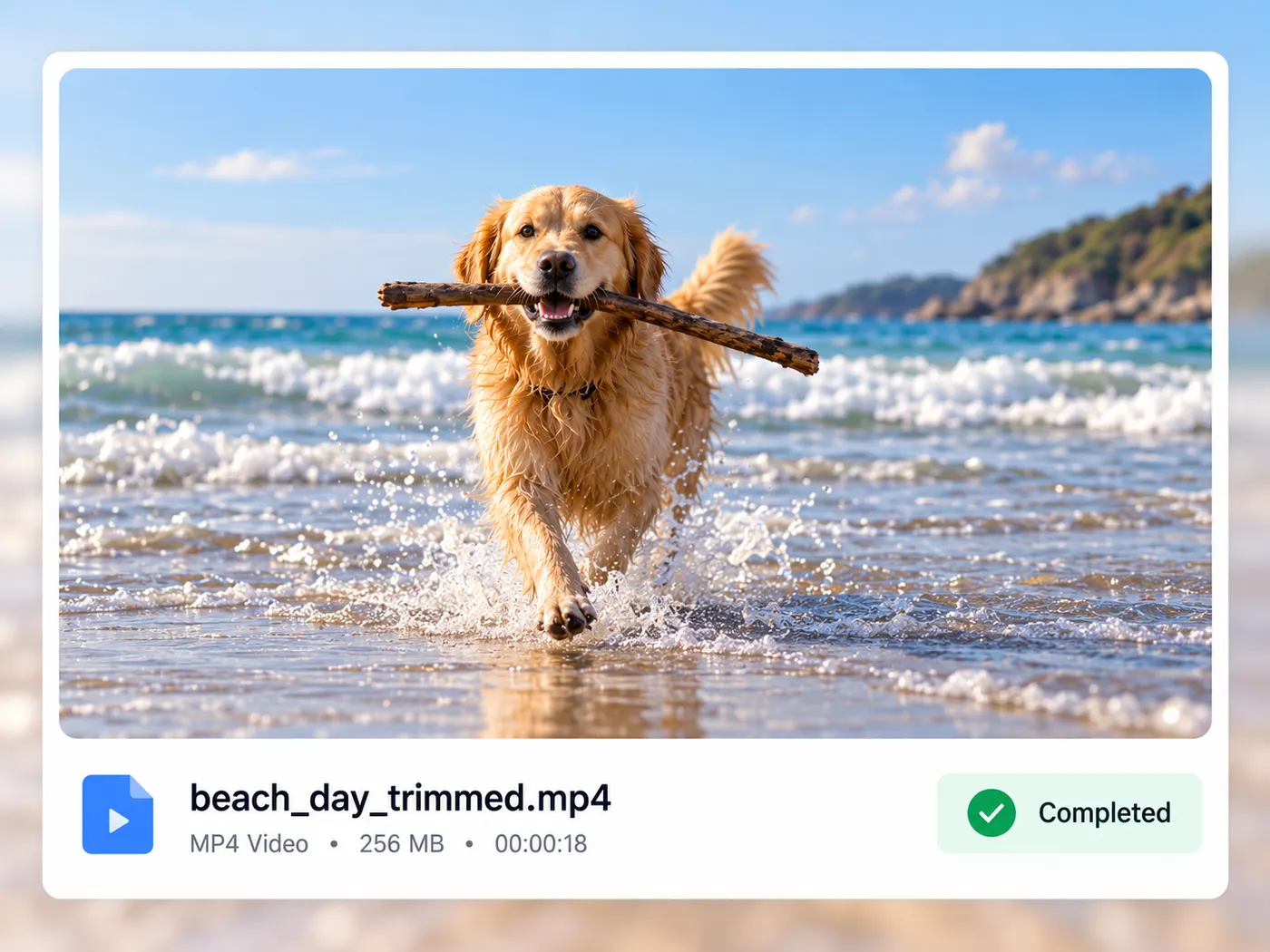
Download the MP4
When the video trimmer finishes processing, download the resulting MP4. Open it briefly to check the cut, then post, send, archive, or reuse the shorter video wherever you need it.

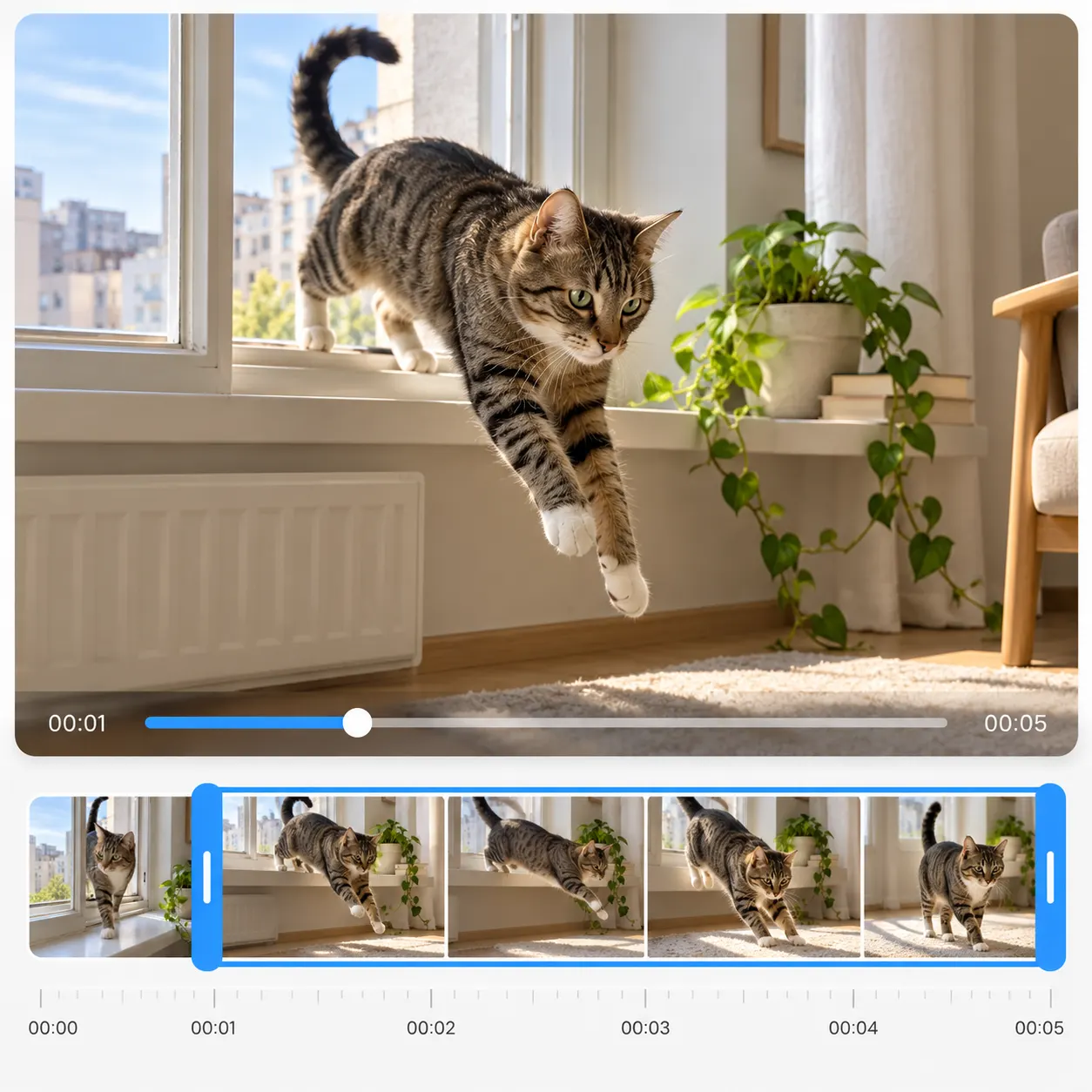
Focused trimming
The video trimmer does one job clearly: keep the section you choose.
Common formats
Bring MP4, MOV, WebM, or MKV clips.
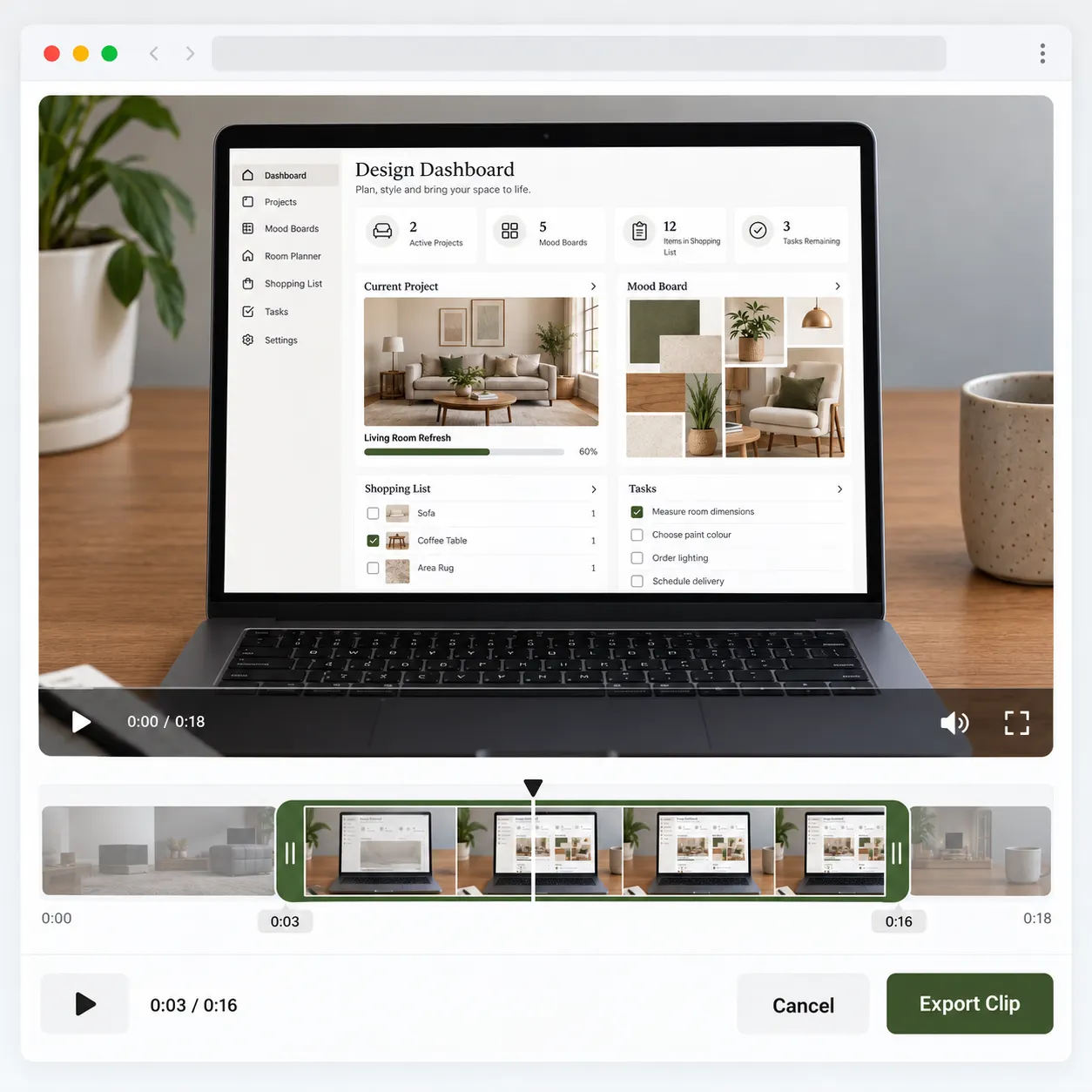
Browser workflow
Select, set the range, process, and download.

MP4 output
Get a shorter MP4 ready to share.
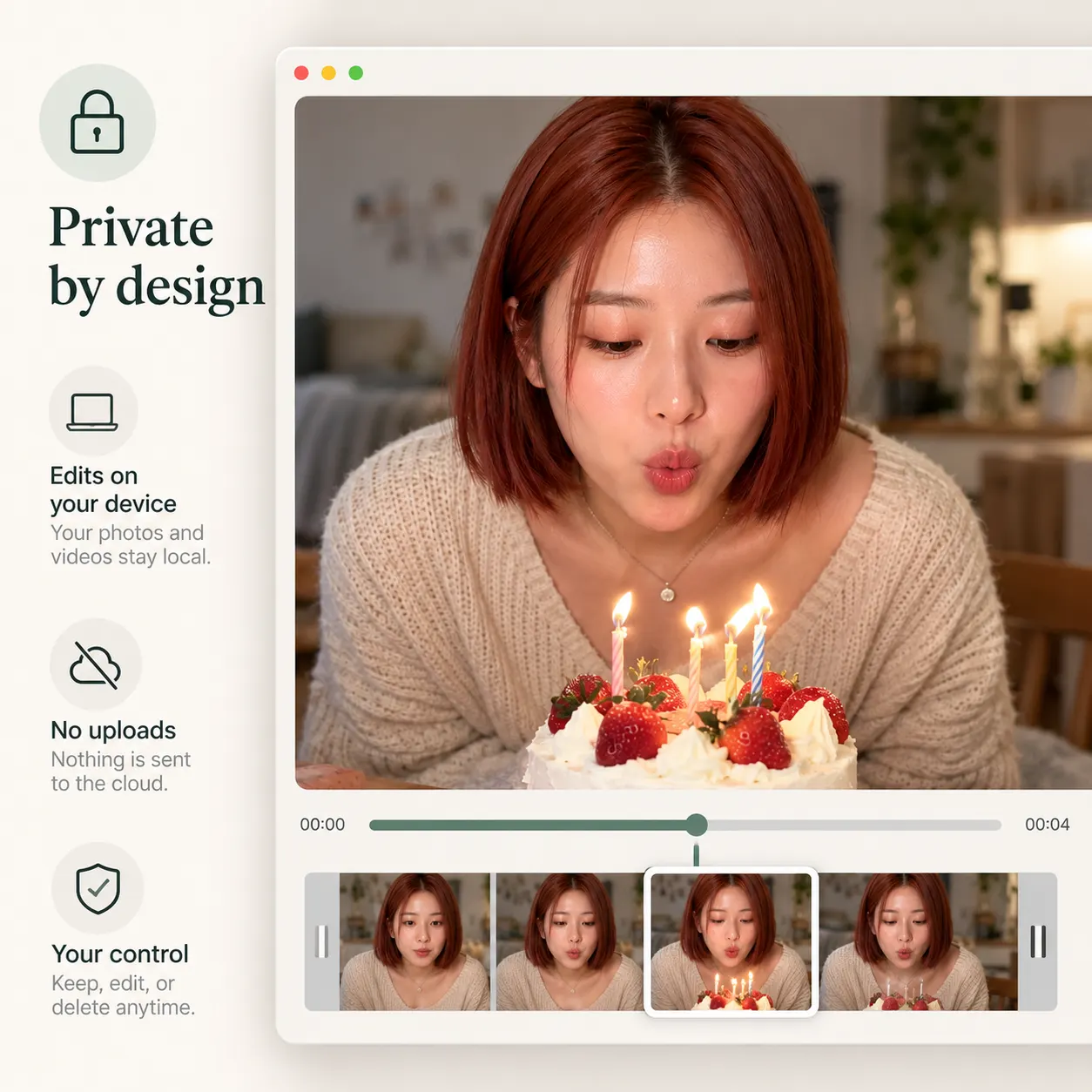
Private by design
Nothing is uploaded during browser processing.
Quick tips for clean trims
Use this video trimmer for focused cuts, then check the result before sharing or reusing your clip.


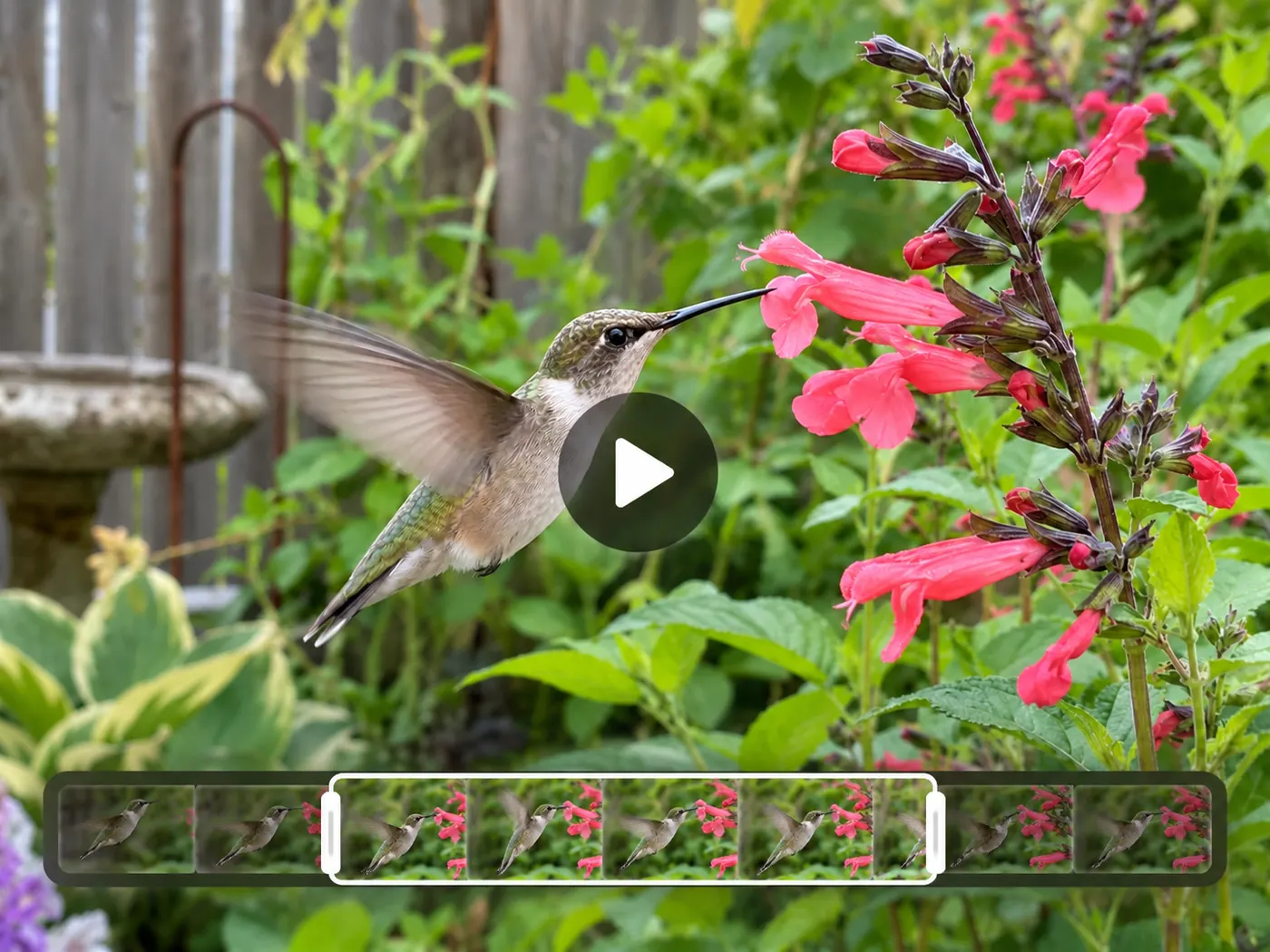

Good for quick cuts

Social posts
Use a video trimmer to remove dead air before posting a tighter clip.

Course clips
This video trimmer helps shorten recordings into focused lessons or examples.

Product demos
Cut a clean section from a longer demonstration for customers or teammates.

Personal videos
A video trimmer makes it easy to keep the best moment from a private recording.
Video trimming questions

What can I do with this tool?
A video trimmer lets you remove unwanted openings, pauses, or endings from one clip. Choose the section to keep, preview the result, and download the shorter MP4. The video trimmer is designed for a focused cut rather than a full editing timeline, so you can finish a simple task without learning a complicated editor.
Which files can I use?
This video trimmer accepts MP4, MOV, WebM, and MKV files. The video trimmer reads one video at a time, then creates an MP4 output after you set the start and end points. If your source uses one of those formats, you can trim it directly in the browser.
Does my file leave my device?
No. The video trimmer processes the cut in your browser, and the page states that nothing is uploaded. Your video stays local while the video trimmer prepares the MP4, which is useful for personal, unpublished, or client footage that you do not want to send to a third-party server.
How do I choose the part to keep?
Load a video, use the trim control to set the beginning and end, and preview the selected portion before running the export. The video trimmer keeps the range you mark and removes the rest. You can adjust the selection if the preview starts too early or ends too late. This video trimmer is for selecting one continuous section.
What file do I download?
The result is an MP4 file, ready to download after processing. A video trimmer is useful when you need a broadly shareable file from a longer source, and this video trimmer keeps the output focused on the range you selected. Before you download, check that the opening and ending land where you want them; the video trimmer gives you a clean, shorter result for posting, messaging, or reuse.
Do I need editing experience?
No editing background is required. This video trimmer has one focused trim control: load one clip, choose the portion to keep, and download the MP4. The video trimmer does not ask you to build a timeline or configure a long list of settings, so it suits quick cuts when you want a straightforward browser workflow.
Free tools, and a plan when you need more

The everyday tools are free and run in your browser. The AI tools and the full editor run on credits — pick a plan when you need them.
- Free
- $0
- Every browser tool
- Starter
- $12/mo
- 120 credits
- Pro
- $29/mo
- 310 credits
Make a clean cut now
Open the video trimmer, choose your keep range, and download a shorter MP4 in your browser.
Choose a video