AI video matting · no green screen · clean cutouts
Video Background Remover — cut a subject out without a green screen
Cut a subject out of moving footage without a green screen. Upload a clip and get a clean transparent cutout you can place over a new background, a brand color or a fresh scene — no keying, no tape on the wall, no even lighting to set up.
See the difference
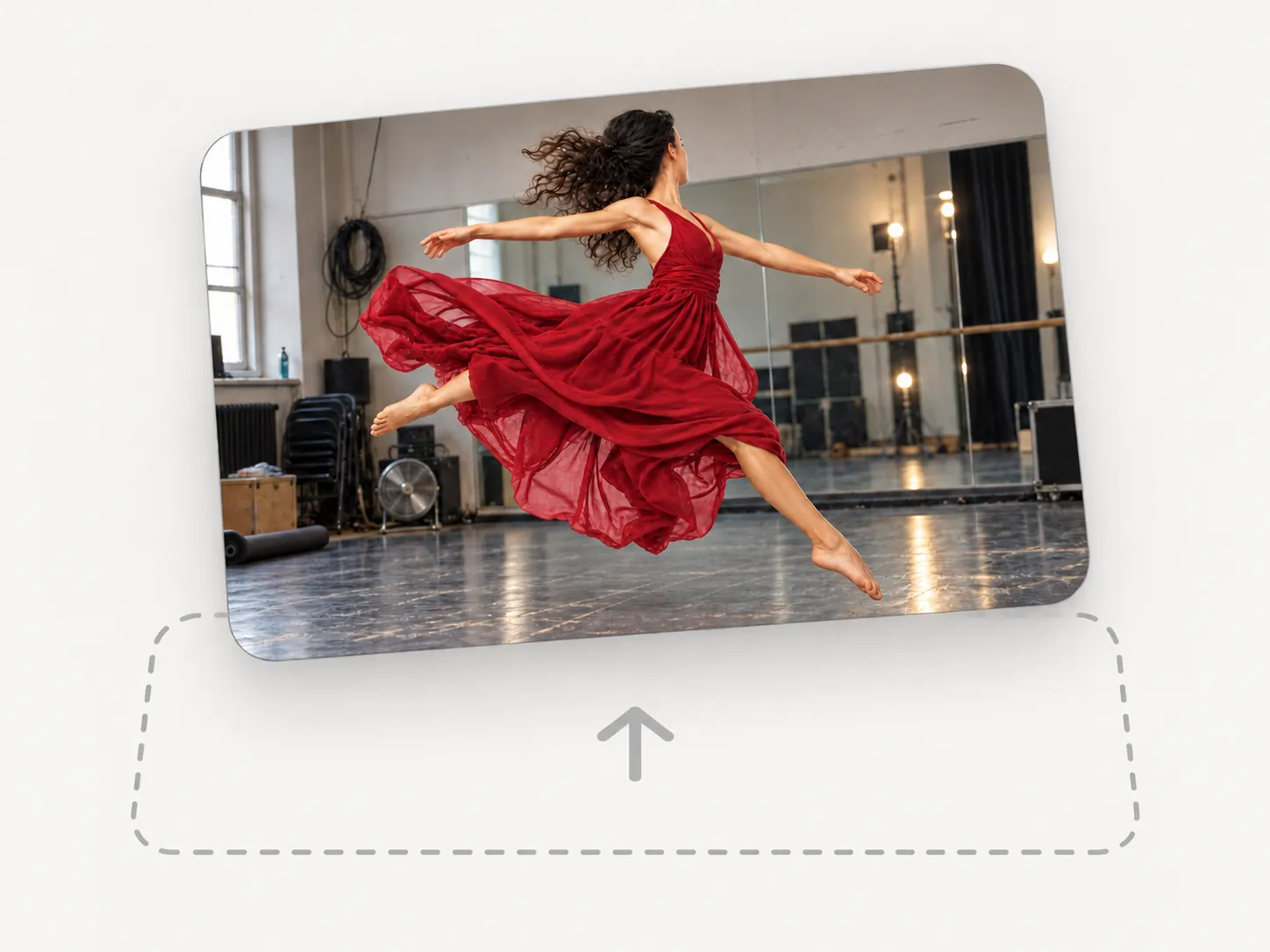

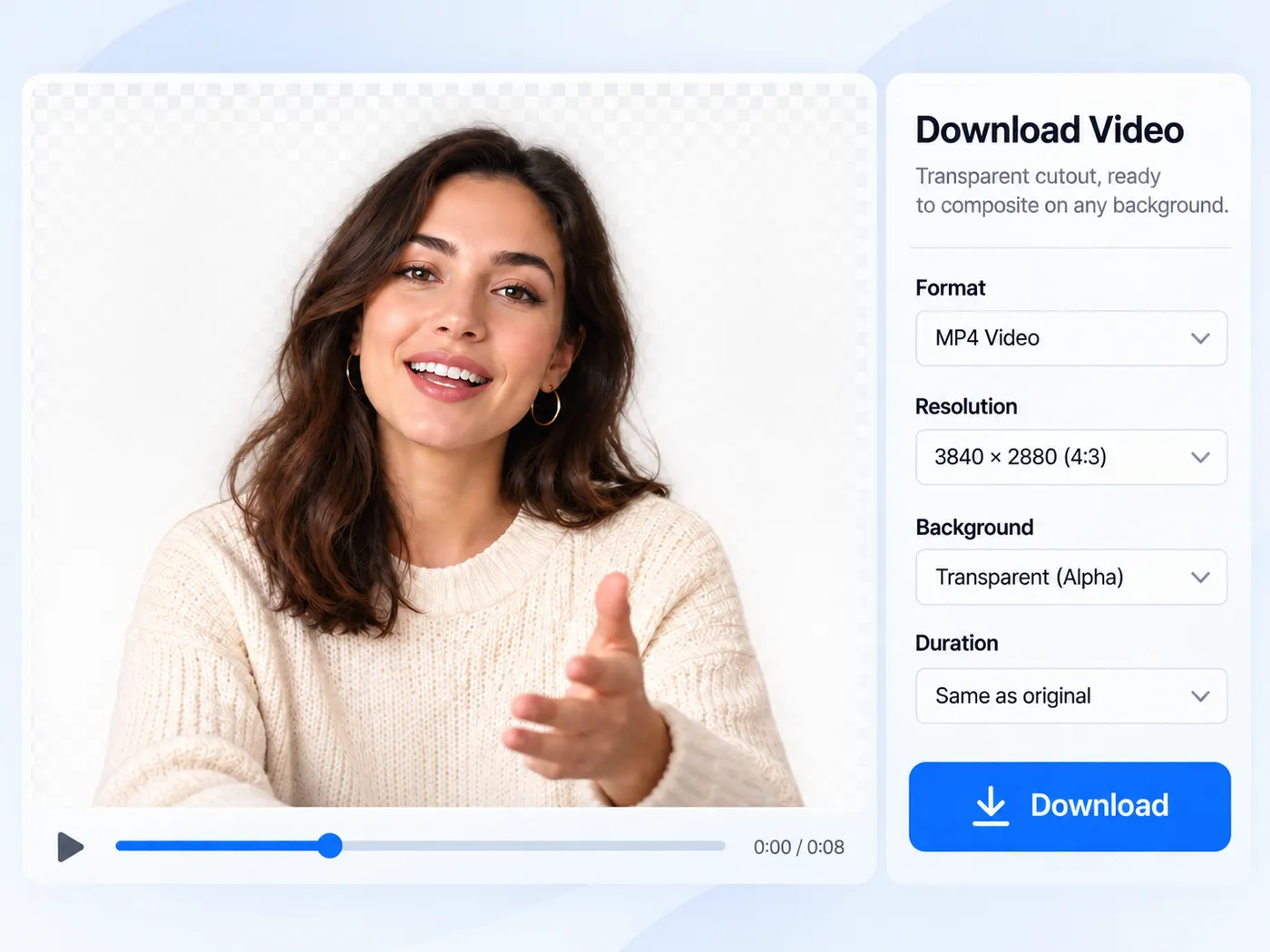
Green-screen results without the green screen
Traditional keying needs a physical green backdrop and even lighting. AI video matting separates the subject from whatever is actually behind them, frame by frame, so you can shoot anywhere and still drop the person or product onto a clean background in post. That means a phone clip filmed in a normal room can end up looking like it was shot in a studio.

Nearby tools that pair with it
Video matting rarely stands alone: the image background remover cuts out stills, and the in-browser editor removes the background from images you place on a timeline. Use this page whenever the subject is moving footage.

A simple one-click flow
Drag in a clip, preview it privately, sign in, and download the cutout — credits are spent only when the run succeeds. There is no complicated masking timeline to learn — the model does the separation and hands you back a clean transparent result ready to composite. Because the cutout ships as a transparent file, you can drop it straight onto a new backdrop in any editor without keying it a second time: the heavy matting work is done once, up front, and the file you download is ready to use as it is.

From clip to cutout, in a few steps
Upload a clip, run the AI, and download the subject cut out cleanly across every frame on transparency.
How video background removal works
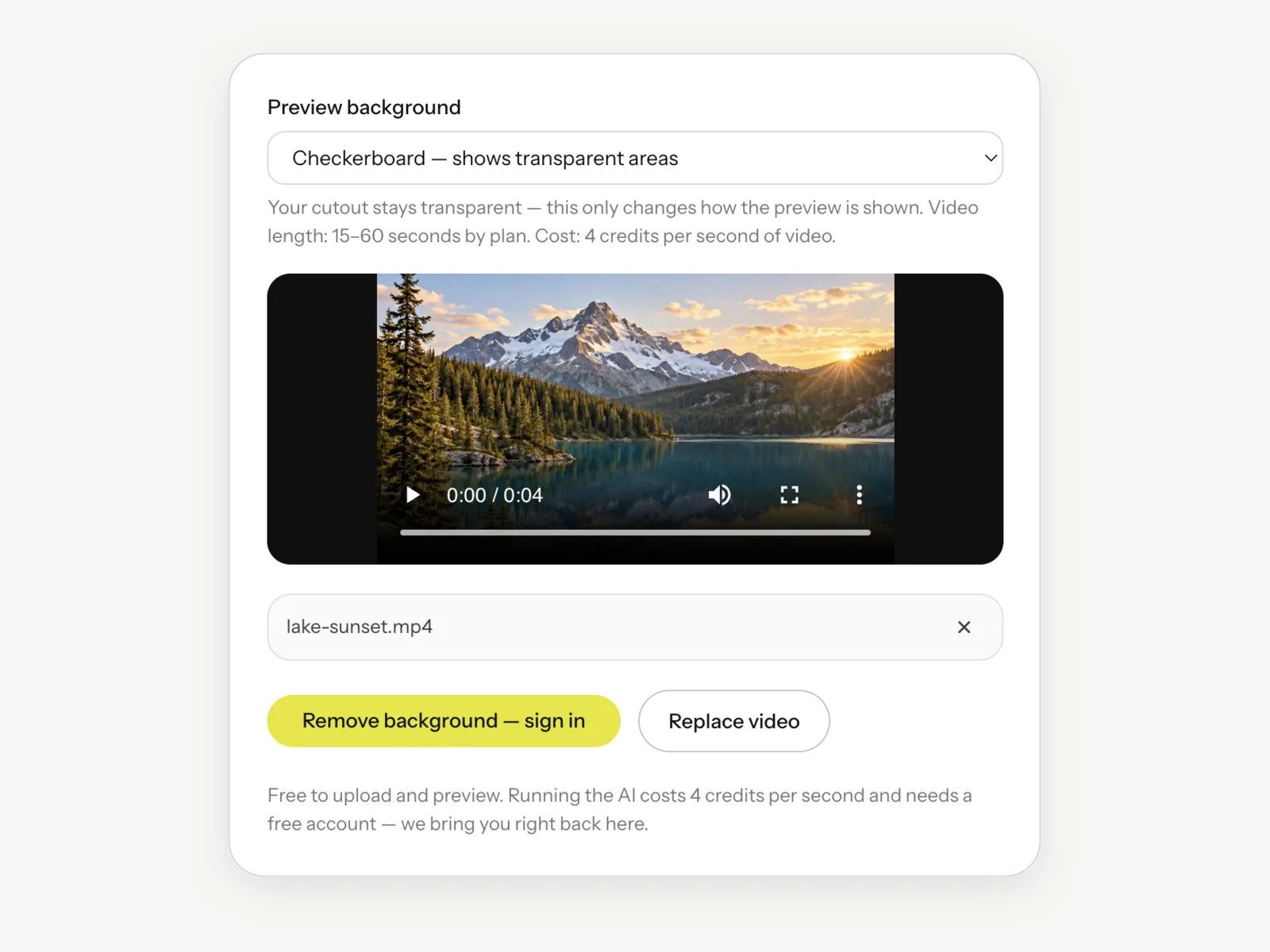
Step 1
Upload your clip
Drag in a video file and preview it privately before anything runs.

Step 2
Sign in to run
Video matting is a heavier operation, so a run uses credits and needs a free account.
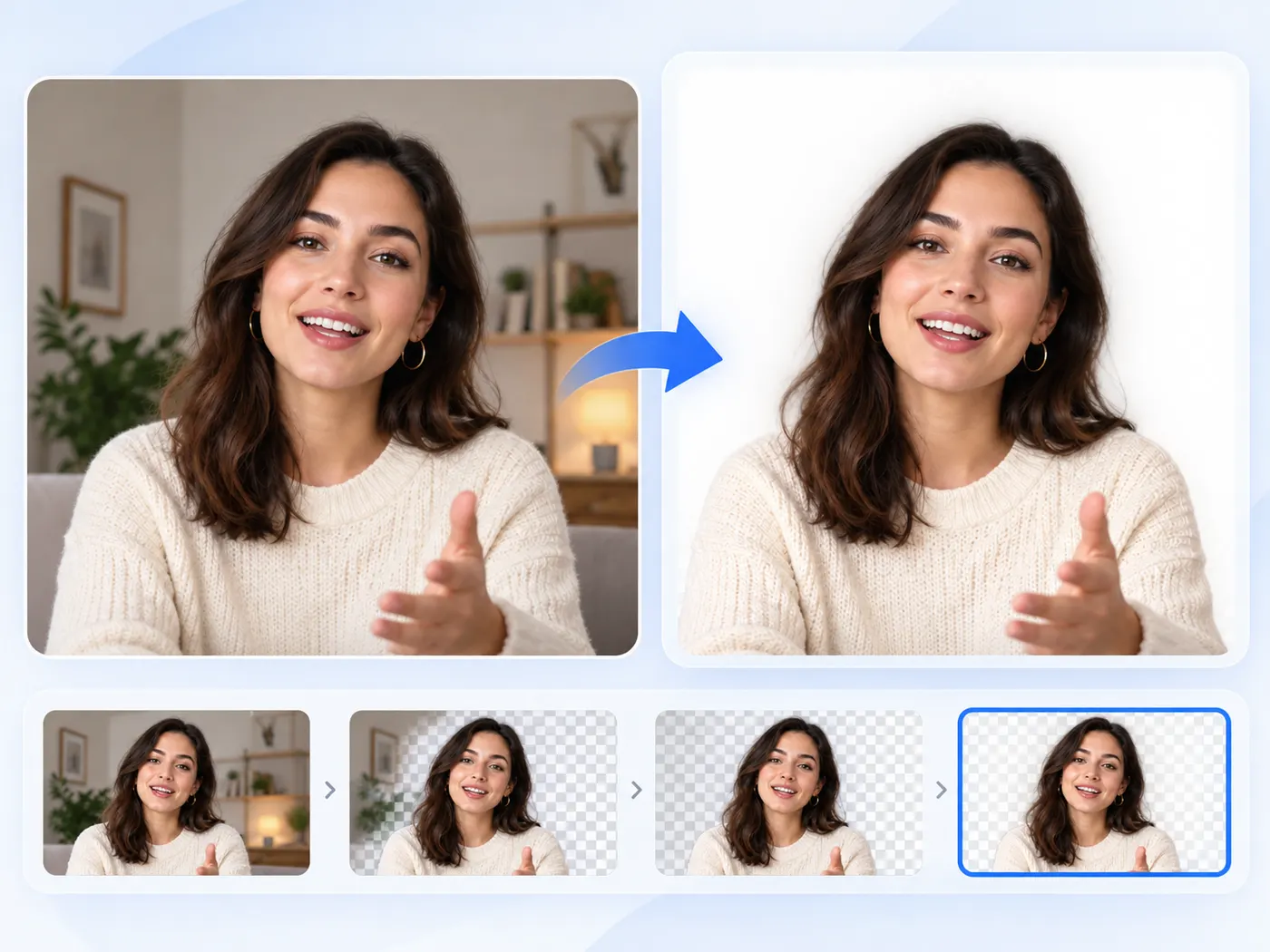
Step 3
AI separates the subject
The model cuts the subject from the background across the whole clip.
Step 4
Download the cutout
Download a clean transparent cutout ready to composite onto any new background.
Shoot anywhere
Video matting removes the need for a physical green screen.
The AI handles the separation from whatever was actually behind the subject.
Consistent across frames
A good video cutout holds steady as the subject moves.
The matting model tracks the subject frame to frame so the edges stay clean.
Composite freely
With the background gone you can place the subject over a brand color, a location plate or a fresh scene.
Transparent output
The cutout downloads as a transparent WebM, so you can drop it straight onto any backdrop.
No baked-in background to key out again.
Same simple flow
It follows the same upload, run and download pattern as every other AI tool here.
Pay only for results
Credits are spent only on a successful run; a failed run is refunded.
Tips & good to know
A few quick pointers to get the best result from this tool.




What video cutouts are for

Talking-head videos
Drop a presenter onto a branded or custom background.
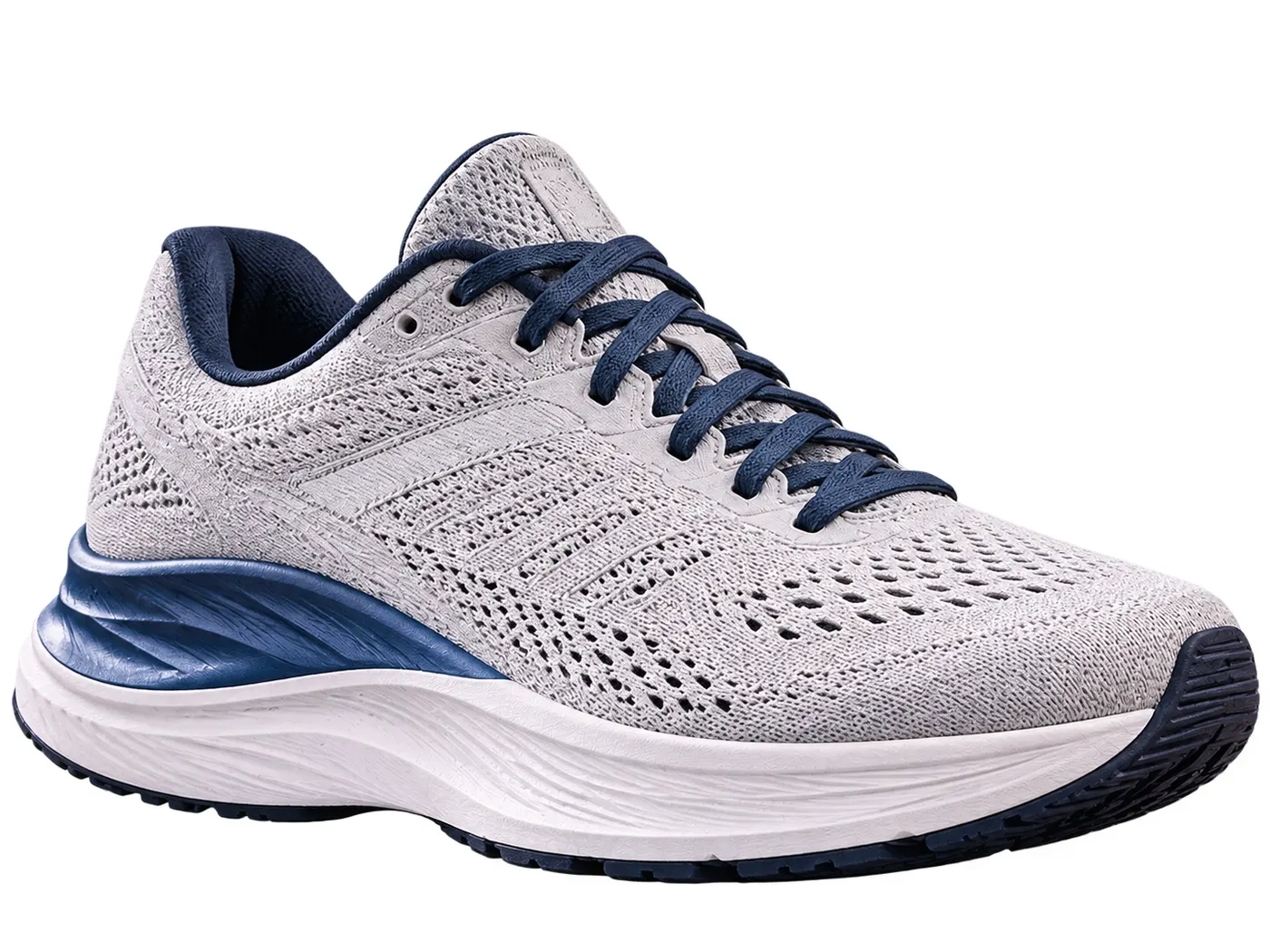
Product clips
Isolate a product in motion for a clean promo.

Creators
Composite yourself into a new scene without a studio.

Ads
Reuse one shot across many backgrounds.
Course videos
Put an instructor over slides without a green screen.
Events
Place a speaker onto a custom stage backdrop.
Free tools, and a plan when you need more
The everyday tools are free and run in your browser. The AI tools and the full editor run on credits — pick a plan when you need them.
- Free
- $0
- Every browser tool
- Starter
- $12/mo
- 120 credits
- Pro
- $29/mo
- 310 credits
Get a clean video cutout
Upload a clip, remove the background with AI, and download a transparent cutout ready to composite.
Remove a background