Speech-to-text · timestamps · editable downloads
Phonon-2 transcription that actually reads clean
For Phonon-2 recordings, turn video speech into clean text without listening through every minute. Upload a video or audio file, let the AI transcribe it once, then review the timestamped result, fix names or wording, and download a .txt file. It is a simple browser workflow for recordings you need to search, quote, edit, or reuse.
See the difference
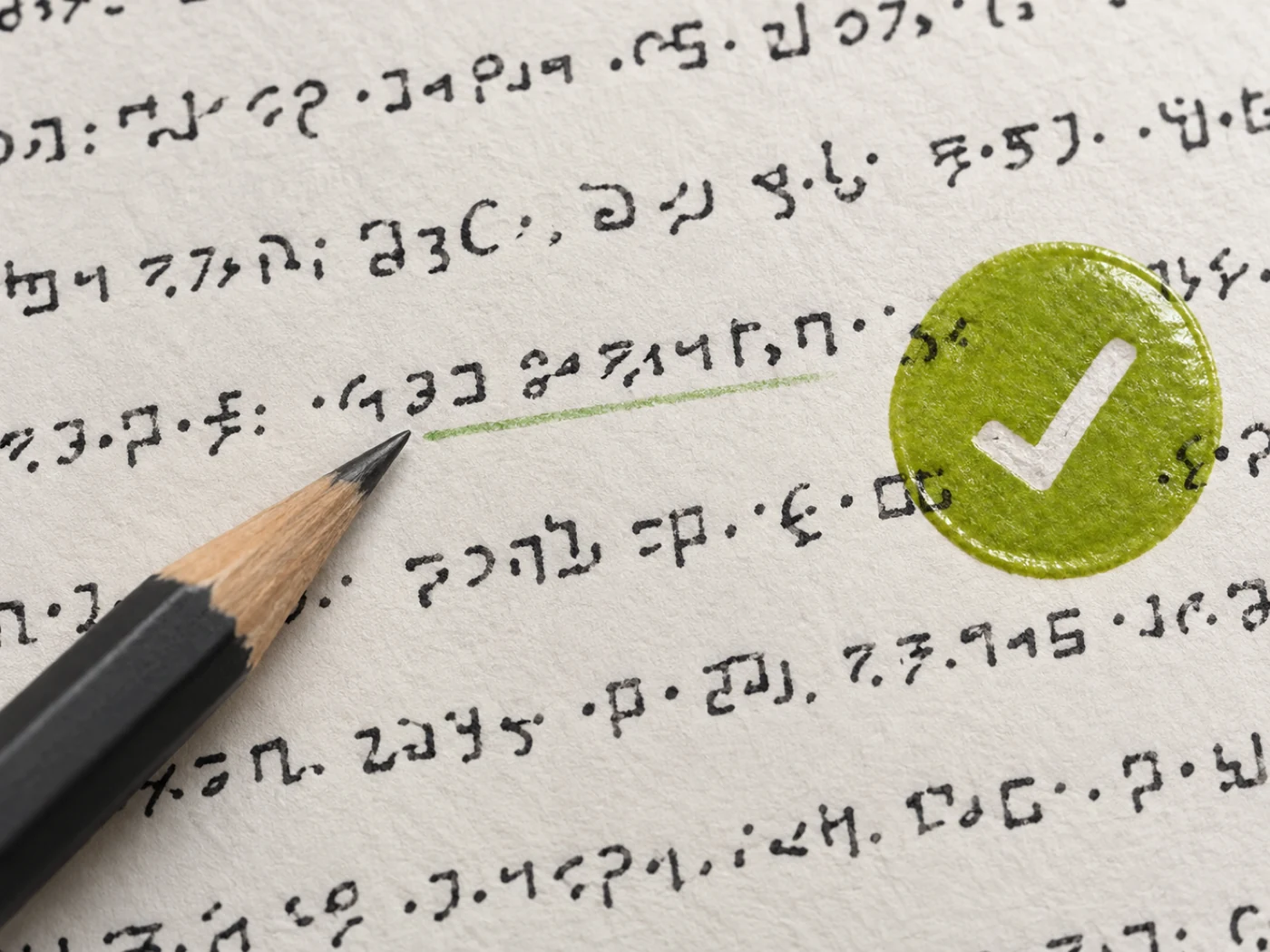
Example transcript
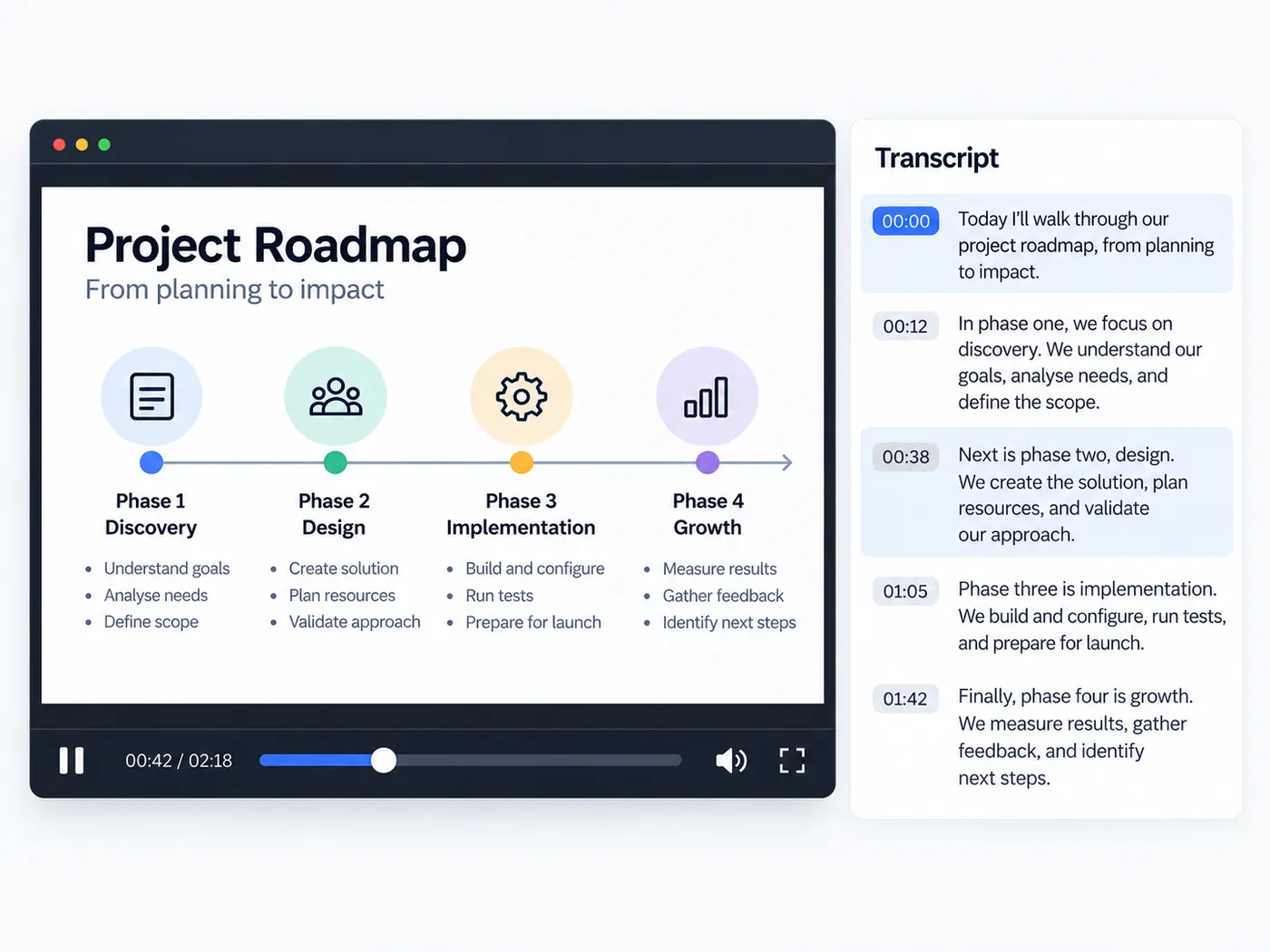
[00:00] Welcome to VidSnappy. [00:03] This is an example of what your transcript will look like — each sentence on its own line, with timestamps. [00:10] Upload your video below to get started.
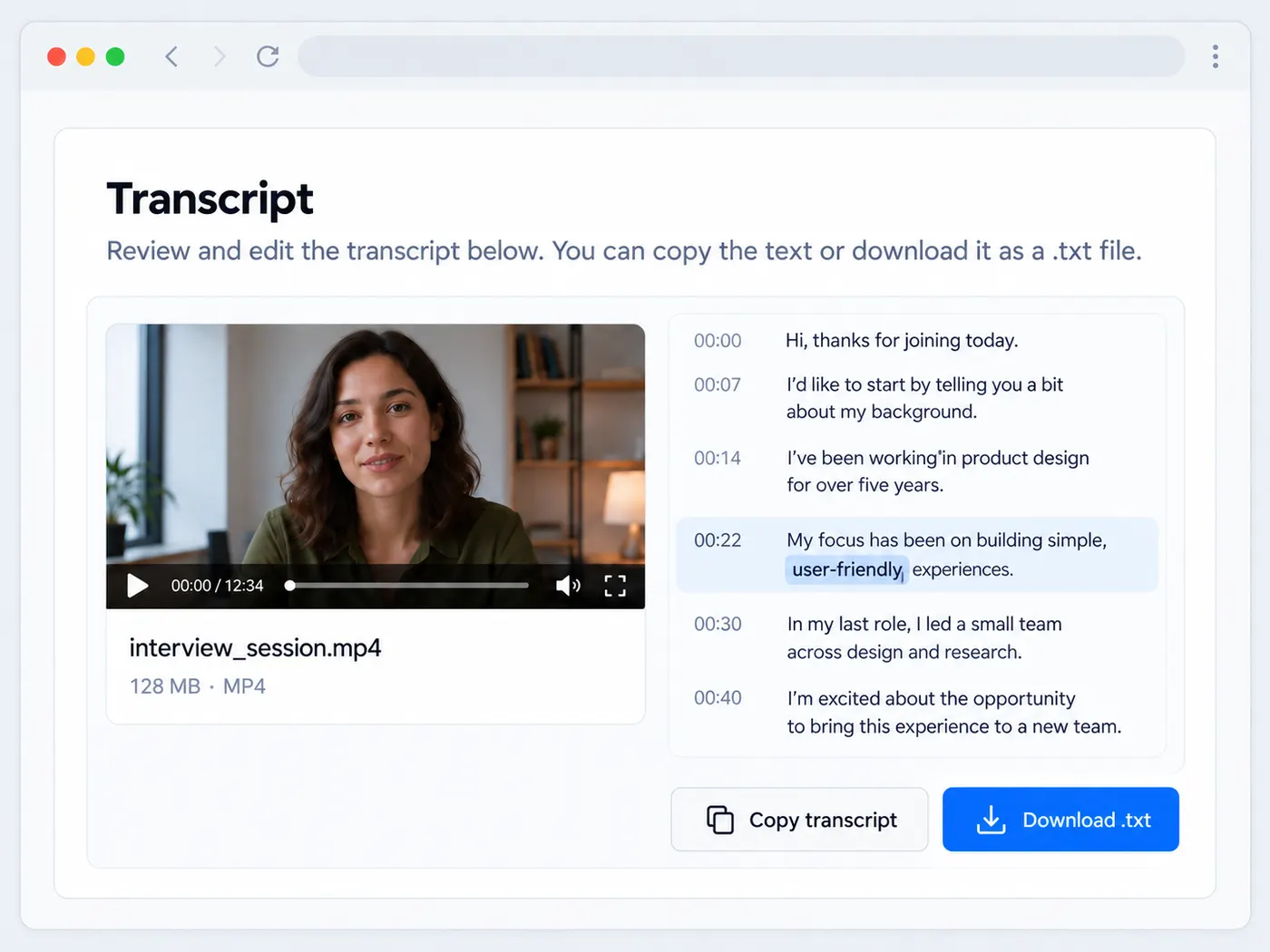
From speech to usable text
Point the tool at a talking-head clip, interview, lecture, podcast export, or screen recording. The AI transcribes the spoken content into readable text with punctuation, so you can skim the recording without replaying every section. Start with a useful draft for notes, captions, articles, or any project that depends on what was said.
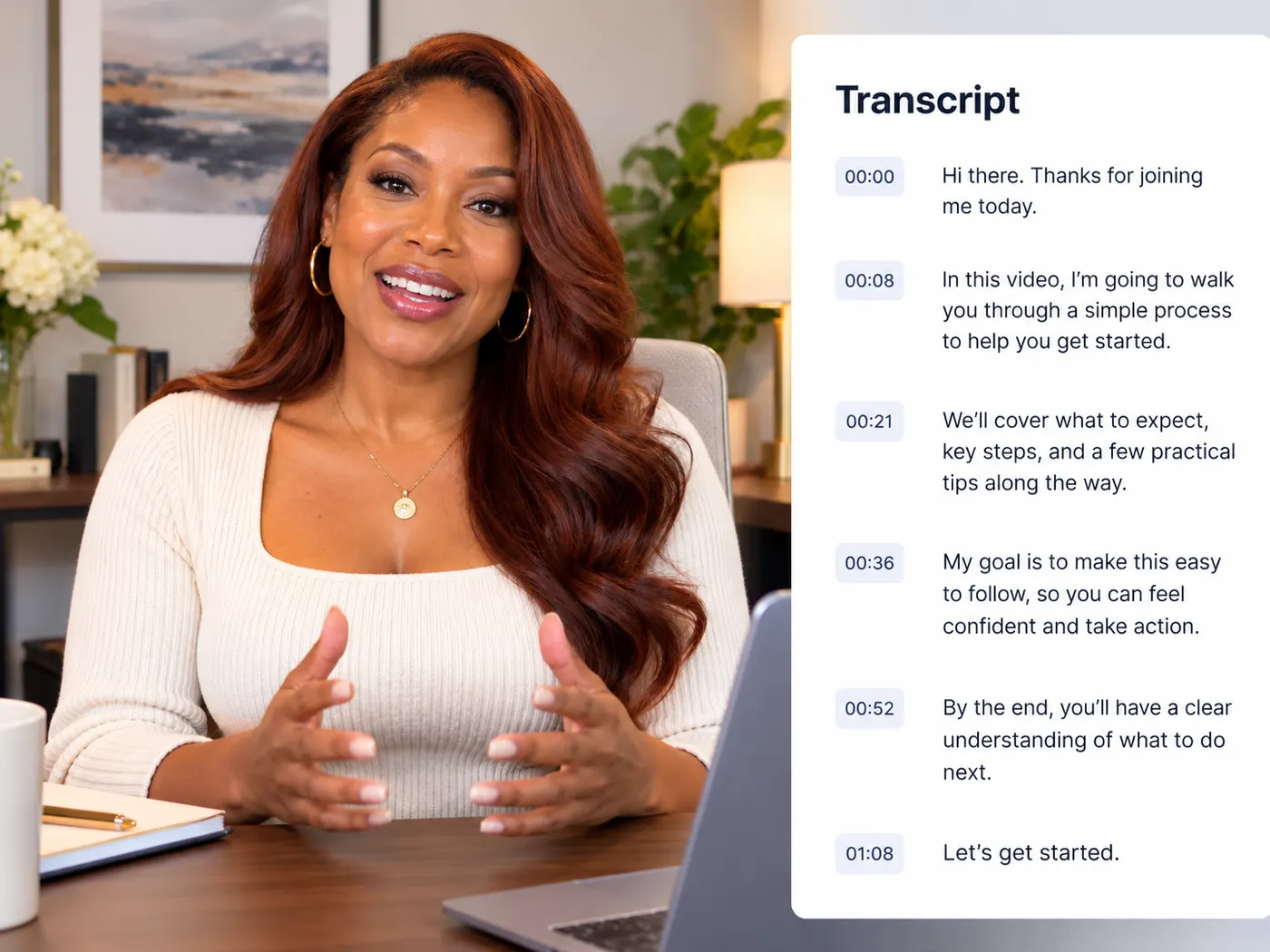
Timestamps that make review faster
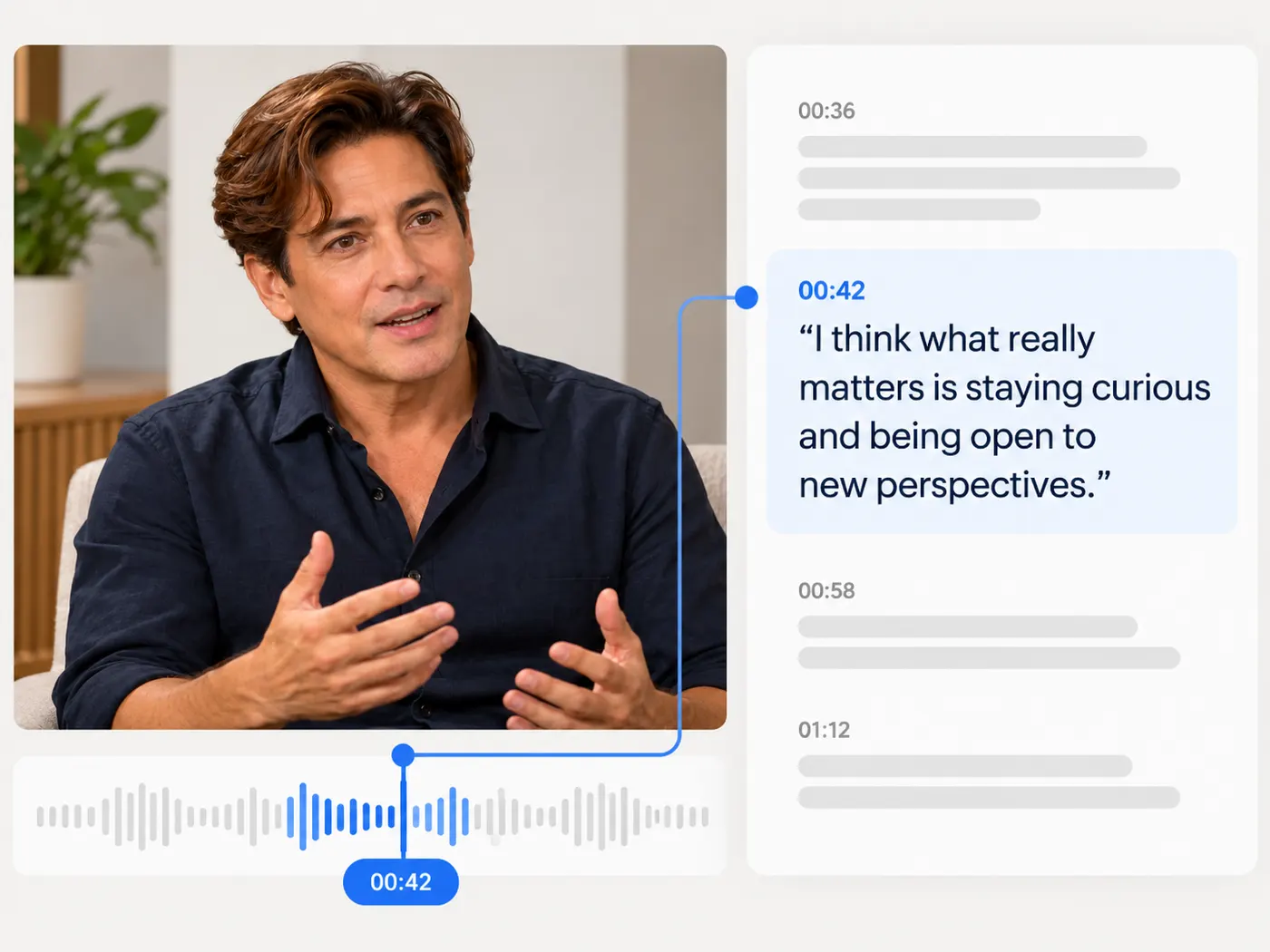
Timestamped text gives you a practical way to find specific moments in a long recording. Scan the transcript for a phrase, jump back to the matching section, and verify the wording before you quote or edit it. That is much faster than scrubbing through an entire video when you only need one answer or line.
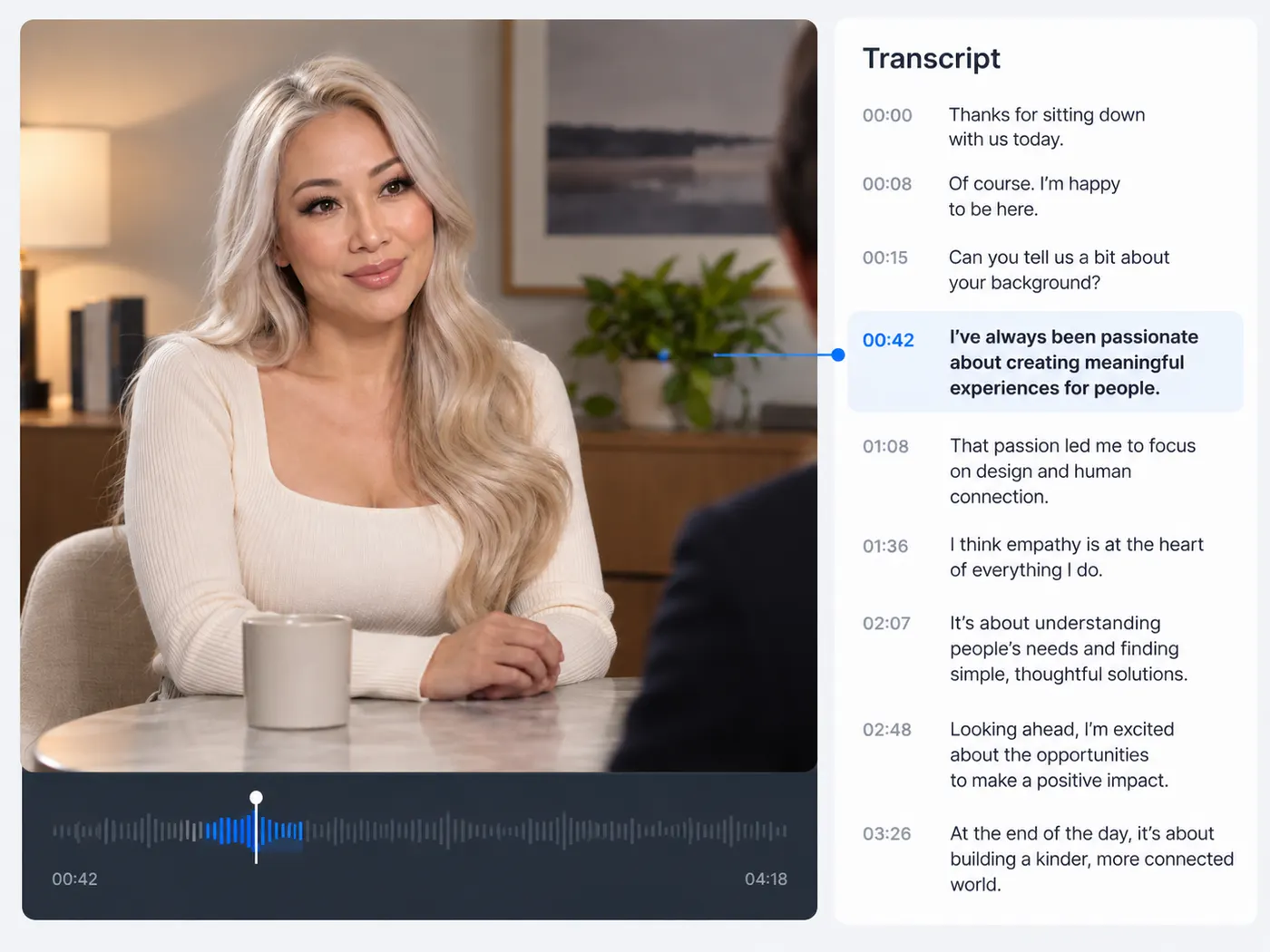
Edit before you download
Review the returned transcript in the browser, correct names, acronyms, or small wording mistakes, then copy the finished text or download it as a .txt file. You stay in control of the final version while the AI handles the slow first pass. The result is ready to reuse wherever plain text works.
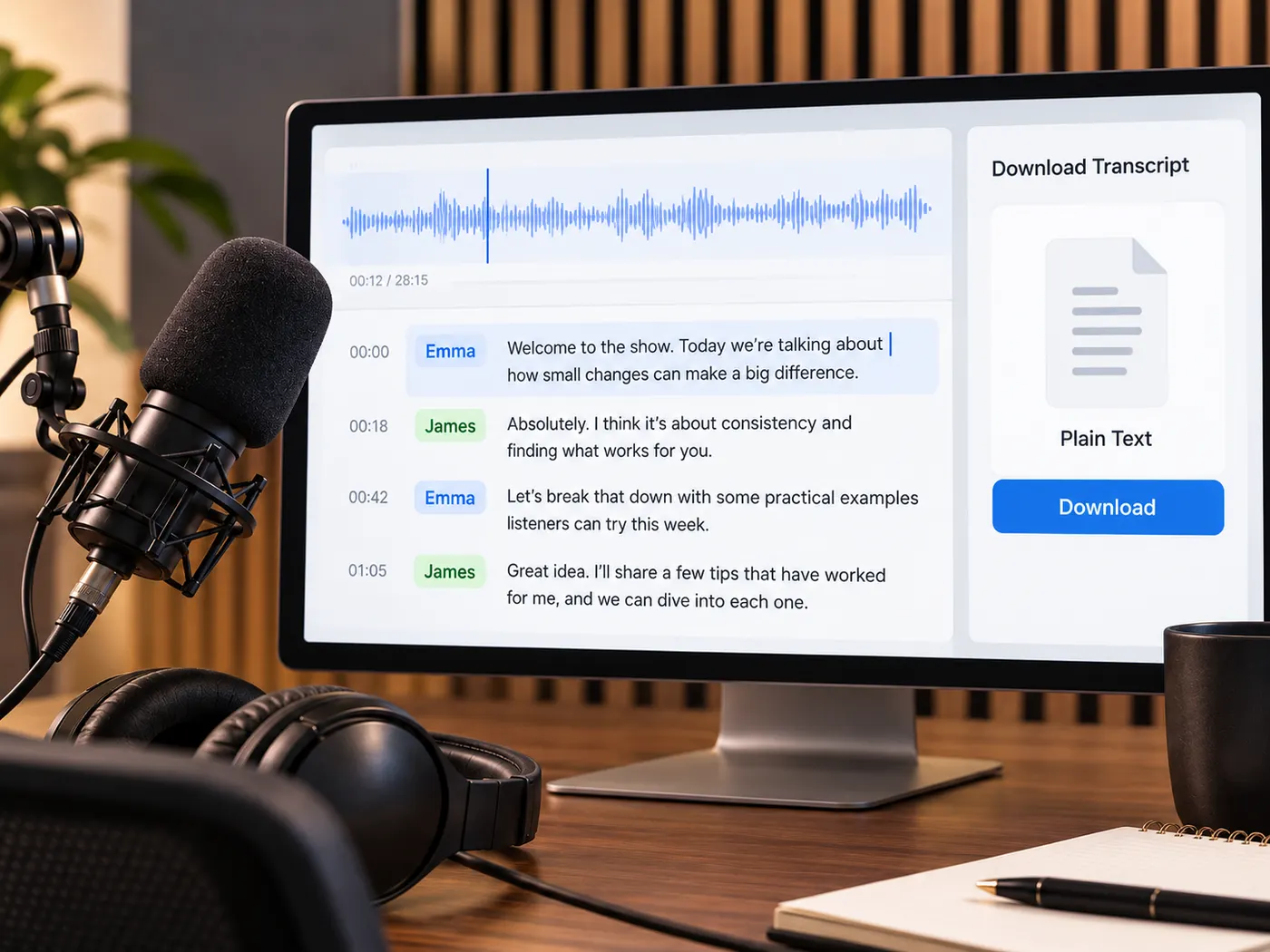
Phonon-2 transcription from upload to finished text
Upload a recording, run the AI once, review the timestamped transcript, and download clean text for your next task.
How to use Phonon-2 transcription
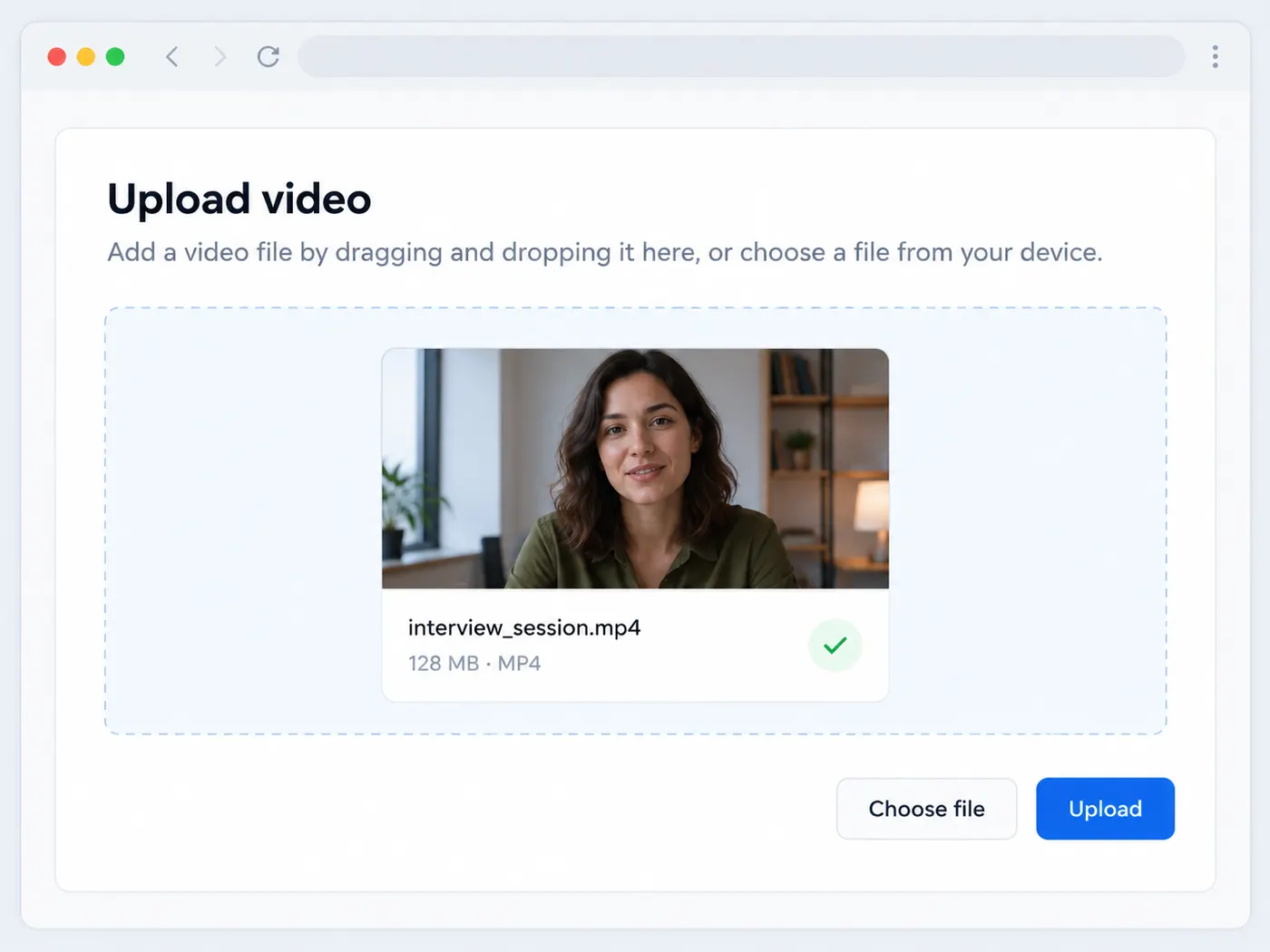
Step 1
Upload your file
Drag in a supported video or audio file, or choose one from your device. MP4, MOV, WebM, MP3, and WAV are accepted.
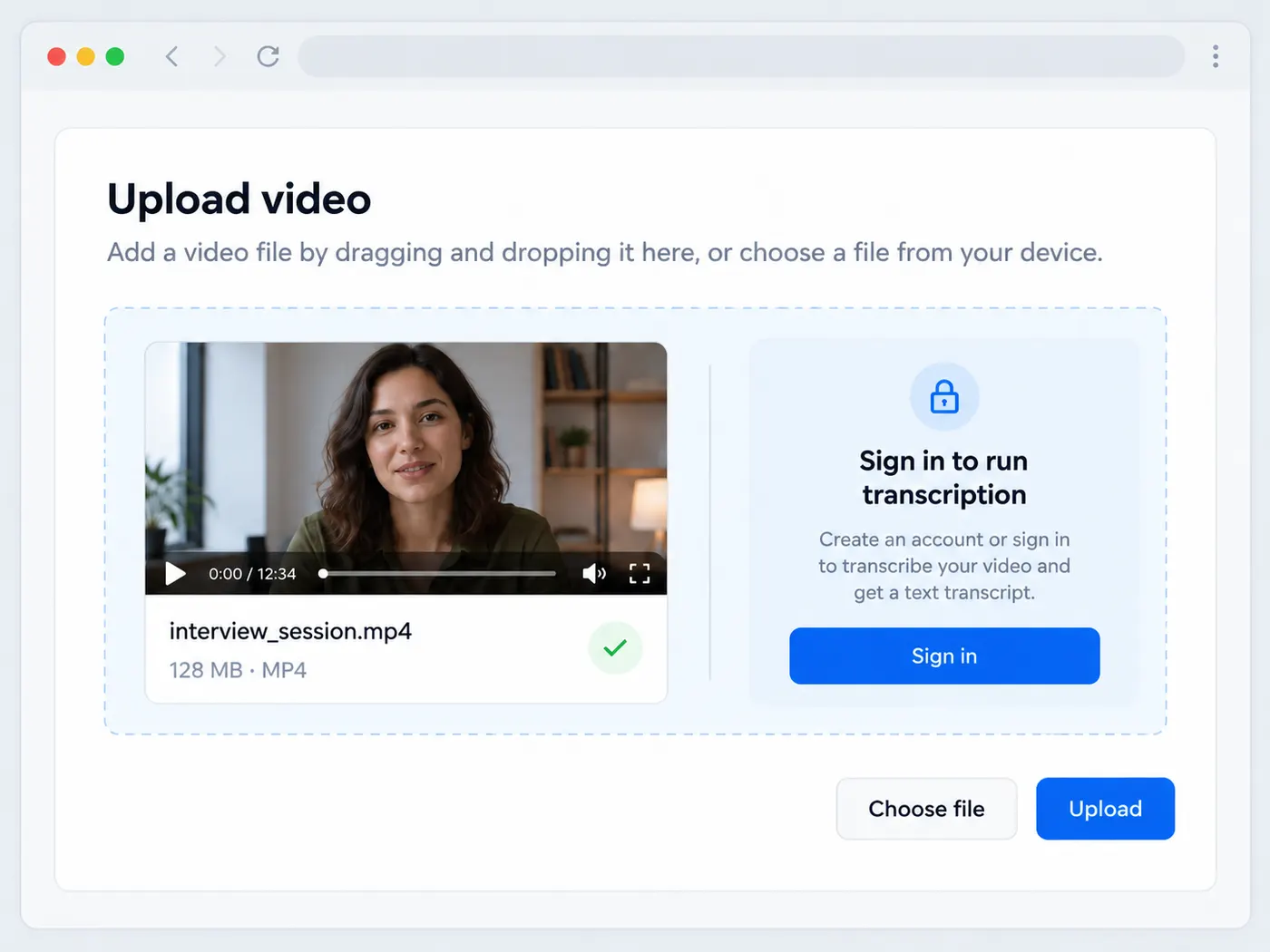
Step 2
Sign in to run
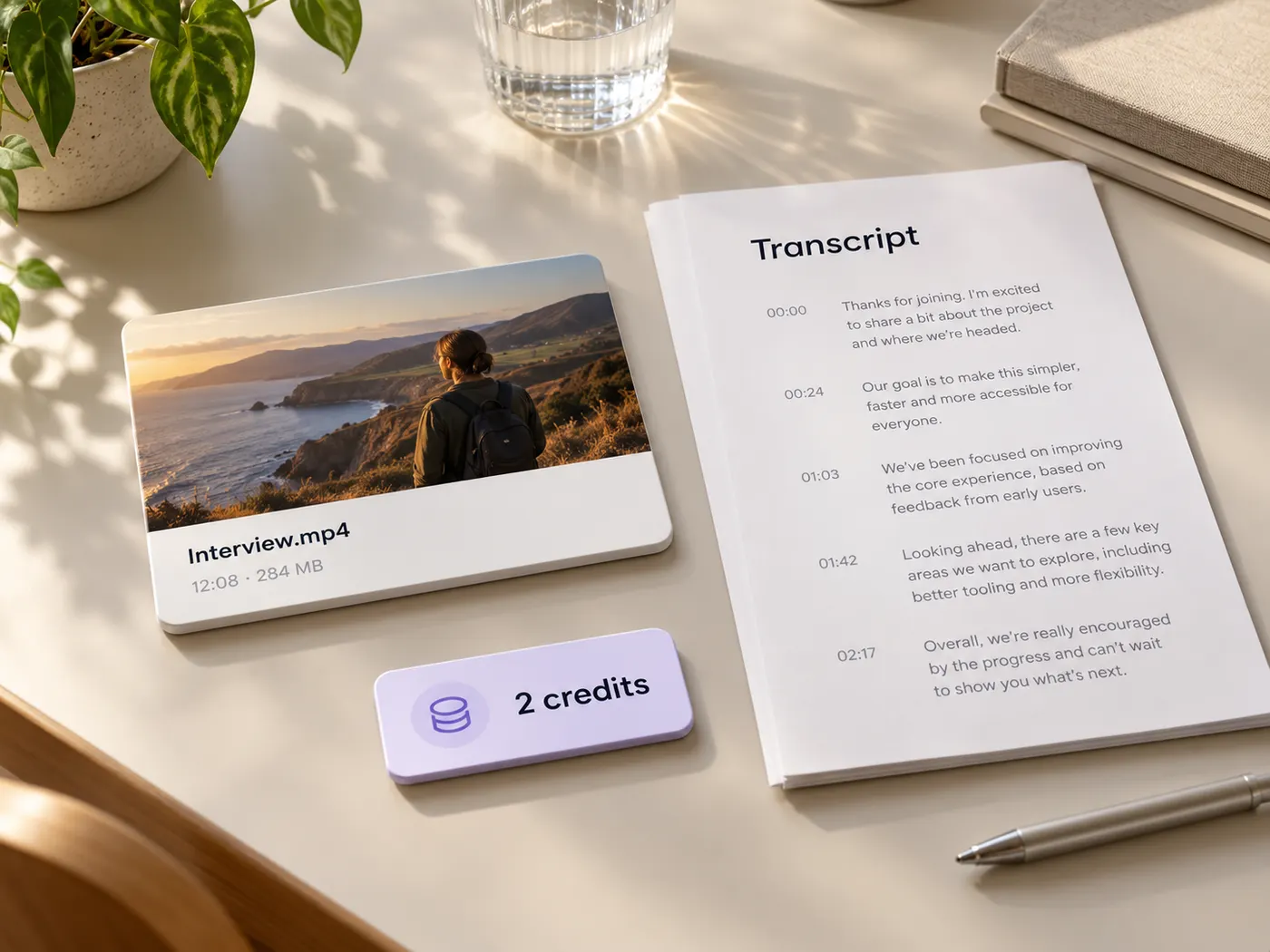
Preview the selected file, then sign in when prompted. Running the AI transcription costs 2 credits.
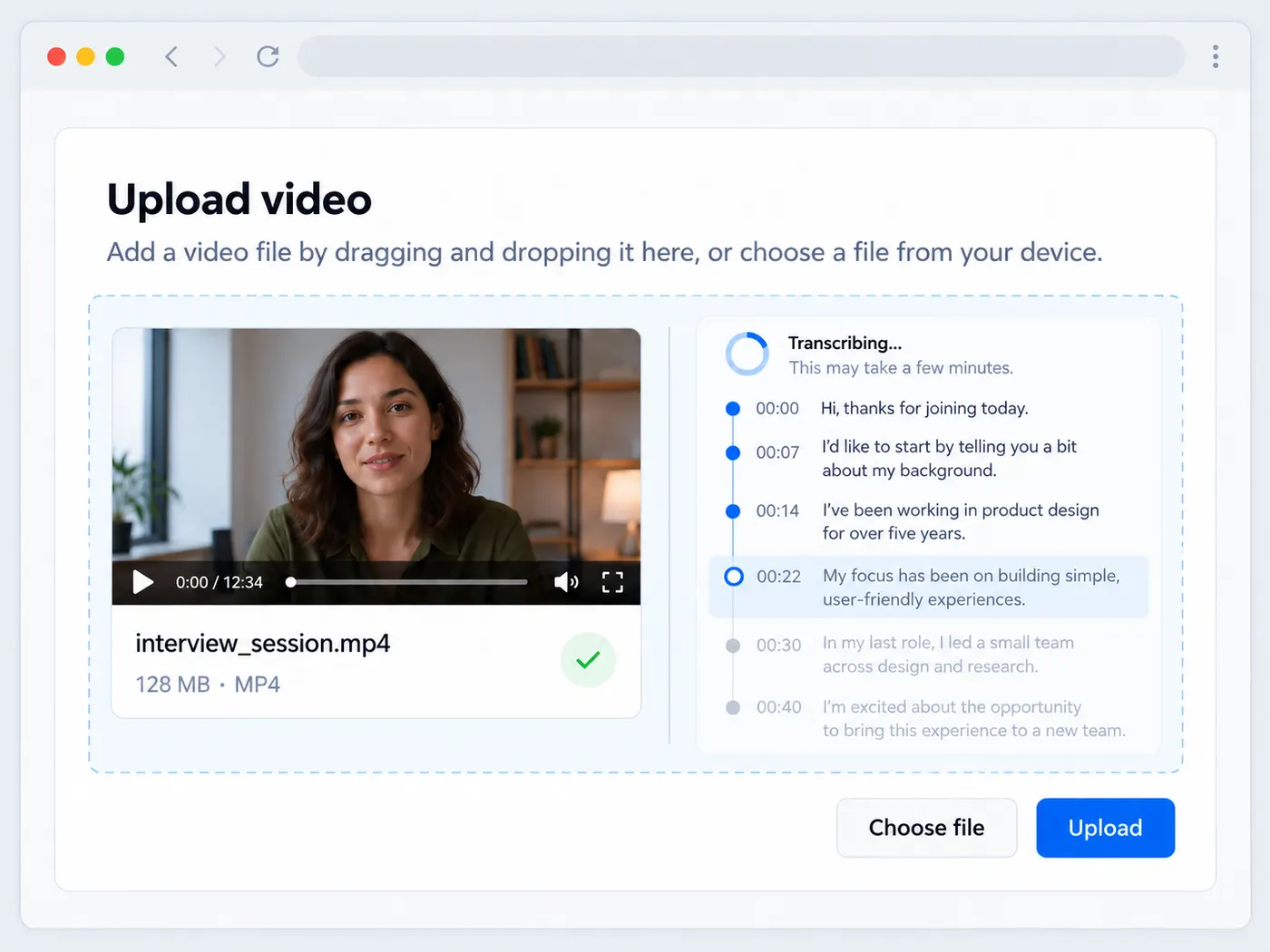
Step 3
Let the AI listen
Start the run and let the model transcribe the speech. It returns readable text with timestamps for easier review.
Step 4
Copy or download
Read through the result, make small corrections, copy the text, or download the finished transcript as a .txt file.
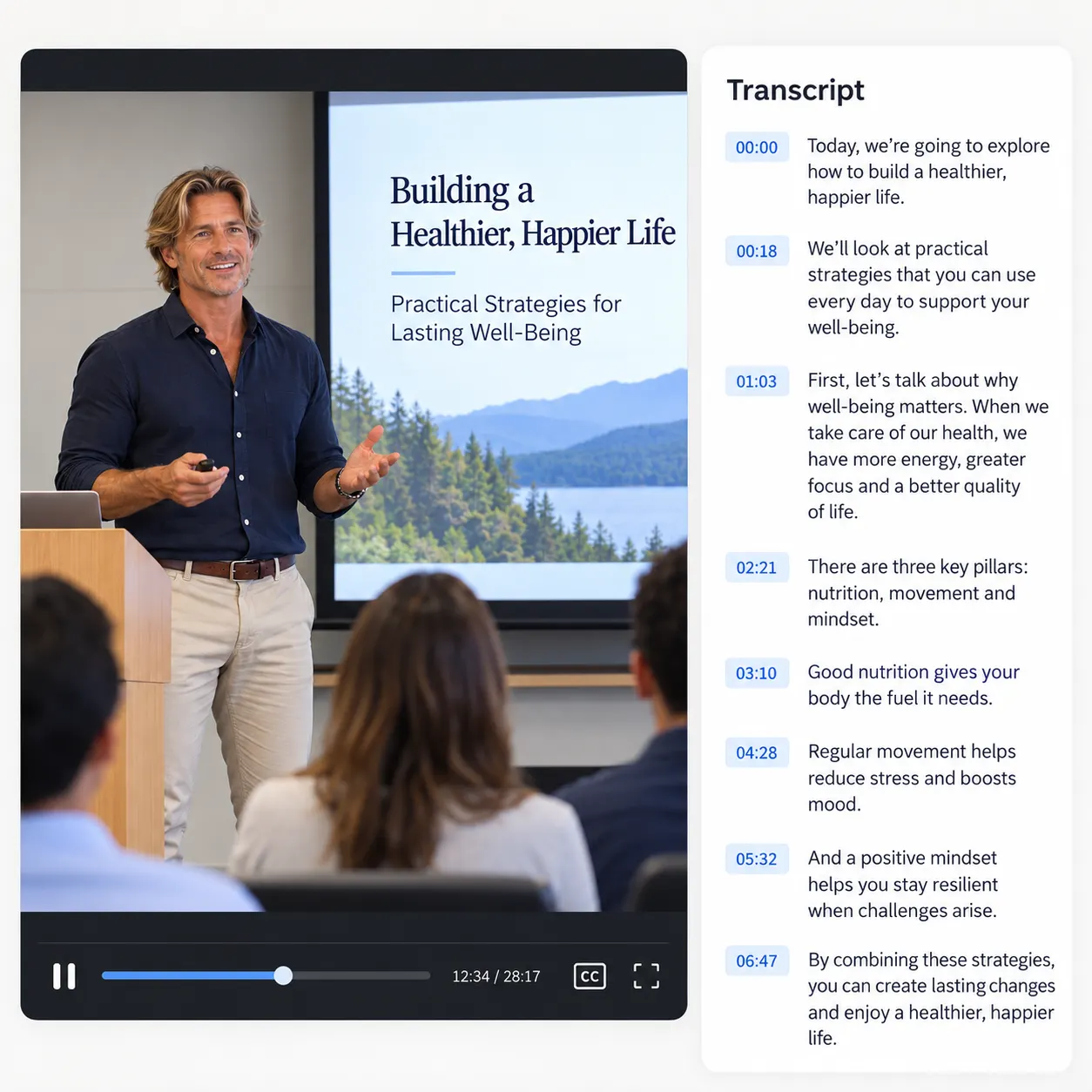
A clean first draft
Get punctuated transcript text instead of a raw stream of fragments. That gives you a clearer starting point for editing and reuse.
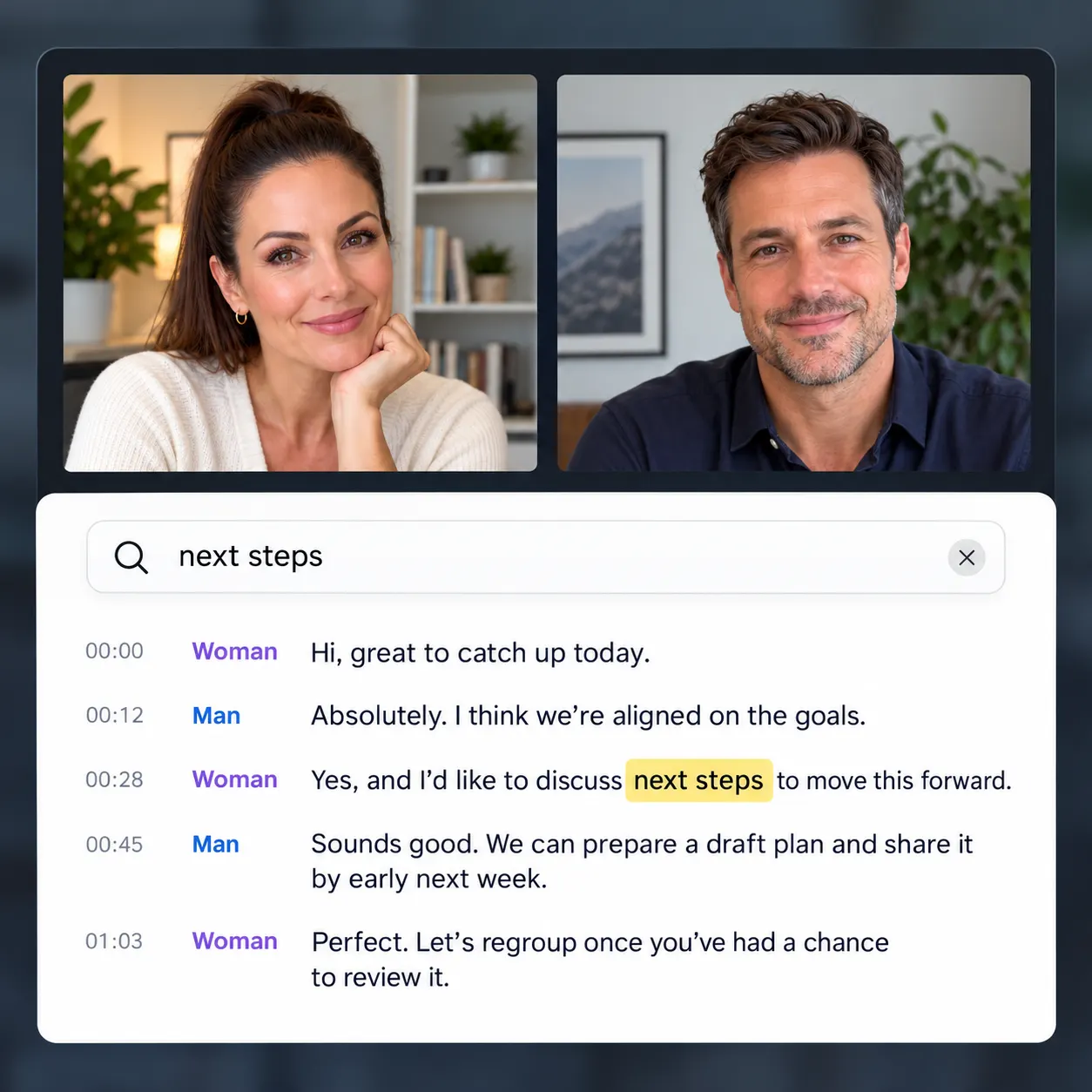
Searchable by timestamps
Use time cues to locate important moments, verify quotes, and move between the written transcript and the original recording.
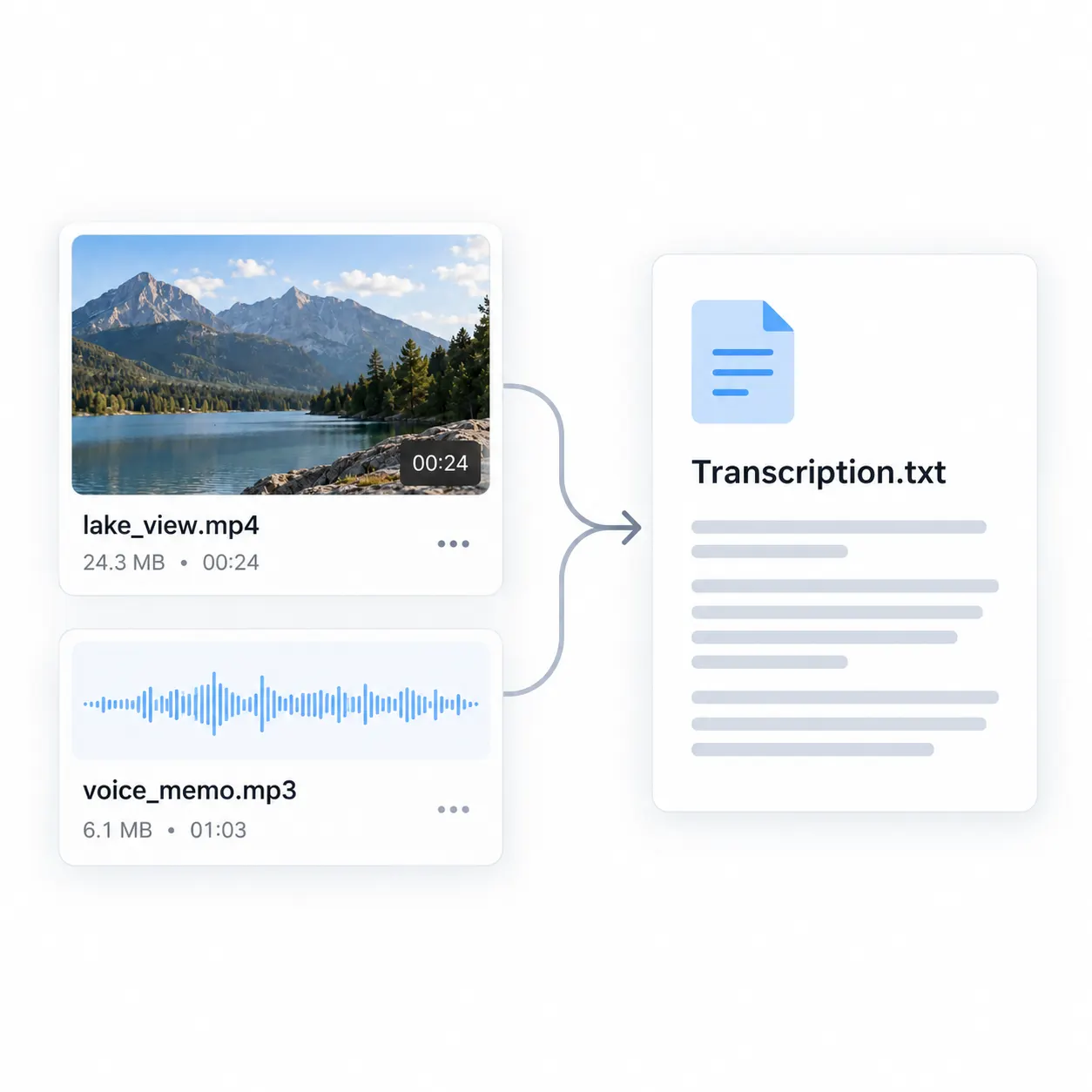
Flexible file support
Work with common video and audio formats, including MP4, MOV, WebM, MP3, WAV, M4V, and M4A.
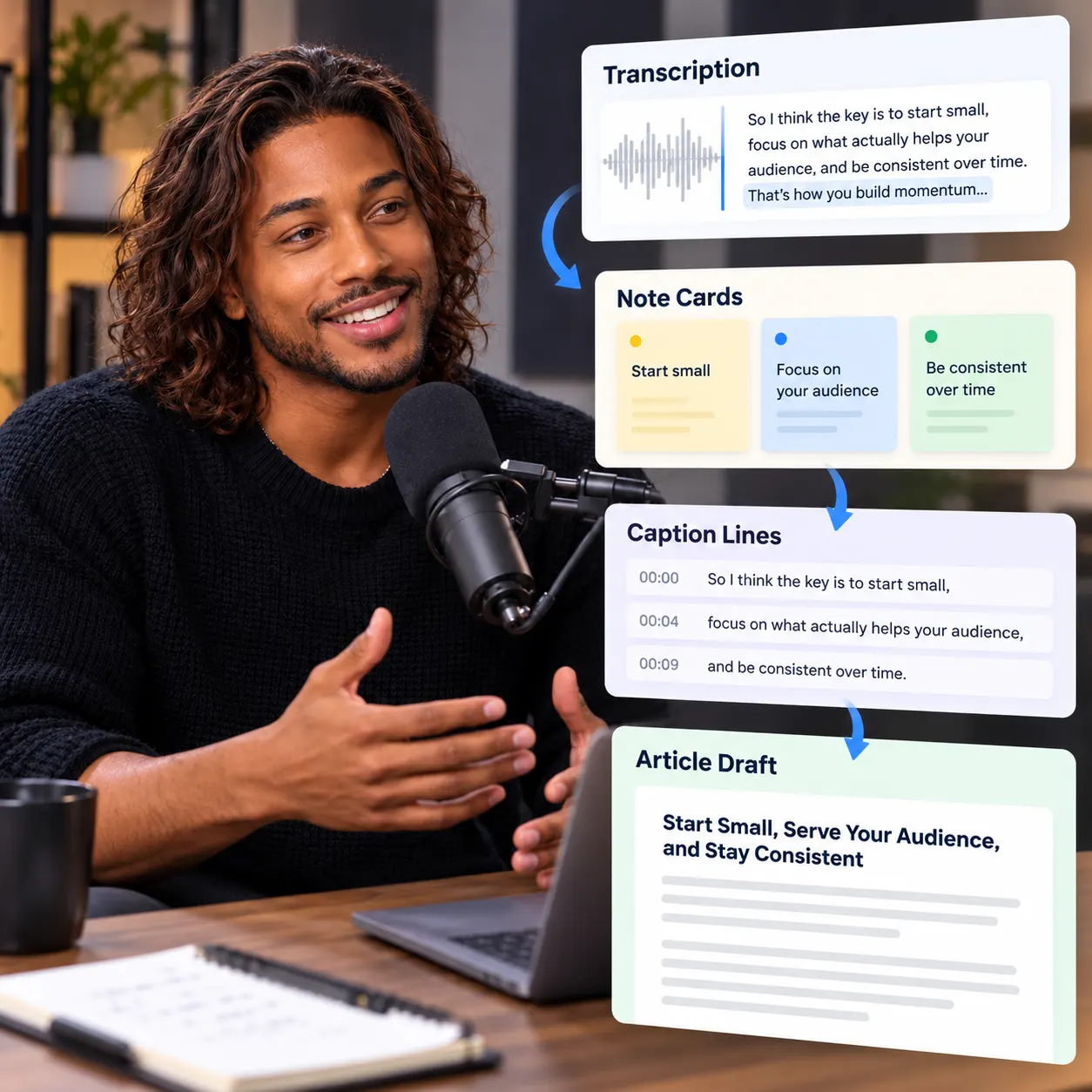
Light editing, easy reuse
Fix names or wording in the returned text, then paste it into notes, captions, documents, articles, or show notes.
Clear credit usage
Each transcription run costs 2 credits, and you can preview the selected file before deciding to start processing.
Tips for better transcripts
A few practical reminders for getting useful text from your next video or audio recording.
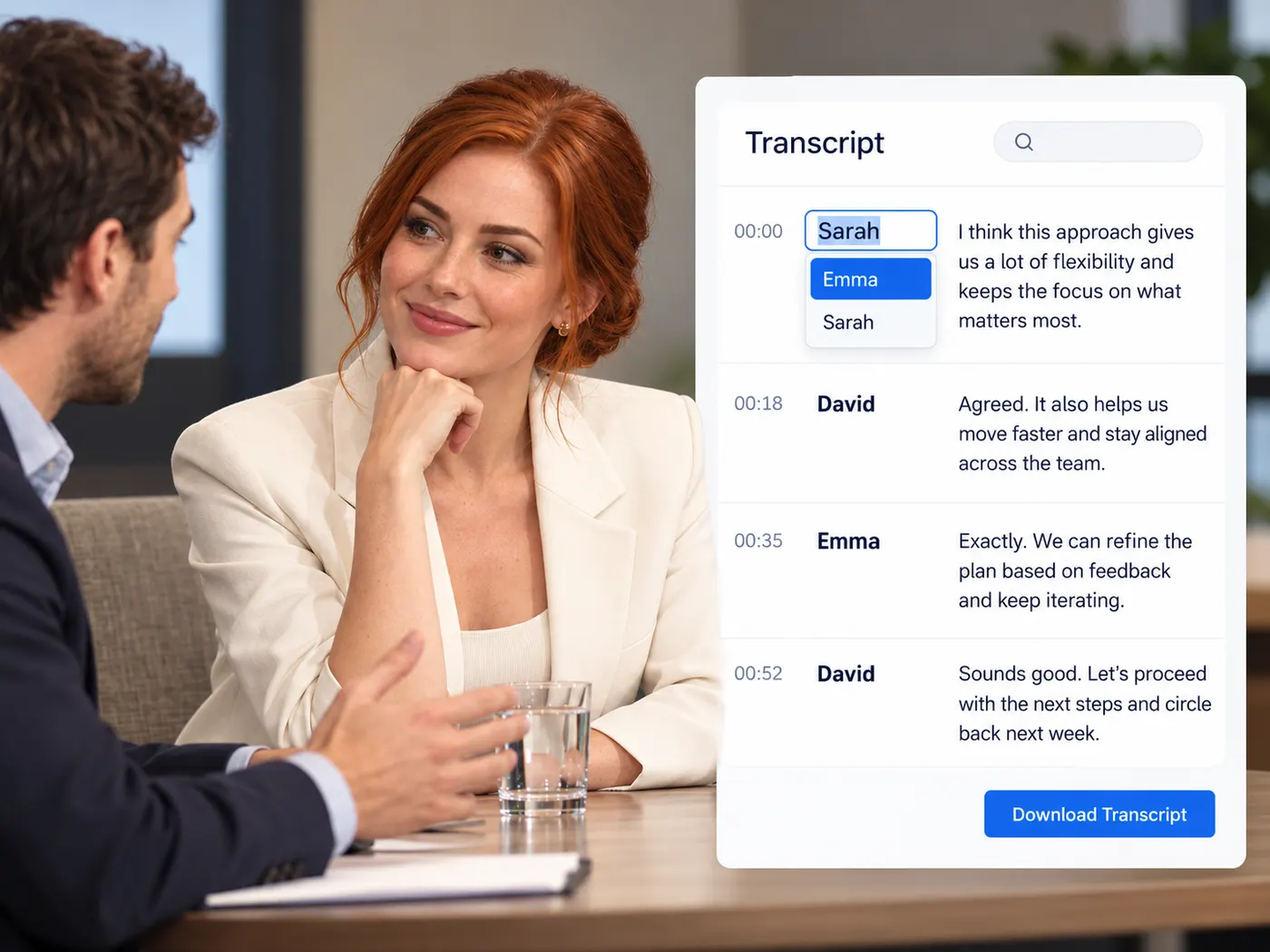
What people transcribe
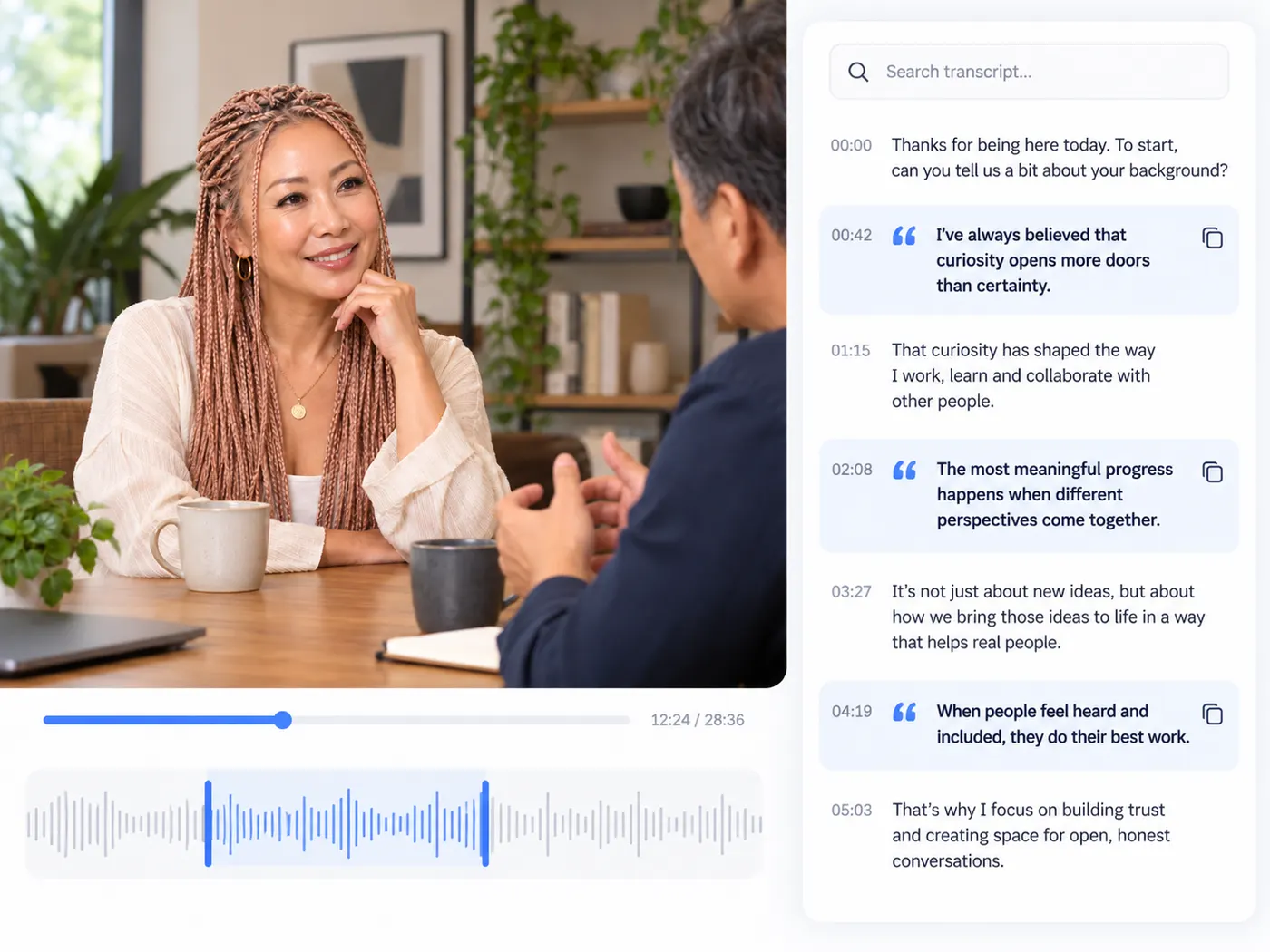
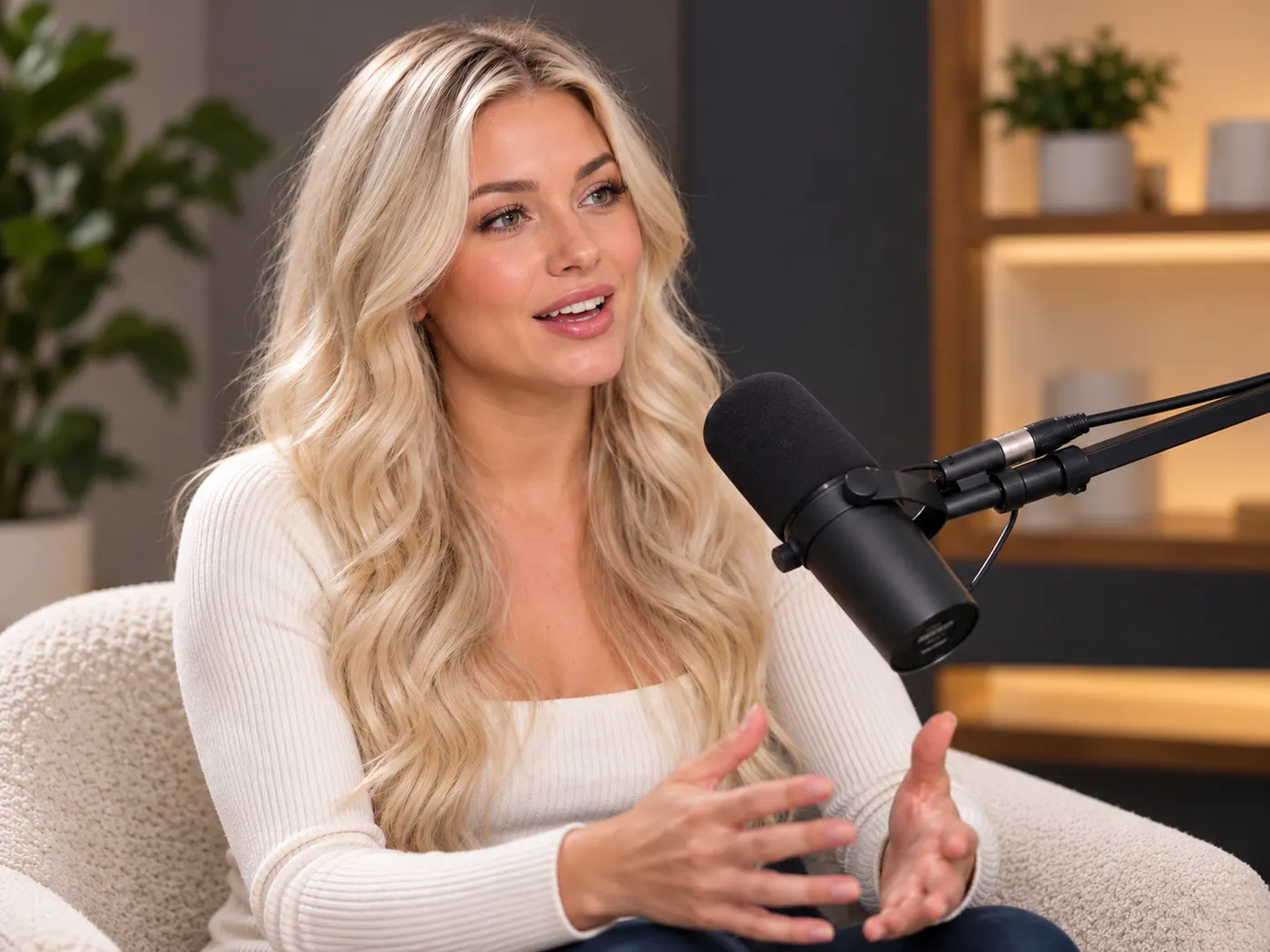
Interviews
Turn recorded conversations into searchable text for quotes, notes, and follow-up.
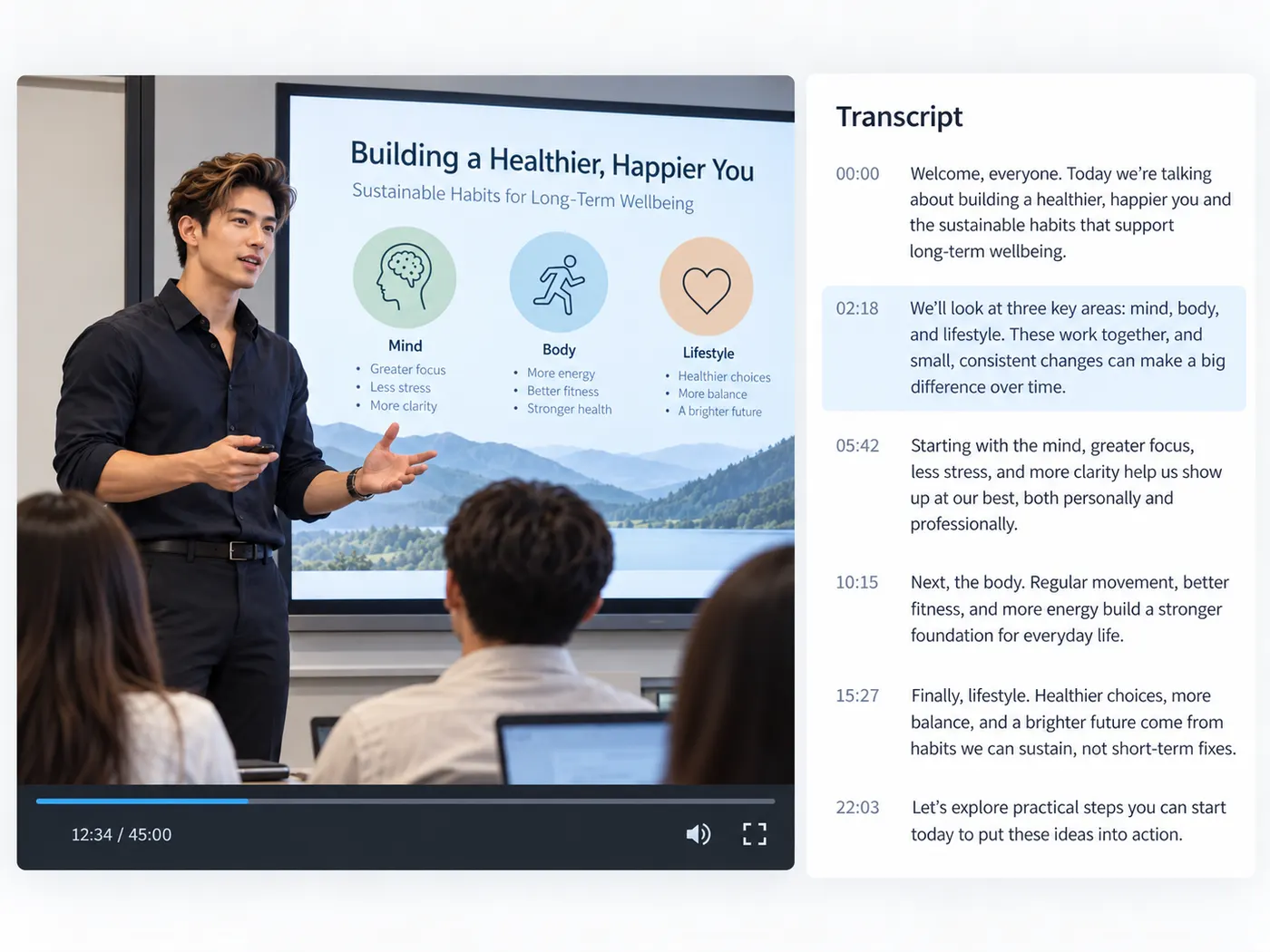
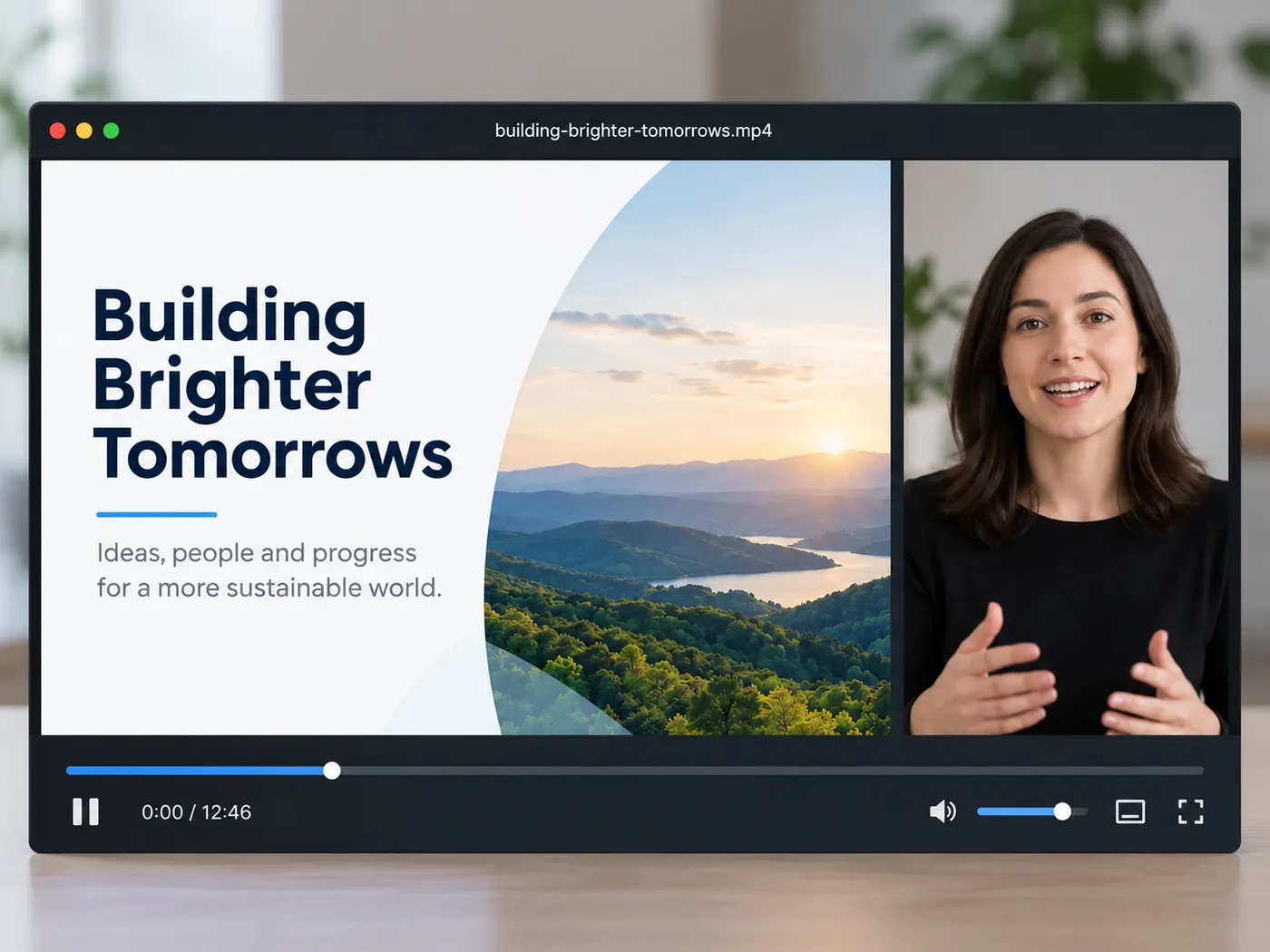
Lectures
Review lessons in text instead of replaying every section of a long recording.
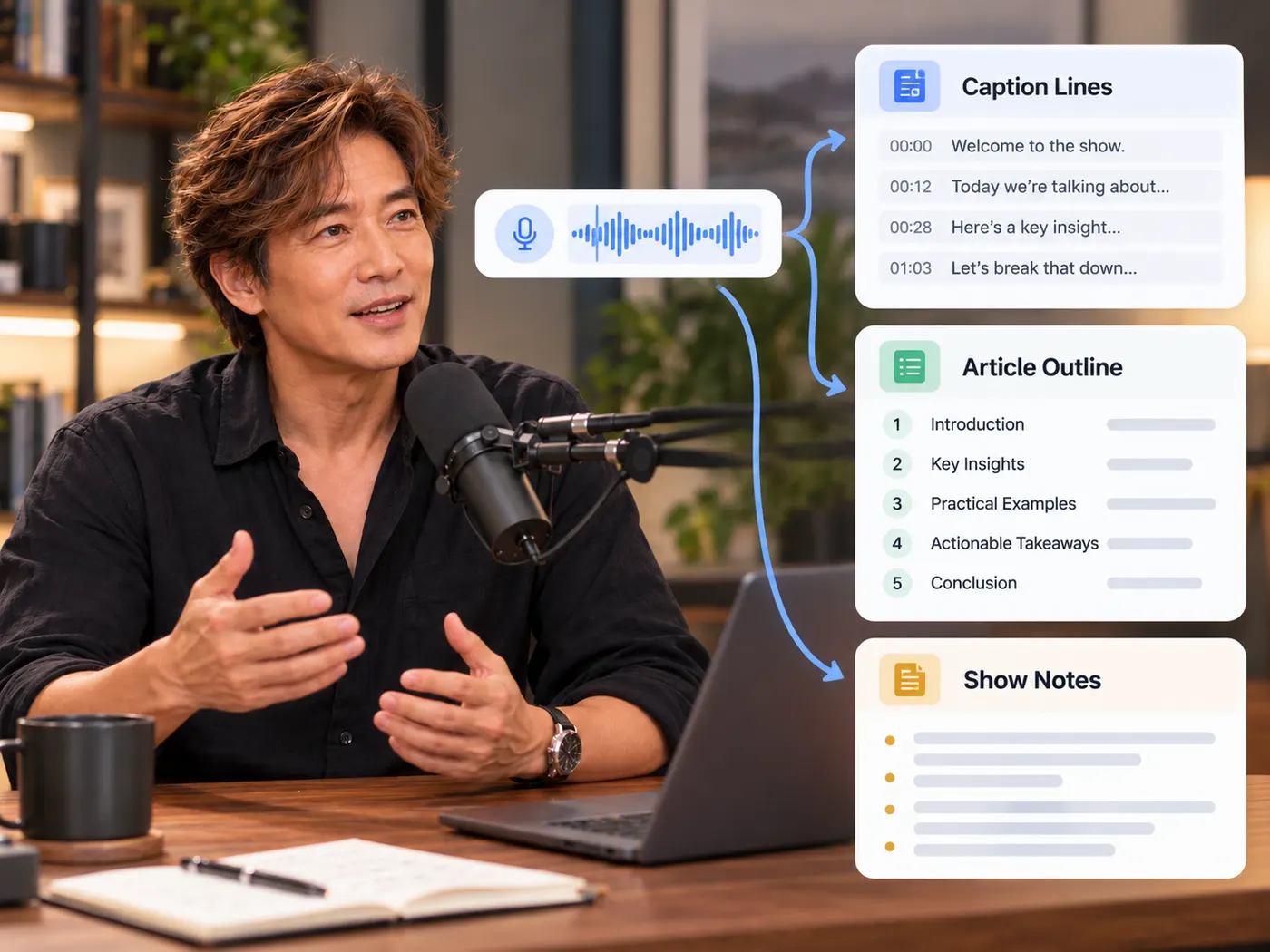
Content teams
Reuse spoken material for captions, articles, summaries, and show notes.
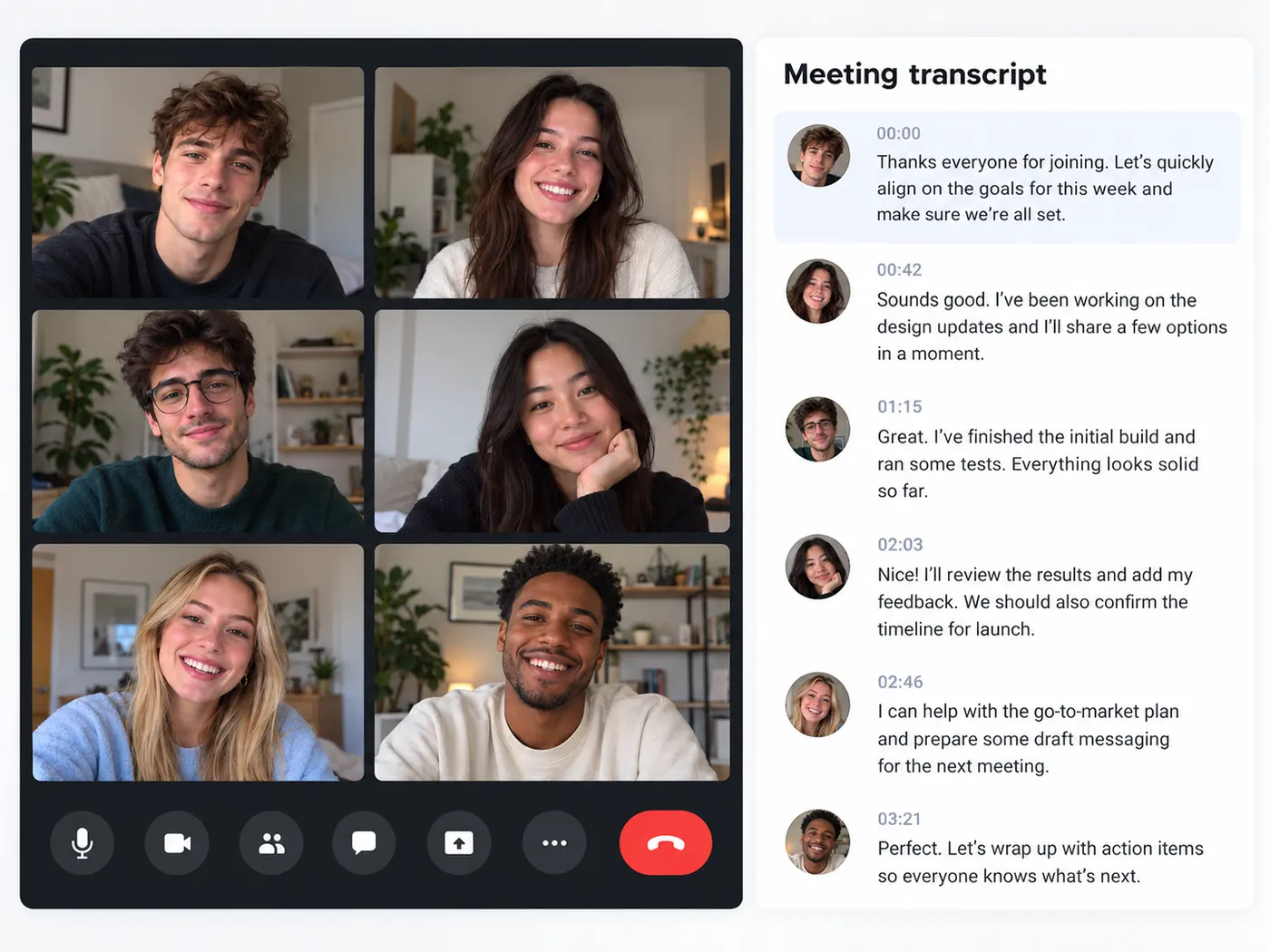
Recorded calls
Create a text record of important discussions without taking notes by hand.
Transcription questions
What can I do with this tool?
Phonon-2 is useful when you need to turn a related speech recording or video into text without listening through the whole file. Upload one supported file, run the AI transcription, then review the timestamped result, correct names or wording, and download a clean .txt transcript for notes, quotes, captions, or reuse.
Which files can I use?
The tool accepts video or audio files in MP4, MOV, WebM, M4V, MP3, WAV, and M4A formats. Choose one file from your device, and the transcription workflow returns text you can read, copy, edit, and download. The upload field is labeled Video or audio file, so you do not need to extract the soundtrack first.
Does my file leave my device?
The browser can preview your selected file before you run anything, which gives you a chance to confirm the right recording. When you start transcription, the file is processed by the connected AI service so speech can be turned into text. Do not upload material you are not permitted to process, and review the site privacy terms for your use case.
How do timestamps help?
The returned transcript includes timestamped text, making it easier to find a specific moment without scrubbing through the whole recording. Use the time cues to compare a quote with the source, locate a line for editing, or jump back to the relevant part before you copy the final wording.
What file do I download?
The finished result is a text transcript that you can read, copy, edit, and download as a .txt file. It is a practical starting point for notes, subtitles, show notes, articles, or searchable records. The tool does not promise a finished publication layout, so make final formatting changes in the app where you will use the text.
Do I need editing experience?
No transcription or editing experience is required. Choose a file, sign in when prompted, run the AI, and review the result. The workflow keeps the decisions focused on the recording and the returned text, so you can make small corrections without learning a timeline, audio settings panel, or full video editor.
Free tools, and a plan when you need more
The everyday tools are free and run in your browser. The AI tools and the full editor run on credits — pick a plan when you need them.
- Free
- $0
- Every browser tool
- Starter
- $12/mo
- 120 credits
- Pro
- $29/mo
- 310 credits
Start with a clean transcript
Upload a recording, let the AI listen, and leave with text you can actually reuse.
Transcribe video