Multi-track timeline · AI captions · AI media · export to MP4
A real AI video editor, right in your browser
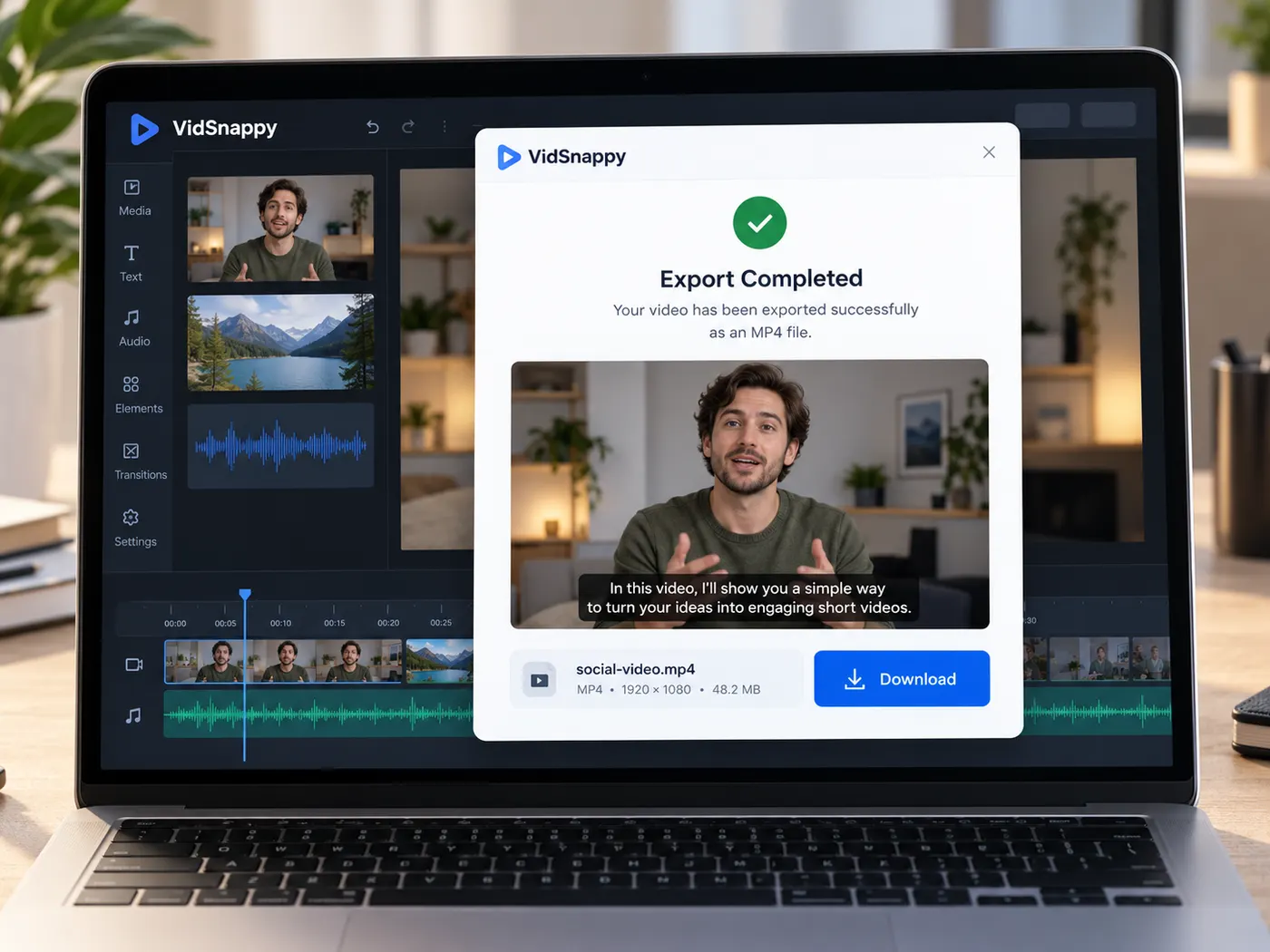
Import your footage, arrange clips on a genuine multi-track timeline, add captions and text, generate AI media right on the timeline, and export a finished MP4 — with nothing to install. Try it with our demo sample, no account needed; sign in to edit your own footage, so you can build a whole video before you ever create an account.
Editable starting point

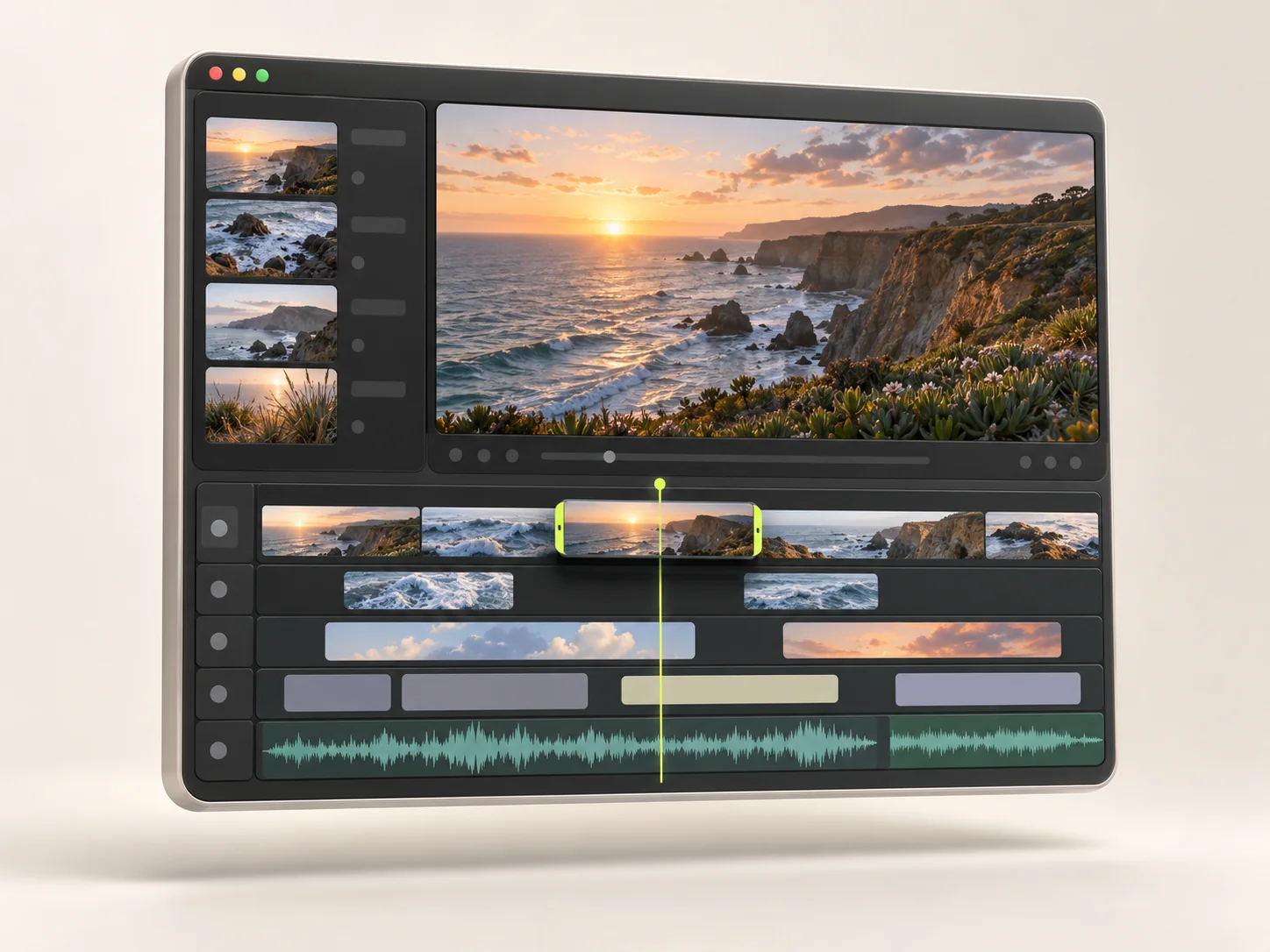
The full editor, right in your browser
Import media, arrange clips on a real multi-track timeline, add captions and text, generate AI images, voice and video, and export an MP4 for TikTok, Reels, Shorts or YouTube — no install. Try it free with our demo sample, no account needed; sign in to edit your own footage. Clean exports, auto captions and AI are on paid plans.
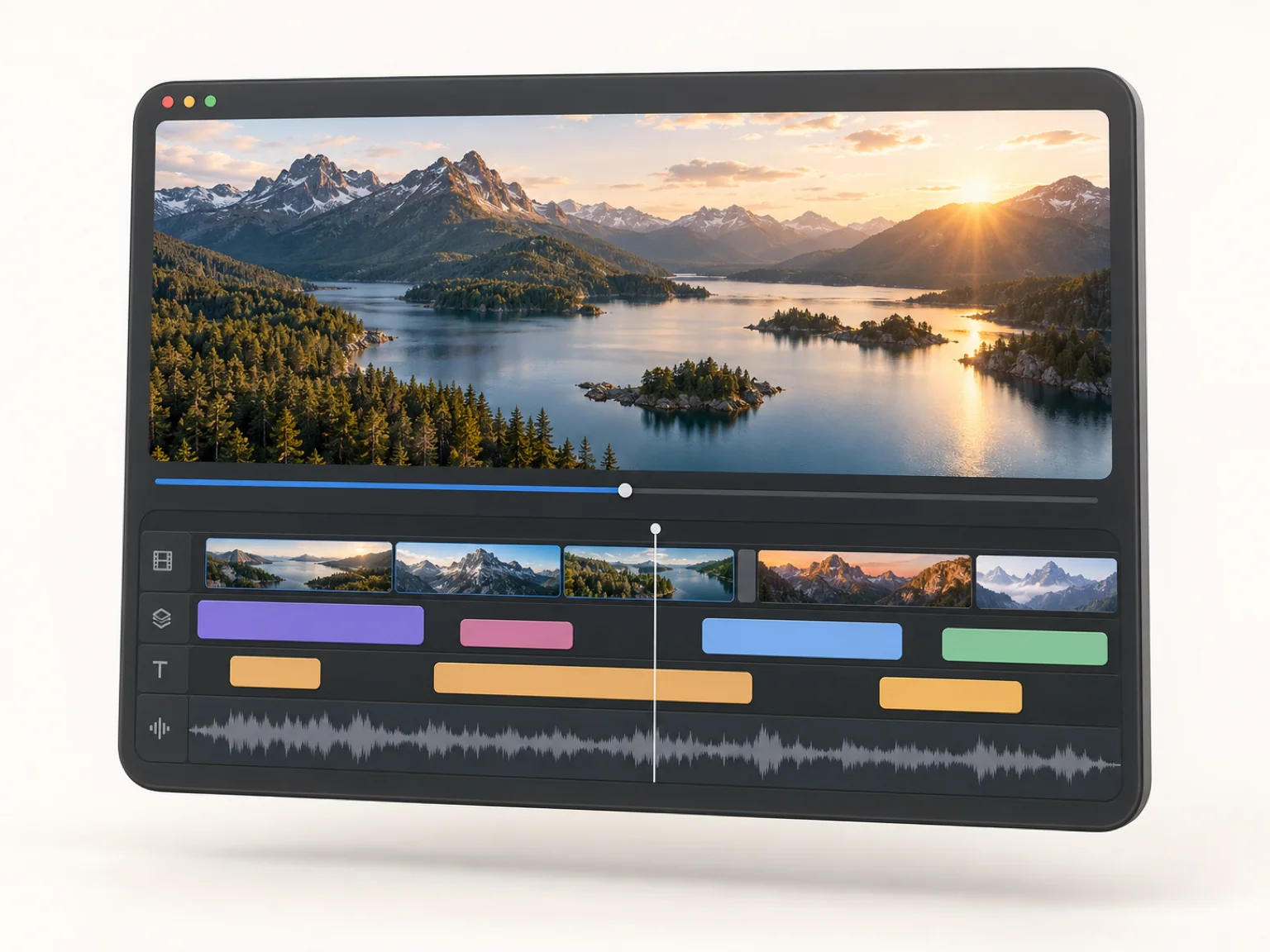
- Multi-track timeline
- Trim, split & arrange
- Auto captions
- AI images, voice & video
- Export to MP4
A timeline that actually edits
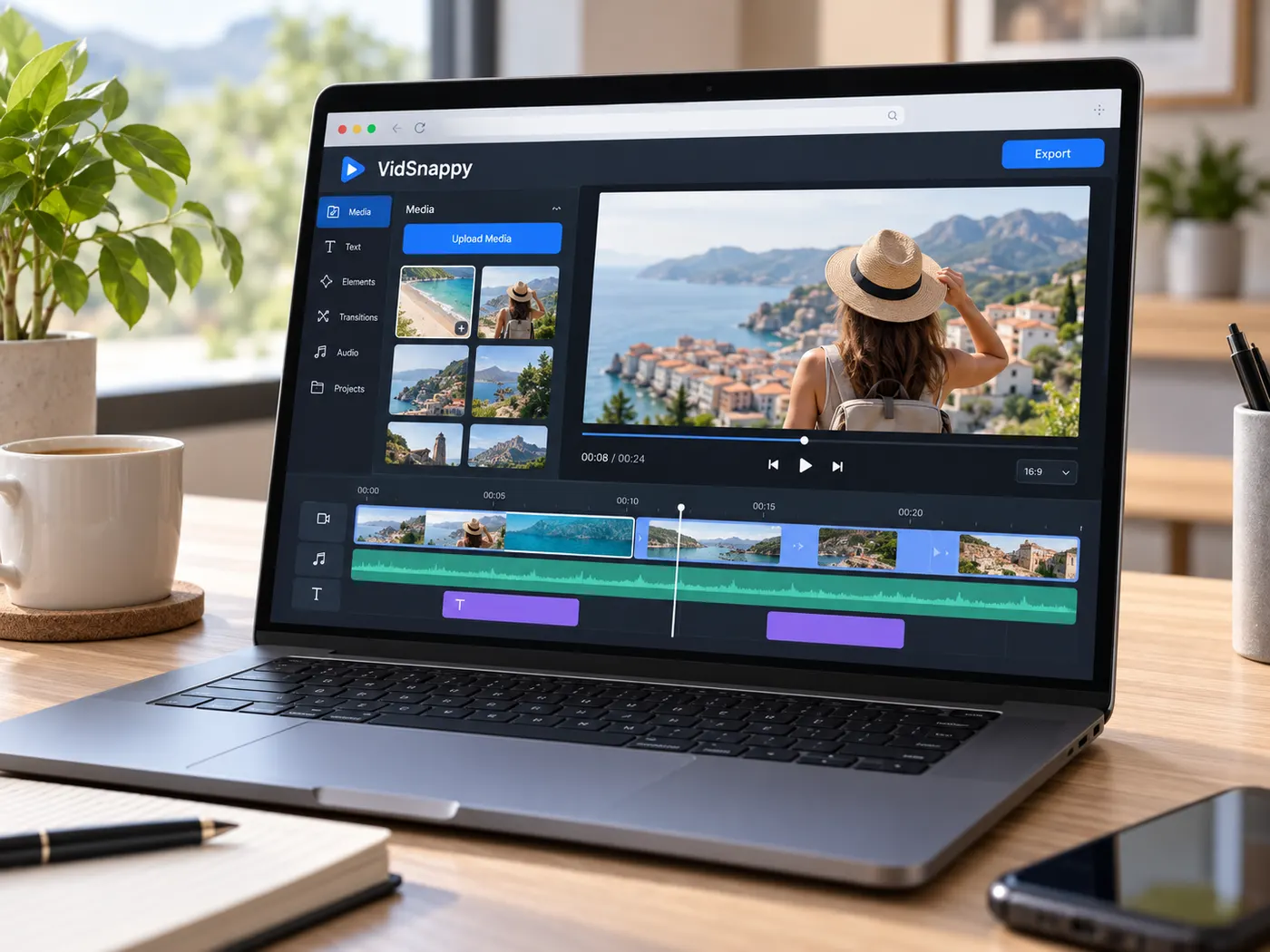
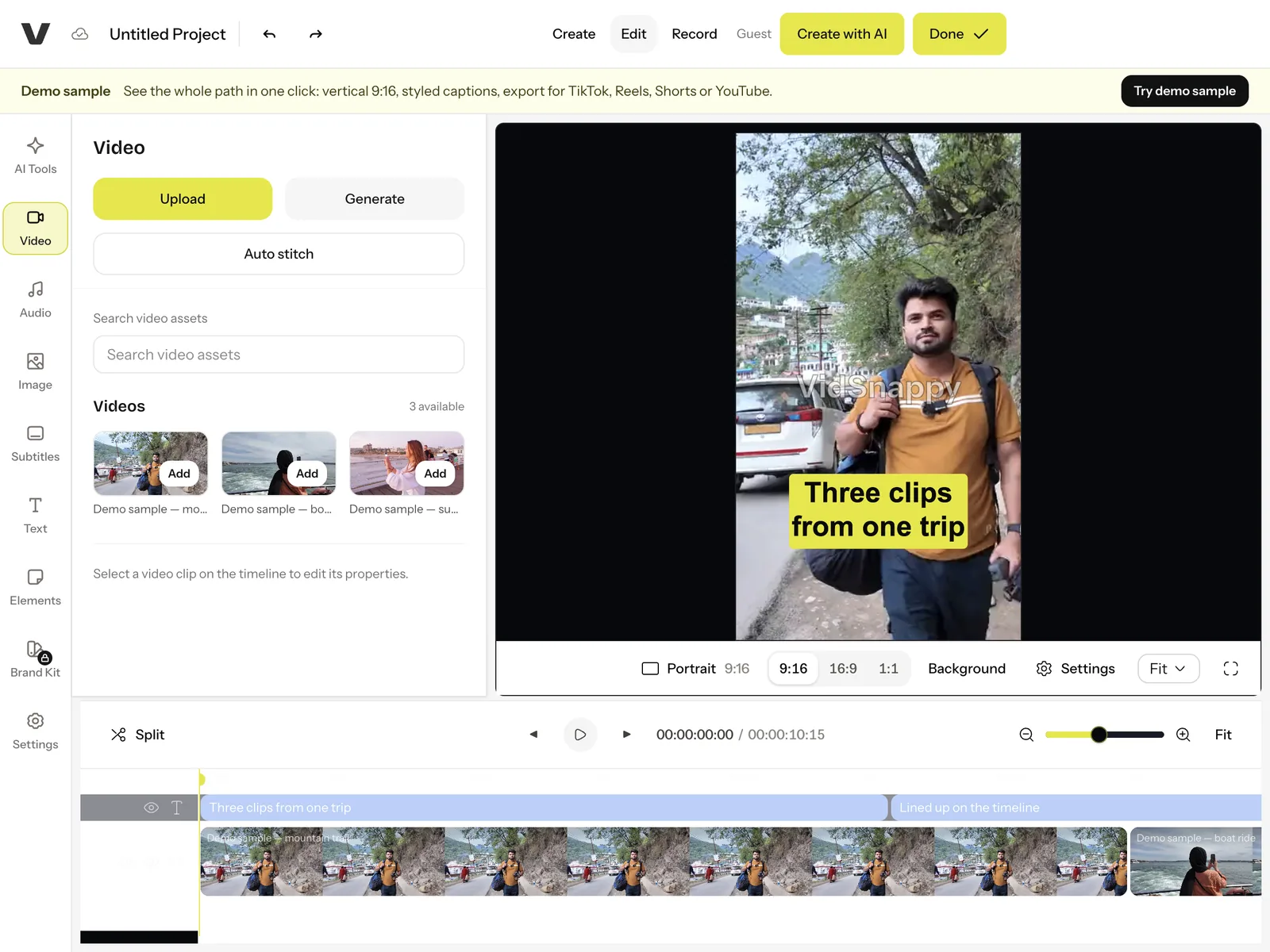
This is not a one-click template filler. You get a real timeline with a main track, overlays and audio, so you can trim clips at both ends, split them, move them, layer them, and control canvas position, scale, rotation and crop. It renders what you build, live, as you build it — the same kind of control you would expect from a desktop editor, running in a browser tab. Import your own footage or pull from stock, and arrange it exactly the way you want.
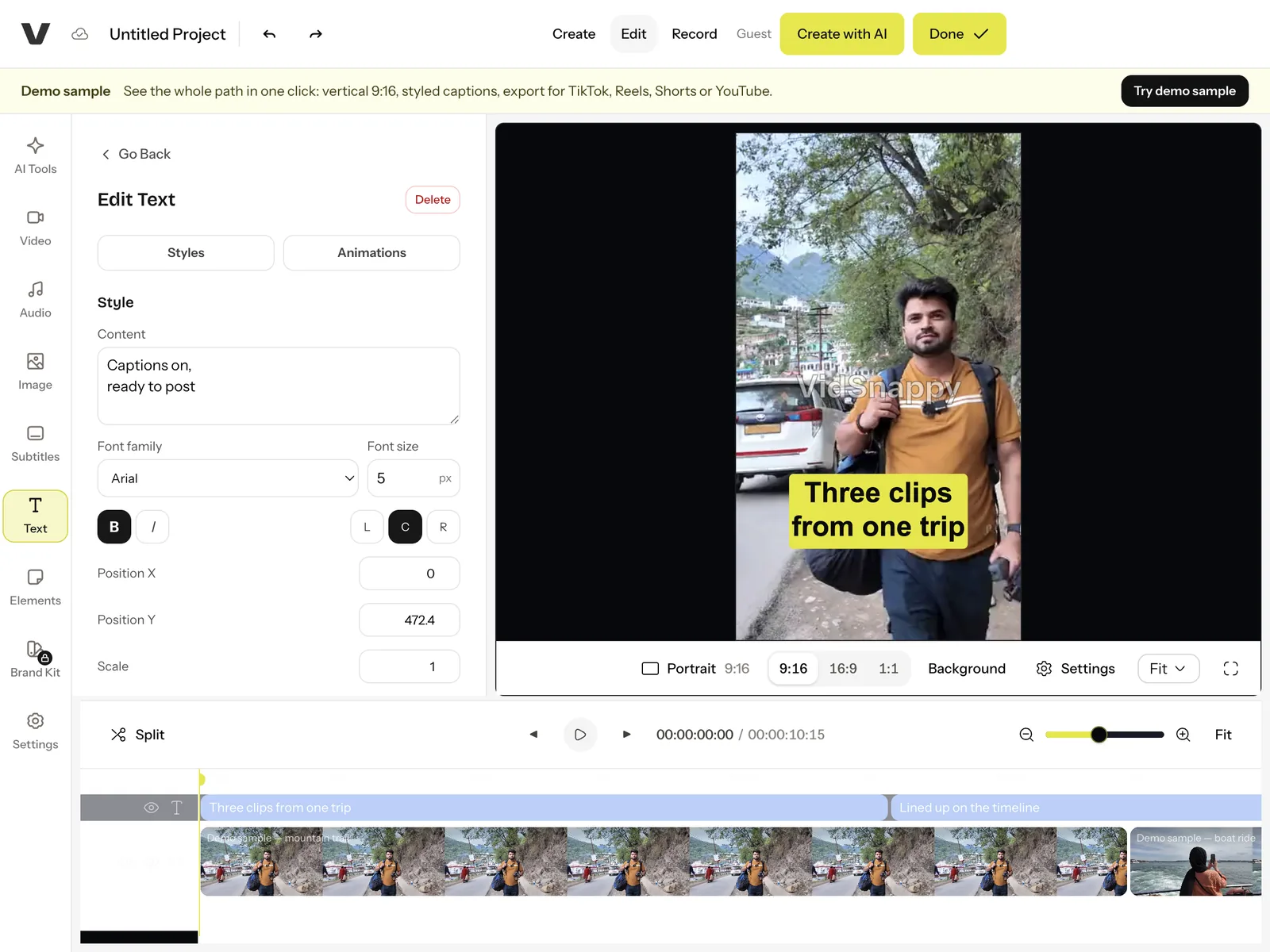
AI where it saves you time
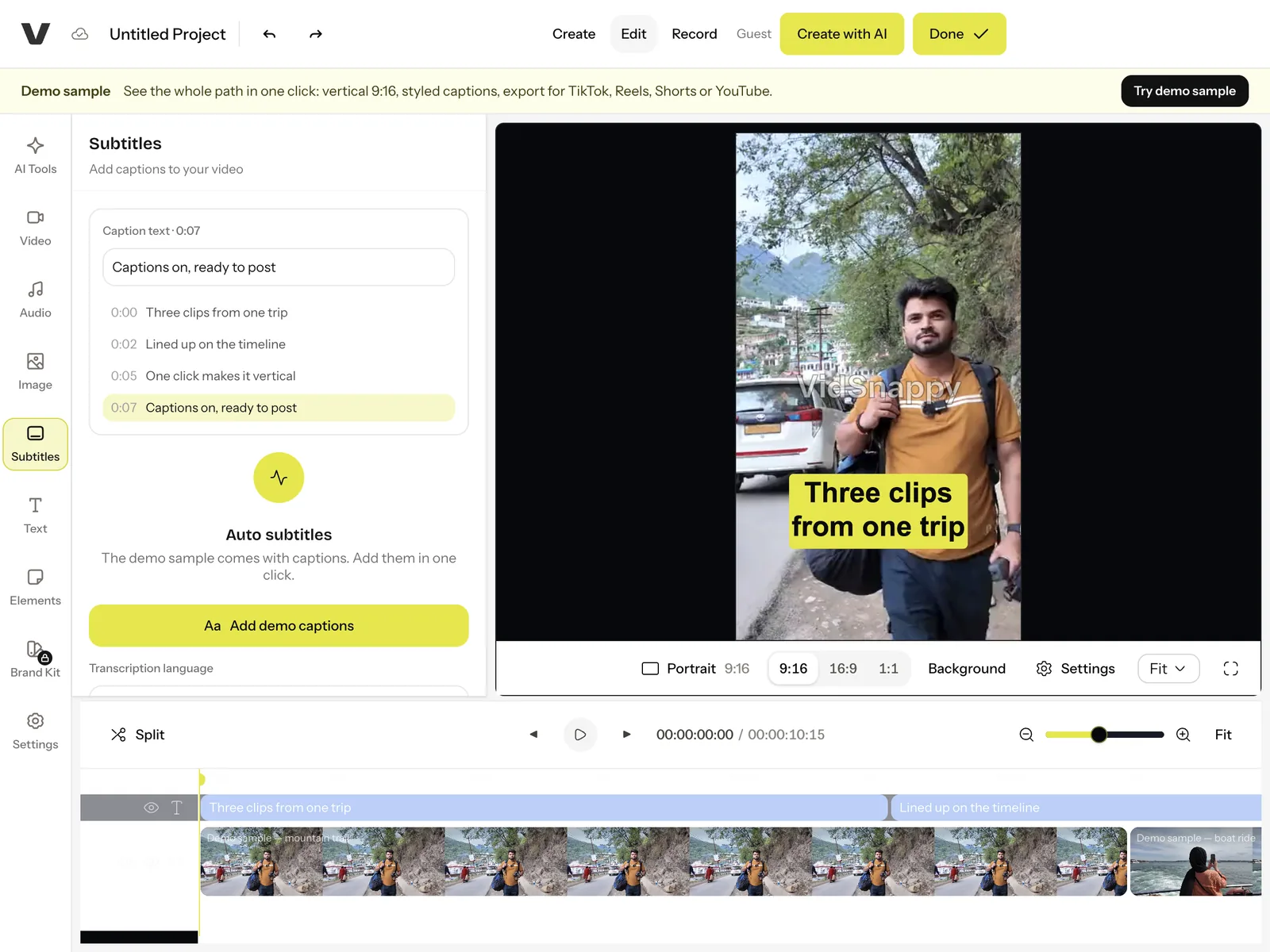
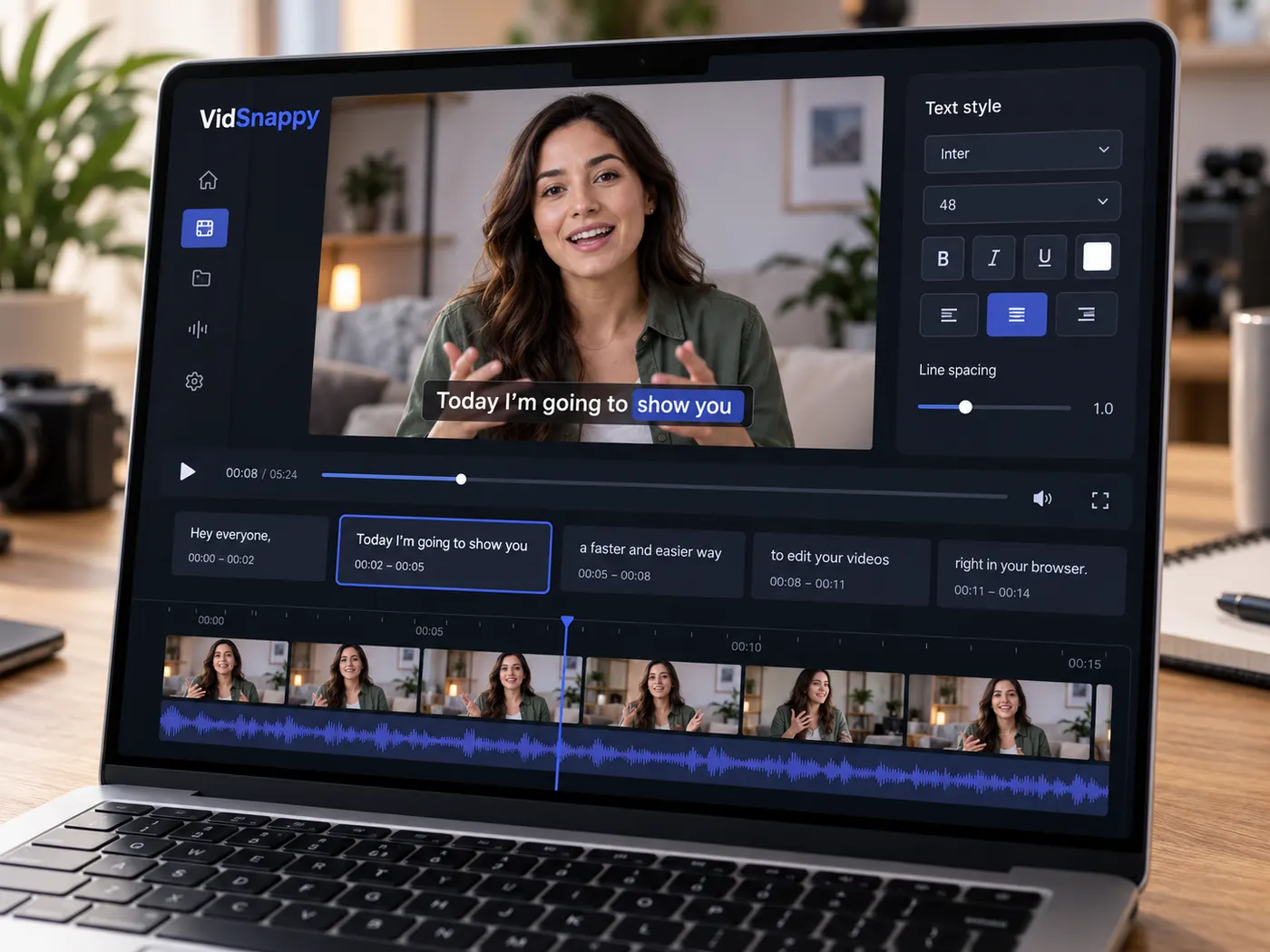
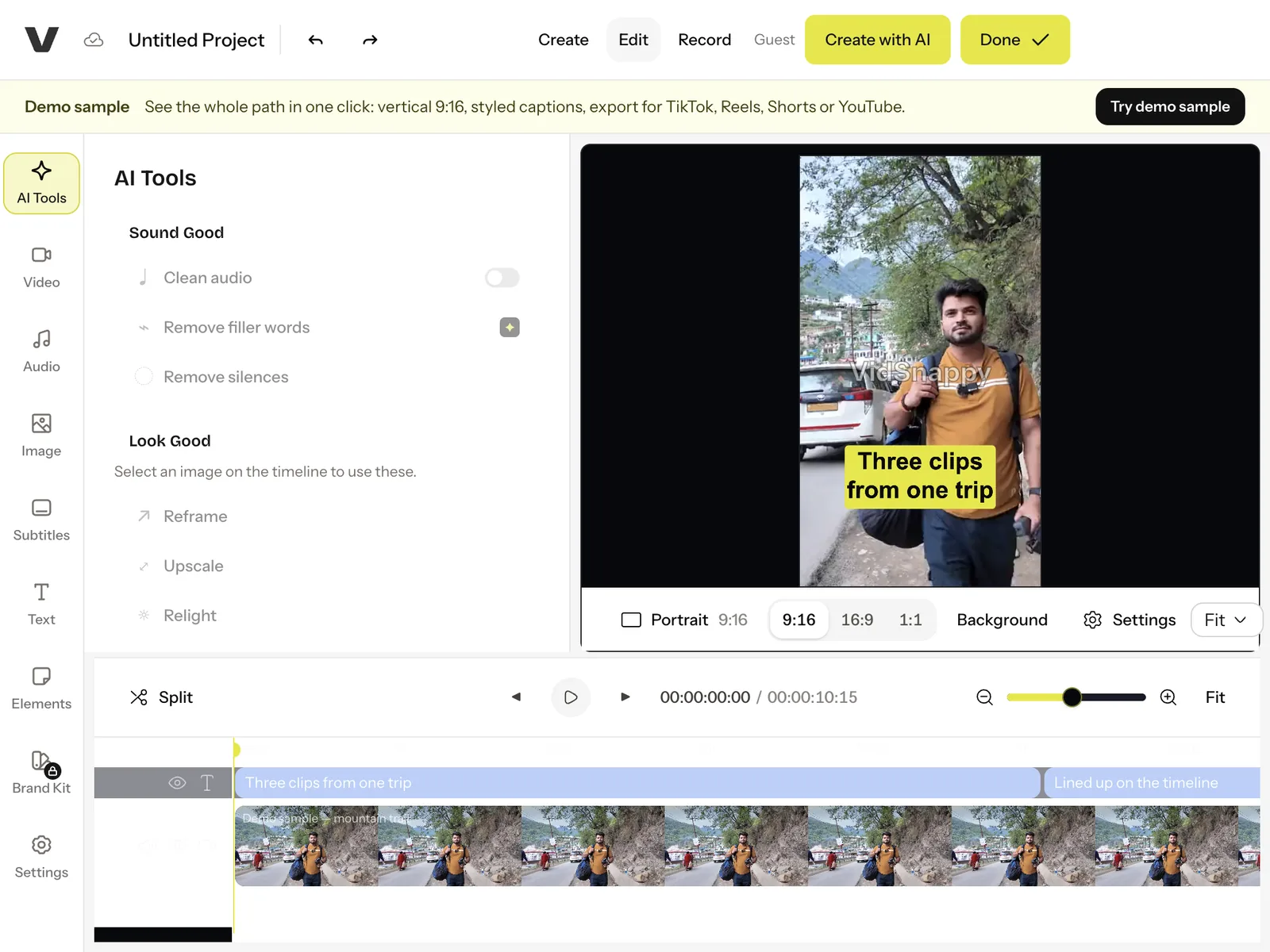
Generate captions from the audio and style them on the timeline, editing the wording where the AI missed a name. Select an image on the timeline to upscale it, relight it, remove its background or redraw it for a 9:16 frame with AI — without leaving the editor. Bring AI-generated media in as an overlay and add it straight to your project, then keep editing. The AI is folded into the workflow, not bolted on as a separate detour.
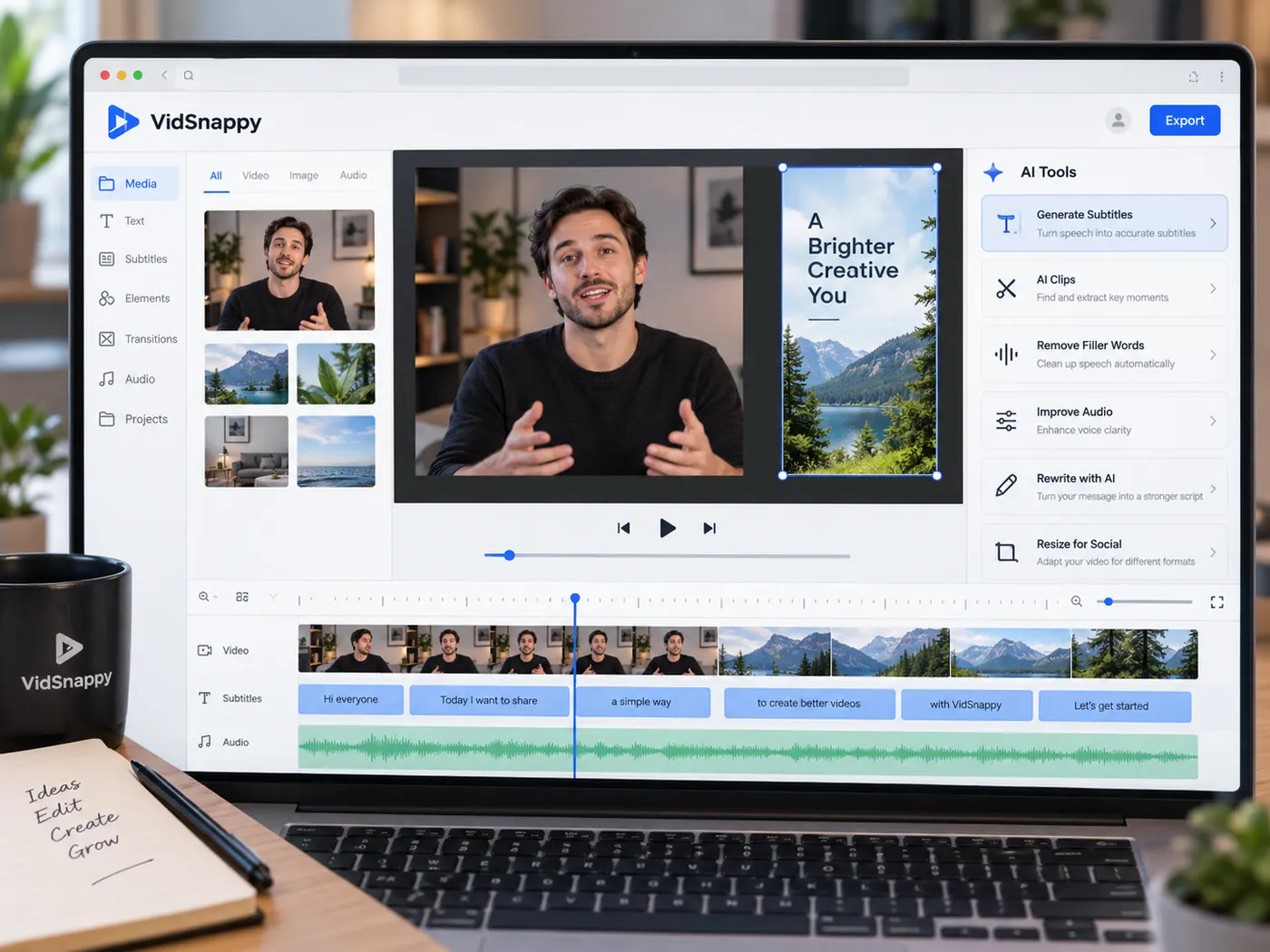
Try the demo, sign in for your own video
Open the editor as a guest and try the whole path on our demo sample: make it vertical, add styled captions, pick TikTok, Reels, Shorts or YouTube and export a watermarked preview. Your own footage needs an account — sign in and add a clip, then upgrade for clean exports, auto captions, AI actions, or saving a project so it survives across devices. That way you never sign up on faith; you sign up once you have something worth keeping.
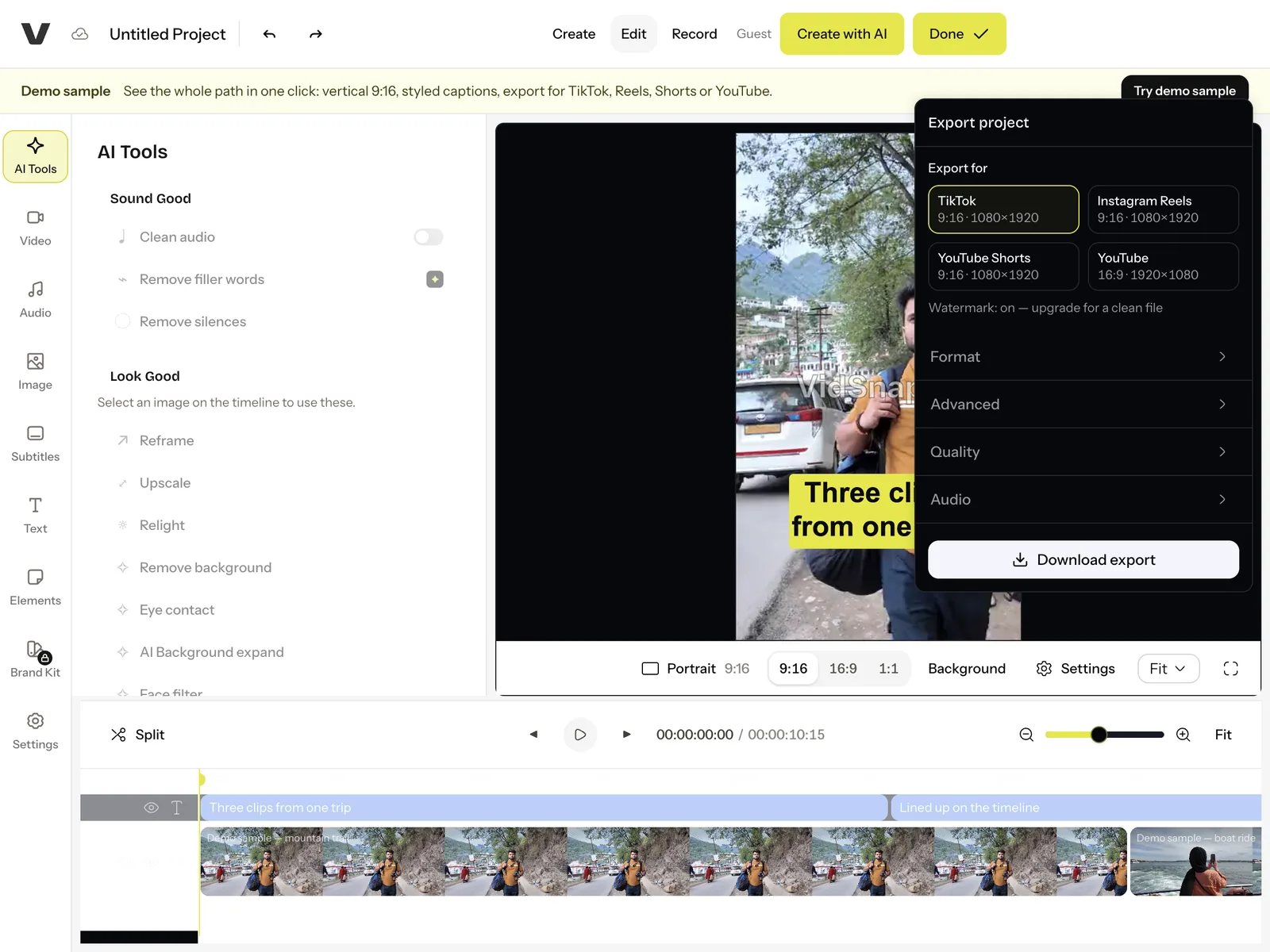
From import to export, in a few steps
Open the editor in your browser, import your media, apply AI features, then export a finished MP4.
How to edit a video in your browser
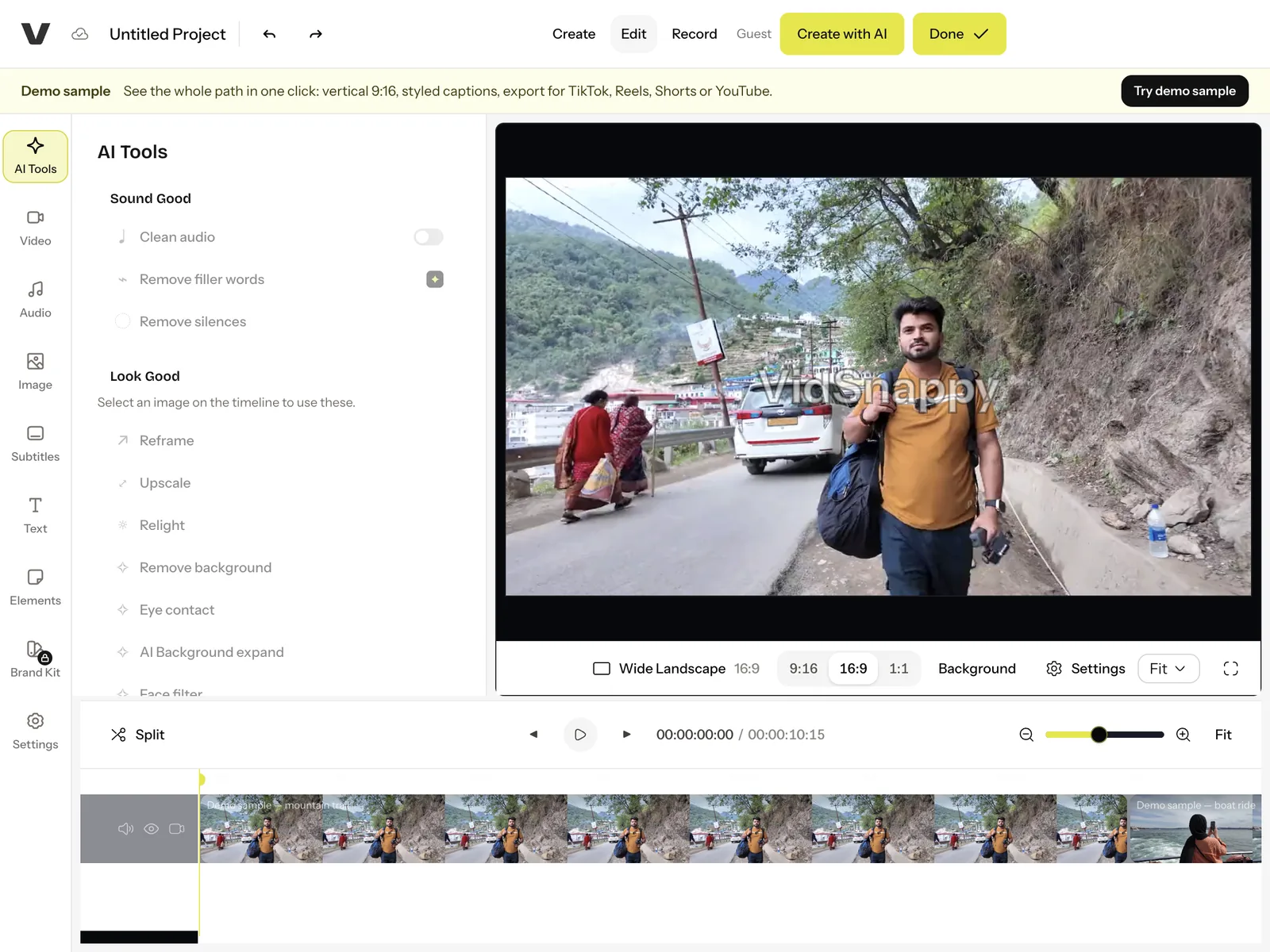
Step 1
Open the editor
Launch the editor from this page — nothing to download or install on any machine.
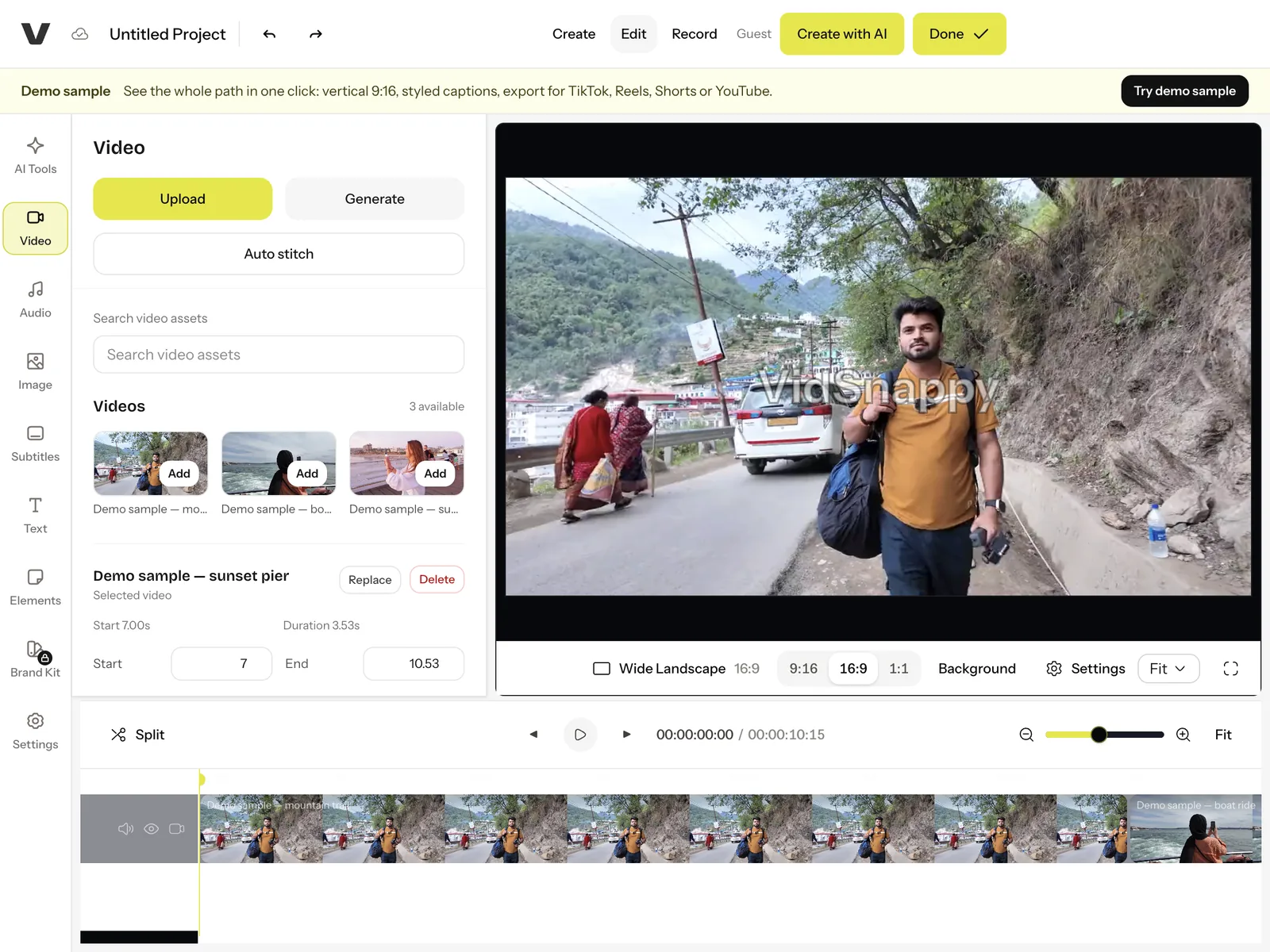
Step 2
Import your media
Add your own clips and audio, or pull from stock, onto the multi-track timeline.
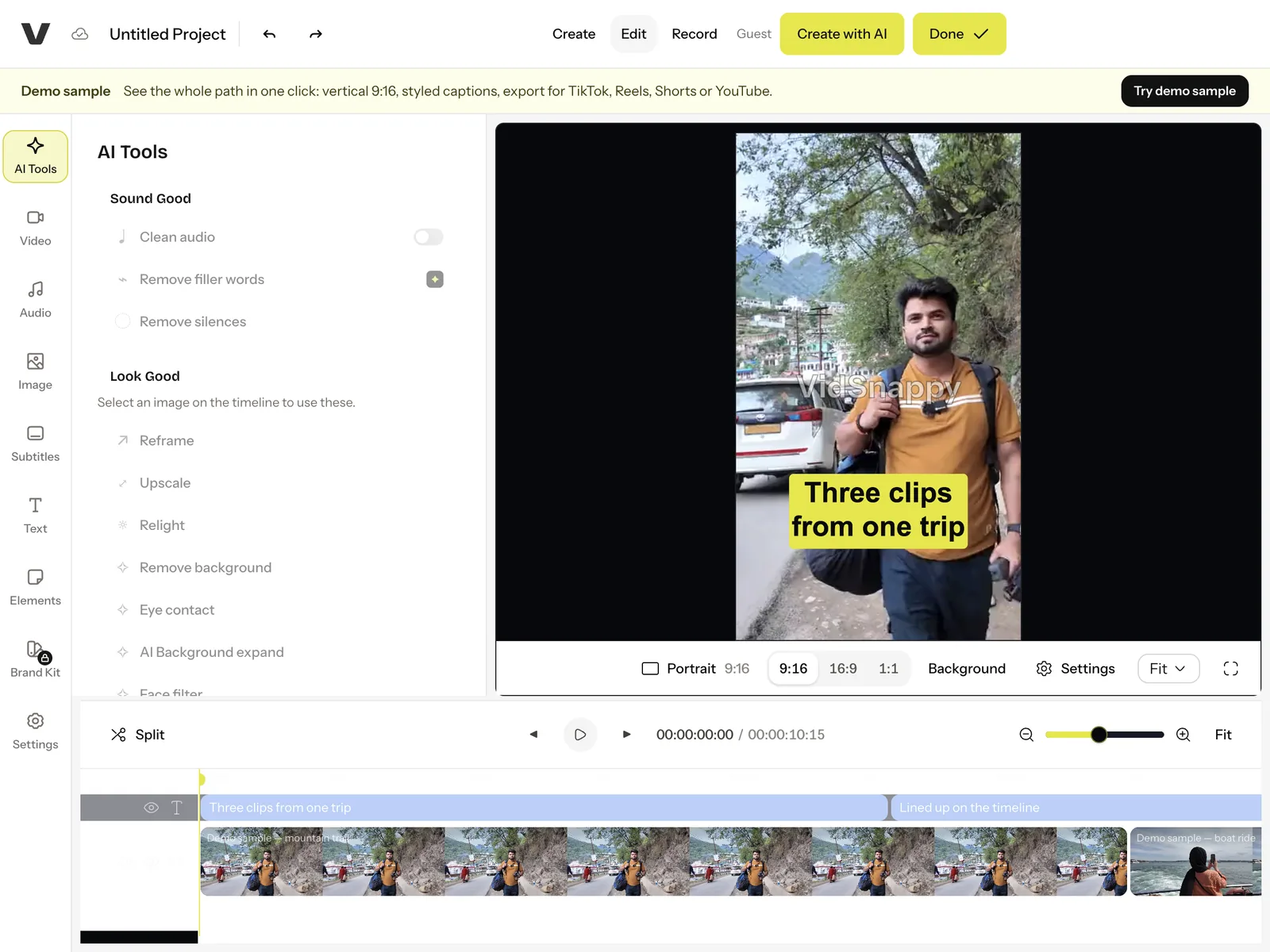
Step 3
Edit & apply AI
Trim, split and arrange clips, add captions and text, and use AI where it helps.
Step 4
Sign in & export
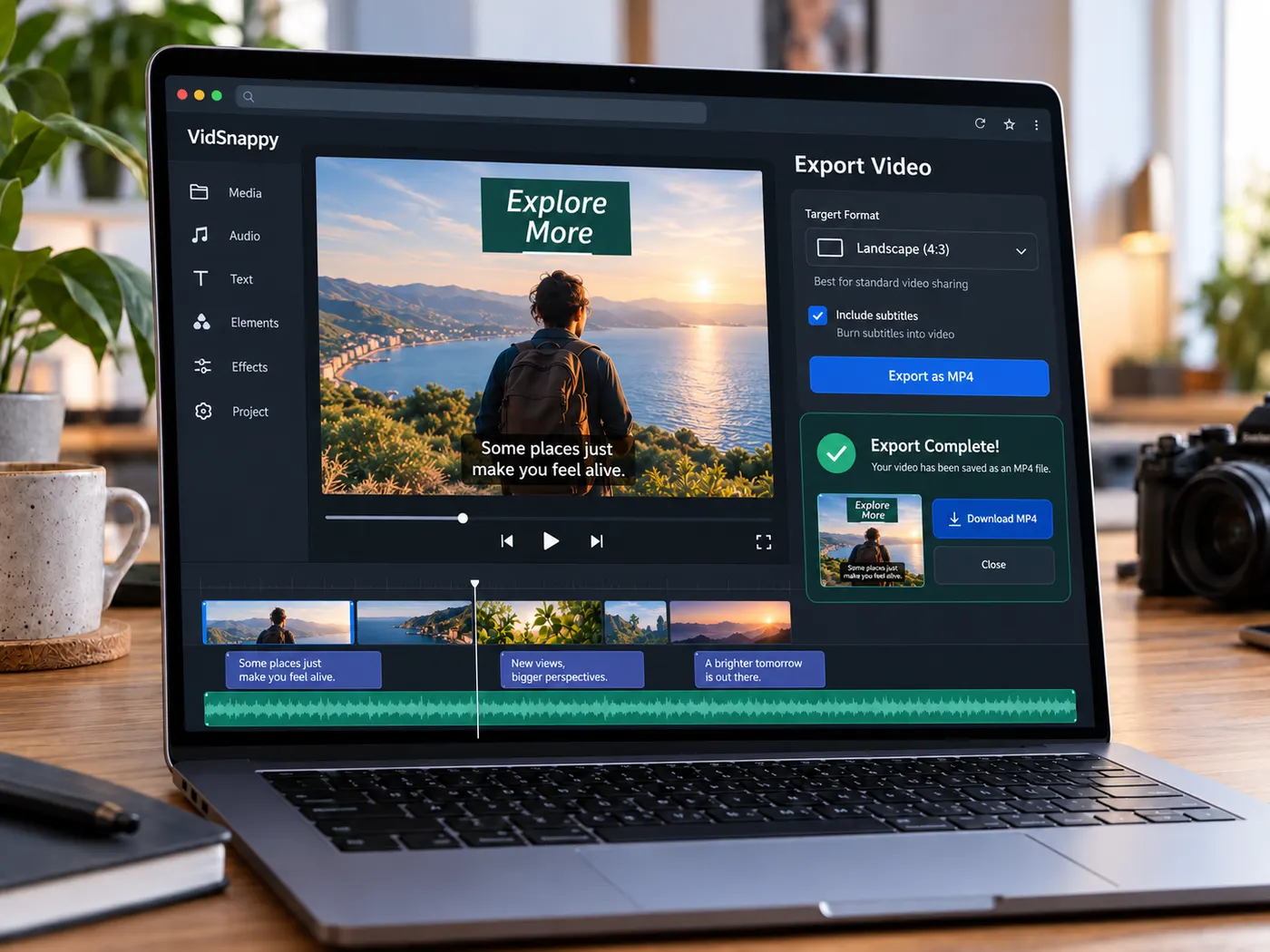
Pick your platform and export. Free accounts get watermarked 720p exports; paid plans export clean 1080p MP4s.
No install
The whole editor runs in the browser.
Open a tab, edit, export — nothing to download, on any machine.
Real multi-track
Layer video, overlays, text and audio on separate tracks.
You get true trimming, splitting and arranging — the way real editing works.
Captions from audio
Generate captions from the spoken audio.
Then edit the wording and style them directly on the timeline.
AI on your images
Select an image and upscale, relight, redraw for 9:16 or remove its background.
Each is a single action, without leaving your project.
Export to MP4
Finish with a real exported MP4.
Audio and video are mixed down into one file you can post anywhere.
Try the demo before you sign in
Try the demo sample as a guest.
Your own footage needs a free account; clean exports, AI and cloud projects are on paid plans.
Cloud projects
Save a project and pick it back up on another device — your work is not trapped in one browser.
Built on a proven engine
The timeline runs on a mature open-source editing core, so trims, splits and rendering behave the way you expect.
Tips & good to know
A few quick pointers to get the best result from this tool.
What people edit here

Social videos
Cut, caption and reframe clips for every feed.
Creators
Assemble a full video on a timeline, then export.

Marketers
Turn raw footage into a polished promo, no install.
Teams
Edit in the browser on any machine, no software rollout.
Educators
Build lesson videos with captions and clean cuts, then export an MP4 students can watch on any device — no editing software to roll out across a classroom.
Small businesses
Produce product clips and promos in-house without a desktop suite or a hired editor, keeping every version on a timeline you can revisit and re-cut whenever the offer changes.
Free tools, and a plan when you need more
The everyday tools are free and run in your browser. The AI tools and the full editor run on credits — pick a plan when you need them.
- Free
- $0
- Every browser tool
- Starter
- $12/mo
- 120 credits
- Pro
- $29/mo
- 310 credits
Start editing in your browser
Open the editor, build on a real timeline, and export a finished MP4 — free to try.
Open the editor