Free · Runs in your browser · No signup
Video Converter
Change a video or its audio from one format to another without installing anything. Every converter here runs in your browser, so your file is never uploaded to a server — drop it in, pick the output, and download the result.
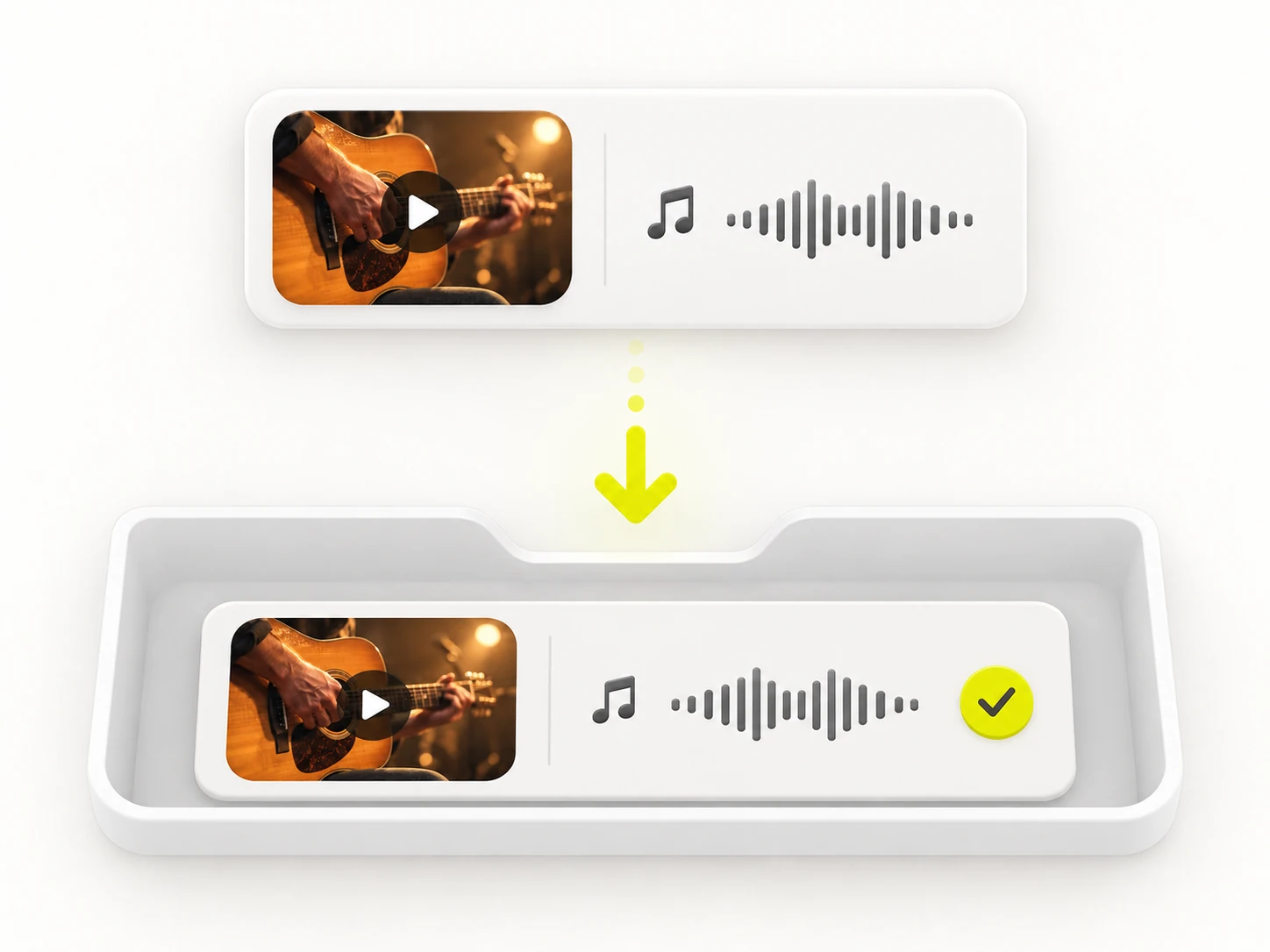
 FreeVideo to MP3Extract the audio from a video and save it as an MP3 at the bitrate you choose.
 FreeWebM to MP4Re-encode a WebM clip to a widely supported H.264 MP4 that plays anywhere.
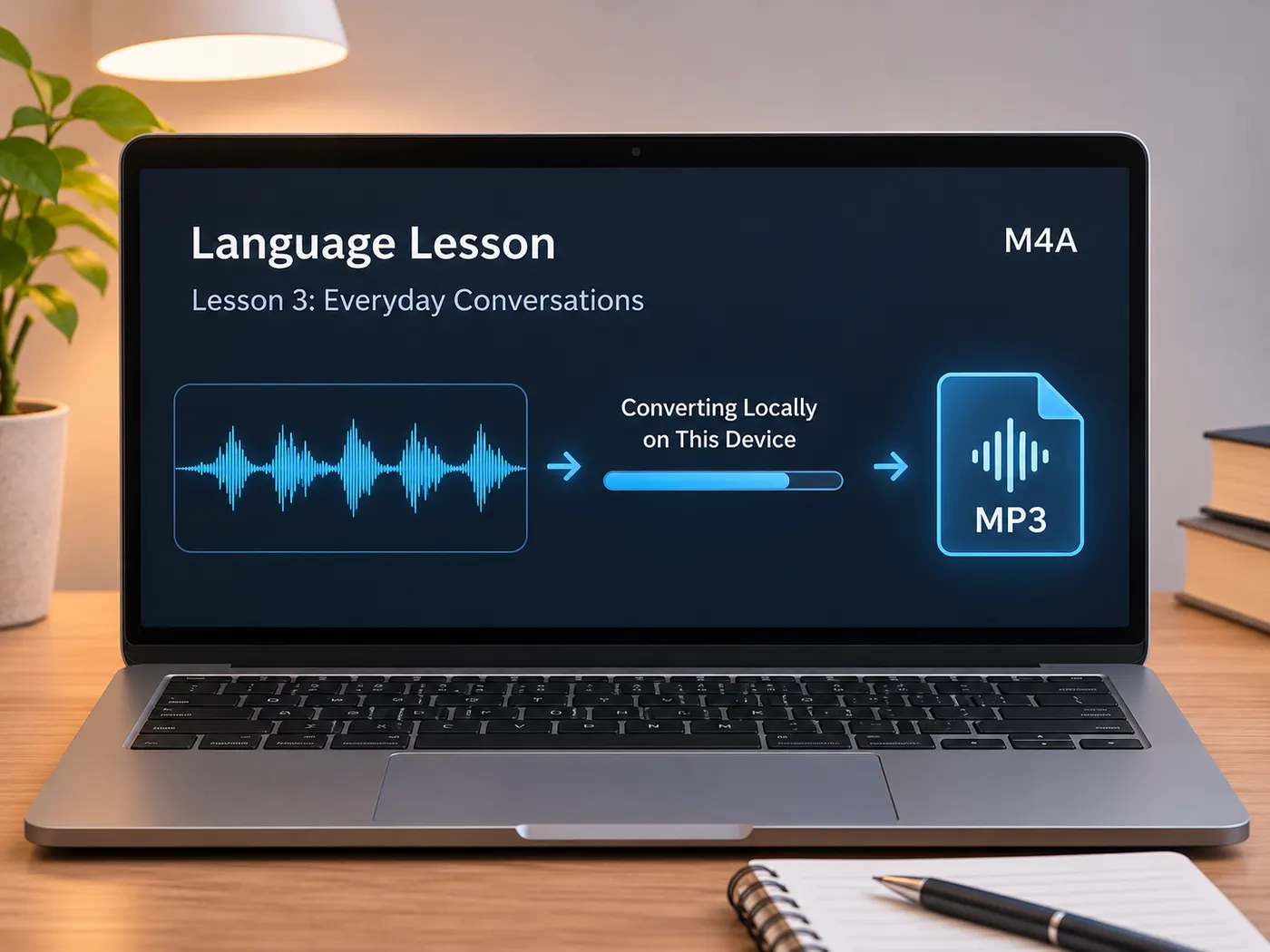 FreeM4a to MP3Convert m4a to mp3 in your browser for free. Drop one M4A, AAC, or MP4 audio file, choose 128–320 kbps, trim if needed, and download without uploads.
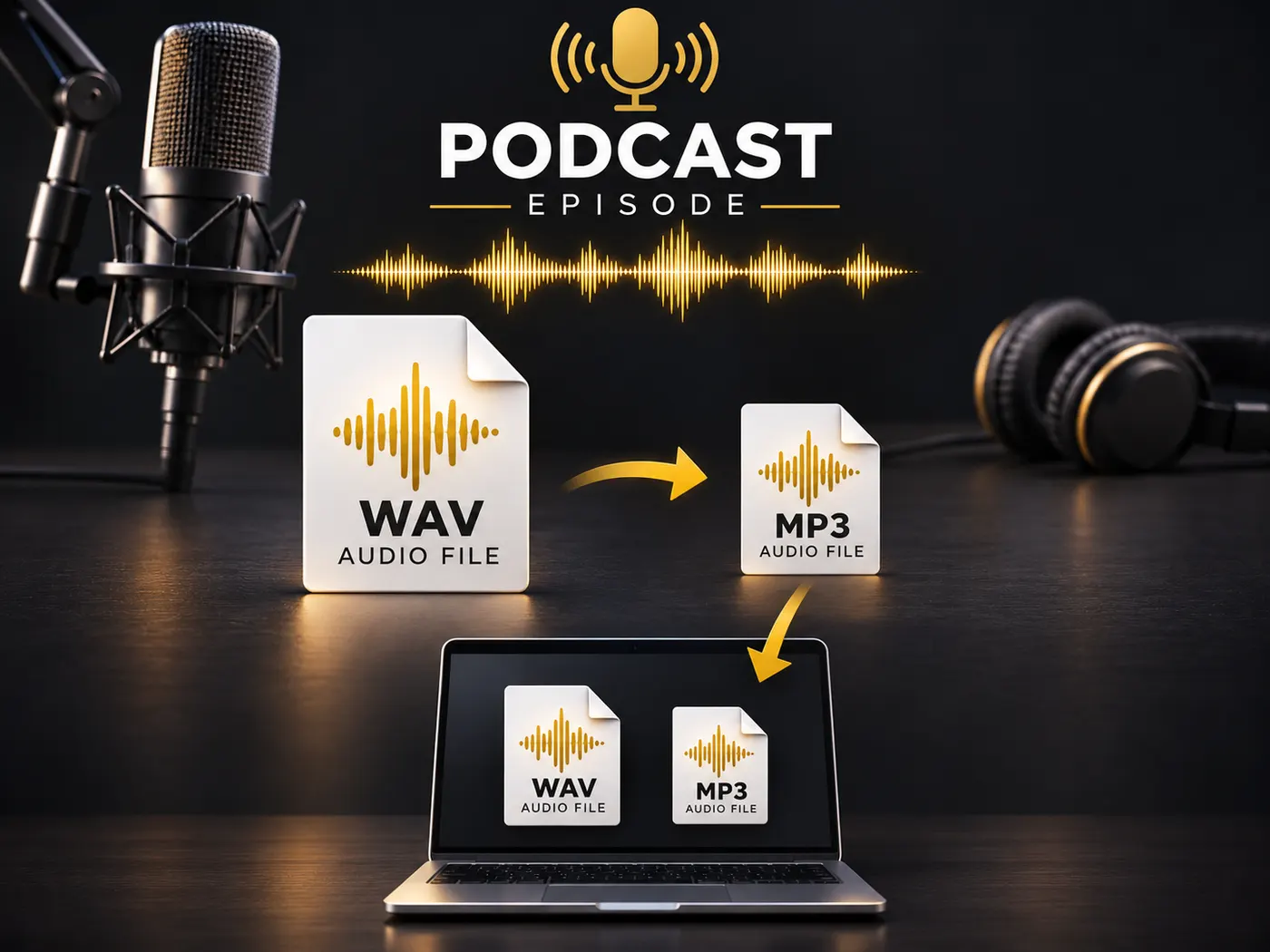 FreeWav Audio to MP3Shrink WAV recordings with wav audio to mp3 conversion in your browser. Choose 128–320 kbps, trim the range, then download an MP3—nothing is uploaded.
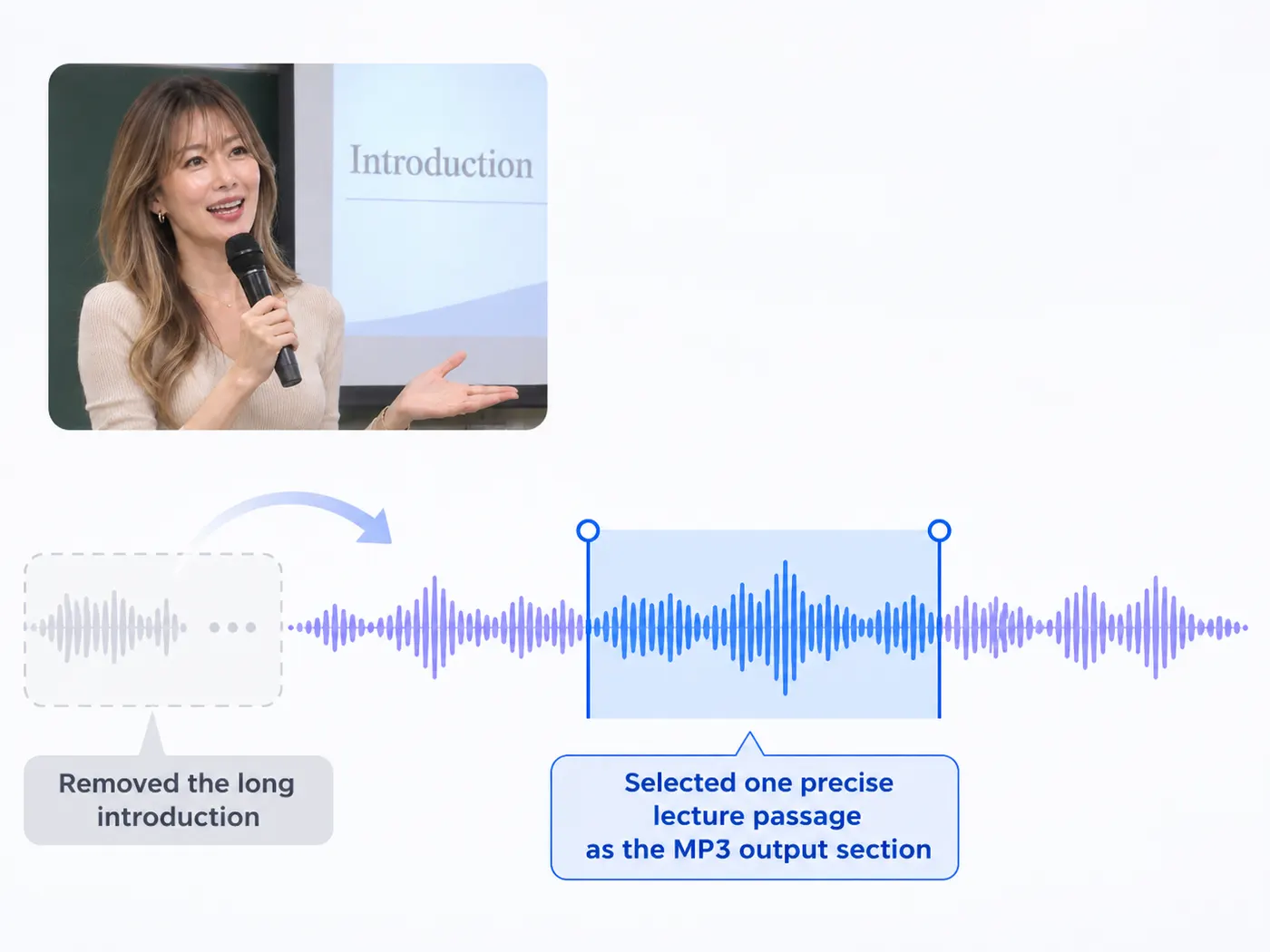 FreeCut from MP3Cut from MP3 in your browser: choose start and end times, keep your section, and download an MP3 privately—no upload or installation on your device.
 FreeMkv to MP4Convert mkv to mp4 in your browser for free. Turn MKV, WebM, or MOV into an MP4 with optional 1080p, 720p, or 480p output; nothing is uploaded at all.
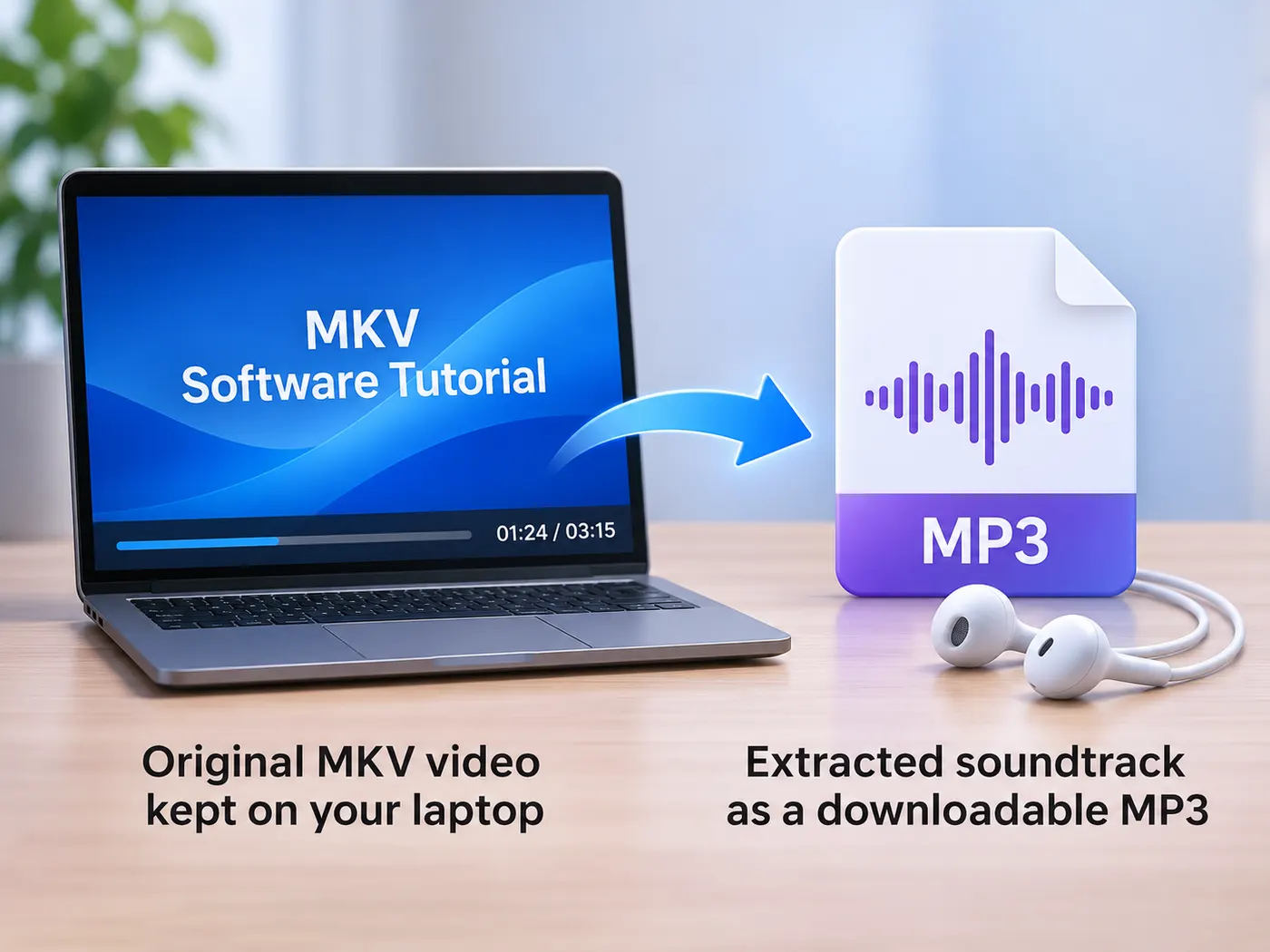 FreeMkv to MP3Use mkv to mp3 conversion in your browser without uploading files. Trim sections, choose 128–320 kbps, and download audio without installing software.
Convert your first file
Pick a converter above, or start with the most popular one — pulling the audio out of a video as an MP3.
Convert video to MP3