Private browser conversion with no upload
MKV to MP4 Converter
Use this private browser tool to turn an MKV into an MP4 when a phone, editor, or upload site rejects the original file. The mkv to mp4 process accepts MKV, WebM, MOV, or MP4, lets you choose a smaller resolution, and keeps the file on your device.

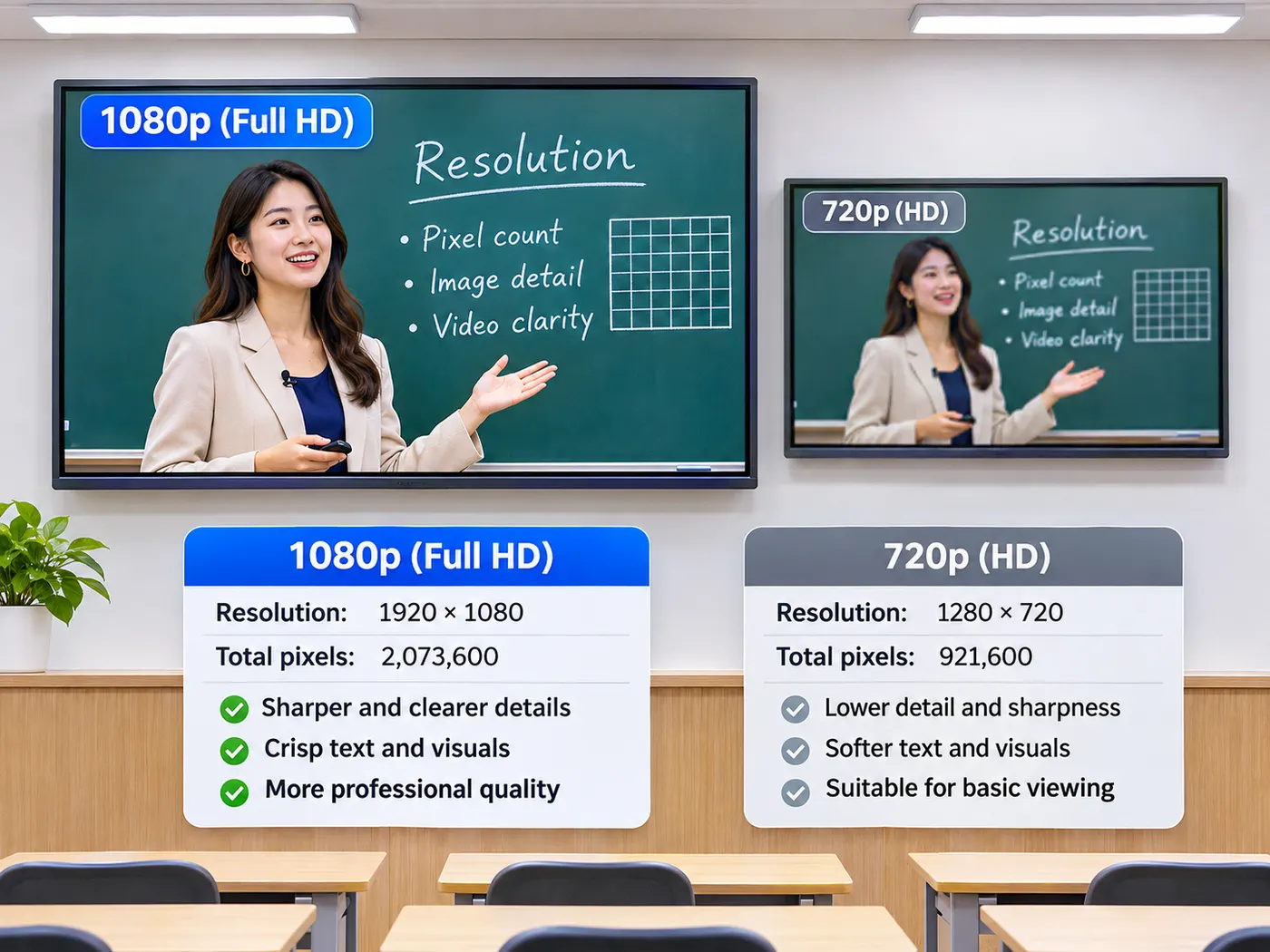
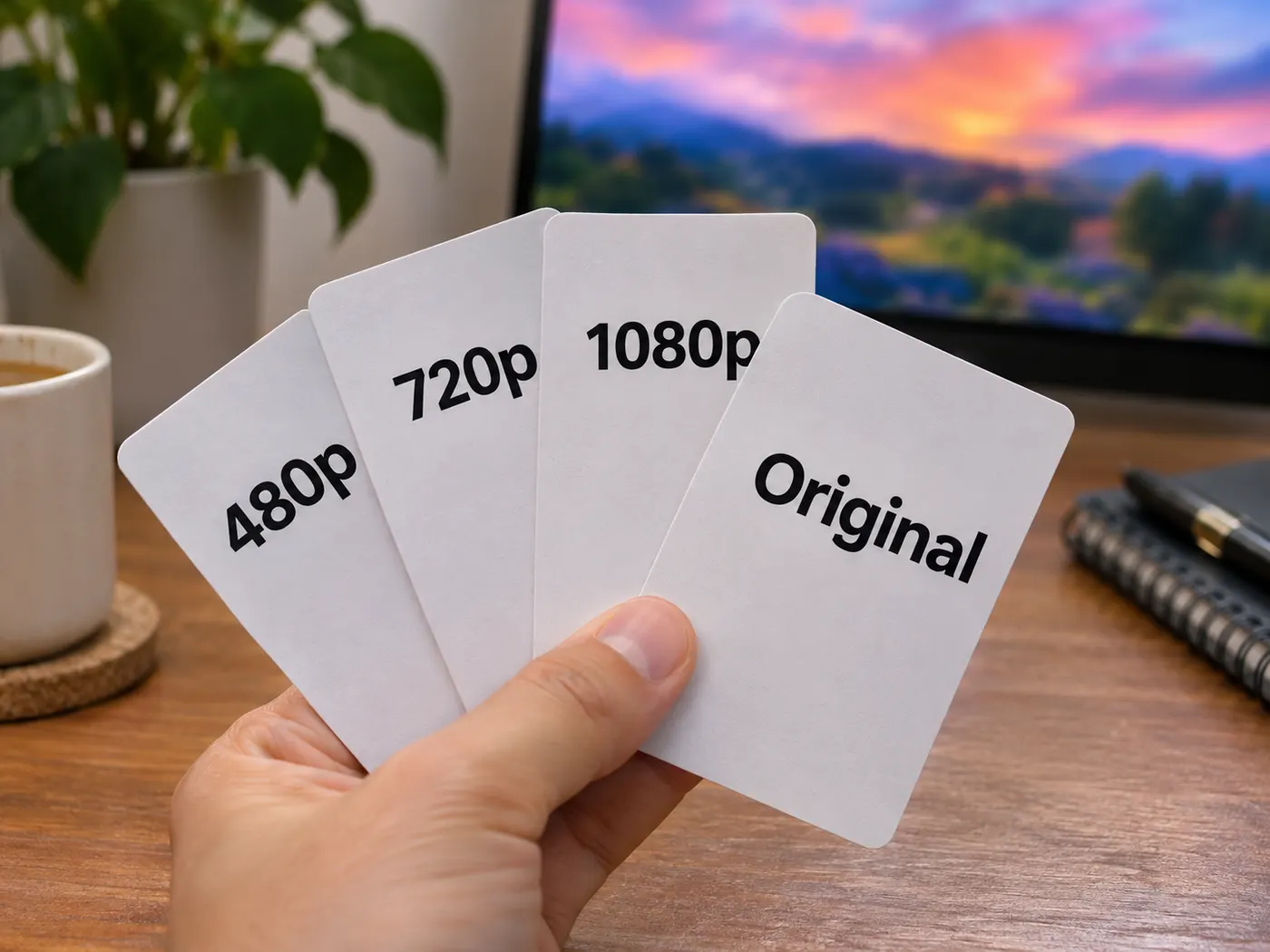
Original keeps source resolution; 1080p, 720p, and 480p create smaller MP4 copies.
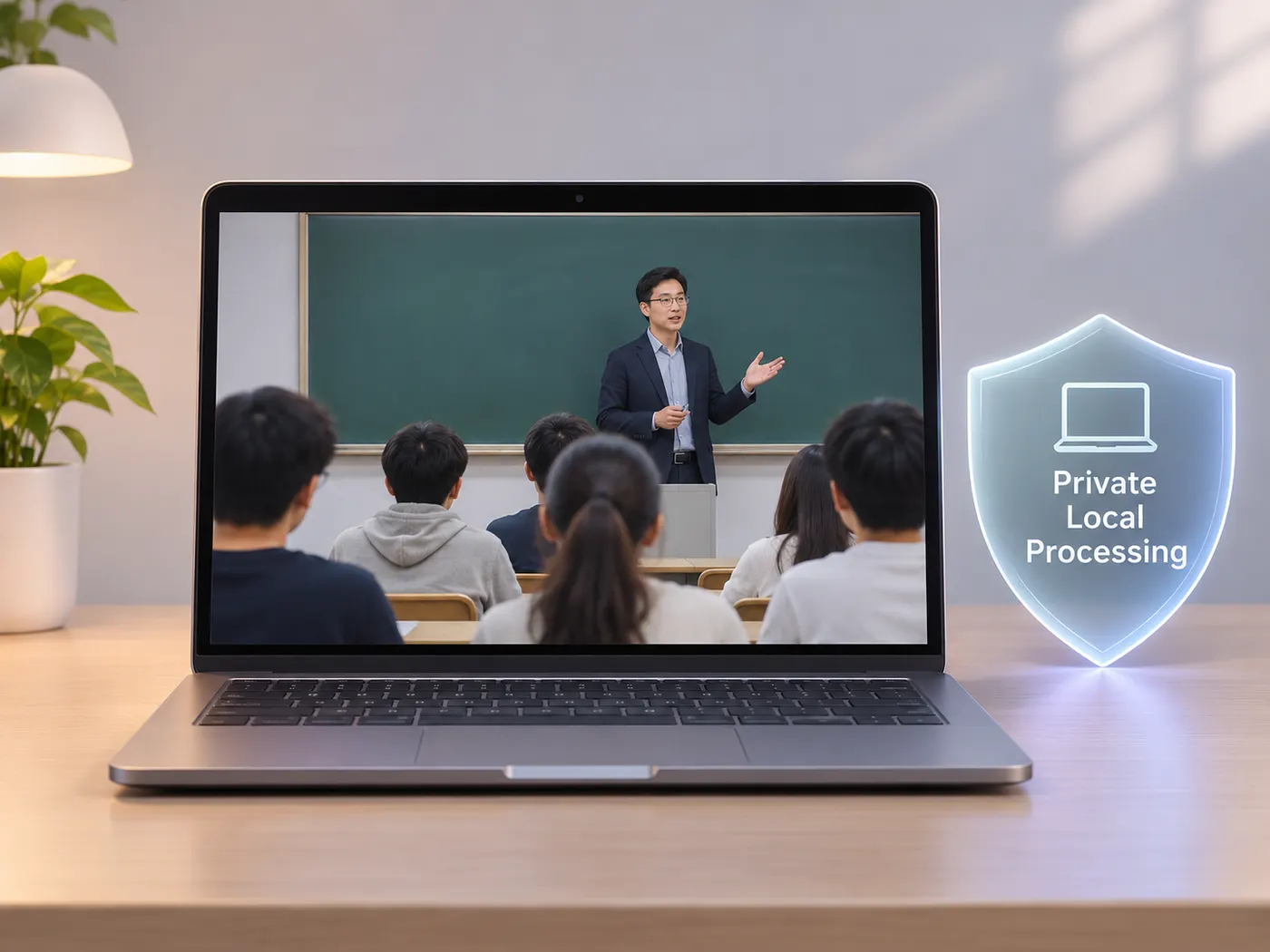
Private browser conversion
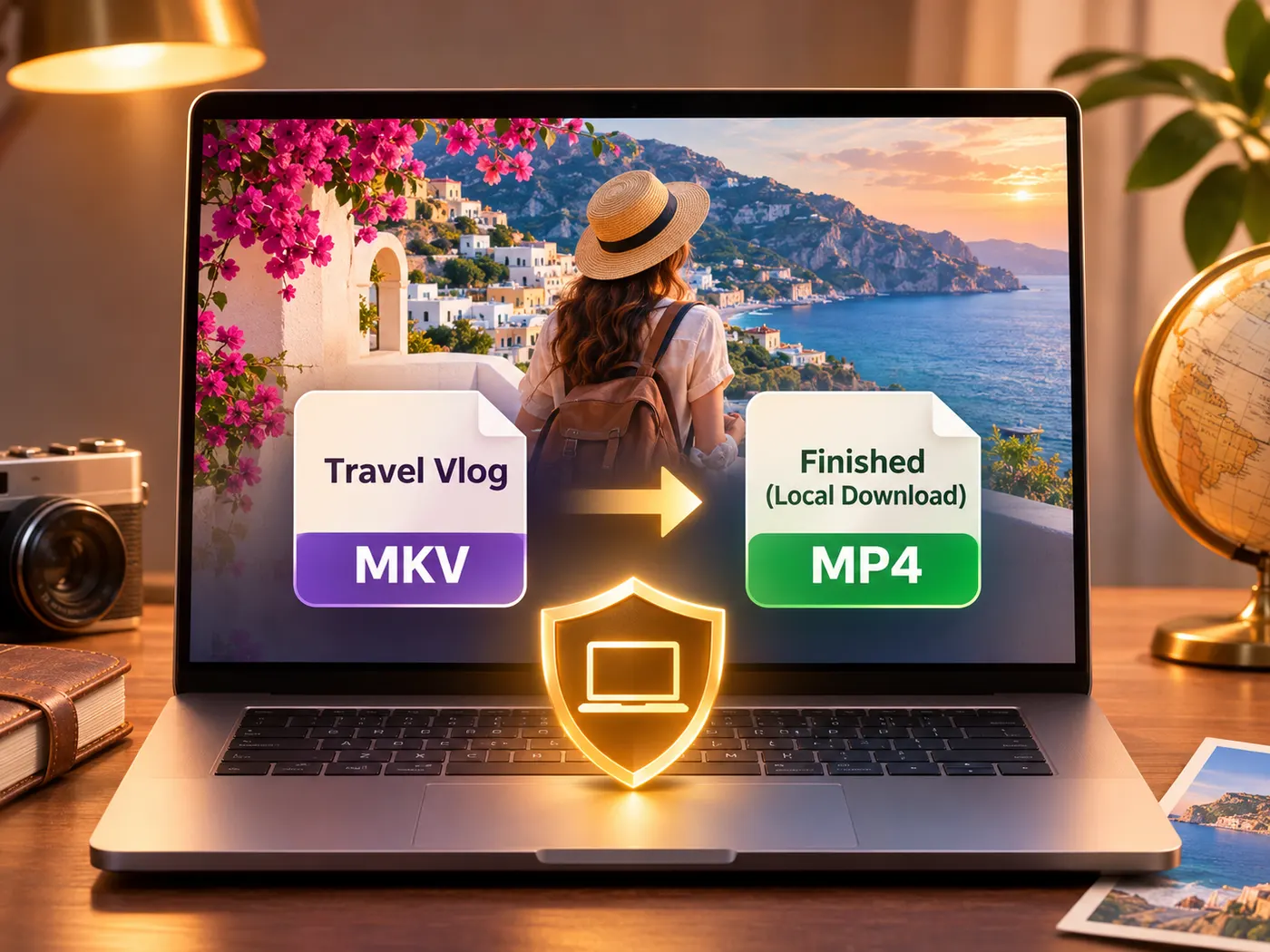
This mkv to mp4 converter works in the browser, so your video stays on your device instead of being sent to a third-party server. Drop one supported file into the tool and get an MP4 download without installing desktop software.
Resolution choices that fit
Choose Original when you want the source resolution, or select 1080p, 720p, or 480p for a smaller result. The mkv to mp4 workflow keeps the choice visible before processing, so you can make a second mkv to mp4 export at a different size if the first file is too large.
Ready for common uploads
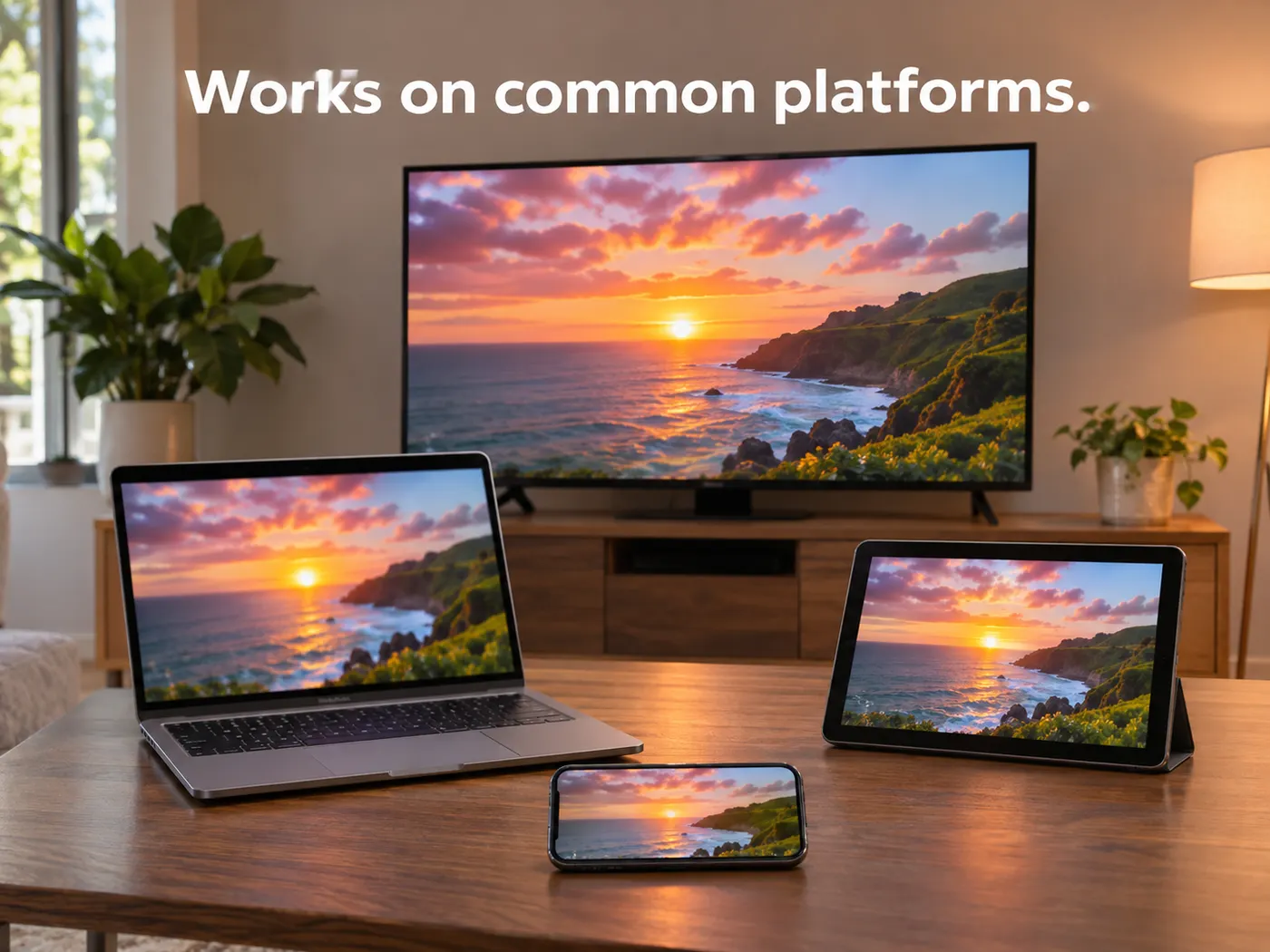
When a platform accepts MP4 but not Matroska, the resulting file is easier to select for playback or upload. A mkv to mp4 result gives you the MP4 extension while preserving the selected resolution, with the conversion performed locally in your browser.
A clear path from file to playback
The mkv to mp4 flow is designed for one file: choose a video, set the resolution if needed, convert locally, and download the MP4 when processing finishes.
Convert your video in four steps
Step 1
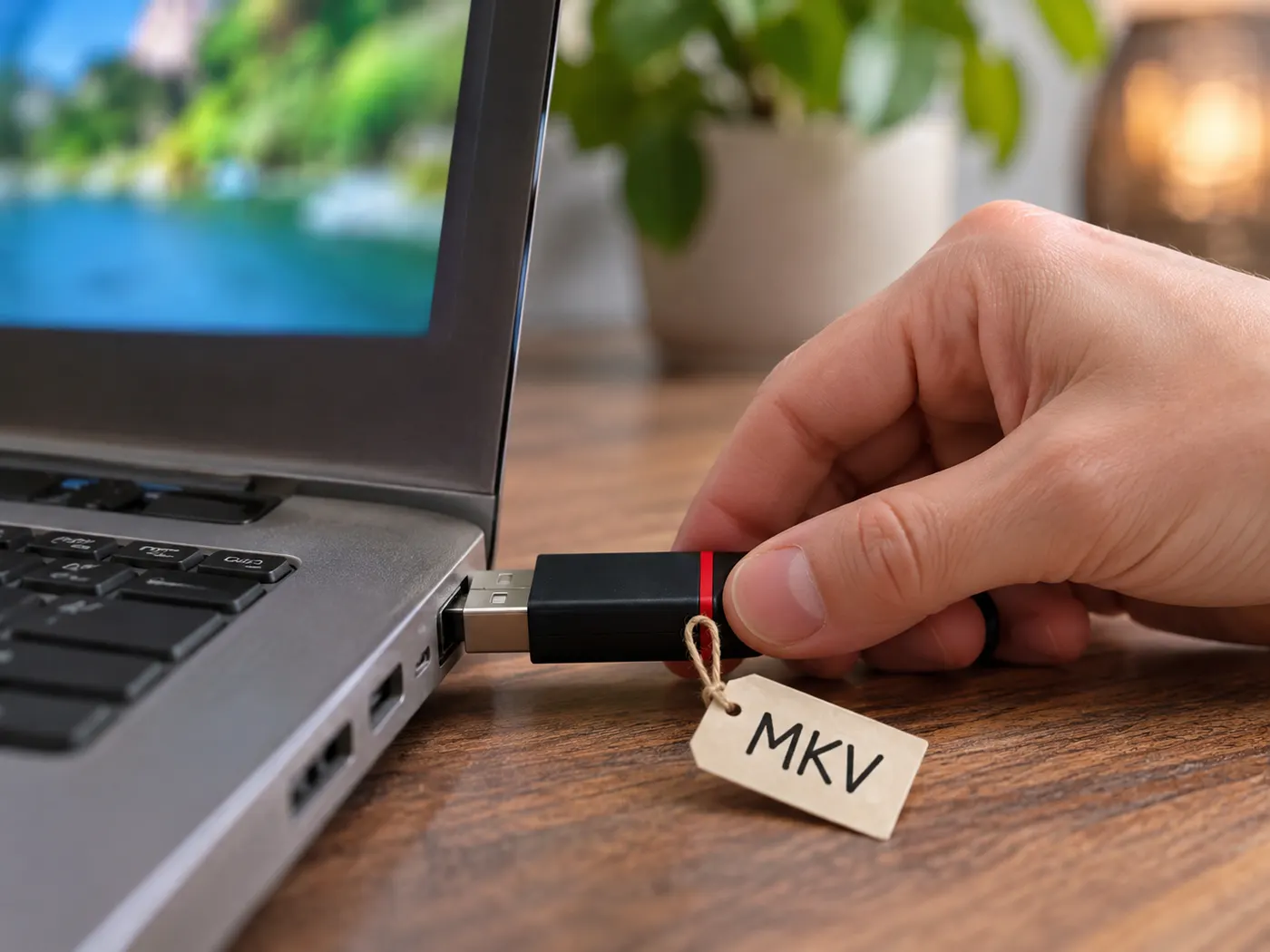
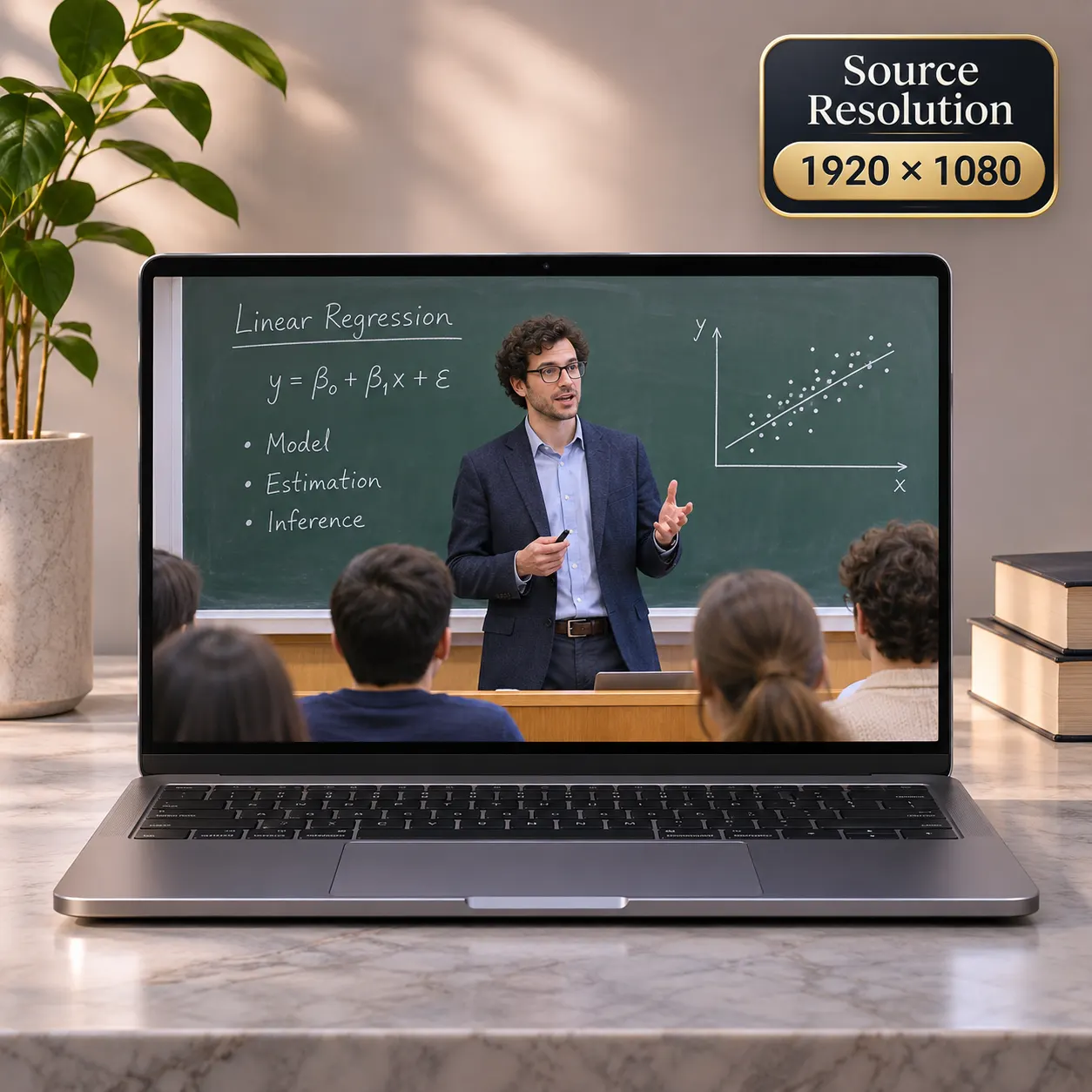
Add your video
For mkv to mp4 online conversion, drop one MKV, WebM, MOV, or MP4 file into the video area.
Step 2
Choose a resolution
Keep Original, or select 1080p, 720p, or 480p when you want a smaller MP4 output.
Step 3
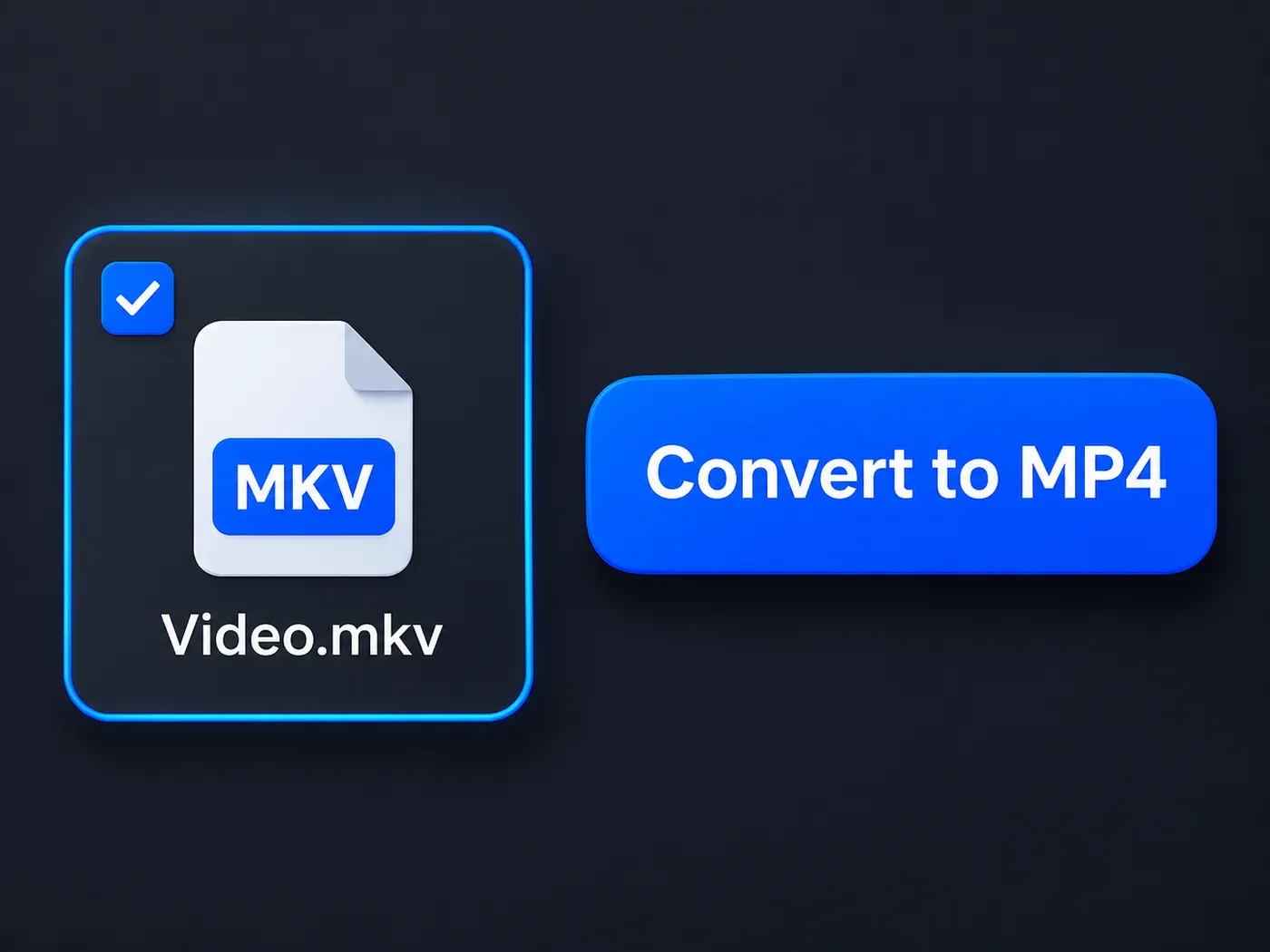
Start the conversion
Click Convert to MP4 to begin. The mkv to mp4 conversion runs in your browser, with nothing uploaded during the process.
Step 4
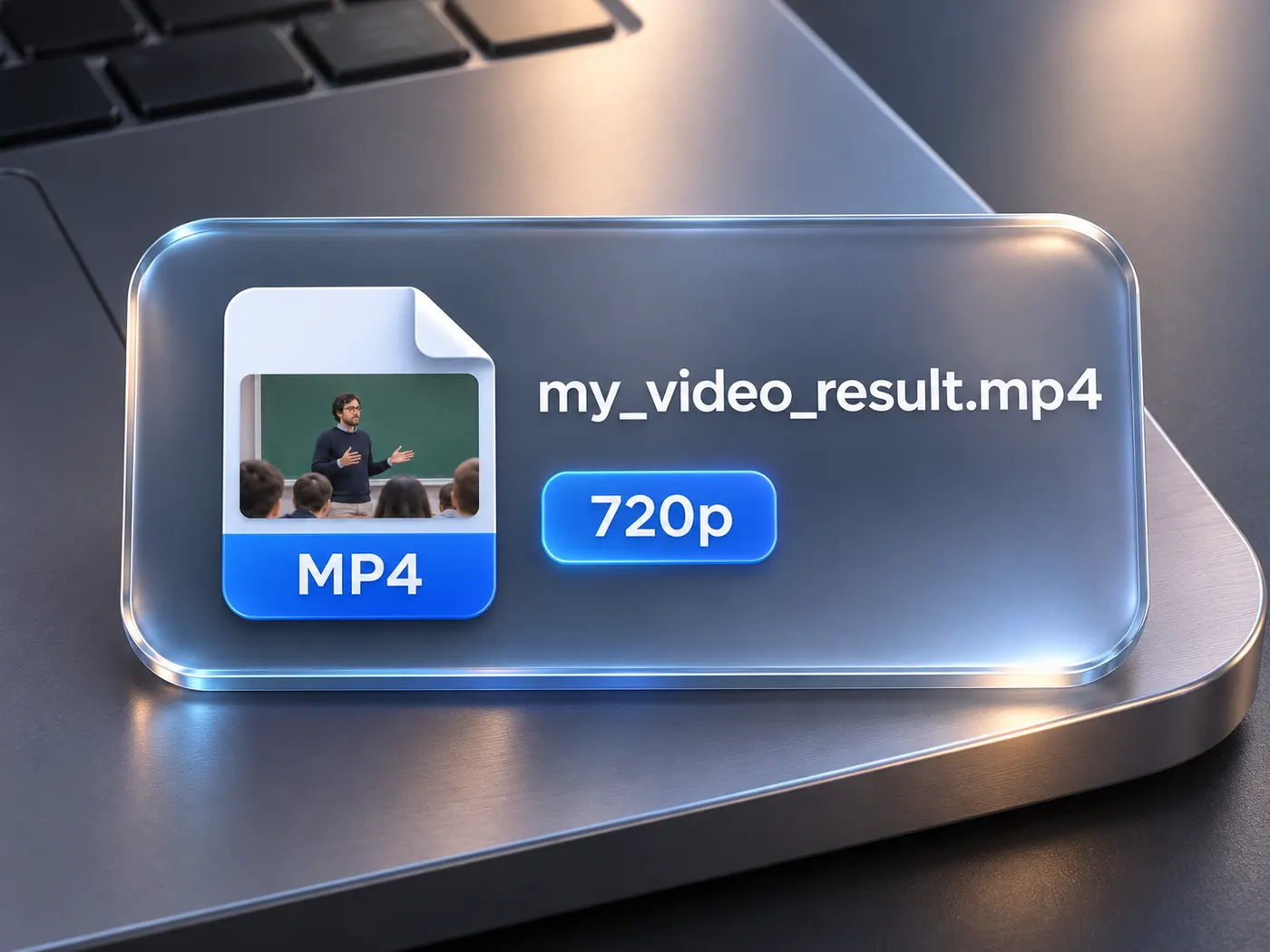
Download the result
When processing ends, choose Download MP4 and save the converted video to your device.
Keep Original
Retain the source resolution when you do not need a smaller file.
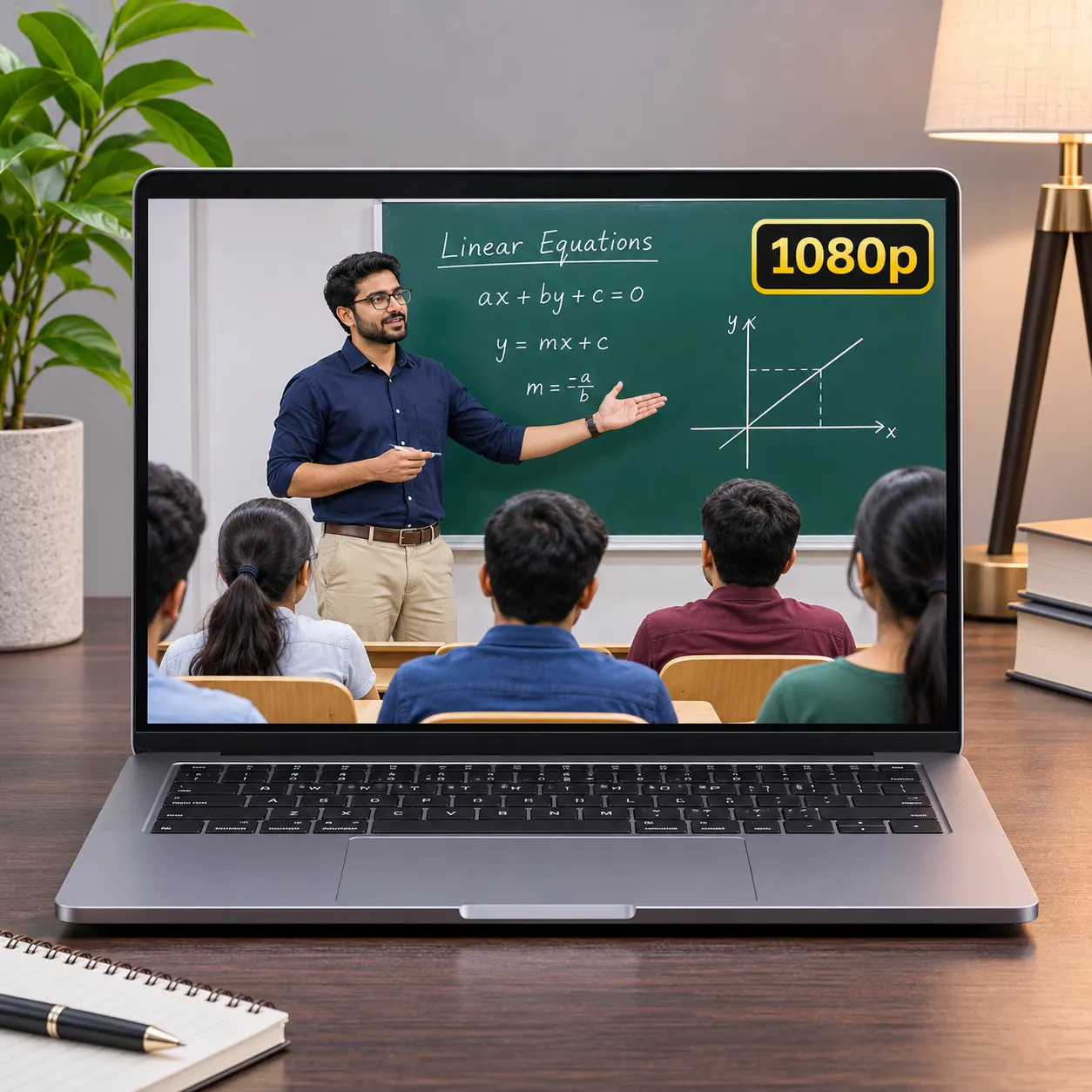
Choose 1080p
Create a full HD MP4 copy from a supported video.
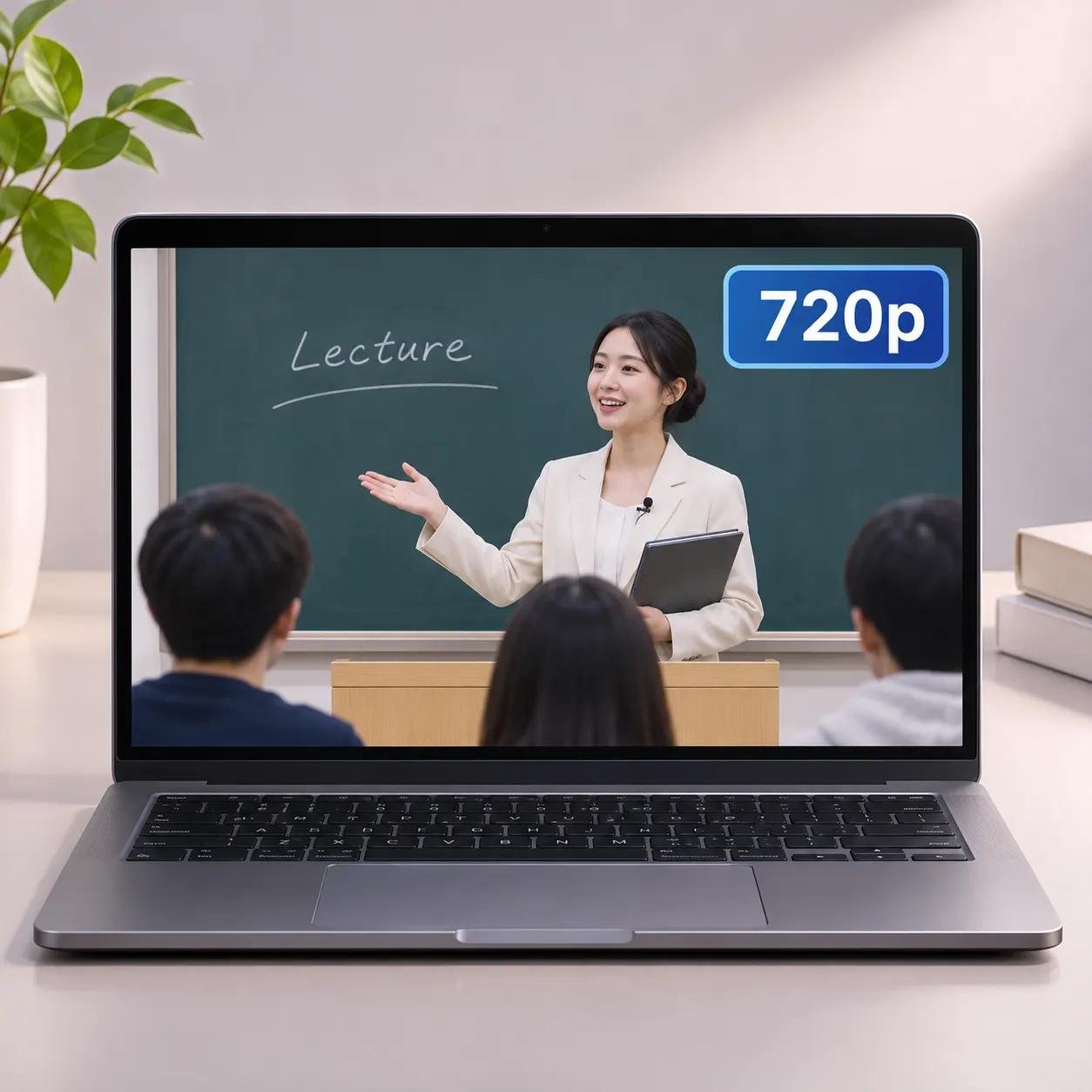
Choose 720p
Reduce the frame size for a more compact result.
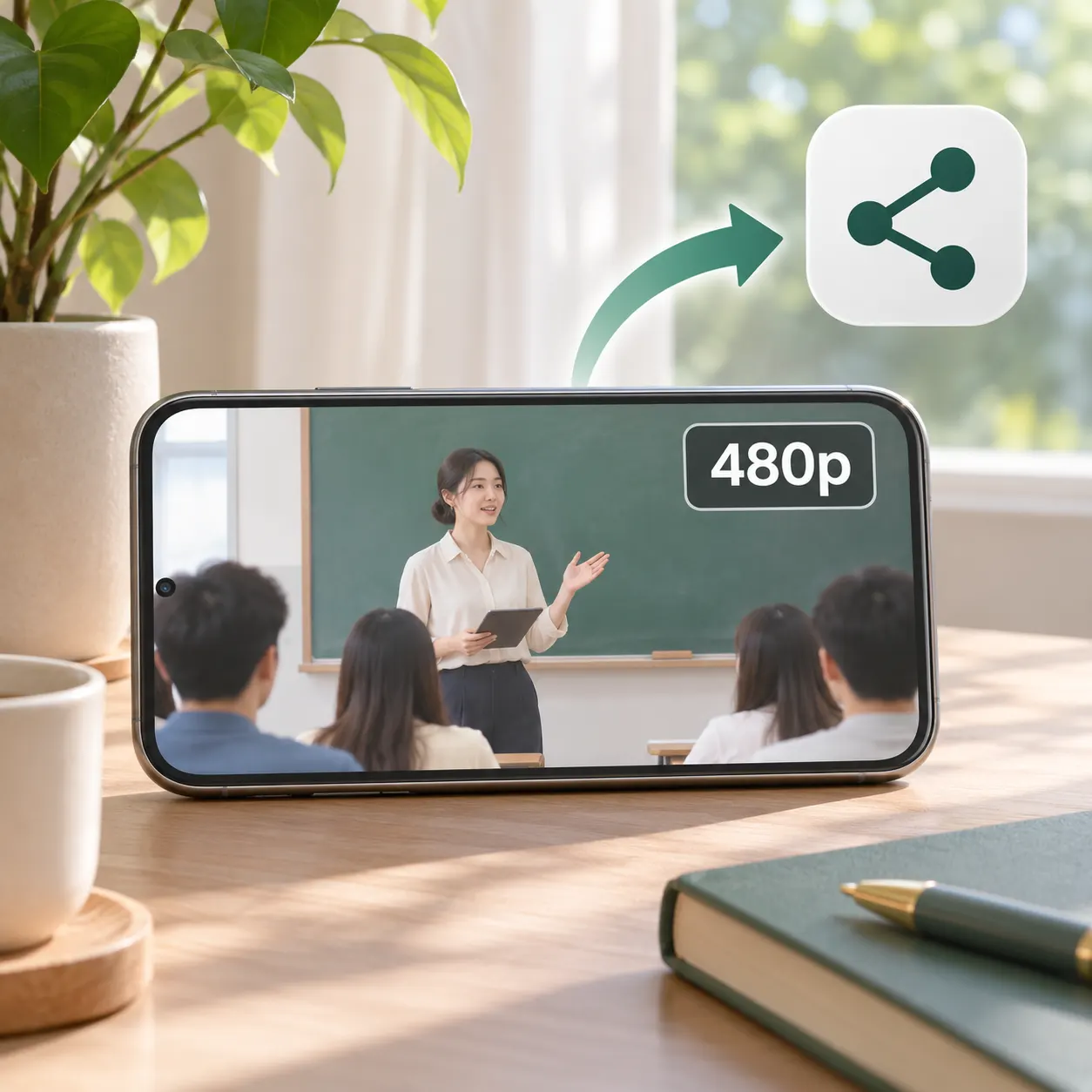
Choose 480p
Make a smaller MP4 for simpler sharing and storage.
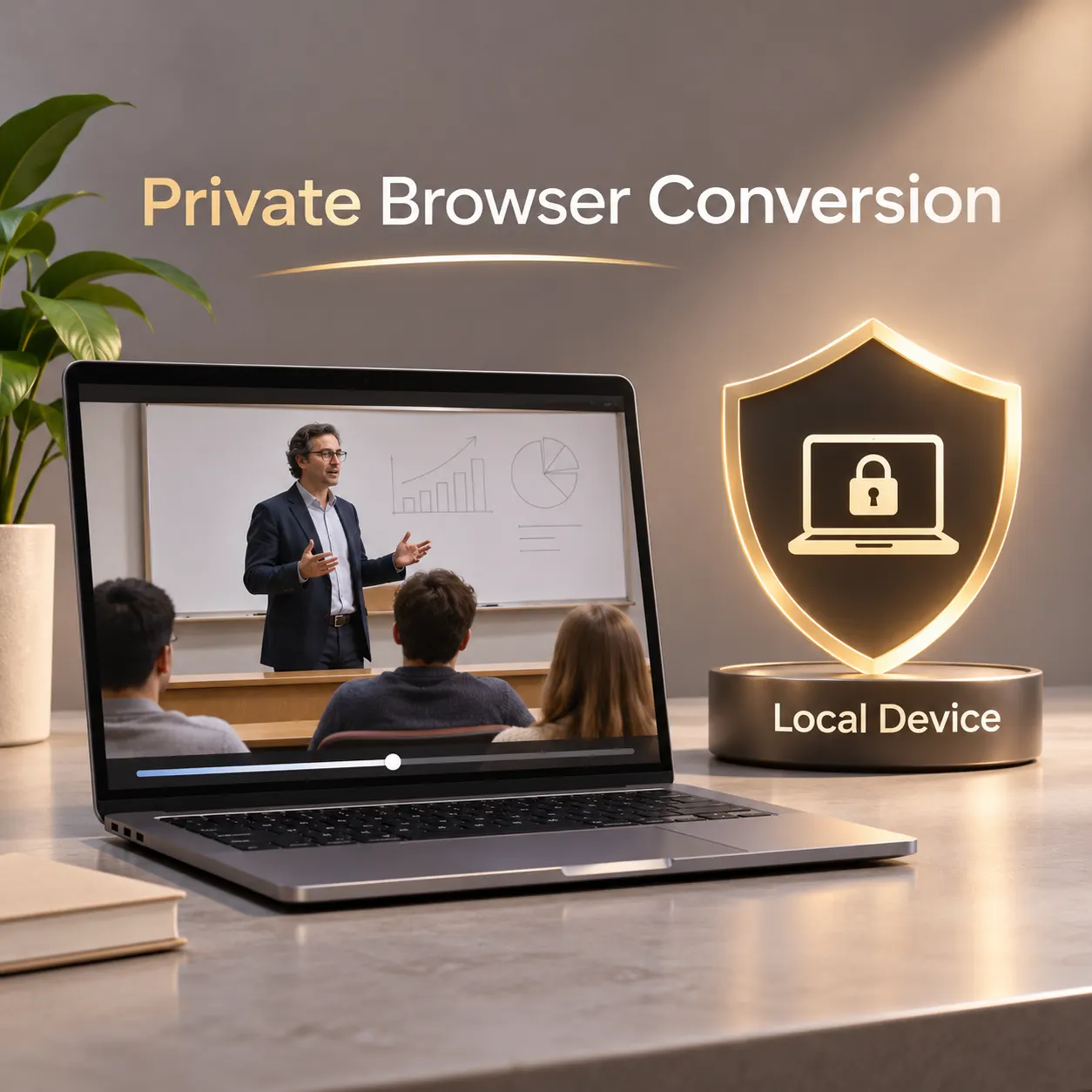
Stay in your browser
Convert locally without sending the video to a server.
See the conversion flow
Each view keeps the input, resolution choice, conversion action, and MP4 download easy to follow.



Made for everyday video

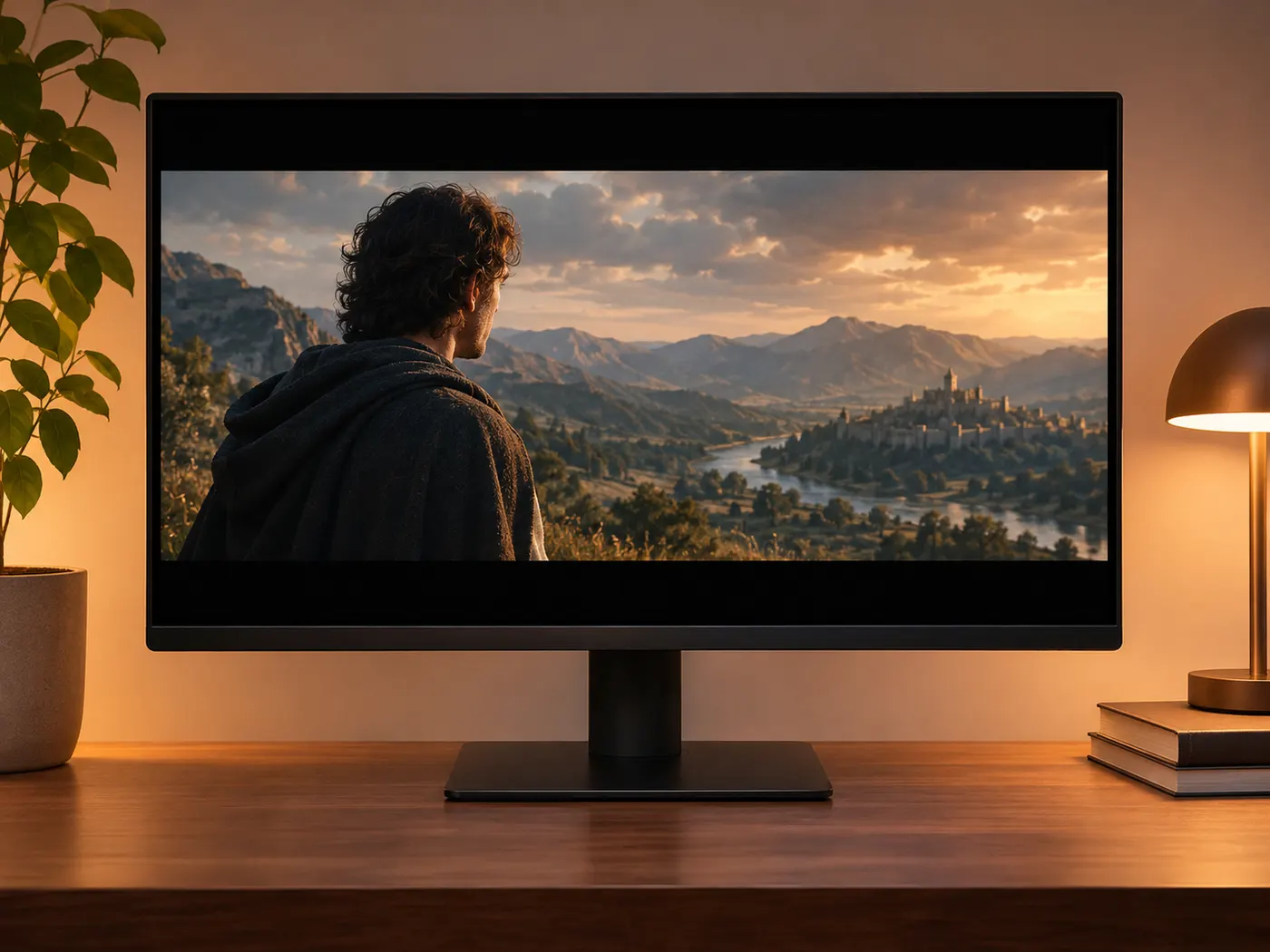
Screen recordings
Convert matroska to mp4 when a recording will not open in your editor or phone.
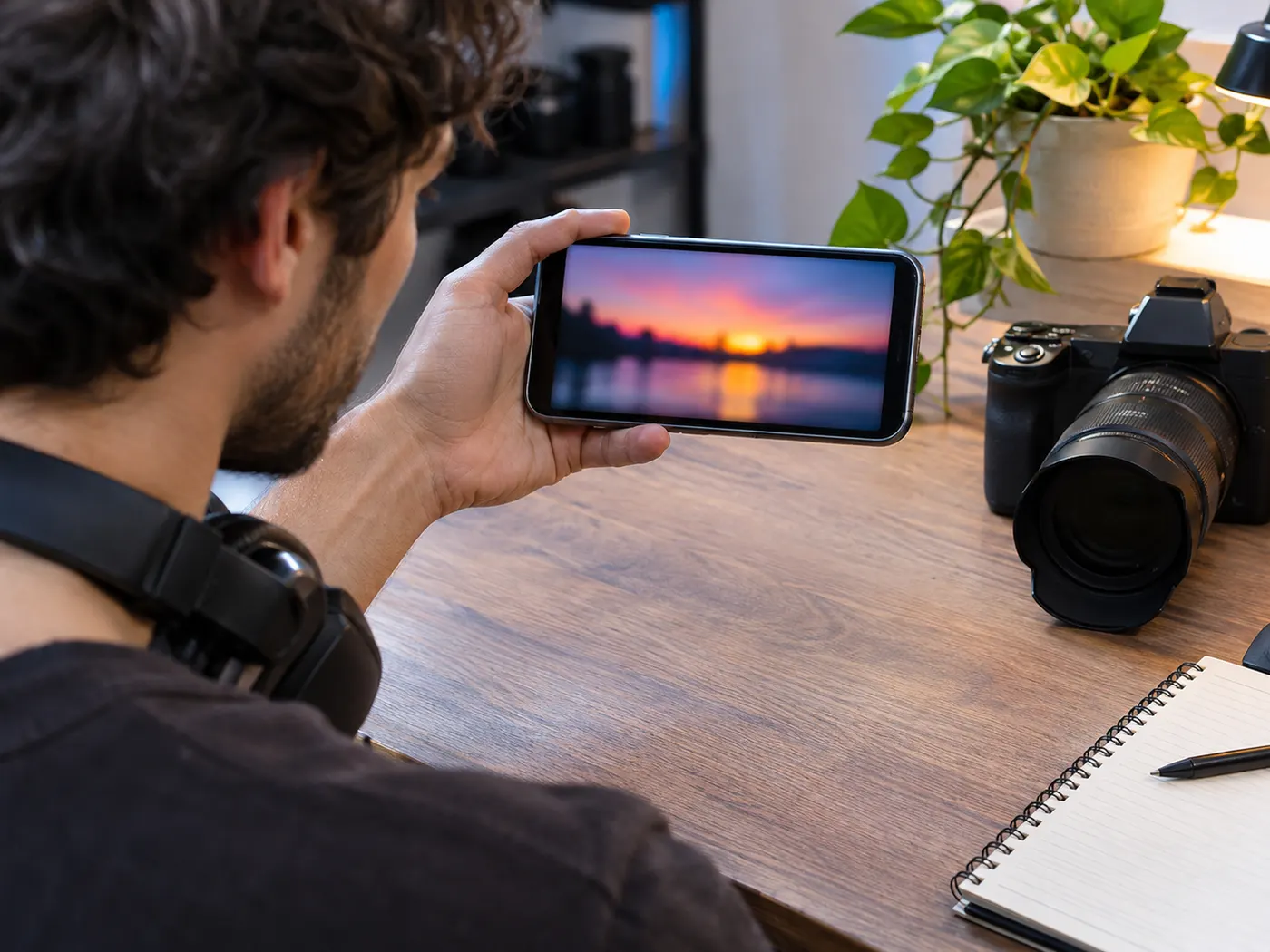
Downloaded videos
Create an MP4 copy when a downloaded MKV is not accepted by your player.
Editor uploads
Use the selected MP4 output when your editing workflow expects that format.
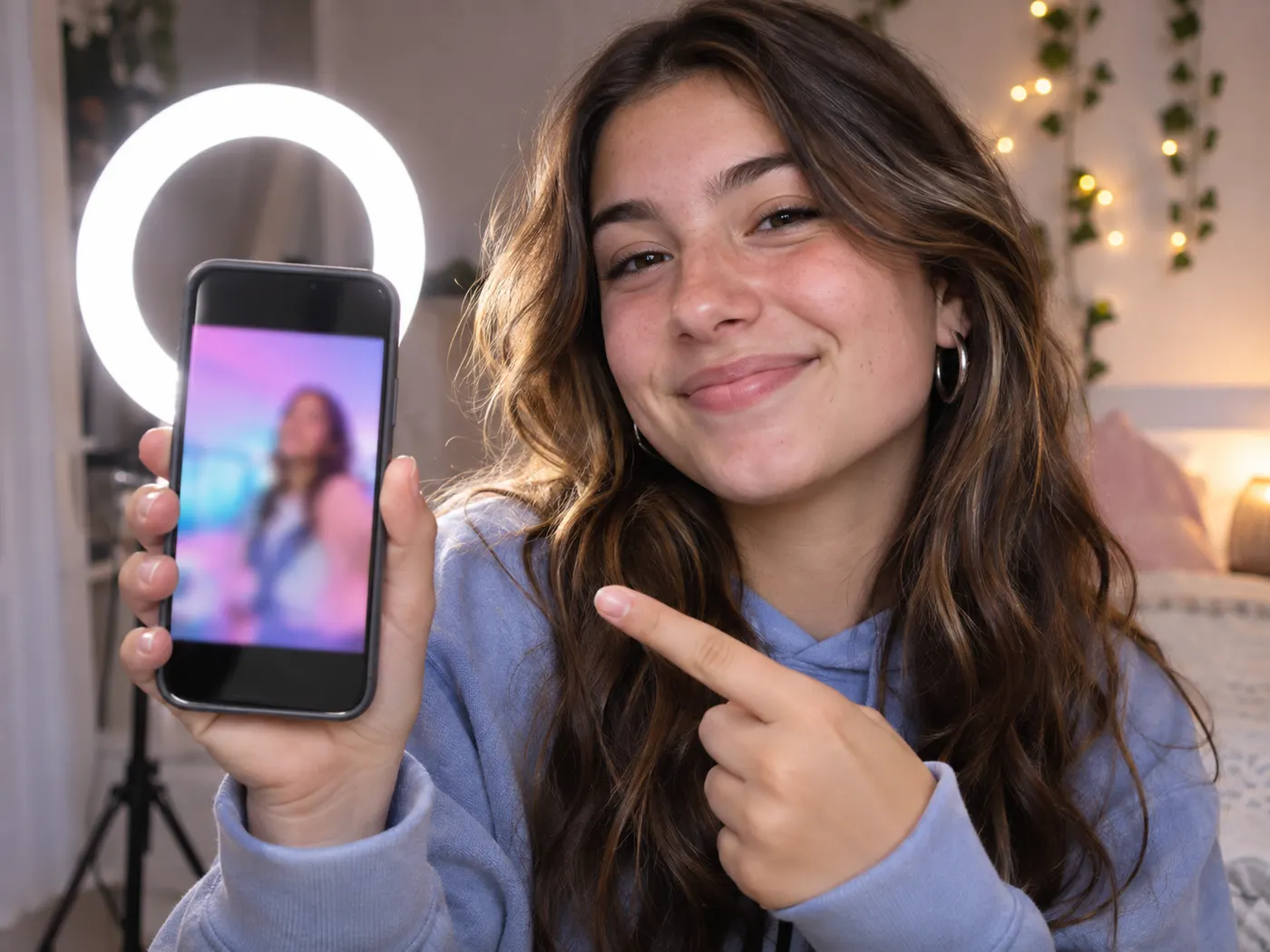
Platform sharing
Choose a smaller resolution before sharing a video where file size matters.
Questions about MKV conversion
How do I change a video to MP4?
Drop one supported video into the tool to convert mkv to mp4, then choose a resolution. The input can be MKV, WebM, MOV, or MP4, and the output is MP4. The conversion happens in your browser, so the file is not uploaded to a server.
Are my video files uploaded?
Your file stays on your device while the mkv to mp4 conversion runs in the browser. Processing does not upload the video to a server, and the tool provides a local download when it finishes. This keeps the recording private while you prepare it for a player, editor, or service that accepts MP4.
Can I choose the output resolution?
The available settings in the mkv to mp4 tool are Original, 1080p, 720p, and 480p. Original keeps the source resolution, while the numbered choices create a smaller MP4 frame size. Select the setting before you start, then download the result after the browser finishes processing.
Does the result keep my original resolution?
The selected setting determines whether the mkv to mp4 result keeps or reduces the source resolution. Choose Original to retain it, or choose 1080p, 720p, or 480p to reduce the frame size. The choice is applied during browser conversion before the MP4 file becomes available to download.
Do I need to install software?
No desktop program is required because the mkv to mp4 converter runs in your browser. Add one video, choose the output resolution, and start the job. The page is designed for a straightforward file conversion when you need an MP4 copy without installing software or signing up.
What happens after conversion finishes?
When the mkv to mp4 job finishes, select Download MP4 to save the converted video. The tool handles one input at a time and creates an MP4 file from the supported video in the browser, using the resolution you chose before processing began.
Free tools, and a plan when you need more
The everyday tools are free and run in your browser. The AI tools and the full editor run on credits — pick a plan when you need them.
- Free
- $0
- Every browser tool
- Starter
- $12/mo
- 120 credits
- Pro
- $29/mo
- 310 credits
Make your MP4 copy now
Choose one video, select a resolution, and download the result from your browser.
Convert to MP4