Browser-based audio and video transcription
Podcast transcript that reads clean
Create a usable text version of a recorded conversation without typing every line yourself. This browser-based workflow accepts one podcast episode as an MP4, MOV, WebM, MP3, WAV, or M4A file, transcribes the spoken content, and gives you a podcast transcript plus a .txt download. Use the podcast transcript to read, edit, quote, or search the discussion.
See the difference
Example transcript
[00:00] Welcome to VidSnappy. [00:03] This is an example of what your transcript will look like — each sentence on its own line, with timestamps. [00:10] Upload your video below to get started.
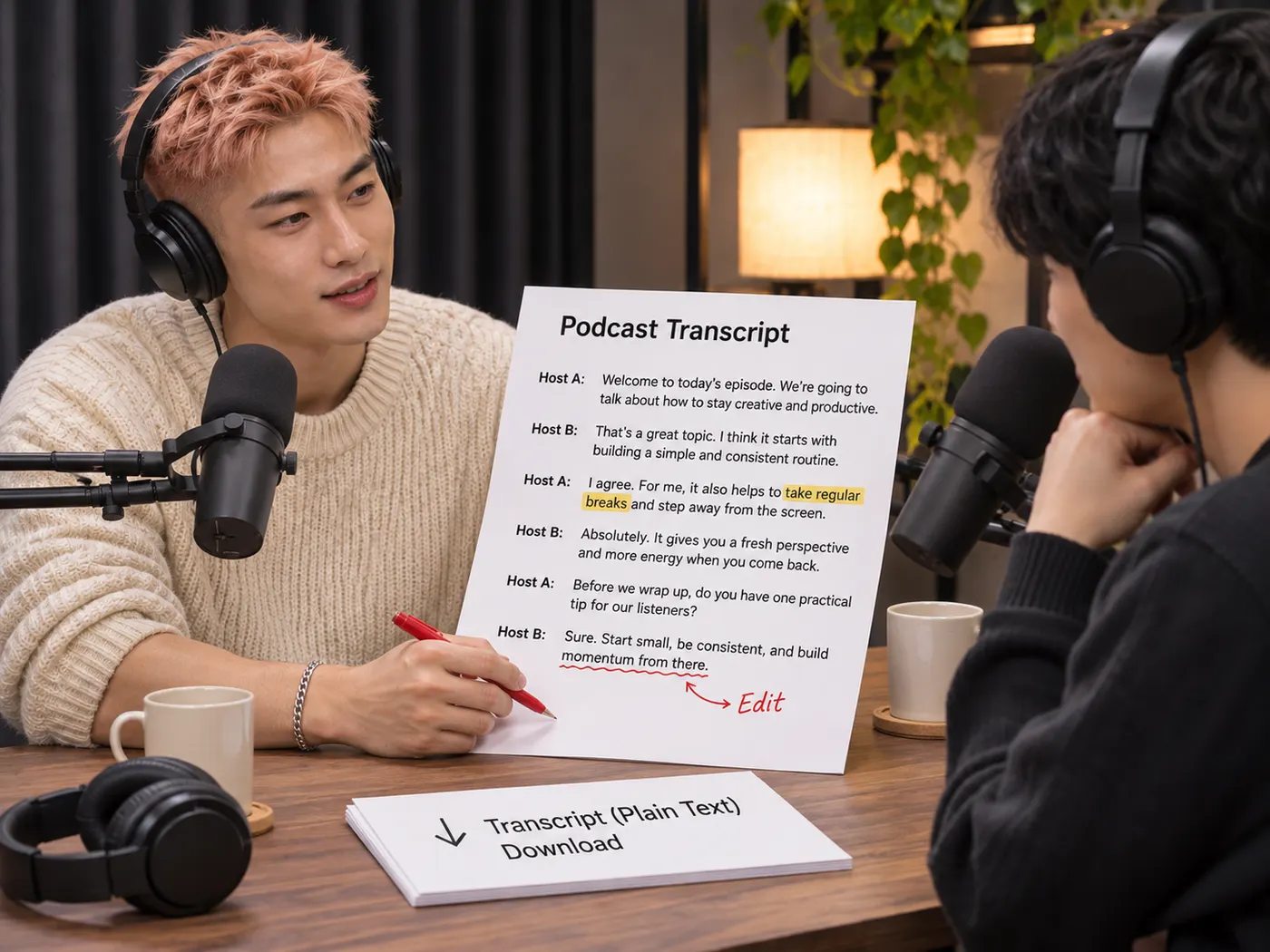
Turn long recordings into readable copy
A lengthy episode is easier to scan than a full audio recording when its spoken content is available as text. Upload the original file, let the transcription finish, and review the podcast transcript without repeatedly searching through the timeline. It helps you locate a quote, revisit a detail, or prepare notes while the podcast transcript remains easy to read.

Keep up with fast conversations
A steady reading pace helps when several speakers move quickly or ideas change often. Instead of replaying difficult sections again and again, you can follow the written result and compare it with the original recording. The podcast transcript gives editors and researchers a practical starting point, while the written podcast transcript also helps with selecting passages.
Download text from common media files
A podcast transcript can begin from an MP4, MOV, WebM, MP3, WAV, or M4A upload, so you do not need to convert the episode before starting. The podcast transcript workflow handles either video or audio input and returns a downloadable .txt file. That podcast transcript is easy to save, open, edit, or move into another writing workflow.

See What Your Transcript Can Become
A podcast transcript turns spoken ideas into text you can read, edit, quote, and organize after the recording is processed.
How to Get Text from Audio
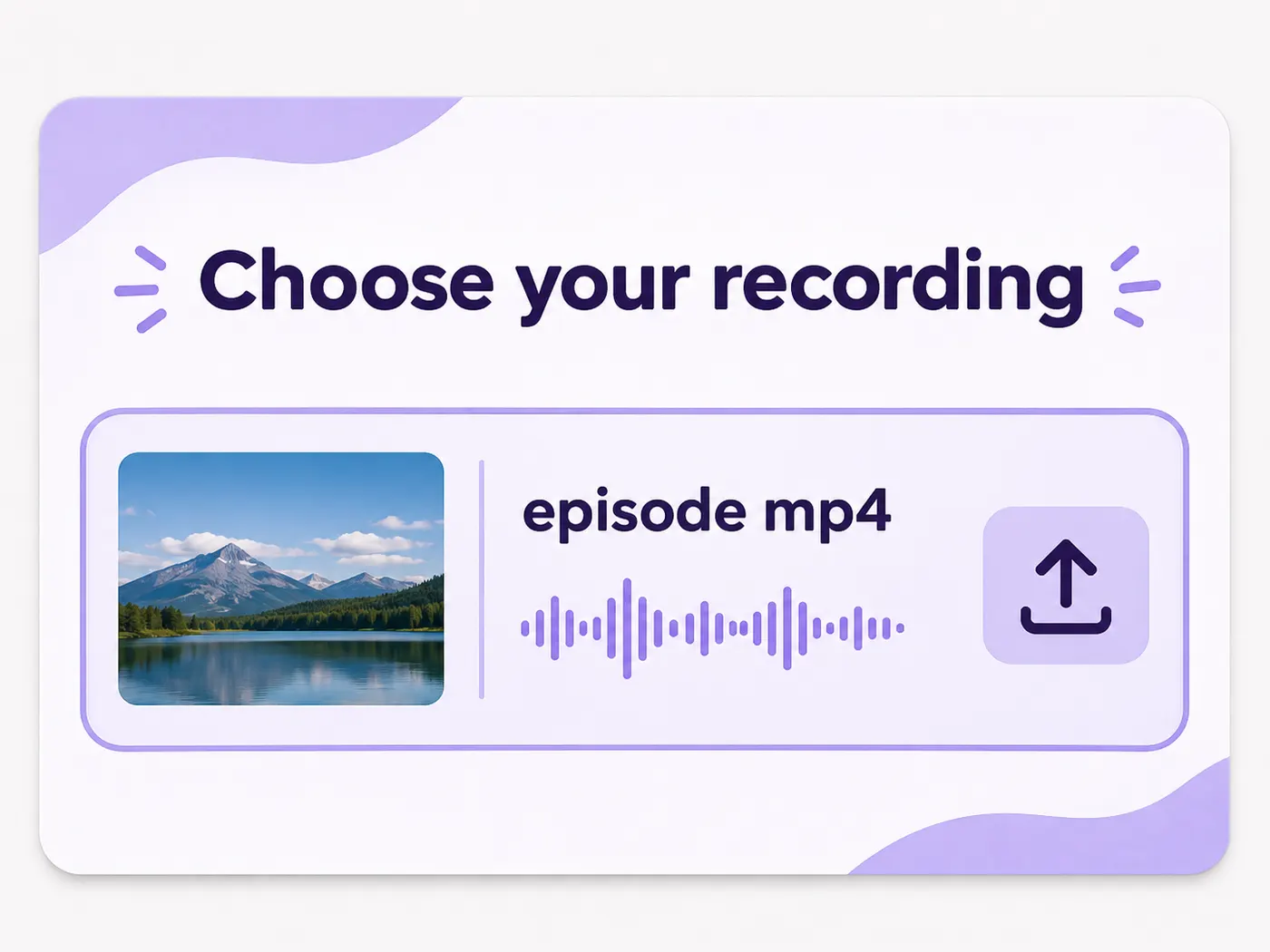
Step 1
Choose your recording
Start with the single video or audio file that contains the podcast episode. Supported formats include MP4, MOV, WebM, MP3, WAV, and M4A.
Step 2
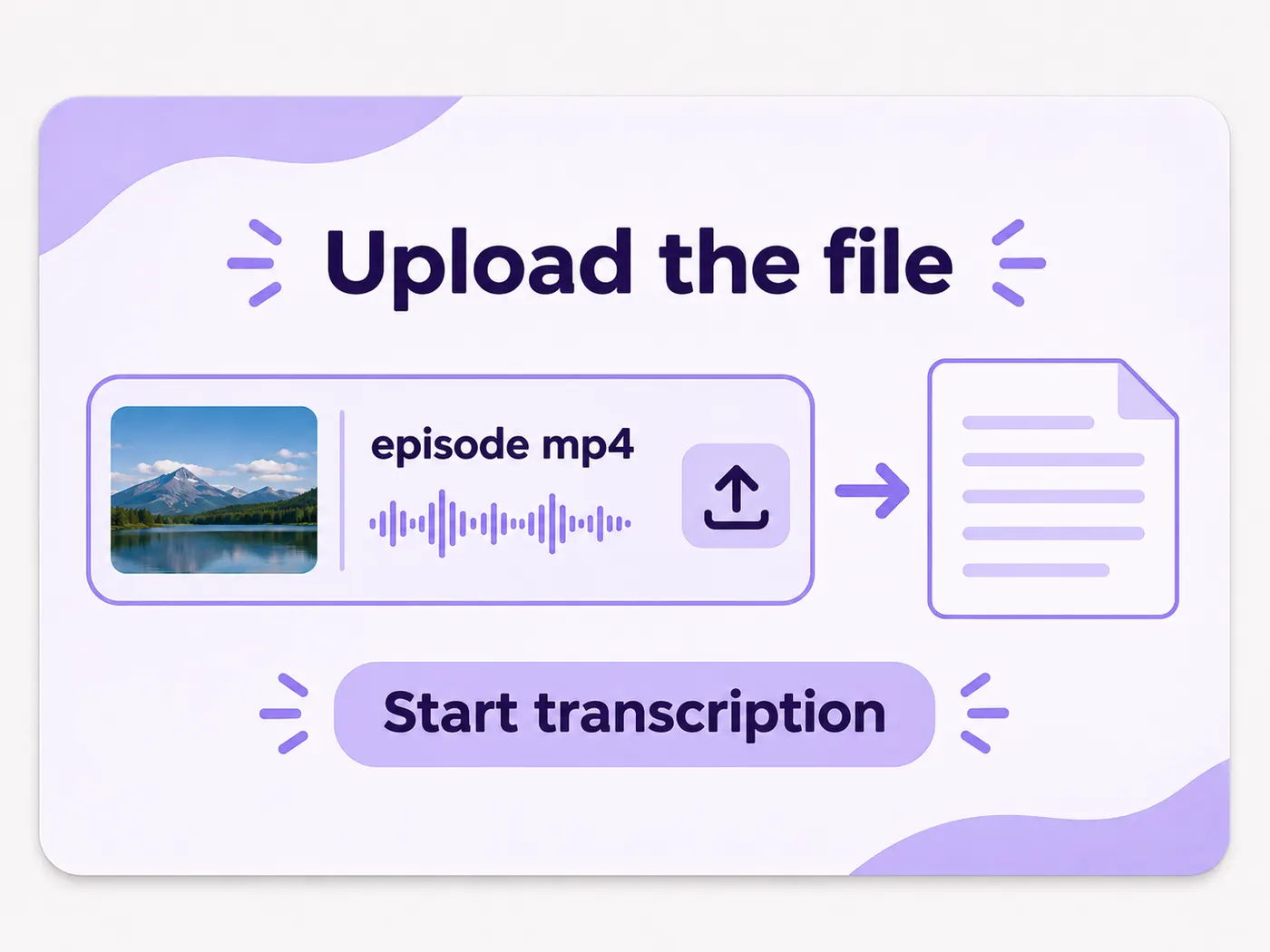
Upload the file
Add the recording to the transcription tool in your browser. The podcast transcript process begins from the uploaded media and requires no separate desktop software.
Step 3
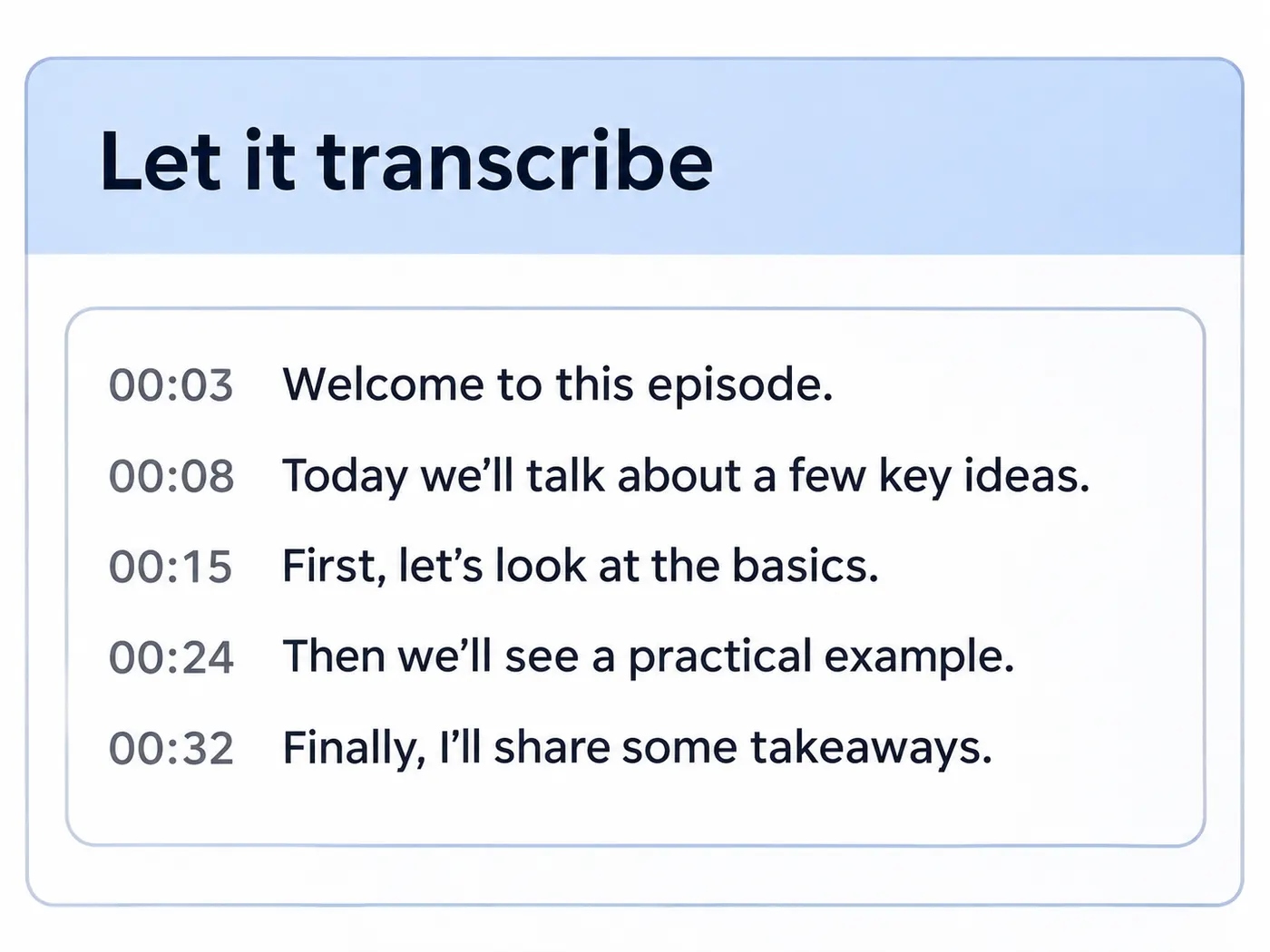
Let it transcribe
Wait while the tool listens to the recording and creates a podcast transcript from the spoken content. Longer conversations can remain in one straightforward workflow.
Step 4
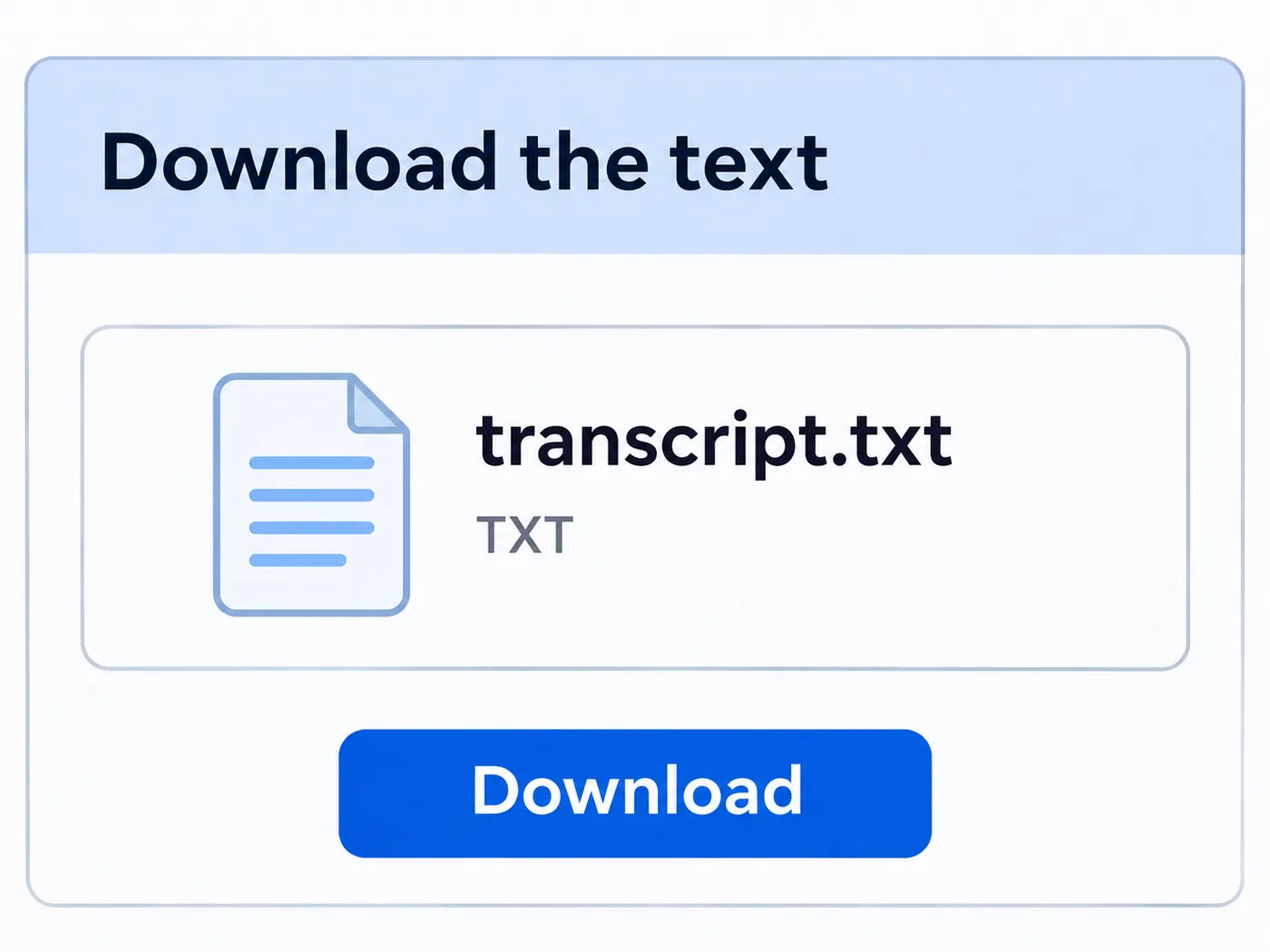
Download the text
When processing finishes, download the result as a .txt file. Open it for reading, editing, quoting, or storing with the rest of your episode materials.

Multiple input formats
Use MP4, MOV, WebM, MP3, WAV, or M4A files without preparing a separate conversion first.
Audio and video support
Transcribe a podcast recording whether the source is an audio file or a video file.

Readable output
A podcast transcript gives you written content that is easier to scan than a full recording.
Simple browser workflow
Upload one file, wait for processing, and receive text without installing dedicated transcription software.

Downloadable .txt file
Save the completed transcription as plain text for later reading, editing, or sharing.
Scenes of a Smoother Workflow
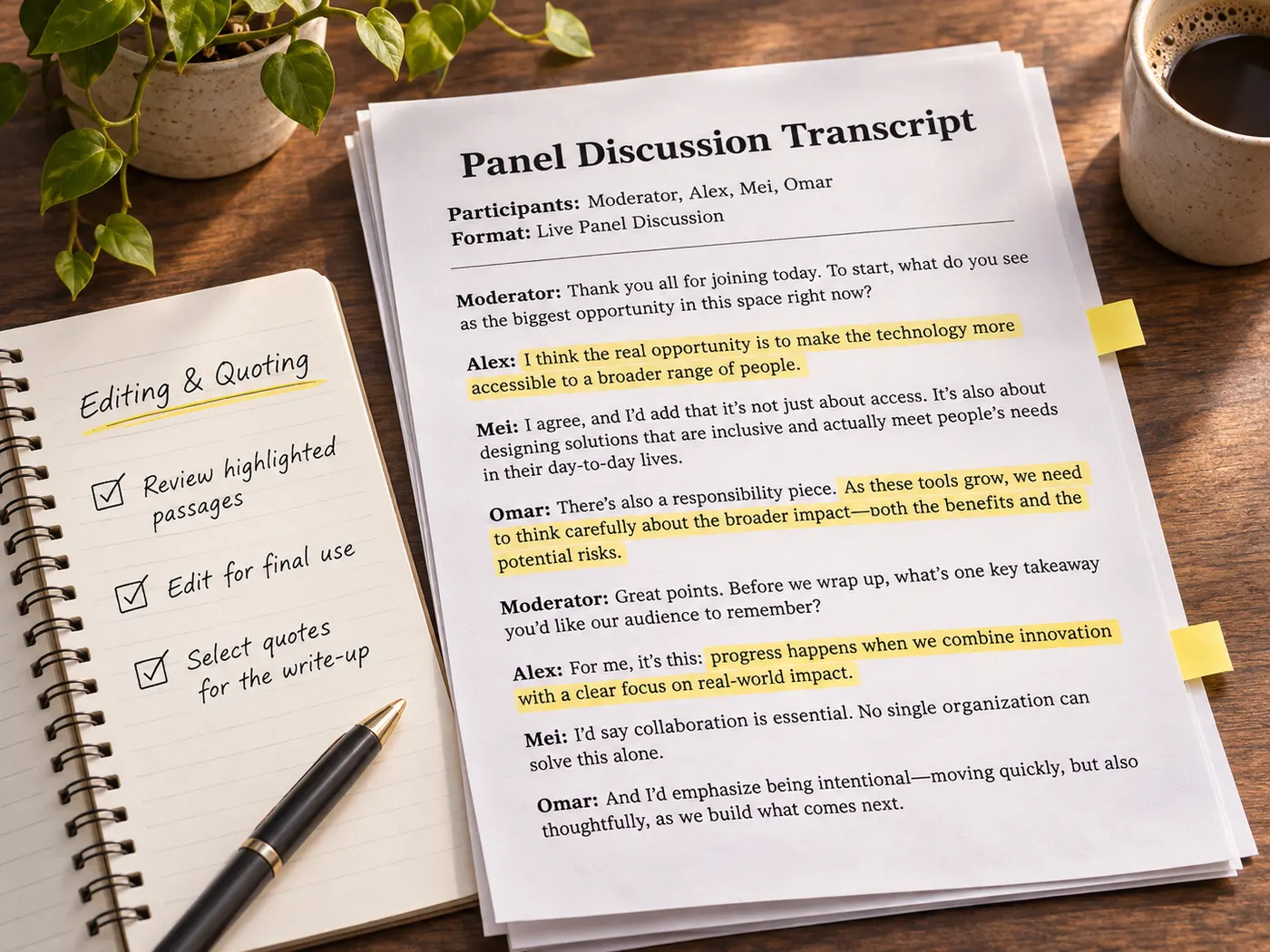
A podcast transcript fits naturally into research, editing, note-taking, and content preparation after an episode is recorded.
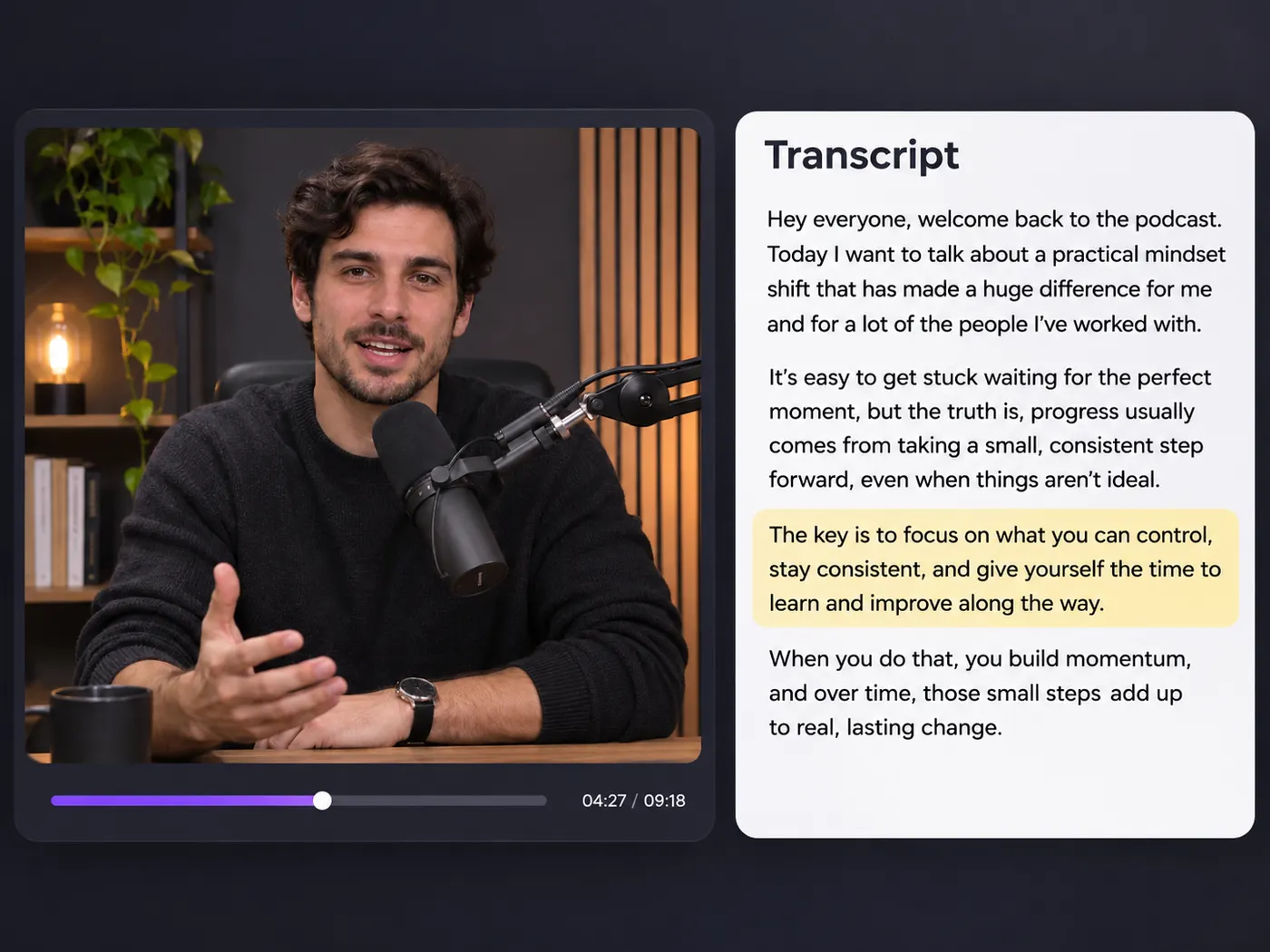
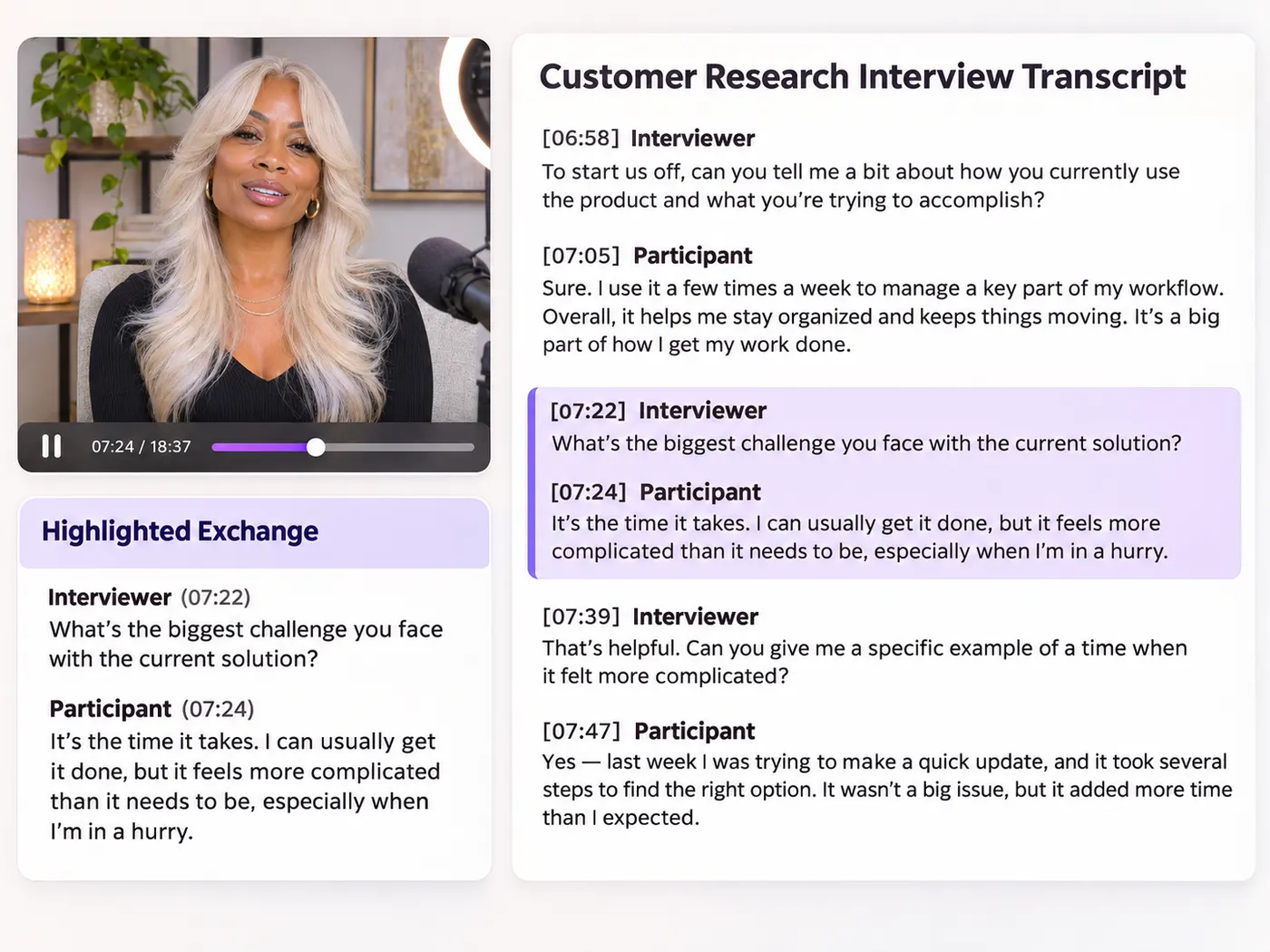
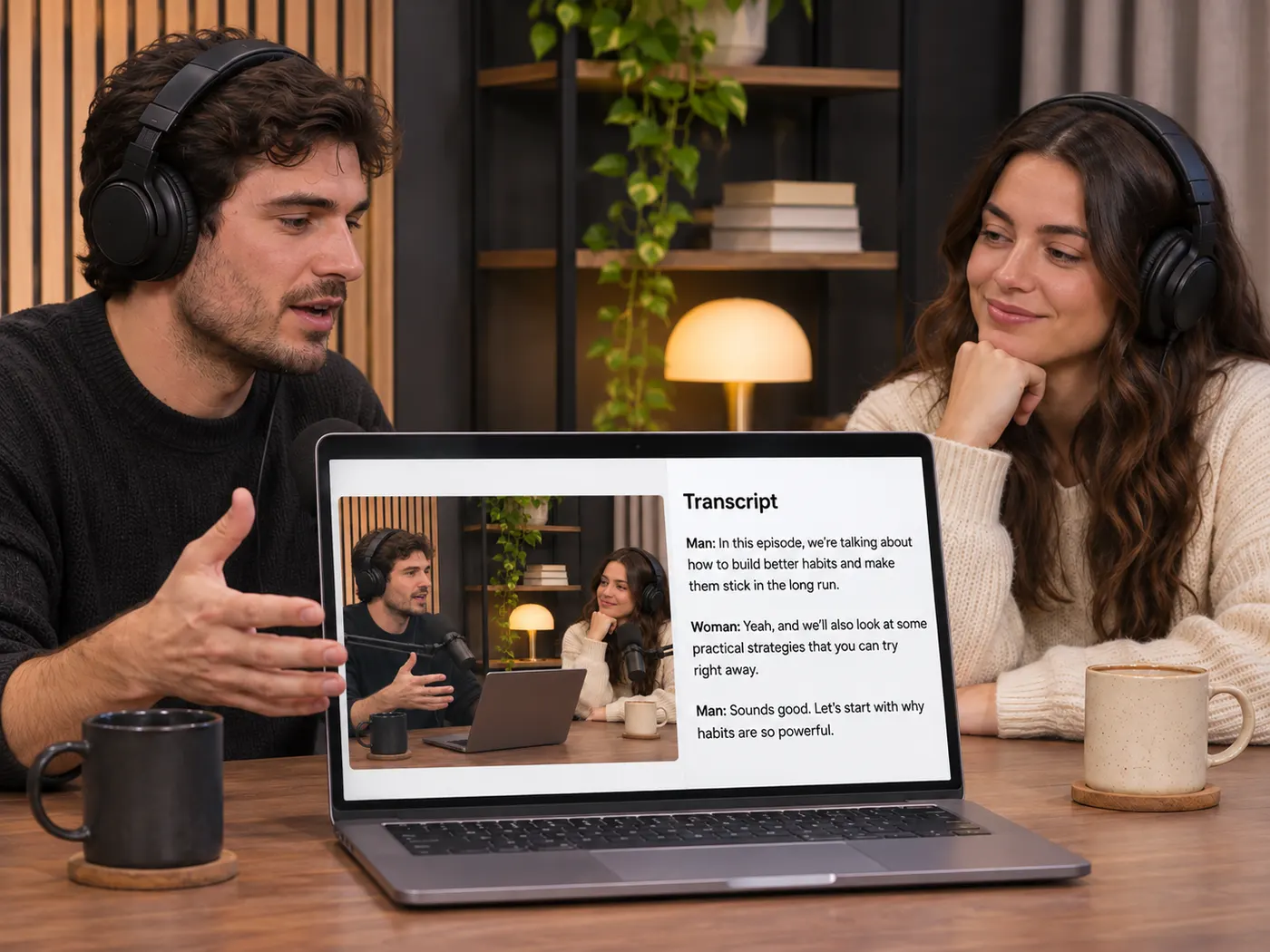
Built for Real Listening Work

Research
Scan interviews and find relevant details quickly with a podcast transcript.

Editing
Selecting quotes or passages is easier when you have a podcast transcript as a text reference.

Study notes
Revisit lessons without replaying every section by keeping a podcast transcript nearby.

Content planning
Turn recorded discussions into a podcast transcript that supports outlines and drafts.
Podcast Transcription Questions

What file formats can I upload for transcription?
You can upload one MP4, MOV, WebM, MP3, WAV, or M4A file. The podcast transcript workflow accepts both video and audio input, so a podcast episode does not need to be converted before upload. Choose the version you already have, add it to the tool, and let the transcription process create the downloadable text result.
Can I use this for a long podcast conversation?
Yes. A podcast transcript is useful for long conversations because it gives you written content to scan instead of requiring you to replay the entire recording. After uploading the episode, you can read the returned text, locate sections more easily, and use the result as a reference for notes, editing, quotes, or further content planning.
Do I need to install transcription software?
No installation is required. The podcast transcript generator works in your browser: upload a supported media file, wait for the transcription to finish, and download the result. This keeps the basic process straightforward for anyone who needs text from a recording without setting up a separate desktop application or adding another software package.
Can I download the finished transcription?
Yes. The completed podcast transcript can be downloaded as a .txt file. Plain text is practical for opening in a text editor, copying into notes, reviewing beside the original recording, or continuing an editing workflow. The tool creates the downloadable result after it finishes transcribing the uploaded video or audio file.
Is this suitable for MP3 podcast files?
Yes. MP3 is one of the supported input formats, along with MP4, MOV, WebM, WAV, and M4A. Upload the MP3 episode directly, and the podcast transcript tool will process the spoken content into text. You can then download the podcast transcript as a .txt file for reading or editing.
What is the simplest way to make text from a podcast?
The simplest method is to upload the episode, let the tool transcribe it, and download the result. A podcast transcript gives you a readable version without manual typing, while the podcast transcript workflow supports common audio and video formats. You can use the podcast transcript to find quotes, review discussions, or prepare written material.
Free tools, and a plan when you need more

The everyday tools are free and run in your browser. The AI tools and the full editor run on credits — pick a plan when you need them.
- Free
- $0
- Every browser tool
- Starter
- $12/mo
- 120 credits
- Pro
- $29/mo
- 310 credits
Ready to Read the Conversation?
Upload your recording and get a podcast transcript as a downloadable .txt file.
Transcribe now