Private browser conversion with no signup
Live Photo to GIF Converter
This live photo to gif converter turns a Live Photo video into a downloadable GIF directly in your browser. Select a MOV or MP4 file, trim the moment you want to keep, and adjust the output before conversion. Your source video stays on your device instead of being uploaded, so a quick shareable animation does not require video-editing software, an account, or an installation.

Accepts one Live Photo video in MOV or MP4 format. Nothing is uploaded.
Keep only the moment that matters
The built-in trim control keeps the conversion focused on the useful part of your clip. Choose a segment up to 6 seconds rather than exporting the full Live Photo video, which helps create a shorter file that is easier to share in messages, posts, and documents. The live photo to gif workflow stays simple because trimming happens before the GIF is created.
Choose practical GIF settings
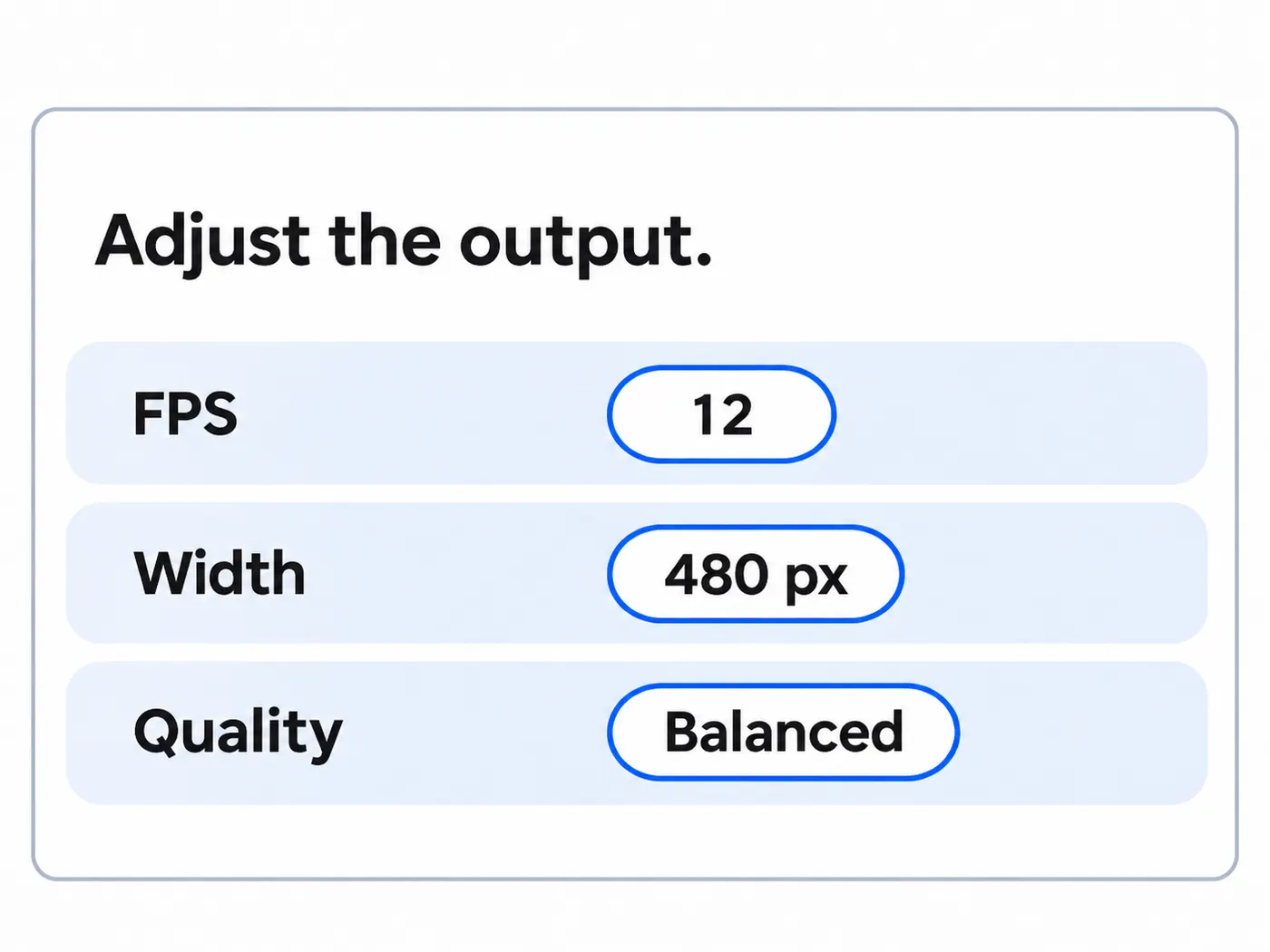
Choose the FPS, width, and quality that fit your intended use. The GIF Converter starts at 12 FPS, 480 px, and Balanced quality, while the controls also offer 10 or 15 FPS, 320 or 640 px, and Best or Fast modes. This private browser tool lets you adjust the output before processing, so you can balance motion detail, dimensions, and file size.
Convert privately in your browser
A live photo to gif conversion runs in the browser, so the original Live Photo video does not leave your device. This is useful for personal memories, classroom clips, client previews, and other files you would rather not send to a remote service. When processing finishes, download the resulting GIF directly from the page.

A faster way to share Live Photos
Live Photos are commonly stored as short MOV videos, while a GIF converter makes them easier to share in GIF-supported spaces. This browser tool trims up to 6 seconds and creates the downloadable animation without uploading your source.
Convert your Live Photo in four steps
Step 1
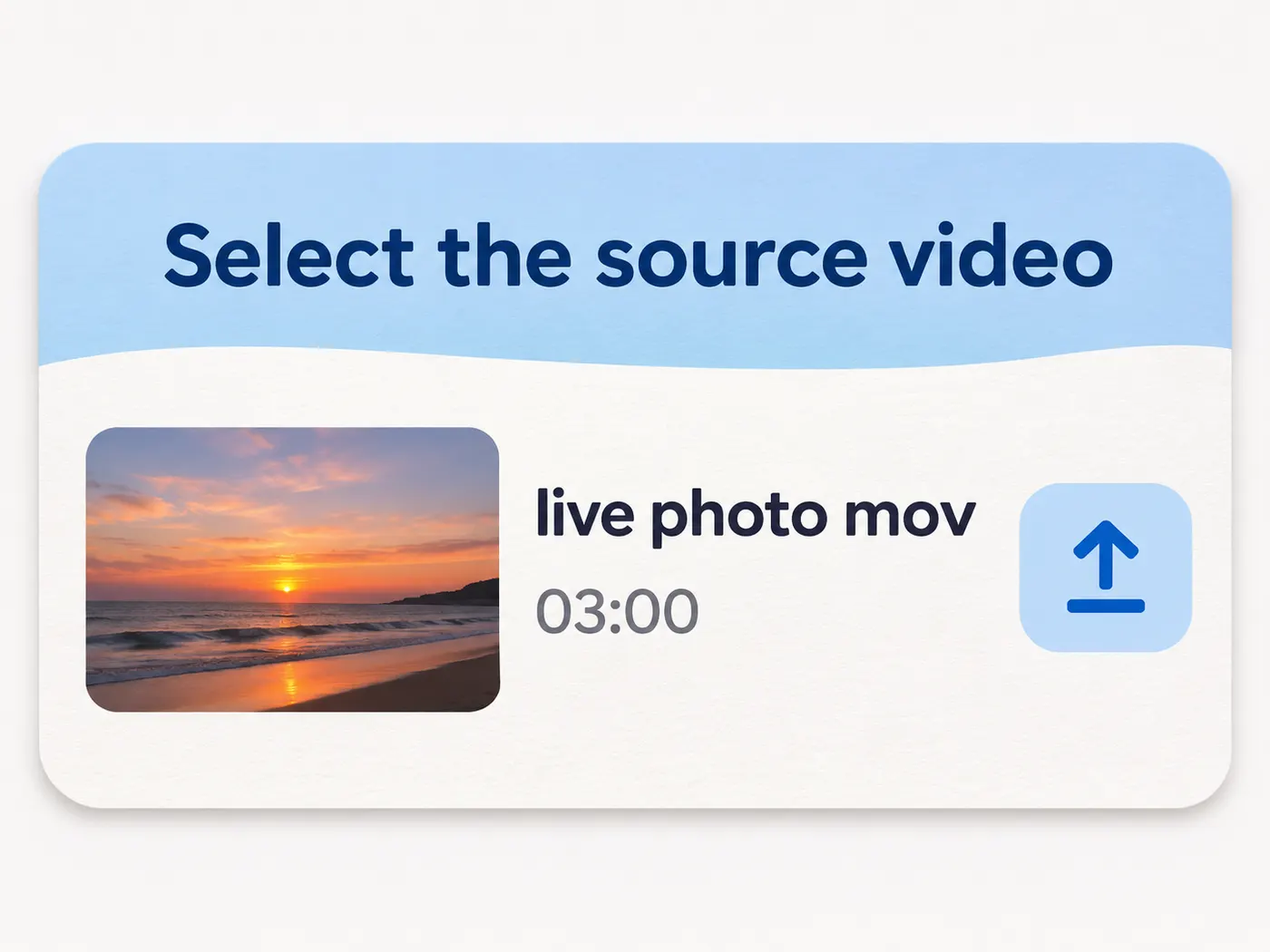
Select the source video
Choose one Live Photo video in MOV or MP4 format. The file remains in your browser while the tool prepares it for conversion.
Step 2
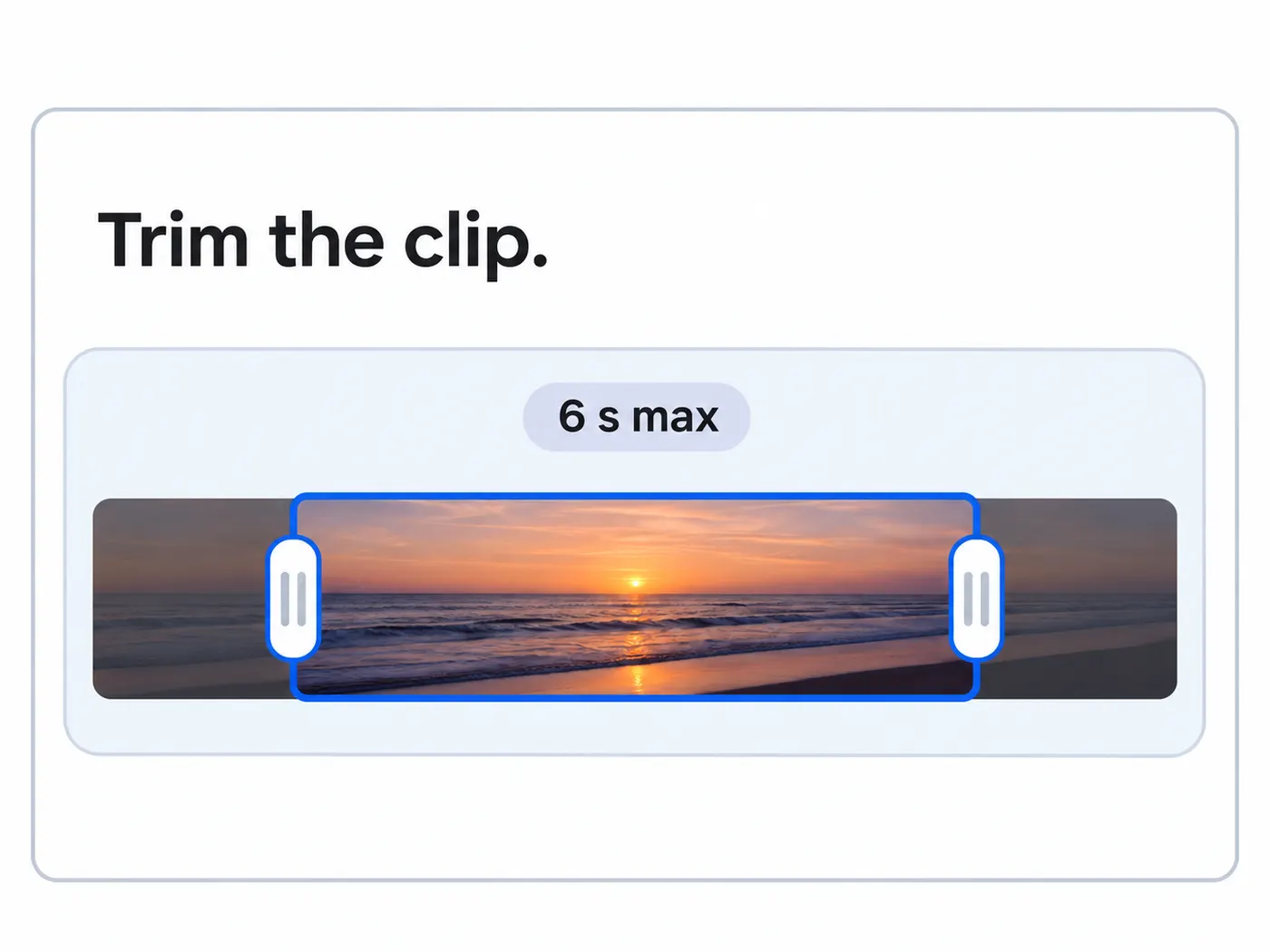
Trim the clip
Set the start and end points for the moment you want to keep. The trim limit is 6 seconds, helping prevent unnecessarily large GIFs.
Step 3
Adjust the output
Review FPS, width, and quality. The controls start at 12 FPS, 480 px, and Balanced quality, and you can change them before processing.
Step 4
Convert and download
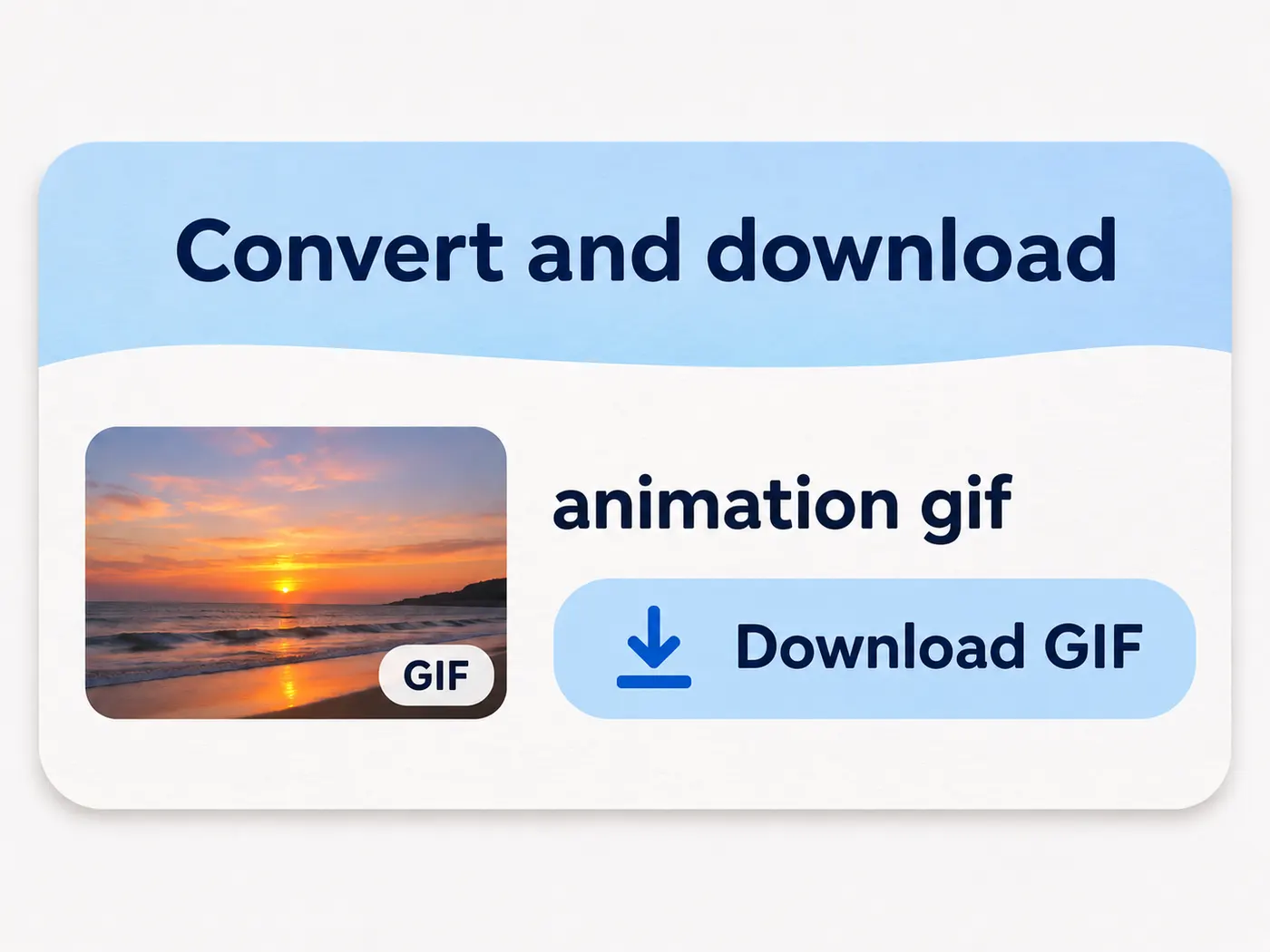
Start the live photo to gif conversion, wait for the browser to finish, then use Download GIF to save the result to your device.
MOV and MP4 support
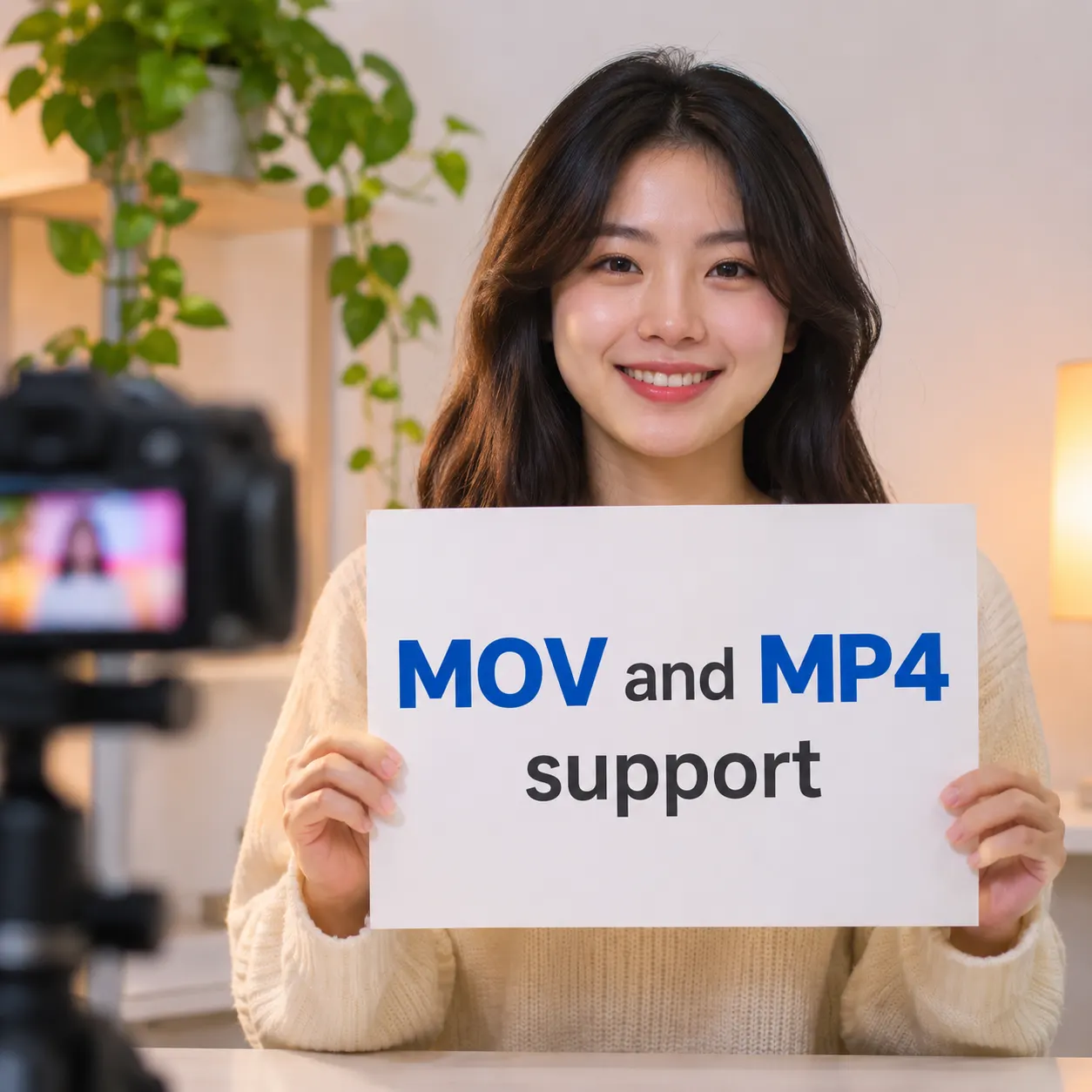
Select the Live Photo video already on your device as a MOV or MP4 file, with no extra editor needed before conversion.
Up to 6 seconds
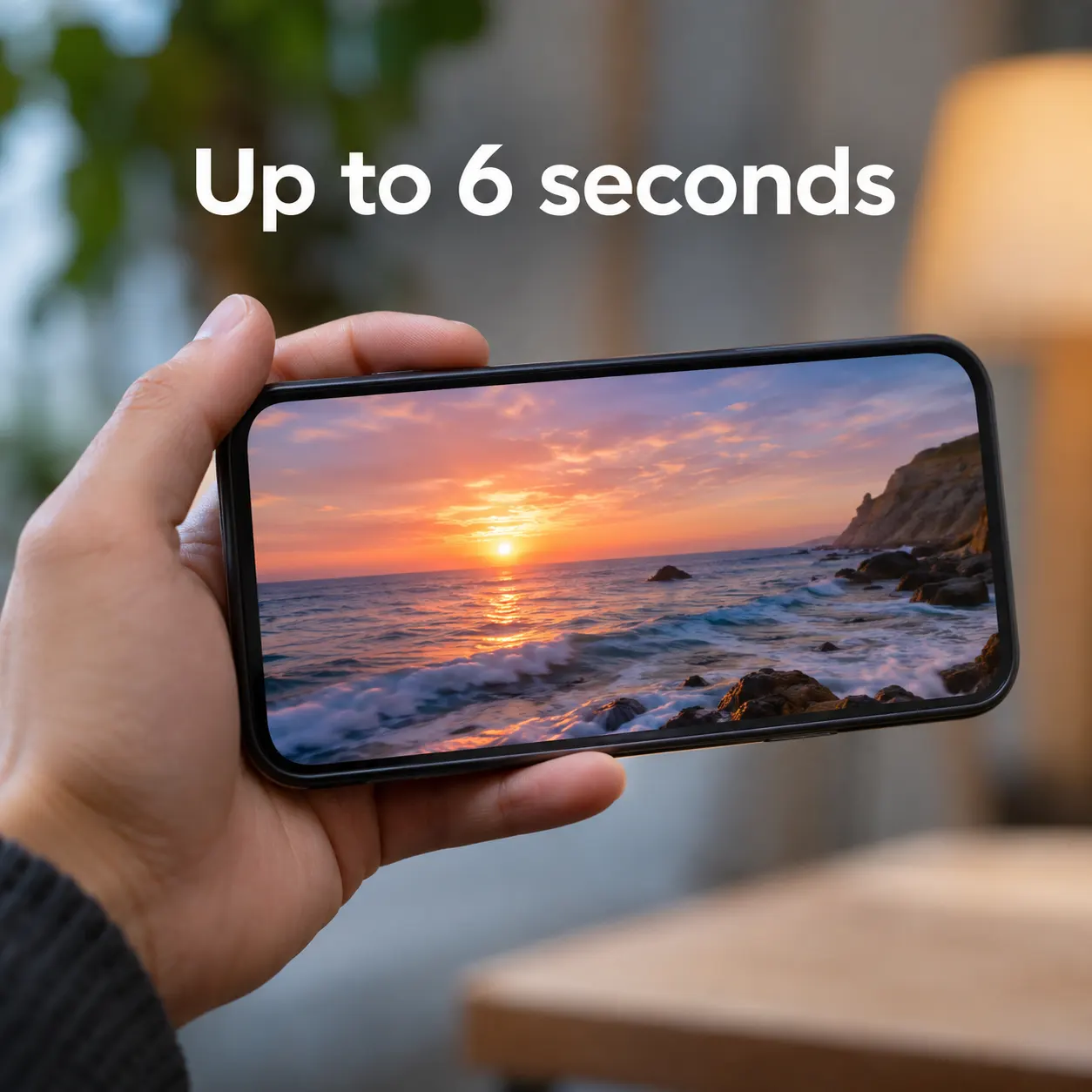
Trim the source to a compact moment before creating the animated image.

12 FPS starting point
The converter opens with 12 FPS as a practical default for smooth everyday motion.
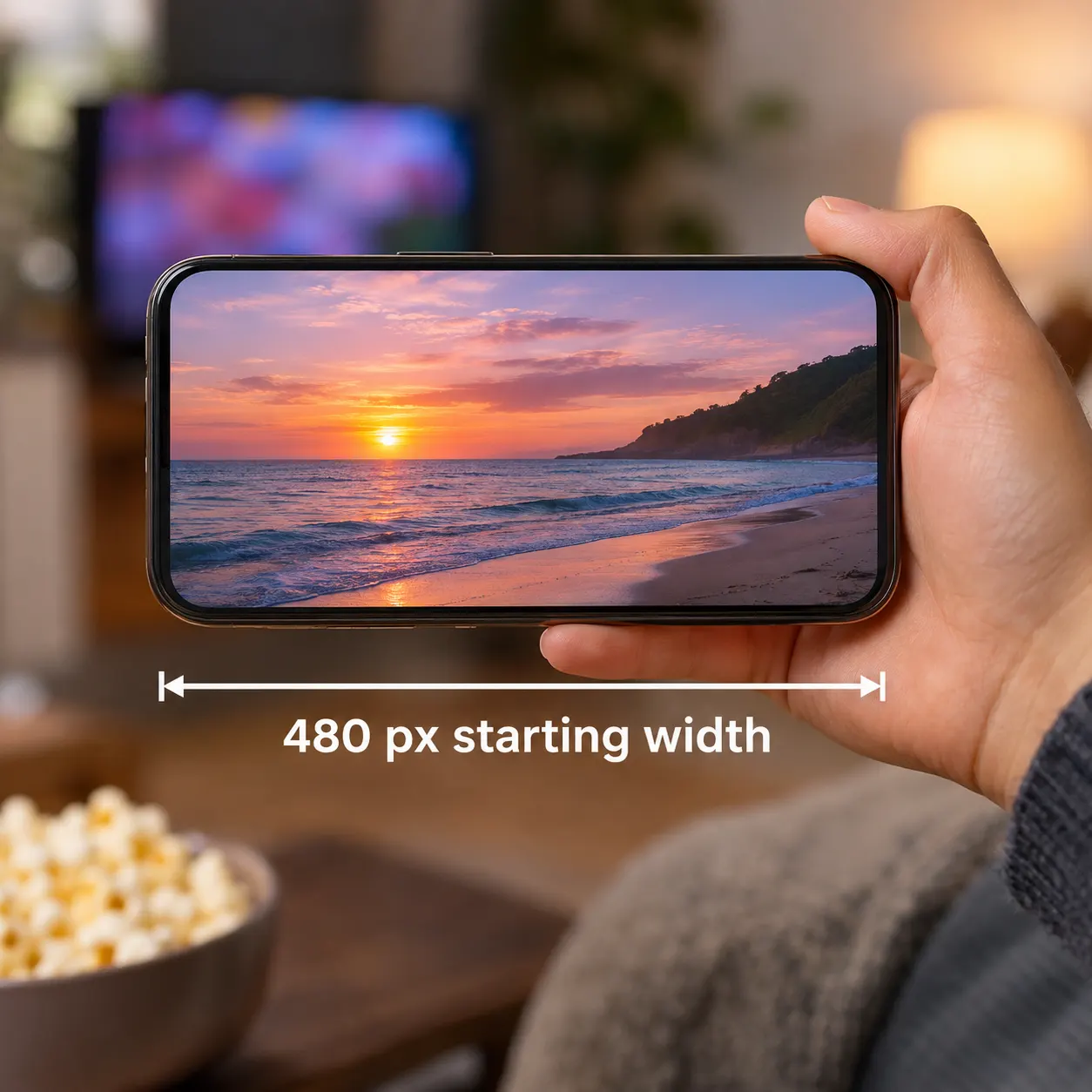
480 px starting width
A 480 px default offers a useful balance between visible detail and manageable output size.

Three quality modes
Choose Best, Balanced, or Fast when you need to prioritize appearance, balance, or processing speed.
See the workflow in context
Select a short clip, trim the Live Photo, adjust its output settings, and download the finished GIF through a focused browser workflow.



Useful for everyday sharing

Social posts
Create a short animated image from a memorable Live Photo when a GIF is easier to share than a video.

Class projects
Turn a brief demonstration or experiment clip into a compact animation for slides and online assignments.

Client previews
Prepare a lightweight motion sample for a presentation without installing a full video editor.

Personal messages
Convert a favorite moment into a GIF that is simple to download and reuse in supported chats.
Questions about Live Photo GIF conversion

What does this converter do with a Live Photo?
It uses the video portion of one Live Photo and creates a downloadable GIF in your browser. The live photo to gif converter accepts MOV or MP4 input, lets you select a short section, and processes the result without uploading the source file. You can save the finished GIF after conversion completes.
Can I convert a Live Photo without installing software?
Yes. The live photo to gif tool works in the browser, so you do not need desktop video-editing software, a plug-in, or an account. Select the Live Photo video, trim it if needed, choose the output settings, and start the conversion from the page. The resulting GIF can then be downloaded to your device.
Which file formats can I select?
The converter accepts one Live Photo video in MOV or MP4 format. On many devices, the video portion of a Live Photo is available as a short MOV file. If the exported clip is MP4, you can select that instead. The browser tool is designed for one source video at a time, not batch conversion.
How long can the converted clip be?
The trim control supports a maximum duration of 6 seconds. Keeping the clip short makes the live photo to gif output easier to share and can help control its file size. You can choose the specific moment you want before conversion, rather than exporting every frame from a longer source video.
What FPS, width, and quality settings are available?
The converter starts with 12 FPS, 480 px width, and Balanced quality. You can change these settings before converting. Available FPS choices are 10, 12, and 15; width choices are 320, 480, and 640 px; and quality modes are Best, Balanced, and Fast.
Is my Live Photo uploaded during conversion?
No. The live photo to gif conversion happens in your browser, and the privacy line states that nothing is uploaded. Your selected MOV or MP4 stays on your device while the GIF is generated. Once processing finishes, use Download GIF to save the output locally or share it through a service you choose.
Free tools, and a plan when you need more

The everyday tools are free and run in your browser. The AI tools and the full editor run on credits — pick a plan when you need them.
- Free
- $0
- Every browser tool
- Starter
- $12/mo
- 120 credits
- Pro
- $29/mo
- 310 credits
Make your Live Photo shareable
Select a clip, choose the moment, and download a GIF without leaving your browser.
Convert now